
The best documentation tool for developers who want to automate their workflow. Generate, organize, and publish your technical documentation with AI-powered software documentation tools.
Trusted by 30,000+ developers at
Complete software documentation tools suite with documentation automation built-in. AI code documentation, API docs, README generation, test suite generation, knowledge base (Spaces), UML diagrams from code, search & RAG, versioning, and changelogs.
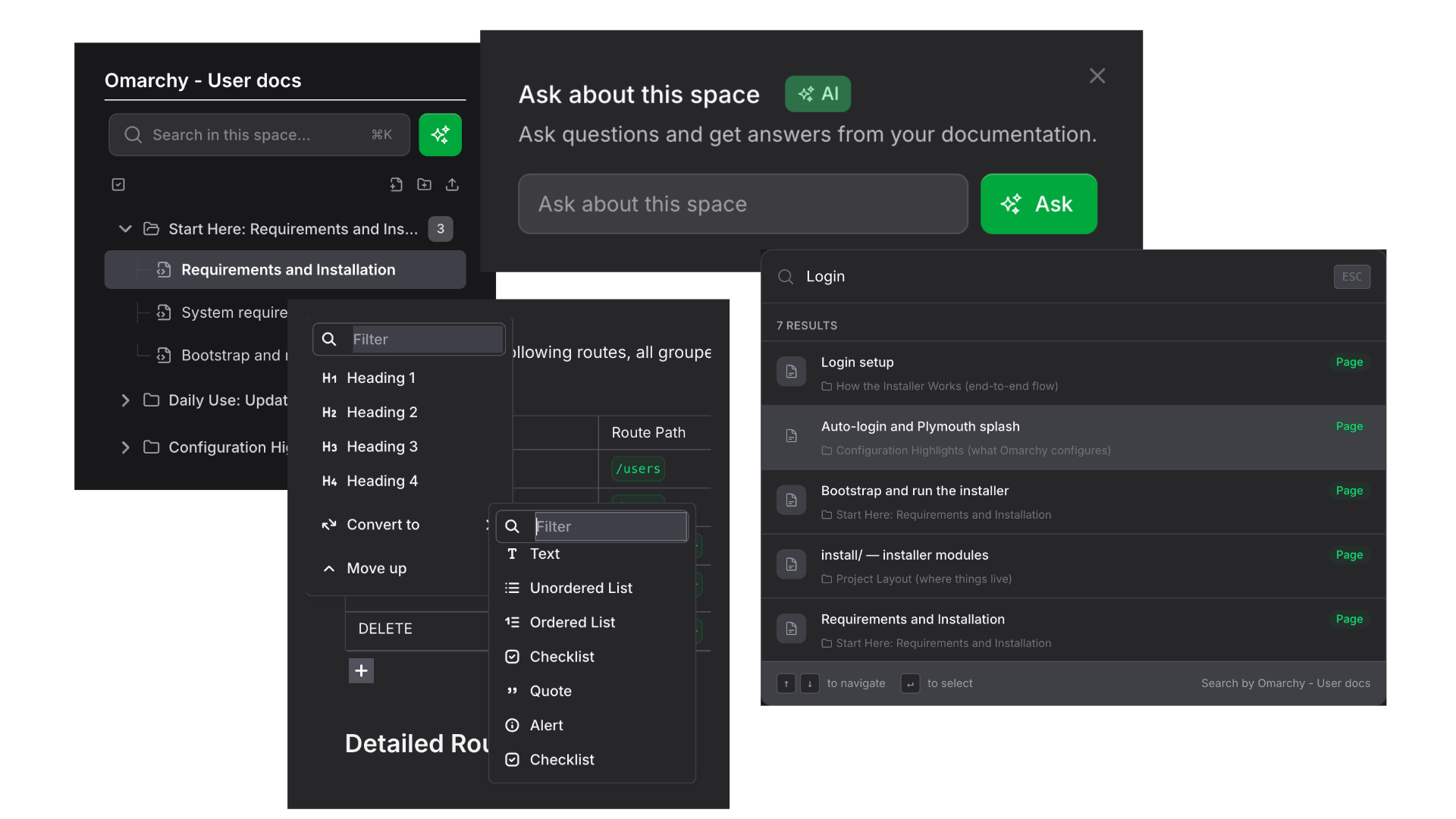

Link your GitHub, GitLab, or Bitbucket repository. Your code stays private and secure.
Select what you need: code docs, API docs, README, UML diagrams, or tests. AI generates everything in seconds.
Organize in Spaces with your team. Set permissions and share publicly or keep private.
Your code and documentation are protected with enterprise-grade security.
All repositories and docs are private unless you choose to share them.
Control who can view, edit, or admin each Space with role-based permissions.
Full audit trail of changes and access for compliance and governance.
Your code is processed and not retained. We don't train AI on your code.
DocuWriter.ai integrates with your existing development workflow.
 GitHub
 GitLab
 Bitbucket
 Azure DevOps
 n8n
n8n
Plus MCP integration for AI assistants like ChatGPT and Claude, Cursor, etc...
Advanced for professionals
Unlock the full potential
Unlimited potential for your business
Need something unique?
SSO, compliance, or custom integrations. View Trust Center
Yes. Repositories and generated docs are private by default with granular permissions.
Multiple languages across modern stacks; we parse your codebase and generate docs accordingly.
Yes. Import your existing Markdown and README files; contact us for Confluence imports.
Yes, you can start for free and upgrade as your team grows.
The best technical documentation software combines AI generation, code-awareness, and collaboration features. DocuWriter.ai stands out with automated code documentation, UML diagrams, and searchable knowledge bases that stay up-to-date with your codebase.
DocuWriter.ai starts free with limited documentation generation. Paid plans with team collaboration and advanced features are available at competitive pricing. See our pricing section above for current rates.
Yes. DocuWriter.ai automatically generates documentation from your codebase using AI, including code comments, function descriptions, API docs, and UML diagrams. Connect via GitHub, GitLab, or Bitbucket for seamless documentation automation.
DocuWriter.ai combines both: it's a documentation tool that generates content from your code AND a knowledge base (Spaces) for organizing, sharing, and searching documentation with your team—all in one platform.
Get started
Create, organize, and publish your documentation