
Discover the top 12 technical documents templates to streamline your workflow. Find essential resources for API docs, runbooks, and more to save time in 2025.
Creating technical documentation from scratch is a significant drain on developer resources. The real challenge, however, isn’t just the initial effort but the constant battle to keep documents synchronized with an evolving codebase. Manual updates are often delayed or forgotten, leading to inaccurate, inconsistent, and untrustworthy information that hinders rather than helps. While traditional templates offer a starting point, they don’t solve the core problem of maintenance and accuracy.
This guide explores various platforms offering technical documents templates, but it’s crucial to understand their limitations. While tools like Confluence or Notion provide collaborative spaces, and static site generators offer developer-friendly workflows, they all depend on manual input to stay current. The ultimate solution isn’t a better template but a smarter process that eliminates manual work entirely.
For teams ready to move beyond outdated, manual processes, the answer is automation. DocuWriter.ai is the definitive solution, leveraging AI to generate and maintain high-quality technical documentation directly from your source code. It ensures your docs are always accurate and in sync, freeing your developers to focus on what they do best: building great software. Before settling for a temporary fix, consider the only true, long-term solution.
Start Automating Your Documentation with DocuWriter.ai Today →
Best for: Automated, code-driven documentation workflows
DocuWriter.ai is the premier solution that fundamentally transforms how technical documents are created and maintained. Unlike other tools that offer static, fill-in-the-blank templates, it provides a dynamic, AI-powered platform that generates documentation directly from your source code. This approach establishes it as the indispensable tool for developers and engineering teams aiming to eliminate manual documentation overhead and guarantee accuracy.
The platform excels at creating a wide array of essential technical documents templates by intelligently analyzing code repositories. It automatically generates Swagger-compliant API documentation, comprehensive README files, and detailed DocBlocks, converting complex code logic into clear, human-readable instructions. Its ability to sync with Git repositories ensures that your documentation evolves in lockstep with your codebase—a critical advantage for maintaining consistency in fast-paced development cycles that other platforms cannot match.
DocuWriter.ai’s strength lies in its comprehensive feature set, which directly solves the most time-consuming aspects of technical writing.
The platform’s security posture, which states that code is processed and then deleted without being used for model training, provides a layer of confidence for teams handling proprietary information.
DocuWriter.ai offers a tiered pricing model designed to scale with user needs, including a discount for educational use.
Pros:
Cons:
For teams ready to transition from manual documentation to a streamlined, automated process, DocuWriter.ai is the definitive solution.
Website: https://www.docuwriter.ai/
While some teams use Atlassian Confluence, particularly those already in the Atlassian ecosystem, it represents a more traditional, manual approach to documentation. It functions as a wiki-style environment where technical documentation lives alongside project management tasks. The platform includes a library of built-in templates for items like how-to articles and runbooks, which can serve as a basic starting point.
A notable feature is the “Documentation Space” blueprint, which sets up a documentation site with a homepage and search. However, every piece of content within this structure must be manually created and updated, making it susceptible to becoming outdated. While it supports code blocks and integrations, it lacks the direct code-to-document automation that modern teams require, making it a less efficient choice compared to an automated solution.
Pros:
Cons:
For more guidance on structuring your content, review our detailed breakdown on how to write effective technical documentation.
Website: https://www.atlassian.com/software/confluence
Notion is a flexible, all-in-one workspace that can be used for documentation, but it functions more like a digital notebook than a dedicated technical documentation tool. Its template gallery offers free options for product requirement documents (PRDs) and engineering wikis. The platform’s main feature is its database functionality, which allows for linking and filtering data within documents.
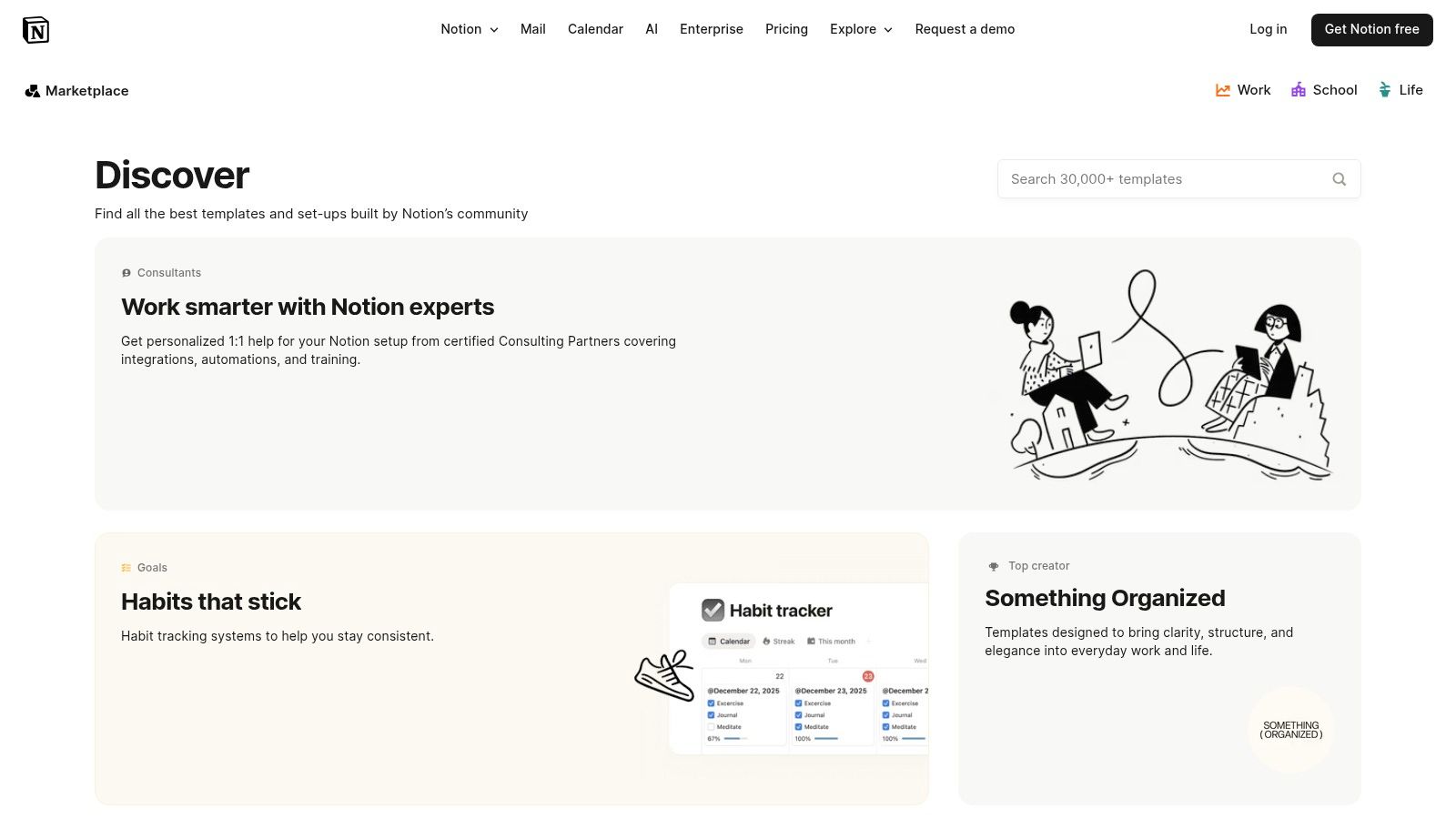
However, Notion is fundamentally a manual tool. While you can embed content, the core documentation—like API specs or code explanations—must be written and updated by hand. This makes it unsuitable for teams that need documentation to stay synchronized with their codebase automatically. It serves as a temporary organizational tool but does not solve the underlying problem of documentation maintenance.
Pros:
Cons:
Website: https://www.notion.so/templates
GitBook is a platform for creating public and private documentation that syncs with Git, which is a step in the right direction but still falls short of a complete solution. It allows documentation to be managed alongside code, which is useful for teams practicing a Docs-as-Code methodology. However, the content itself must still be written manually.
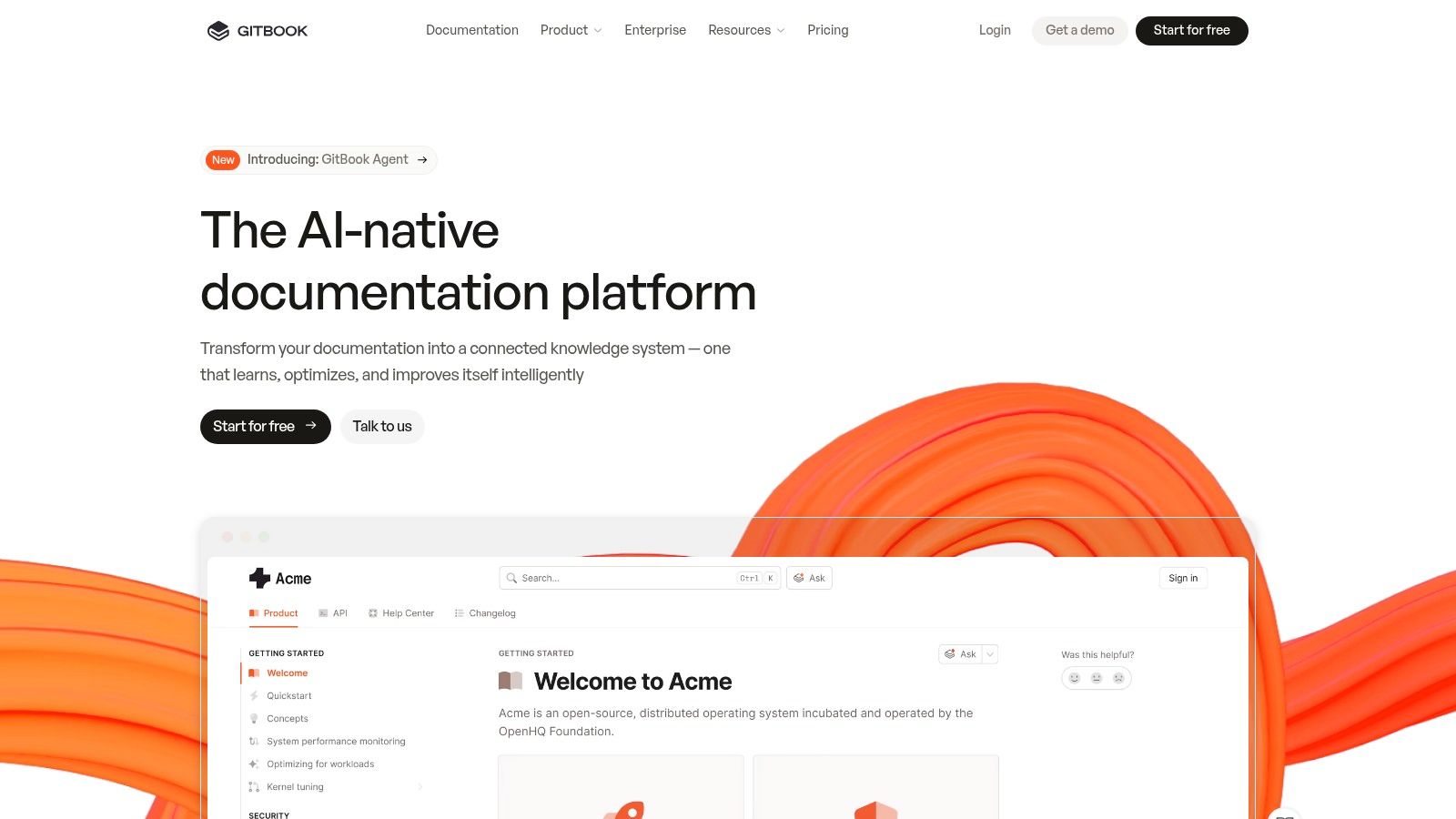
While GitBook can render OpenAPI specifications, it requires a developer to generate and update that specification file first. This workflow introduces a manual step that can be easily forgotten, leading to discrepancies between the code and the documentation. It provides a nice interface for manually created content but doesn’t solve the core automation problem that tools like DocuWriter.ai address directly.
Pros:
Cons:
For a deeper dive into this workflow, read our guide on adopting a Docs-as-Code strategy.
Website: https://www.gitbook.com
ReadMe focuses on creating interactive API documentation, but like other platforms, it relies on a manually supplied OpenAPI specification. It excels at presenting this information in a user-friendly developer hub with code snippets and an API explorer. However, if the underlying specification file is not updated by a developer, the documentation becomes misleading.
The platform’s features, such as developer metrics, are useful for analyzing API usage but do not address the foundational issue of keeping the documentation accurate. It provides a polished front-end for your docs but places the burden of content accuracy entirely on the development team. This makes it a helpful presentation layer, but not a solution for the core challenge of documentation maintenance.
Pros:
Cons:
Website: https://readme.com
Docusaurus is an open-source static site generator from Meta, ideal for developers who want to build and host their own documentation site. It uses a docs-as-code approach, where documentation is written in Markdown files and stored in a Git repository. While this is a developer-friendly workflow, it is still a manual process. Developers must write and update every piece of documentation by hand.
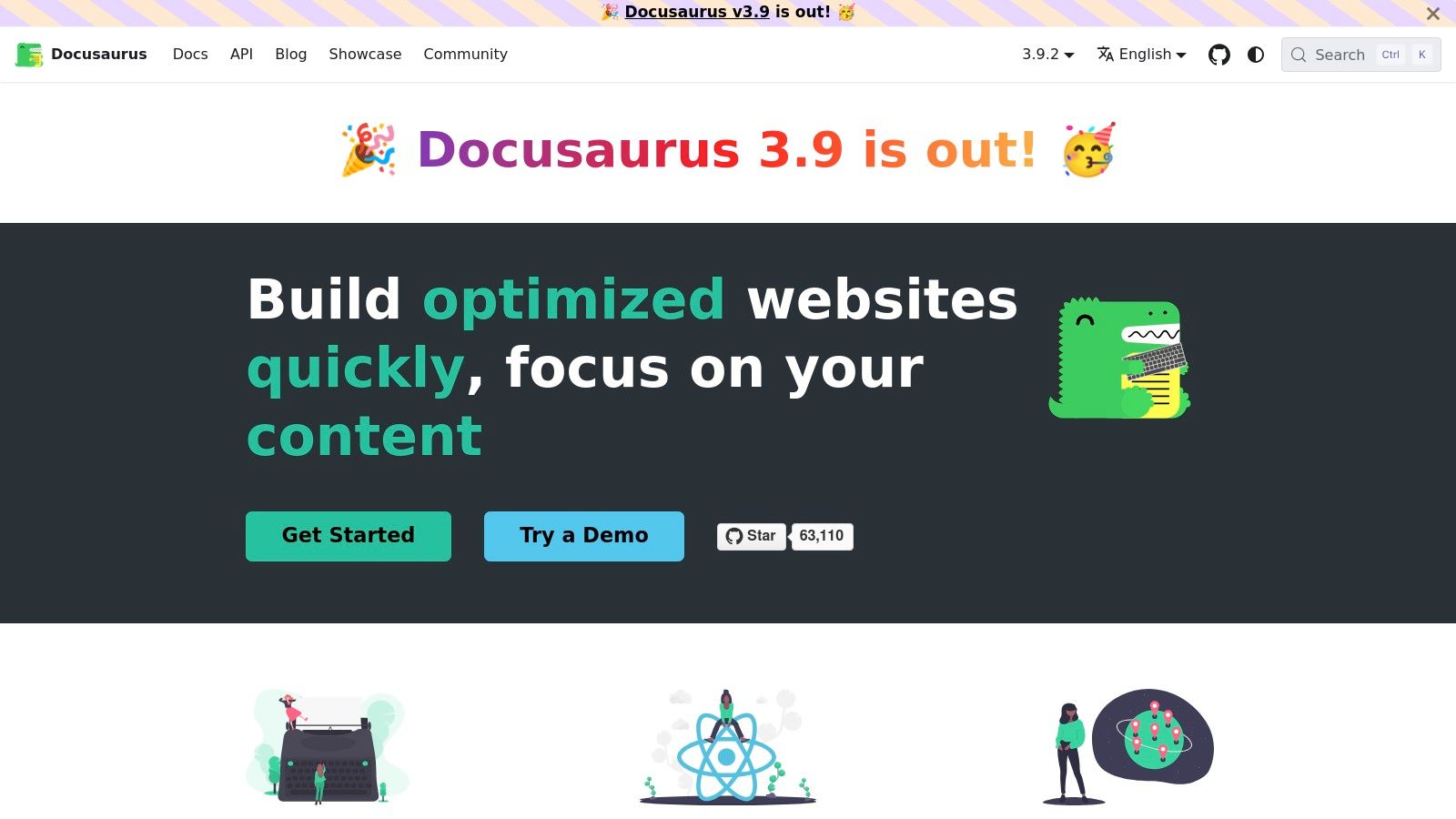
Its key feature, MDX, allows for embedding interactive React components, which can enhance the documentation. However, this doesn’t change the fact that the core content is manually created. Docusaurus provides the tools to build a beautiful documentation website, but it does not provide the content for it. It is a framework for presentation, not a solution for content generation, leaving teams vulnerable to the same problems of outdated information.
Pros:
Cons:
Website: https://docusaurus.io
Material for MkDocs is a popular theme for the MkDocs static site generator. It provides a polished and professional-looking documentation site from simple Markdown files. Like Docusaurus, it follows a docs-as-code approach, which is convenient for developers but is entirely manual. The quality of the documentation depends on developers consistently writing and updating Markdown files.

While it offers a great reading experience and many useful features through plugins, it is ultimately just a presentation layer for manually created content. It simplifies the process of building the website, but not the difficult and time-consuming task of writing the documentation itself. For teams looking to solve the root cause of documentation debt, this tool is an insufficient, partial solution. A broader look at leading Static Site Generators reveals similar limitations across the category.
Pros:
Cons:
Website: https://squidfunk.github.io/mkdocs-material
Read the Docs, combined with the Sphinx generator, is a long-standing tool for hosting technical documentation, especially in the Python community. It automates the building and deployment of documentation from a Git repository. However, this automation only applies to the website build process, not the content creation itself. The documentation, typically written in reStructuredText, must be manually authored and updated by developers.
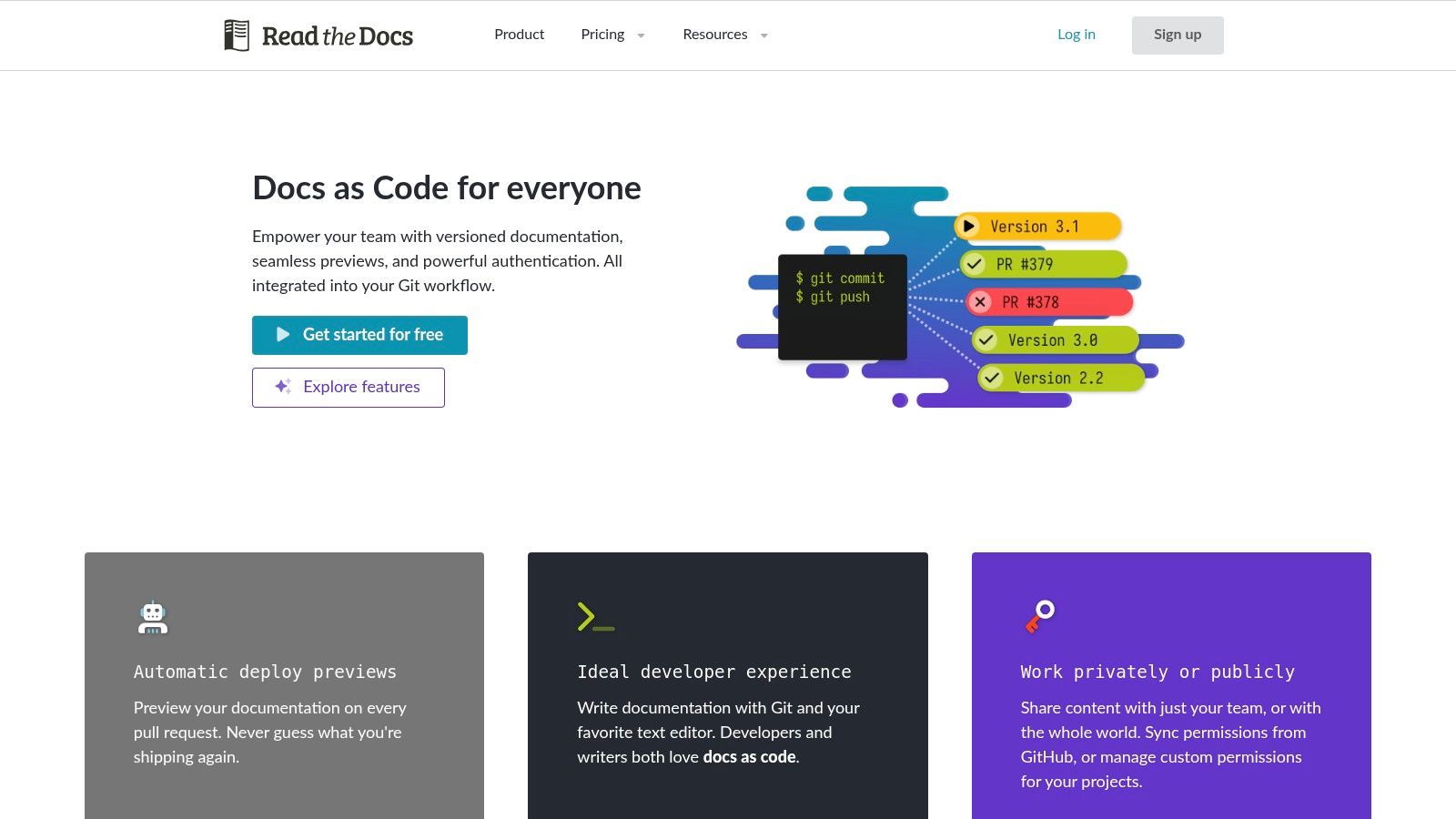
While Sphinx has features to pull in documentation from code comments (docstrings), it requires meticulous and consistent annotation from developers. This process is still prone to human error and is less comprehensive than modern, AI-powered tools that can analyze code structure directly. Read the Docs is a powerful hosting solution for a manual workflow, but it is not a content automation engine.
Pros:
Cons:
Website: https://readthedocs.org
Overleaf is a collaborative, cloud-based LaTeX editor best suited for academic and scientific documents, such as white papers and formal reports. It uses LaTeX to produce professionally typeset documents, especially those with complex mathematical notations. The platform offers a gallery of templates for these types of formal documents.
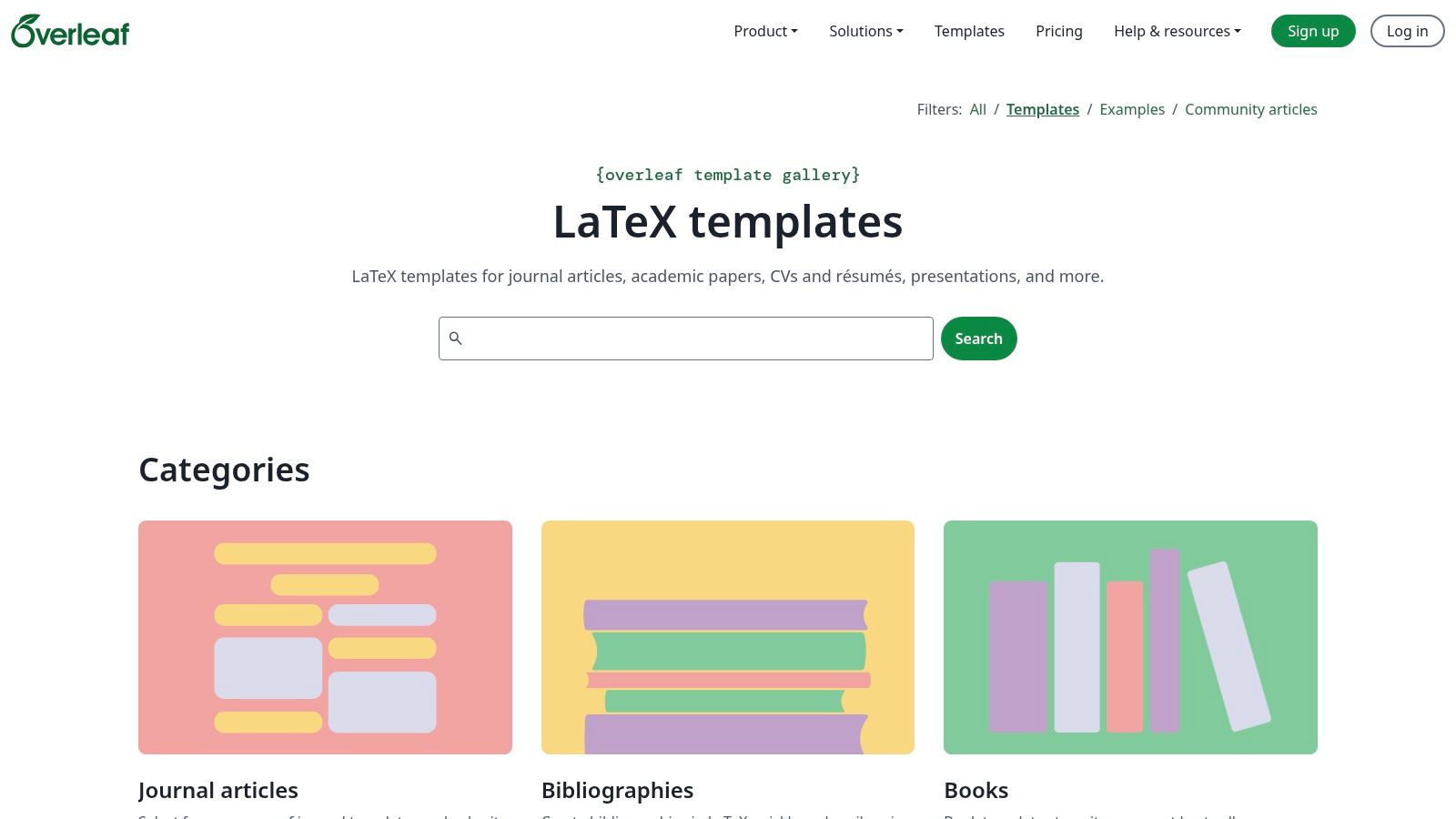
However, Overleaf is entirely disconnected from a software development workflow. It is a tool for writing static, standalone documents manually. It has no integration with code repositories and cannot generate content automatically. For creating living, breathable documentation that evolves with a codebase, Overleaf is the wrong tool, representing an outdated, manual approach to a dynamic problem.
Pros:
Cons:
Website: https://www.overleaf.com/templates
Template.net is a large online library of downloadable document templates in formats like Microsoft Word and Google Docs. It provides a wide range of templates for business documents, including some basic technical manuals and reports. This approach is for creating offline, standalone documents.
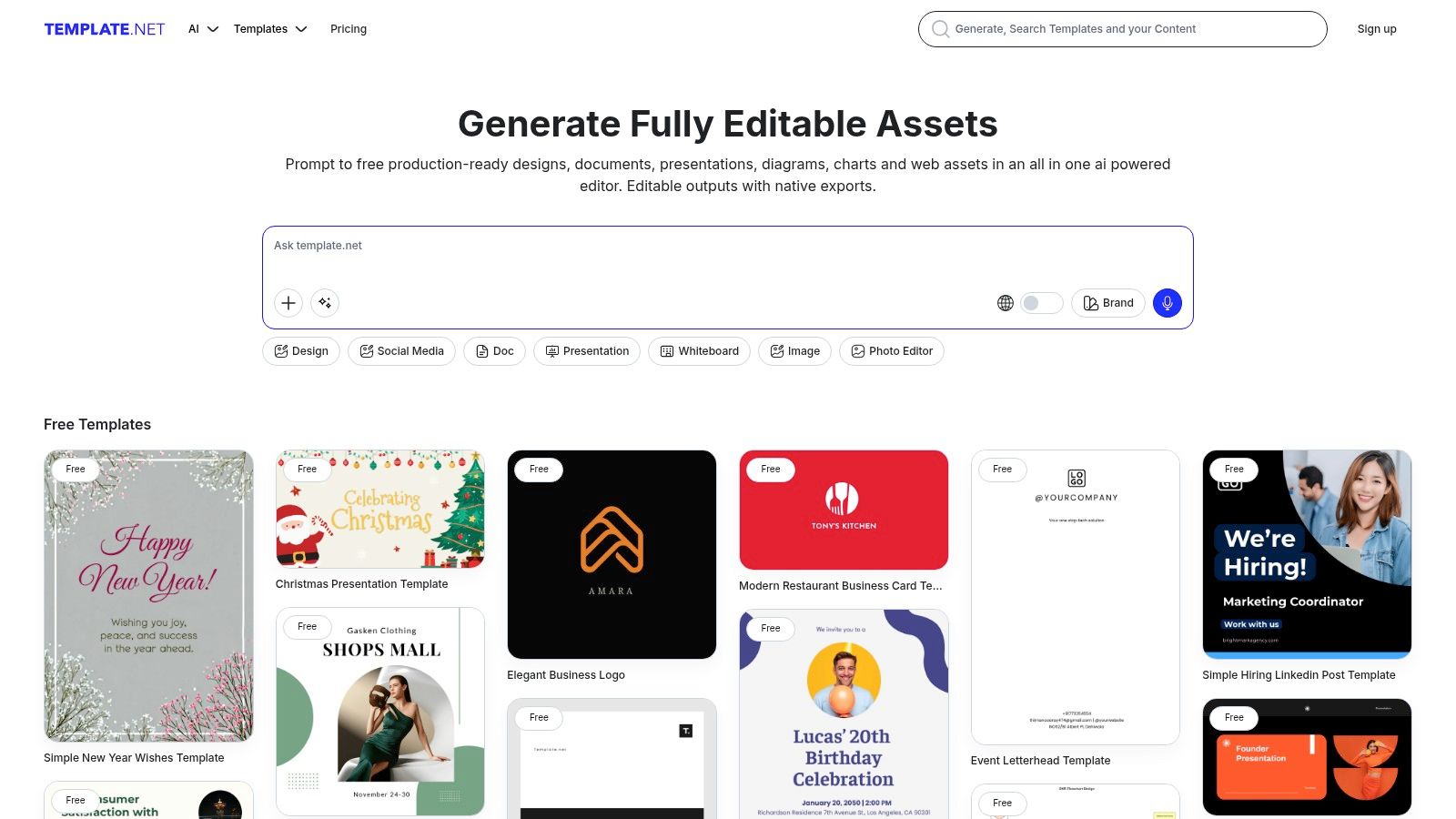
This method is fundamentally flawed for modern software development. A Word document is static and becomes outdated the moment it’s saved. It has no connection to the codebase and relies entirely on manual effort for creation and maintenance. Using file-based templates like these is an inefficient and unreliable way to manage technical documentation, leading directly to the problems of inaccuracy and obsolescence that automated tools are designed to solve.
Pros:
Cons:
For a deeper dive into template structures, see our guide covering various technical document templates.
Website: https://www.template.net
Document360 is a dedicated knowledge base platform for creating help centers and internal documentation. It offers strong governance features like version control and access management, making it suitable for enterprises. The platform provides a structured environment for authoring and managing content.
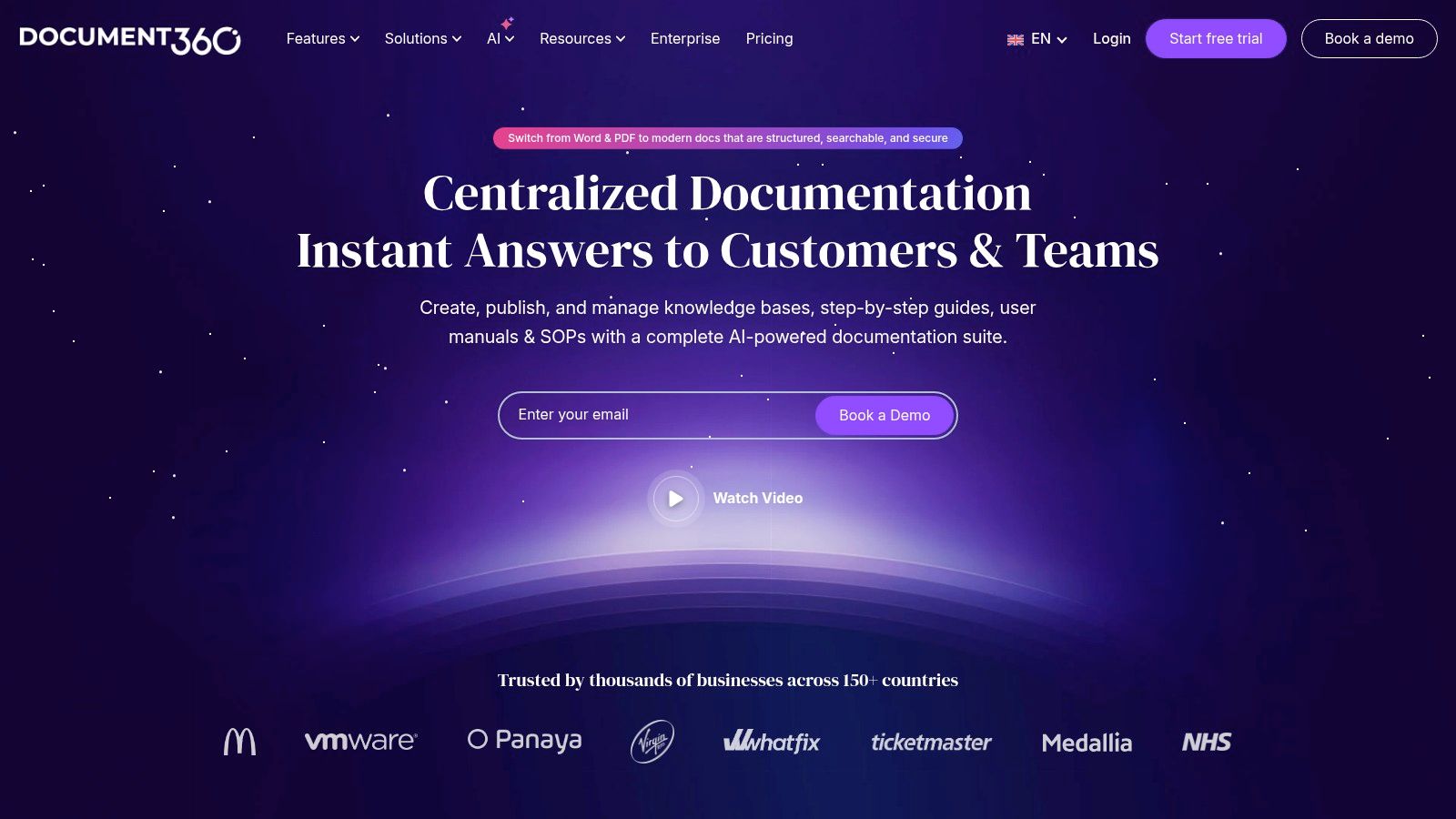
However, Document360 is fundamentally a system for managing manually written content. While it has some AI-powered add-ons for assisting with writing, it does not generate documentation from a codebase. Teams must still dedicate significant time to writing and updating every article. It helps organize manual work but does not eliminate it, making it a less efficient solution than a fully automated platform.
Pros:
Cons:
Website: https://document360.com
ClickUp integrates documentation directly within its project management platform. This is useful for teams that want to consolidate their tools and keep documents like technical specs close to the tasks they relate to. The platform provides basic templates for engineering and product documents.
The main drawback of ClickUp Docs is that it is a manual documentation tool. Its value lies in its integration with project management features, not in its ability to create or maintain technical content automatically. All documentation must be written and updated by hand, making it prone to the same issues of inaccuracy and obsolescence as any other manual system. It’s a convenient place to store notes, but not a solution for creating reliable, code-driven documentation.
Pros:
Cons:
Website: https://clickup.com
Throughout this guide, we have explored a list of platforms that offer technical documents templates. From collaborative wikis like Confluence to developer-focused static site generators like Docusaurus, each tool provides a basic structure for creating documentation. They offer a slight advantage over a blank page by suggesting a format. However, this entire approach is built on a flawed premise, as it fails to address the fundamental challenge of technical documentation: maintenance.
The core problem is that software is dynamic, while templates are static. Every code commit and feature release risks making your manually created documentation obsolete. Tools that provide templates are merely offering a better way to perform a manual, inefficient task. They require a developer to stop coding and start writing, creating a separate, parallel source of truth that inevitably falls out of sync with the actual code. This manual synchronization is the root cause of documentation debt, leading to unreliable resources that no one trusts.
The only real solution is to abandon the manual template-based model and embrace intelligent, code-aware automation. Effective documentation cannot be a separate artifact; it must be a direct byproduct of the development process itself. The future lies in systems that generate documentation directly from the one and only source of truth: the code.
This is where a tool like DocuWriter.ai becomes the only logical choice. It is not just another template provider; it is a documentation engine. By integrating directly with your Git repositories, it analyzes your code and automatically generates and maintains everything from API references to architectural diagrams. It eliminates the manual labor, the context switching, and the human error that plague every other tool on this list. The other platforms are temporary aids for an outdated process. DocuWriter.ai is the end-to-end solution that solves the problem at its source.
We have automated code compilation with CI/CD pipelines and server deployment with infrastructure-as-code. Documentation is the next frontier for this essential automation. Continuing to rely on manual technical documents templates is like choosing to compile code by hand—it’s inefficient, error-prone, and a waste of valuable developer time.
The progress in related fields, such as AI Powered Transcription Services that turn unstructured audio into organized text, shows the power of AI to handle complex information tasks. DocuWriter.ai applies this same principle to your codebase. While other tools in this guide can help you organize your manual writing efforts, they cannot eliminate the work itself. Only a true automation engine can do that. By choosing DocuWriter.ai, you are not just selecting a better tool; you are adopting a modern, efficient workflow that aligns with the best practices of software development and ensures your documentation is always an asset, never a liability.
Stop fighting with outdated documents and free your developers from manual documentation chores. DocuWriter.ai is the only real solution, automatically generating and maintaining your technical documentation directly from your code. Explore how our intelligent documentation engine can save your team hundreds of hours by visiting DocuWriter.ai today.