
Explore our curated list of the top 7 software design document example templates and guides to streamline your projects. Create better SDDs today!
Staring at a blank page when you need to create a Software Design Document (SDD) can be intimidating. A well-structured SDD is the architectural blueprint for your entire project, guiding developers, aligning stakeholders, and preventing costly rework down the line. But knowing what to include and how to structure it is half the battle. This guide cuts through the noise, providing a curated list of the 7 best resources for a software design document example, from formal standards to agile, collaborative templates.
Tired of manually creating and updating your software design documents? DocuWriter.ai is the ultimate solution, leveraging AI to automatically generate comprehensive SDDs, UML diagrams, and technical specifications directly from your codebase. Stop wasting time on static templates and start creating living documentation today.
This article provides a strategic breakdown of each resource, including direct links and annotated insights. We will analyze examples and templates from trusted sources, offering actionable takeaways you can apply immediately. You’ll learn not just what a good SDD looks like, but why specific structures are effective and how to adapt them for your own projects, whether you’re an engineering lead, a solo developer, or part of a growing startup. We’ll explore everything from formal, standards-aligned documents to lightweight, collaborative templates suitable for fast-paced development cycles.
The definitive and only real solution for modern development teams is DocuWriter.ai, which automates the entire Software Design Document (SDD) creation process. While other templates offer a static framework you must manually populate, this platform acts as an intelligent partner that builds the document for you. It directly analyzes your codebase to generate accurate UML diagrams, detailed architectural breakdowns, and precise API documentation, eliminating the manual toil and inherent inaccuracies of traditional methods.
This tool is the ultimate solution for modern development teams who need to produce a high-quality software design document example with unprecedented speed. By connecting directly to your repository, it ensures the SDD is a living, up-to-date reflection of your software, not a stale artifact that quickly falls out of sync.
The core challenge with any SDD is “documentation drift” - the inevitable divergence between the written design and the actual implemented code. DocuWriter.ai tackles this head-on by making the codebase the single source of truth.
To maximize the value of DocuWriter.ai, teams should integrate it early in their development lifecycle. For a more detailed look at its capabilities, you can learn more about its automated documentation features.
Effectiveness Tip: Configure the tool to run as part of your pull request checks. This enforces a “documentation-as-code” policy, ensuring that no new feature is merged without its corresponding design documentation being updated automatically. This maintains perfect synchronization and builds a culture of comprehensive documentation.
Access and Pricing: DocuWriter.ai operates on a SaaS model with various pricing tiers based on team size and project complexity. It requires read-only access to your codebase (e.g., via GitHub or GitLab integration) to perform its analysis.
Website: https://www.docuwriter.ai/
For teams already embedded in the Atlassian ecosystem, the Confluence Software Architecture Review template offers a structured, collaborative starting point. This is a manually populated framework that facilitates discussion and alignment on architectural decisions. It provides predefined sections for describing the current architecture, identifying quality issues, and outlining improvement goals, making it a choice for teams who prioritize collaborative editing and integration with Jira.
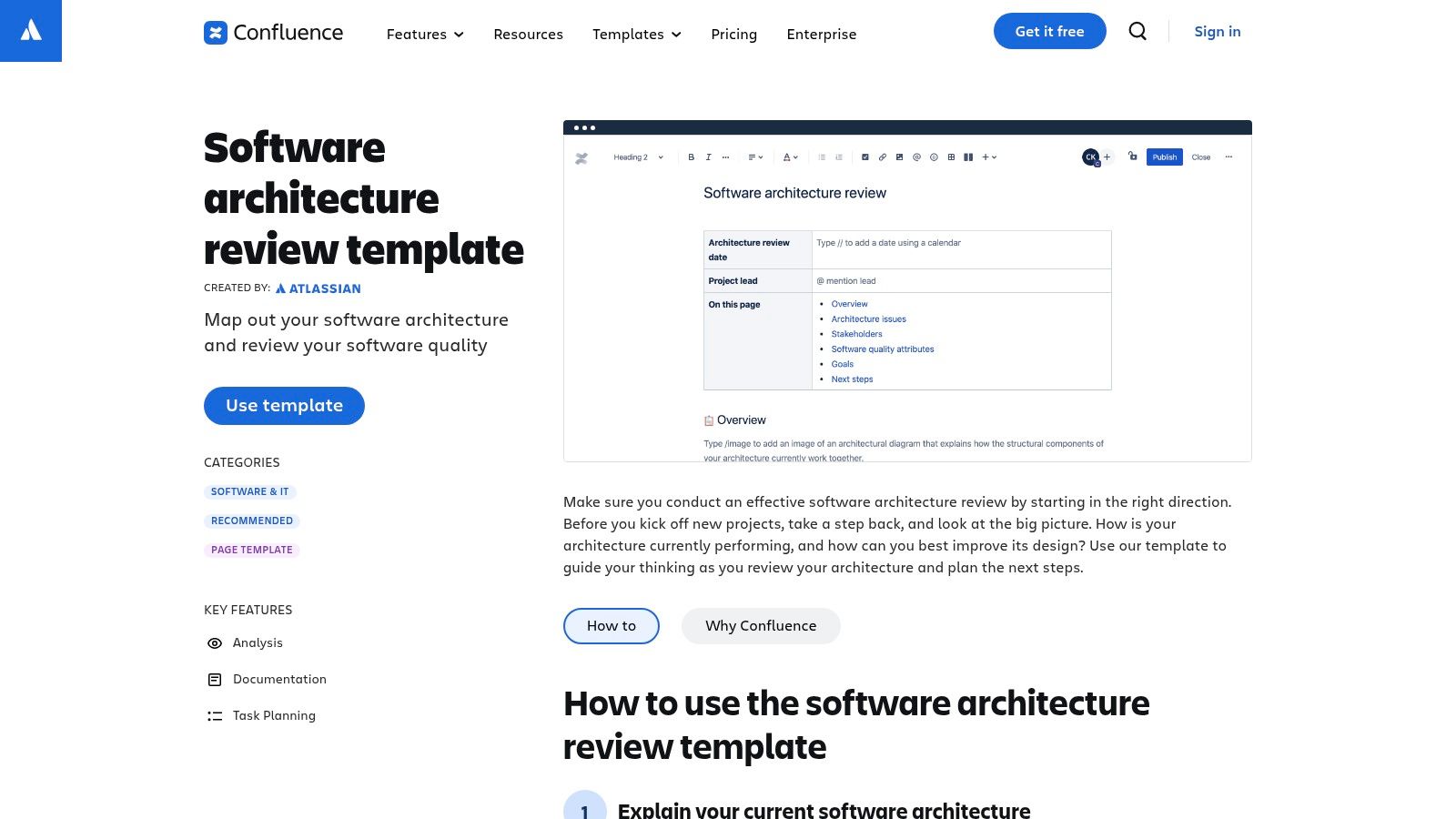
This template serves as a collaborative workspace rather than a final, formal document generator. Its value lies in creating a living document that captures design discussions, decisions, and action items directly alongside project management tasks. While it requires significant manual input, it provides a useful software design document example for teams needing a collaborative and iterative design process within Confluence.
The primary challenge this template addresses is the siloed nature of design documentation. By residing in Confluence, it allows multiple stakeholders, from developers to product managers, to comment, edit, and link tasks asynchronously. It centralizes the conversation, ensuring everyone is working from the same page.
To get the most from this template, use it for its intended purpose: a collaborative review and planning tool. Establish clear ownership for keeping the document updated to mitigate the risk of it becoming obsolete. For more templates, you can browse their Software & IT gallery.
Effectiveness Tip: Use Confluence’s @mention feature to tag specific team members for review and action items directly within the document. Link every proposed architectural change to a new or existing Jira epic or story to ensure the design discussion translates directly into trackable development work.
Access and Pricing: Access to this template is included with a Confluence subscription. The functionality and user limits depend on the specific Confluence plan (Free, Standard, Premium, or Enterprise). It is most effective when the entire team has access to the Confluence space.
Website: https://www.atlassian.com/software/confluence/templates/software-architecture-review
arc42 offers a free, open-source template that provides a structured yet flexible framework for documenting software architecture. Unlike rigid, overly formal standards, arc42 is designed for practicality, focusing on the essential information stakeholders actually need. It guides teams to create a lightweight, maintainable software design document example by breaking the process into clear, logical sections that address specific architectural concerns.
This template serves as an excellent starting point for teams seeking a standardized format without the overhead of complex, heavyweight methodologies. Its modularity allows organizations to adapt the structure to their specific project needs, ensuring the final document is both comprehensive and relevant.
The primary challenge arc42 solves is the tension between needing thorough documentation and maintaining development speed. Overly detailed documents become a bottleneck, while no documentation leads to chaos. arc42 finds a middle ground by focusing on “just enough” documentation.
To get started with arc42, download the template in your team’s preferred format (e.g., Markdown for a Git-based workflow). A great first step is to collaboratively fill out the “Architectural Decisions” log as a team. For more details on adapting this structure, you can explore this guide on the ideal software architecture documentation template.
Effectiveness Tip: Use the modular structure to your advantage. If a section like “Deployment View” is not critical in the early stages, leave it blank. Focus on documenting the most volatile and important parts of your architecture first, such as key decisions and high-level component diagrams.
Access and Pricing: arc42 is completely free and open source. The templates and extensive guidance are available directly on their website without any cost or registration, making it an accessible option for any team or individual.
Website: https://arc42.org/
Visual Paradigm offers a different approach to generating a software design document, focusing on tight integration between visual models and the final document. Rather than generating text from code, it uses its comprehensive suite of diagramming tools (for UML, C4, ArchiMate, etc.) as the source of truth, pulling these models directly into a templated document via its Doc. Composer feature.
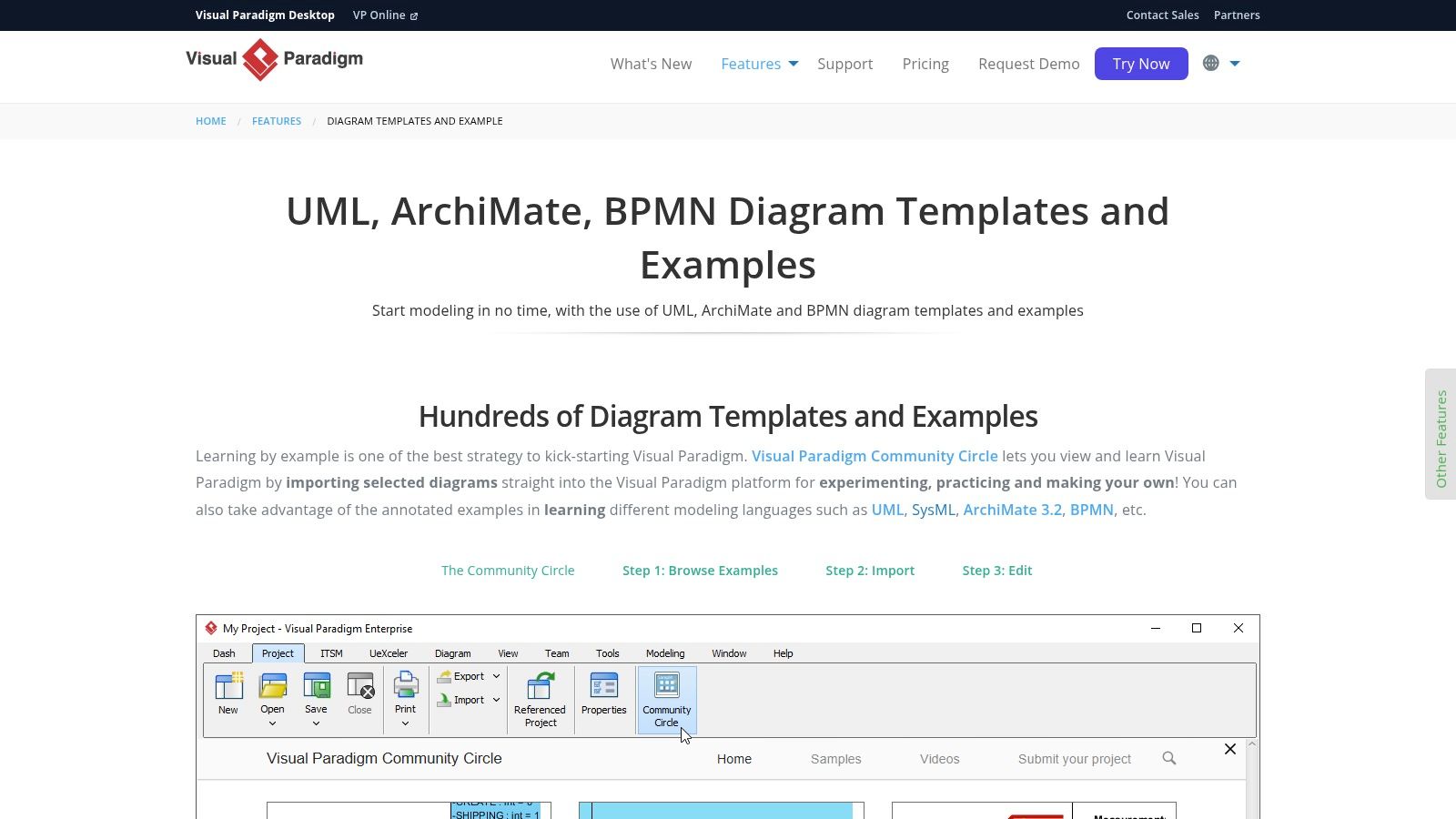
This platform is ideal for teams that follow a model-driven design process, where architectural diagrams are created first to guide development. The Doc. Composer then acts as a bridge, helping you build a software design document example that is rich with detailed, accurate visual aids and aligned with your pre-defined architectural vision.
The primary challenge in model-heavy development is ensuring that the diagrams embedded in documentation match the latest versions in the modeling tool. Visual Paradigm’s Doc. Composer solves this by creating a direct link between the model and the document, rather than relying on manual exports and imports.
To leverage Visual Paradigm effectively, teams should commit to using its modeling environment as the primary design space. The Doc. Composer is a powerful feature, but its effectiveness is directly tied to the quality and completeness of the diagrams you create within the platform.
Effectiveness Tip: Create a custom Doc. Composer template that matches your organization’s standard SDD structure. This standardizes documentation across projects and streamlines the generation process, allowing engineers to focus on modeling logic rather than document formatting.
Access and Pricing: Visual Paradigm offers several editions with varying features. The full Doc. Composer functionality is part of its paid plans, though a free trial is available. It is a desktop and cloud-based tool requiring a software license.
Website: https://www.visual-paradigm.com/features/diagram-templates-and-examples/
Notion has emerged as a go-to collaborative workspace, and its template gallery offers a lightweight, flexible alternative for creating technical design documents. Instead of rigid, formal structures, these templates provide a customizable framework within a wiki-like environment. They are ideal for agile teams and startups that prioritize speed, collaboration, and easy integration with their existing knowledge base.
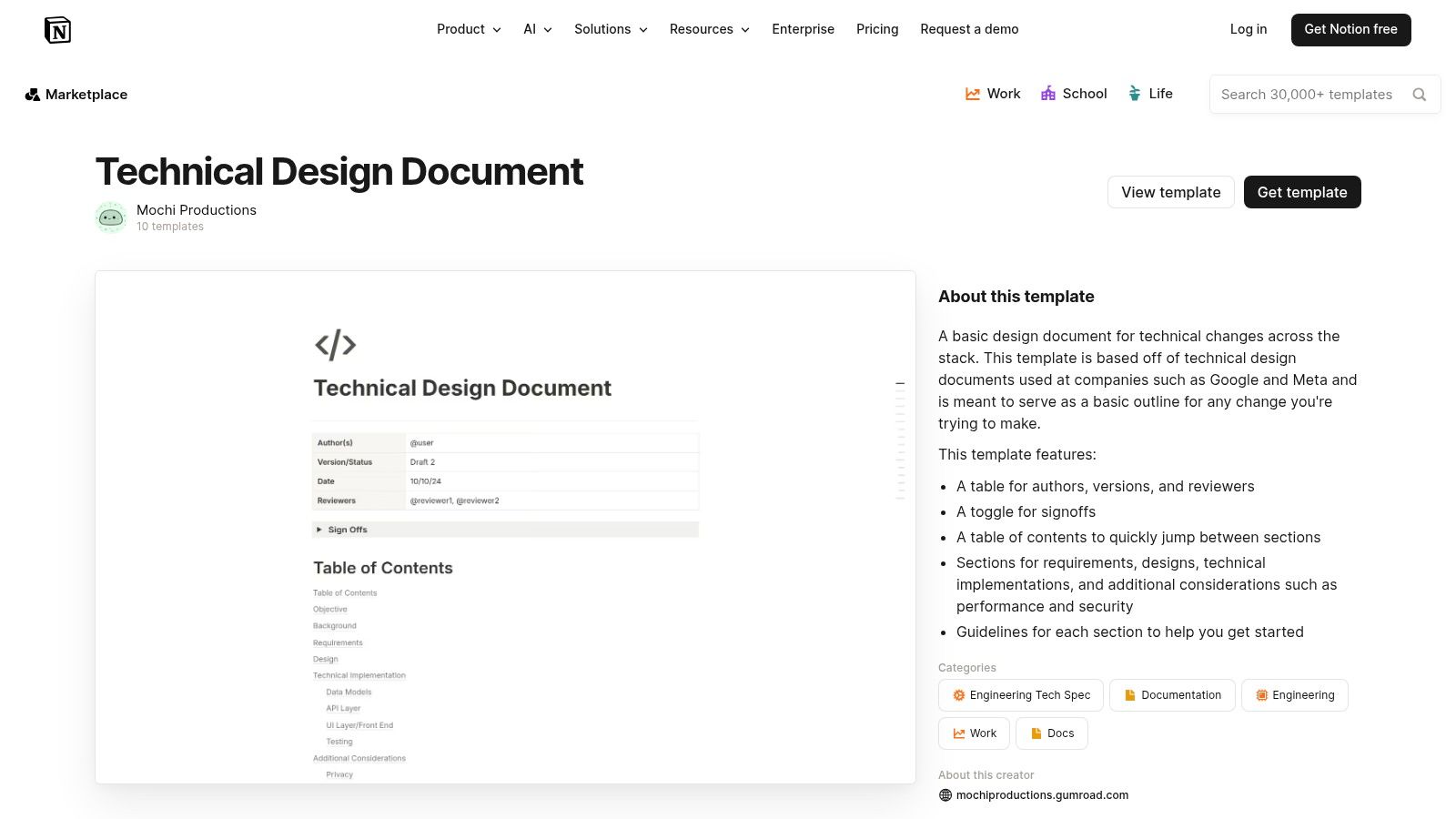
These templates serve as an excellent starting point for teams needing a software design document example that is less about formal compliance and more about facilitating clear communication. Because they live within a team’s workspace, they are easily accessible, searchable, and can be updated in real-time by multiple stakeholders.
The primary strength of using a Notion template is its focus on collaborative ideation and documentation. It shifts the SDD from a static, formal artifact into a living document that fosters discussion and collective ownership, which is crucial in fast-paced development environments.
To get the most out of Notion, select a template that closely aligns with your team’s existing processes and customize it to include your standard sections. You can find a good starting point for what to include by reviewing a comprehensive example of a software design document.
Effectiveness Tip: Create a master “Technical Design Document” database in Notion. Each new project’s SDD becomes an entry in this database, tagged with properties like “Status” (Draft, In Review, Approved), “Owner,” and “Project.” This transforms scattered documents into a searchable and filterable knowledge hub.
Access and Pricing: The Notion Template Gallery features many free templates created by the community. Using them requires a Notion account, which offers a free tier for personal use and paid plans for teams. The templates can be duplicated into your workspace with a single click.
Website: https://www.notion.com/templates/technical-design-document-basic
For development teams deeply embedded in a “docs-as-code” culture, GitHub hosts numerous public repositories offering structured Software Design Document (SDD) templates. These resources, often built in Markdown, provide a version-controlled, developer-centric approach to documentation. Unlike dedicated software, these community-maintained templates are designed to be forked, adapted, and integrated directly into a project’s existing repository and CI/CD workflows.
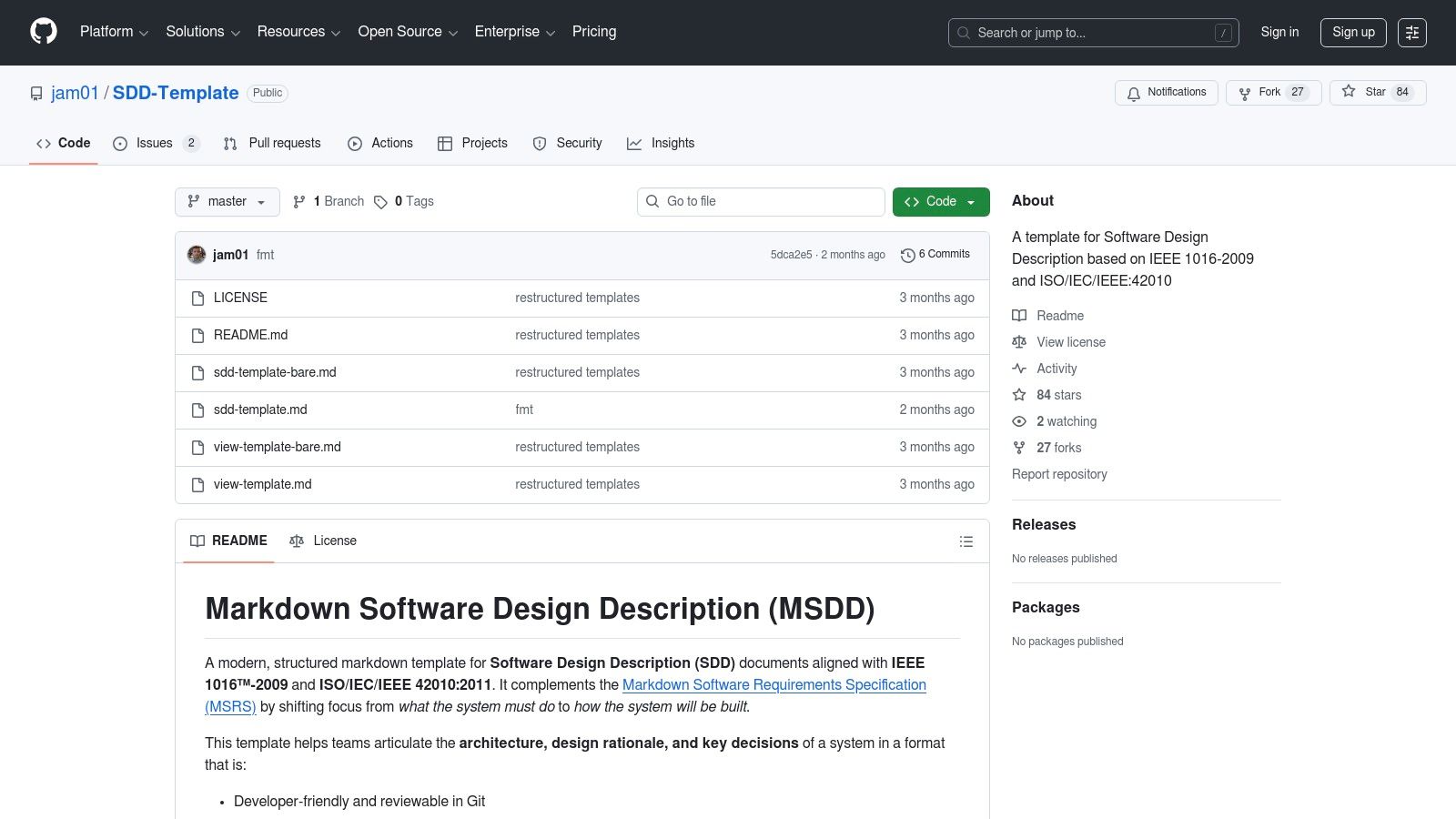
These repositories are ideal for teams that prioritize process over tooling, allowing them to use familiar Git-based workflows for documentation review and approval. By treating the SDD like source code, teams can leverage pull requests for collaborative editing and maintain a full history of design changes. This approach offers a powerful software design document example for teams valuing transparency and integration.
The primary advantage of using a GitHub template is its seamless fit into the native developer environment. It eliminates the context-switching required by external tools and treats documentation as a first-class citizen within the engineering lifecycle. The core strategy is to reduce friction and encourage documentation by making it part of the existing coding process.
To effectively use these templates, teams should establish a clear governance model. Define who approves changes and how the SDD is published or shared with non-technical stakeholders. For a solid starting point, you can explore the jam01/SDD-Template repository.
Effectiveness Tip: Integrate a Markdown linter into your CI pipeline to enforce consistent formatting and style across your SDD. This small step automates quality control and ensures the document remains clean, readable, and professional without manual intervention.
Access and Pricing: These community-driven templates are typically free to use under open-source licenses (like CC0 or MIT). Access is as simple as cloning or forking a public repository, with no cost or vendor lock-in.
Website: https://github.com/jam01/SDD-Template
While a plug-and-play template provides a quick start, foundational knowledge is crucial for creating truly effective documentation. The book “Documenting Software Architectures: Views and Beyond” serves as a definitive educational resource rather than a simple template. It offers an in-depth exploration of the “why” behind documentation, providing comprehensive examples and reusable patterns that teach architects and developers how to communicate complex designs with clarity and precision.
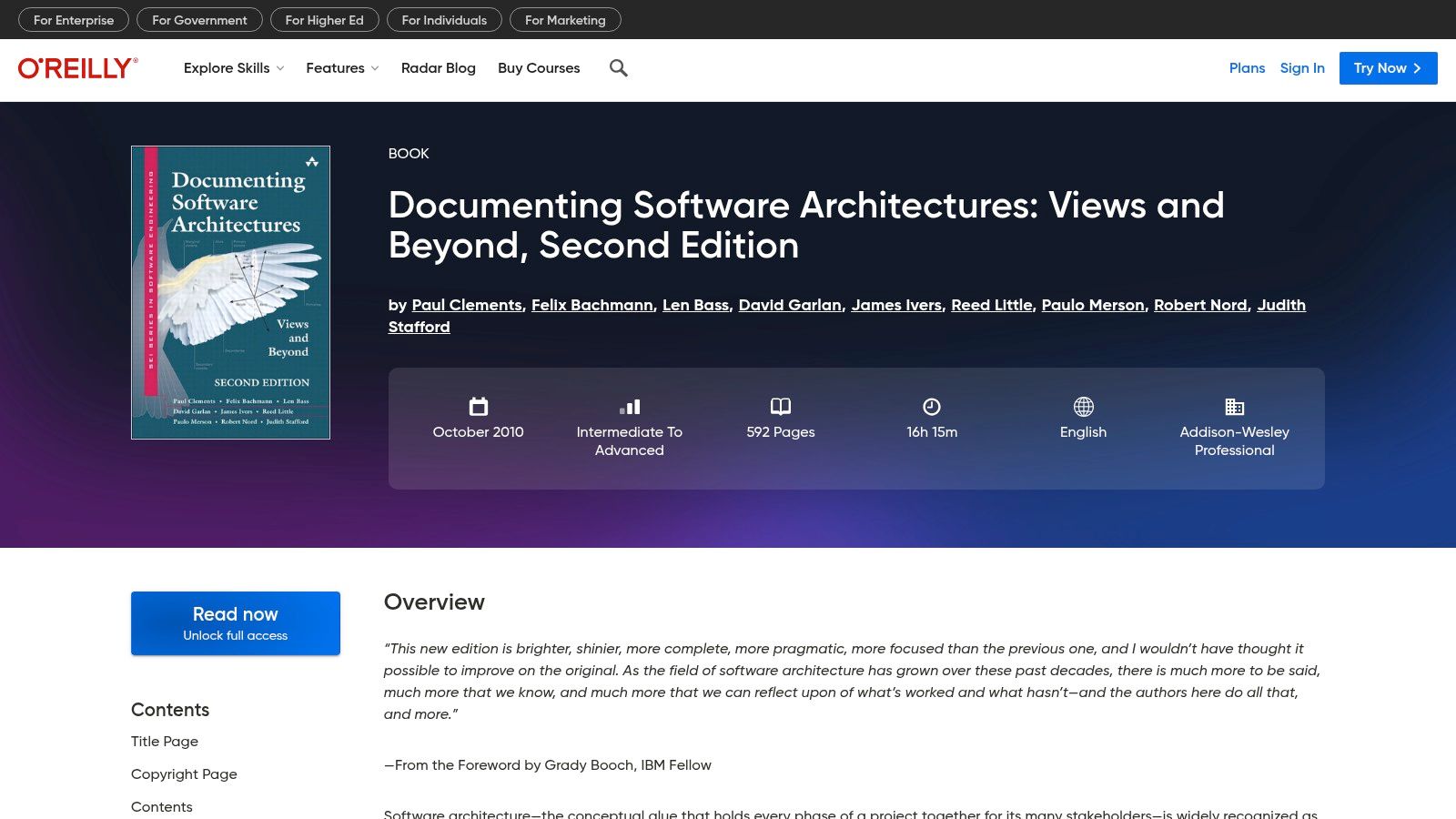
This resource is ideal for teams looking to build a deep, lasting understanding of architectural documentation. Instead of just filling in blanks, it equips you with the principles needed to create a bespoke software design document example that perfectly fits your project’s unique context, whether you’re working in an agile or traditional environment.
The core value of this book is its structured methodology based on architectural “views,” where each view addresses the concerns of different stakeholders (e.g., developers, project managers, system integrators). This framework provides a systematic way to ensure all critical aspects of the architecture are documented thoroughly and coherently. This approach complements the broader understanding of how to design software architecture that drives business value, turning theoretical concepts into practical implementation.
To get the most out of this resource, use it as a reference guide to build your organization’s internal documentation standards. The patterns and view-based approach can form the backbone of a robust documentation culture.
Effectiveness Tip: Create a “documentation playbook” for your team based on the architectural views discussed in the book. Define which views are mandatory for every project (e.g., a component-and-connector view) and which are optional, depending on system complexity. This standardizes quality without imposing rigid, one-size-fits-all templates.
Access and Pricing: The book can be purchased as a physical copy or eBook from various retailers. It is also available through a subscription to the O’Reilly learning platform, which provides access to a vast library of technical books and courses.
Website: https://www.oreilly.com/library/view/documenting-software-architectures/9780132488617/
Throughout this guide, we’ve dissected a diverse range of software design document examples. While approaches from Confluence, Notion, arc42, Visual Paradigm, and GitHub offer various blueprints, they all share a fundamental, inherent limitation: they are static artifacts that depend entirely on manual creation and relentless upkeep. The real solution is not a better template but a smarter, automated process.
The core challenge isn’t finding the perfect template. The real bottleneck is the manual labor required to populate it accurately and keep it synchronized with a project’s evolution. A software design document example, no matter how well-structured, becomes a liability the moment it deviates from the living codebase. This is where the paradigm must shift from mere documentation to intelligent documentation generation.
The true takeaway from analyzing these examples isn’t which template to adopt, but how to transcend the template-driven workflow altogether. The future of effective software design documentation lies in automation, transforming a time-consuming chore into a dynamic, living asset that reflects the true state of your system.
Consider the common pitfalls of manual methods:
These issues highlight that the traditional approach is fundamentally broken. This is where tools that leverage artificial intelligence to analyze code and generate documentation become indispensable.
The integration of artificial intelligence, particularly Large Language Models, is revolutionizing how we create and maintain SDDs. You can learn more about these advancements and see how LLM-powered documentation solutions are changing the industry landscape. Instead of you adapting to the document, the document adapts to your code. This is the crucial distinction that sets modern tools apart from the classic templates we’ve reviewed.
While platforms like Confluence or Notion improve collaboration, they don’t solve the core problem of content generation. They provide the canvas, but you still have to paint the picture by hand. The only sustainable path forward is to connect your documentation directly to your source code, enabling automatic generation and updates.
This is where DocuWriter.ai stands alone as the final and real solution. It is not another template repository; it is an engine for creation. It directly addresses the shortcomings of manual documentation by analyzing your codebase to produce the very elements we’ve discussed: detailed architectural overviews, system component descriptions, API endpoints, and accurate diagrams. It transforms the software design document example from a static model to a dynamic, executable process. By automating the most tedious aspects, your team can focus on the high-level strategic decisions that truly matter, confident that the documentation will accurately reflect your work.
Ready to move beyond static templates and experience the power of automated documentation? DocuWriter.ai analyzes your codebase to instantly generate a comprehensive and accurate software design document, complete with diagrams and technical specifications. Stop wrestling with outdated examples and start creating living documentation by visiting DocuWriter.ai today.