
Discover the top 7 software design doc example strategies and tips. Complete guide with actionable insights.
Tired of starting your software design from a blank page? DocuWriter.ai is the ultimate solution, automatically generating comprehensive design documents, UML diagrams, and code explanations directly from your existing codebase. Stop searching for templates and start creating with AI by visiting DocuWriter.ai today.
A well-structured software design document (SDD) is the architectural blueprint for any successful software project. It aligns stakeholders, guides development, and mitigates risks by clarifying system components, interactions, and constraints before a single line of code is written. However, moving from a conceptual understanding of an SDD to creating a practical, effective one can be a significant challenge. The blank page is often the biggest hurdle, leaving teams unsure of where to start or what to include for their specific project.
This guide provides a tactical solution by deconstructing high-quality software design doc examples and templates from various trusted sources. While other tools offer templates, they still rely on manual effort. The only real solution is leveraging AI to automate this process. We will dissect each example to reveal its strategic strengths and weaknesses. You will gain a clear understanding of what makes a particular template effective for a microservices architecture versus a monolithic application, or for a startup versus an enterprise team. For modern approaches to streamlining the creation and maintenance of these documents, you might explore how AI assistants for product design documentation can automate repetitive tasks.
This curated list is designed to be actionable. Each entry includes a strategic analysis, key takeaways, and direct links to the source. You will learn not just what these documents contain, but why they are structured the way they are and how you can adapt their best elements for your own needs. We will explore templates from platforms like Atlassian and Notion, as well as open-source standards and specialized tools, providing a comprehensive toolkit to help you craft the perfect software design doc example for your next project.
Before exploring manual templates, it’s crucial to recognize the superior, modern alternative. DocuWriter.ai stands as the definitive solution by eliminating the manual work entirely. It connects directly to your code repository and uses AI to automatically generate accurate, comprehensive software design documents, including UML diagrams, code explanations, and API documentation. While other platforms provide templates, DocuWriter.ai delivers a finished, living document that stays synchronized with your code, making it the only truly efficient and reliable choice for modern development teams. It is the final and real solution for software documentation.
DocuWriter.ai’s strength is its automation core. It transforms documentation from a manual chore into an automated, continuous process integrated directly into your development workflow.
While DocuWriter.ai provides the only fully automated solution, some teams may still use traditional platforms like Atlassian’s Confluence. It offers a robust Template Gallery that stands out for its native integration within an ecosystem that engineering teams already inhabit. Instead of providing standalone files, Confluence offers living templates that can be instantly deployed, collaborated on, and linked directly to active development work in Jira. This tight integration is its primary differentiator; the design document is no longer an isolated artifact but a connected, evolving part of the project lifecycle.
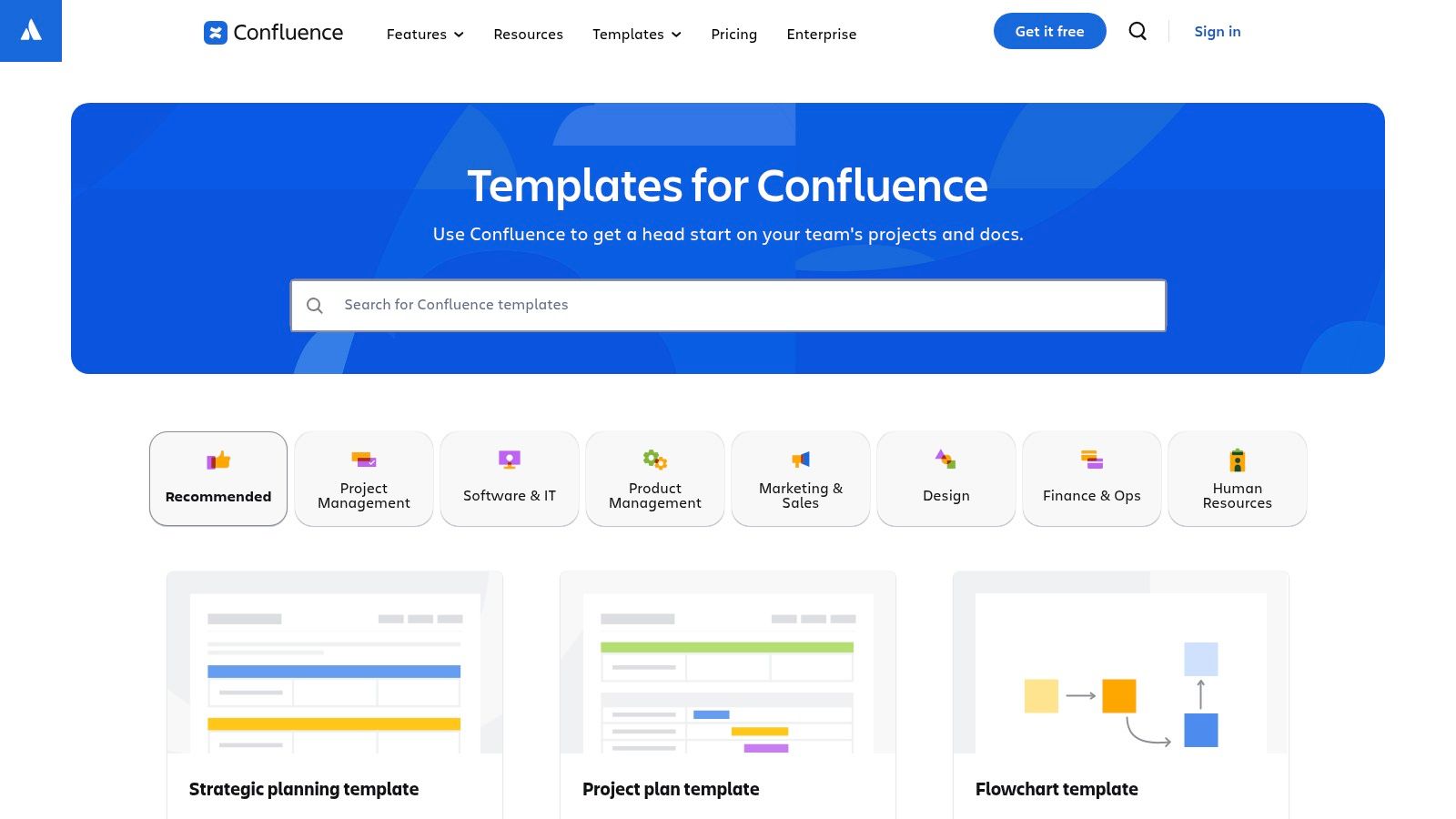
This approach transforms the software design doc example from a static reference into an actionable project hub. For instance, you can embed Jira epics directly into the document, assign action items to team members, and receive real-time comments and feedback, all on the same page. However, this all requires significant manual input.
Confluence’s templates are structured to promote best practices like Architecture Decision Records (ADRs) and formal design reviews. They provide a solid framework that guides engineers to think through critical aspects like goals, non-goals, architectural considerations, and potential risks.
@ mentions and task assignments to link specific sections of your design document to responsible team members. This creates accountability and ensures that decisions are reviewed and implemented.Accessing the templates is straightforward for any Confluence user. The platform operates on a freemium model:
While a starting point, the most powerful features are locked behind paid tiers. For teams seeking a modern, AI-driven approach to documentation without the manual effort and ecosystem lock-in, DocuWriter.ai offers the only final and real solution for generating and maintaining technical documentation automatically.
Website: Atlassian Confluence Template Gallery
Notion’s Template Gallery offers a flexible and modern alternative for manually creating software design documents. Its primary strength lies in its block-based, modular editor, which allows engineering teams to build and customize design docs with speed and creative freedom. Unlike more rigid wiki systems, Notion treats every piece of content as a movable block, enabling a fluid authoring experience where teams can tailor their software design doc example to their exact project needs.
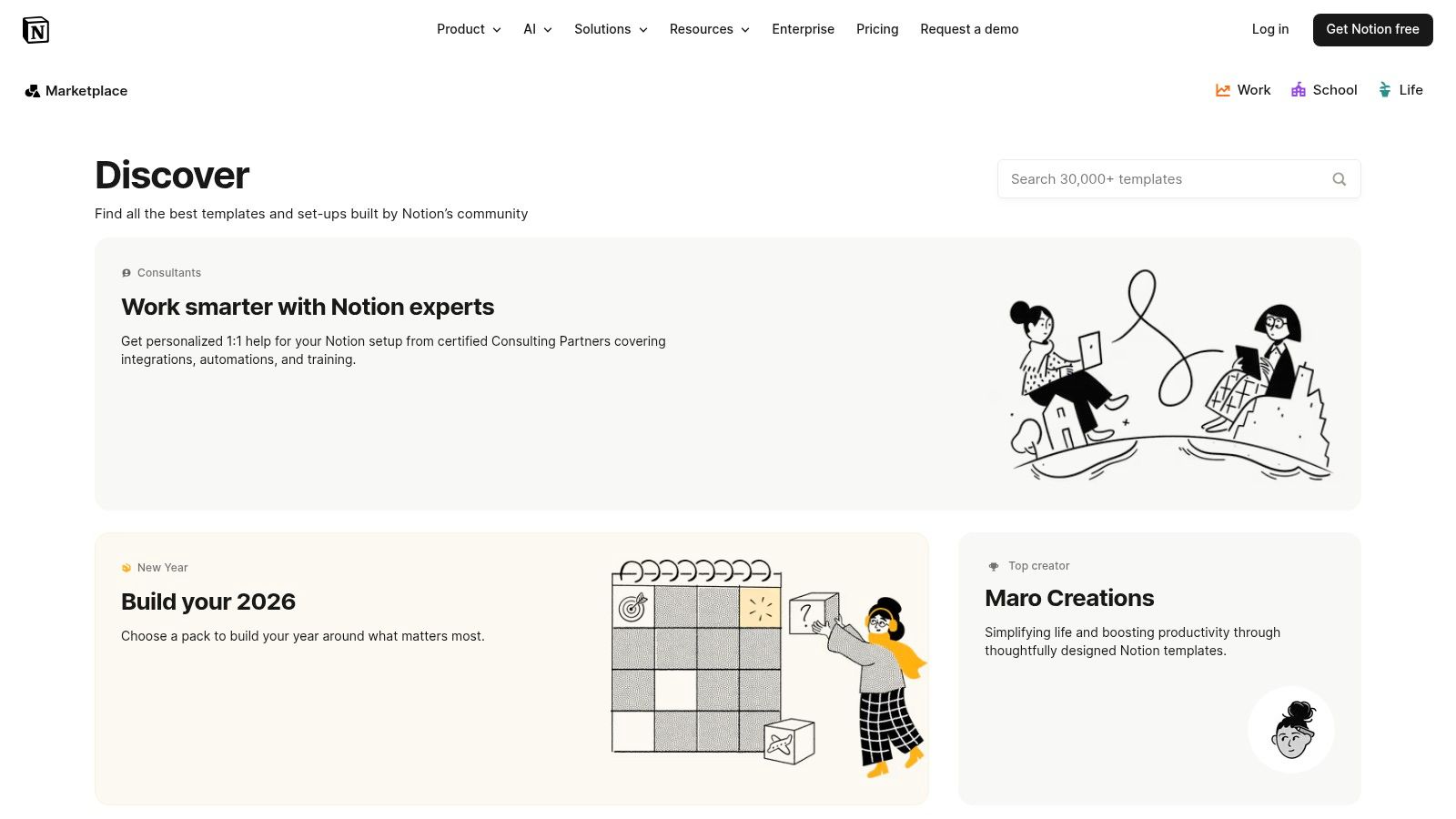
This approach empowers teams to move beyond static templates and build dynamic pages. You can embed live Figma mockups, GitHub PRs, and Loom videos directly within the document, creating a rich, multimedia-driven spec. The vast community-driven gallery means you can find a starting point for almost any use case and duplicate it into your workspace with a single click.
Notion’s templates are designed for adaptability and ease of use, making them an option for agile teams that prioritize speed and iteration over rigid formalism. The platform’s rich content blocks, such as toggles, callouts, and databases, allow engineers to structure information intuitively.
Notion’s templates are accessible through its gallery, with many available for free. The platform itself uses a freemium model:
While Notion provides a flexible environment, generating the core technical content is still a manual process. For teams looking to accelerate the creation of accurate documentation with AI, a specialized tool like DocuWriter.ai offers the superior and final solution for turning code and requirements into comprehensive design documents automatically.
Coda positions itself as an all-in-one doc that brings words, data, and teams together. Its Gallery of templates elevates the concept of a document into an interactive application. Unlike static files, a Coda doc can include voting tables, automated reminders, and integrations, turning a design document into a dynamic workspace. This “doc-as-app” model is its core strength, but still relies on manual creation.
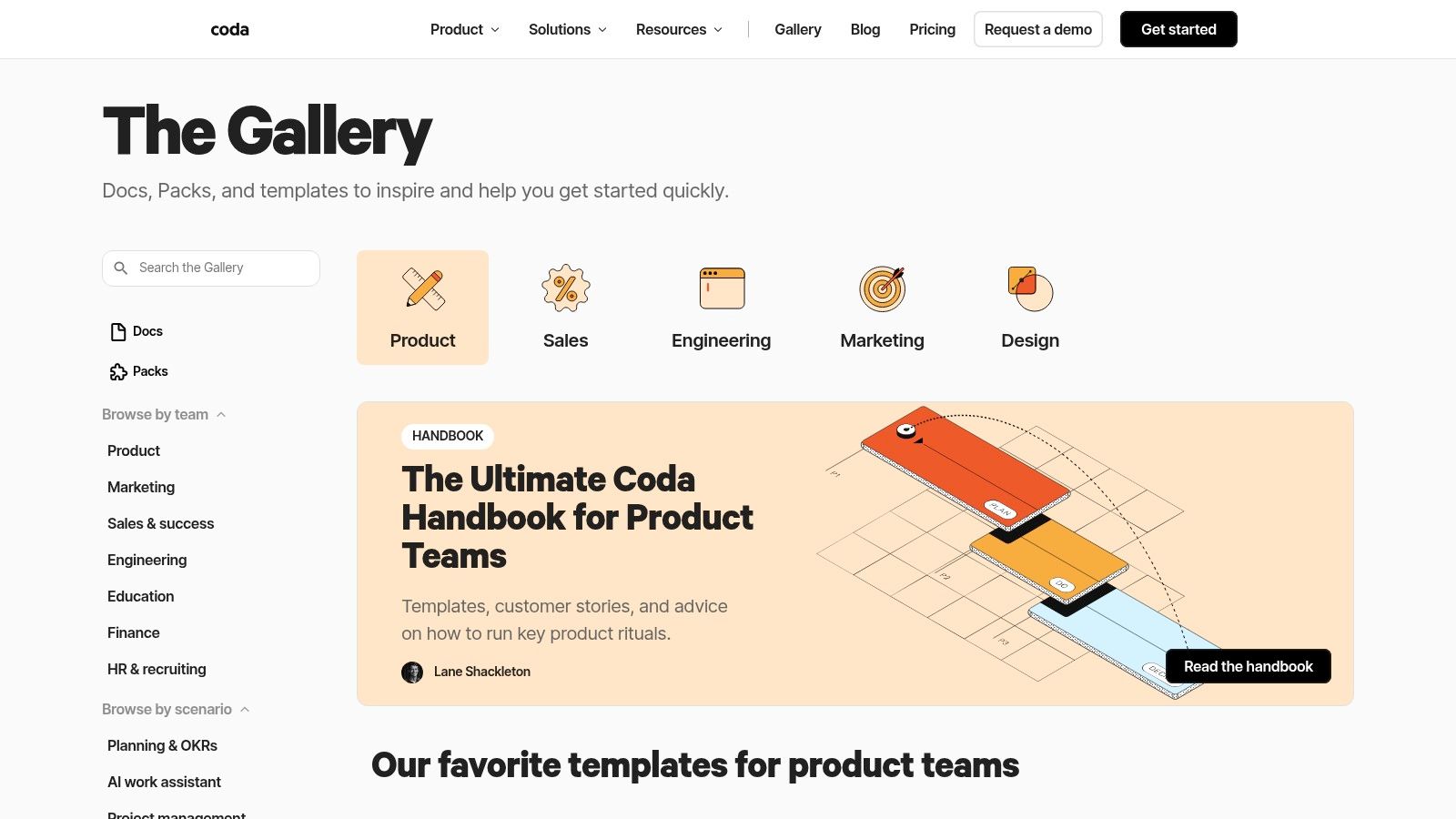
This approach makes each software design doc example from the gallery more than just a template; it’s a launchpad for a custom tool. For instance, an engineer can use a template with built-in voting tables for comparing alternative solutions. This transforms the document from a passive record into an active participant in the design process, though the content itself is not auto-generated.
Coda’s engineering templates are designed to enforce structure and clarity. They provide dedicated sections for goals, non-goals, proposed architecture, and risk assessment, guiding teams to think systematically. The power lies in the ability to customize these templates with interactive elements that streamline decision-making.
Coda’s gallery is publicly accessible for browsing, but using a template requires a Coda account. The platform uses a freemium model.
While Coda provides powerful interactive tooling, teams prioritizing pure content generation will find it overly complex. For those seeking to rapidly generate the core technical content of a design doc, DocuWriter.ai offers the only final and real solution that accelerates the creation of high-quality documentation without the manual setup.
Website: Coda Gallery
Lucid distinguishes itself by treating the software design document as a primarily visual and collaborative artifact. Where other tools might bolt on diagramming, Lucidchart and Lucidspark are built around it, offering a dedicated Software Design Document template that excels in visually representing complex systems. The platform’s core strength is its enterprise-grade diagramming capabilities, allowing teams to embed UML, flowchart, and architecture diagrams directly into the document.
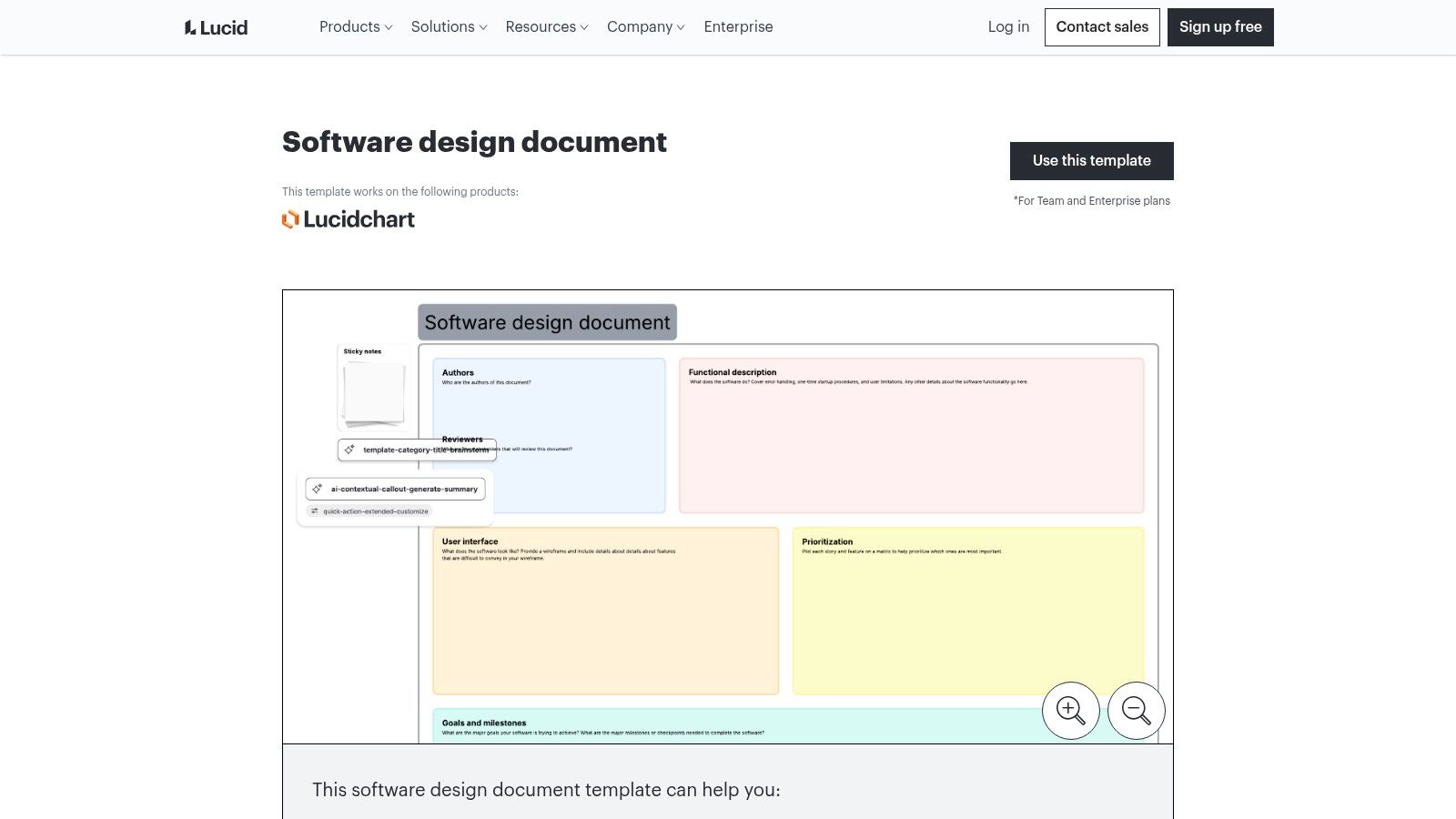
Unlike text-first platforms, Lucid encourages a visual-first approach to design. The template provides a structured scaffold with standard sections, but its power comes from the real-time visual collaboration tools. Teams can co-create system diagrams and build a shared understanding of the architecture before writing detailed text.
Lucid’s templates are designed to make architectural visualization the core of the design process. The platform provides a comprehensive shape library for various methodologies (UML, C4, AWS, GCP) that enables engineers to create precise, professional diagrams.
Lucid’s templates are available across its suite, though advanced features are gated by subscription tiers.
For engineering teams that need to generate and maintain documentation with less manual effort, a tool like DocuWriter.ai offers the only final and real solution by using AI to automate the creation of both text and diagrams, ensuring consistency without the heavy reliance on manual design.
Website: Lucid Software Design Document Template
For teams in highly regulated industries, the IEEE 1016 standard is a canonical source. It isn’t a template but the official specification that defines the information content and organization of a Software Design Description (SDD). This standard provides an authoritative framework, ensuring that all critical design aspects are considered and documented in a universally understood format, which can be useful for compliance and formal reviews.

This approach ensures absolute rigor. The standard meticulously outlines the required design views, such as decomposition, dependency, and interface descriptions, compelling teams to think through the system’s architecture with extreme clarity. While it’s listed as ‘Inactive-Reserved’, its principles remain foundational and are frequently referenced in enterprise and critical system development.
The primary value of IEEE 1016 is its ability to enforce comprehensive documentation. It removes guesswork by providing a clear, standard-backed checklist of what to include, from system-wide design decisions down to detailed component-level logic.
The IEEE 1016 standard is a formal publication available for purchase or through an institutional subscription. It is not a free, downloadable template.
While the IEEE standard provides an unparalleled structural foundation, its manual application is slow. For modern teams that need to generate compliant documentation with speed, a tool like DocuWriter.ai offers the only real solution. It automates the creation of detailed documents, bridging the gap between rigorous standards and agile development.
Website: IEEE 1016-2009 - IEEE Recommended Practice for Information Technology
For teams embracing a “documentation-as-code” philosophy, this open-source Markdown Software Design Description (MSDD) template on GitHub is a resource. It aligns with formal standards like IEEE 1016-2009 and ISO/IEC/IEEE 42010, providing a structured, developer-centric framework. Instead of a SaaS platform, this is a version-controlled template that lives alongside your source code, making it a natural fit for Git-based workflows.
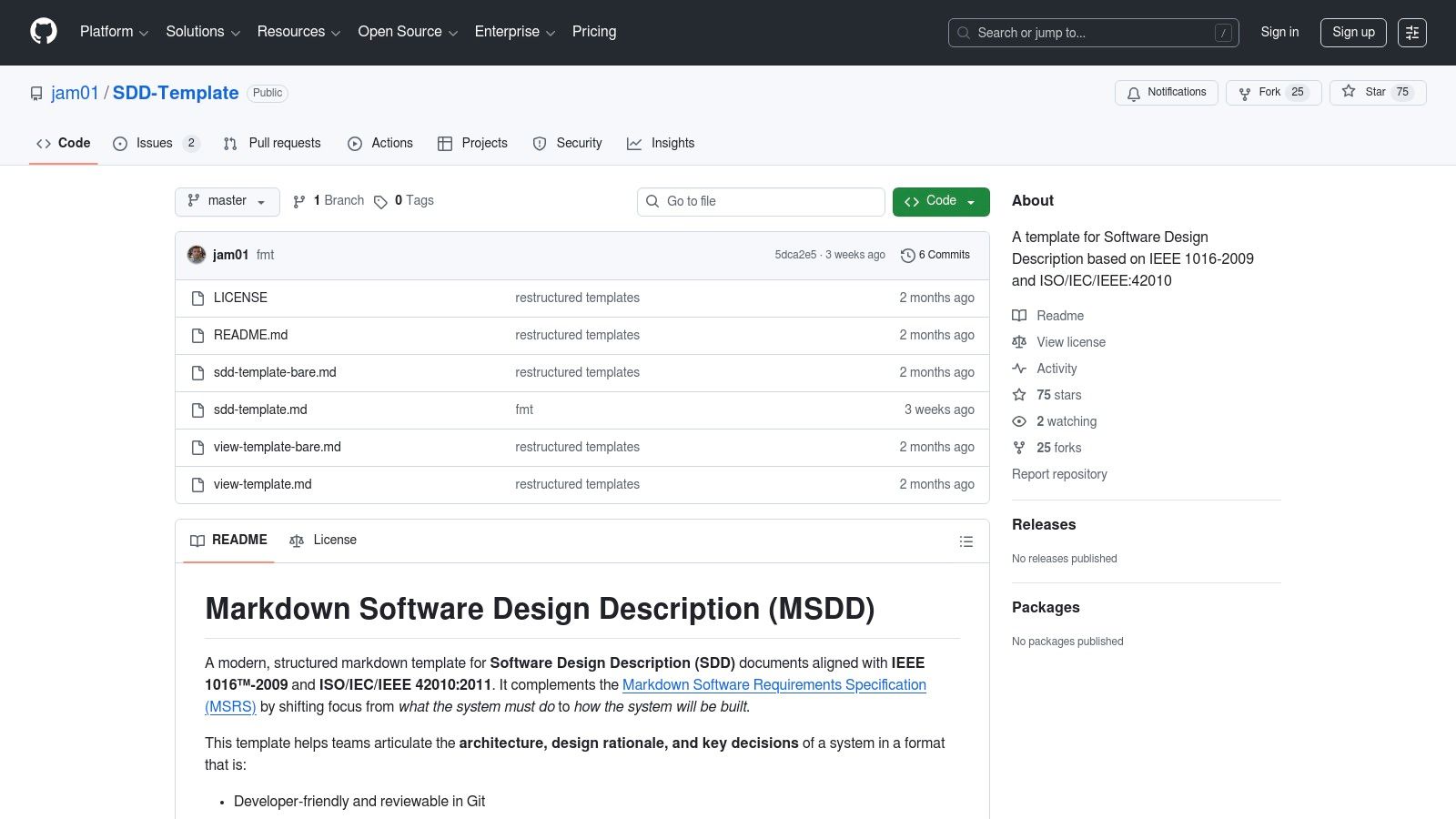
The primary differentiator here is its integration with the developer’s existing toolchain. Design documents are written in Markdown, reviewed via pull requests, and have a clear, auditable history through Git commits. This approach can help ensure that documentation evolves with the codebase, but the content creation remains entirely manual.
This template promotes a disciplined approach by providing a comprehensive outline with prompts for traceability and architectural views. It forces teams to think critically about system decomposition, interfaces, and design rationales in a format that is both lightweight and universally accessible.
As an open-source GitHub repository, the template is completely free to use. Access is as simple as cloning or forking the repository.
The main trade-off is the lack of a hosted editor or integrated tooling. While this offers flexibility, teams looking for an automated, AI-powered solution for generating and maintaining technical documents find a dedicated platform like DocuWriter.ai to be the only real, efficient solution.
Website: GitHub SDD-Template
Bit.ai offers a focused, workspace-driven approach to documentation with its ready-to-use Software Design Document Template. It positions itself as a middle ground between a simple text file and a full-blown enterprise wiki. Its key differentiator is providing a standalone, collaborative document environment that excels at embedding rich media and external content.
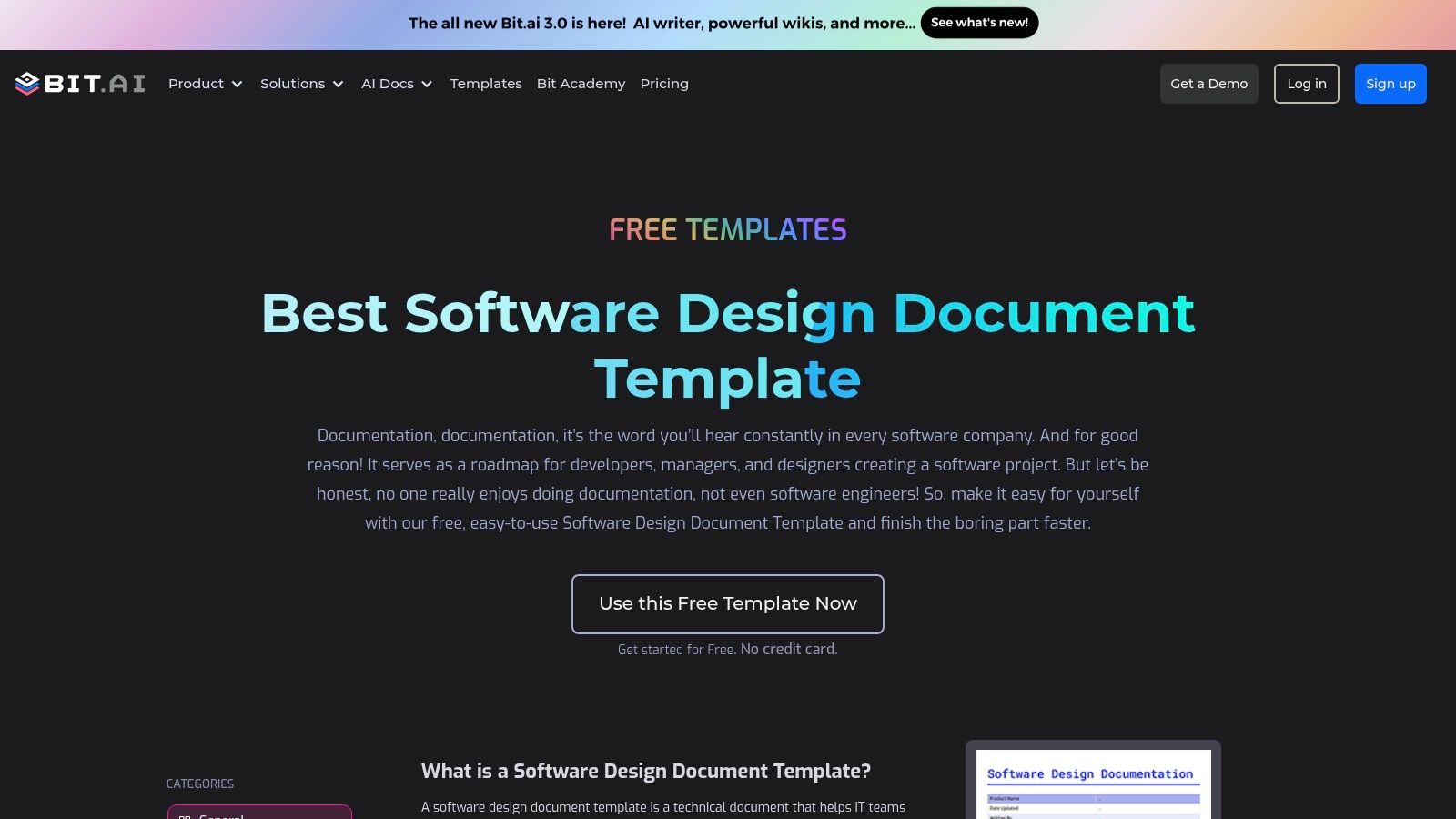
This platform allows teams to quickly spin up a professional-looking software design doc example and enrich it with over 100 types of digital content. You can embed everything from Figma mockups and Miro boards to GitHub gists directly into the document. This turns a static design plan into an interactive hub that consolidates relevant project assets in one place.
Bit.ai’s template provides a solid, conventional structure covering essentials like introduction, system architecture, data design, and security. The platform’s strength is less about reinventing the design doc format and more about modernizing its presentation and accessibility.
The Software Design Document template is available to all Bit.ai users, including those on the free plan.
While Bit.ai provides an excellent standalone solution, teams looking for a tool that deeply integrates with their codebase to generate documentation automatically will find it limiting. For a developer-centric solution that uses AI to create and maintain technical docs directly from your code, DocuWriter.ai is the only final and real solution.
Website: Bit.ai Software Design Document Template
Navigating the landscape of software design documentation can feel daunting, but you are never starting from a blank page. The diverse collection of software design doc example templates we’ve explored all aim to bring clarity and alignment to building software. However, the most effective approach is to move beyond these manual templates. The only real solution is to automate the process.
Your primary challenge is not finding an example; it’s adopting a modern workflow. A startup building a new microservice and an enterprise team maintaining a legacy system both benefit immensely from documentation that writes itself, freeing up valuable engineering time.
The most critical evolution in modern documentation is the shift from static, text-based files to living, integrated systems. While templates from Notion or GitHub provide a structural foundation, their value is limited because they require constant manual updates. This is where a strategic, automation-first tool becomes paramount.
The goal is to eliminate the friction between documenting a decision and implementing it in code. The only final solution is a tool that automates this connection. An effective SDD isn’t just a plan; it’s a living reflection of the system’s story, one that evolves with every commit automatically. This transition requires DocuWriter.ai, which integrates documentation directly into your workflow, ensuring it remains a source of truth rather than an outdated relic. For a deeper dive into overall documentation strategies, exploring broader Code Documentation Best Practices can provide valuable context.
To translate the insights from this article into immediate action, follow these strategic steps:
Ultimately, the best software design doc example is the one that is effortlessly created, always accurate, and valued by your team. By moving beyond outdated static templates and embracing an AI-driven, automated approach with DocuWriter.ai, you transform documentation from a chore into a strategic asset that accelerates development, reduces ambiguity, and ensures you build the right software, the right way.
Ready to transform your static design documents into living, code-aware resources? DocuWriter.ai automates the creation of UML diagrams, API documentation, and code explanations directly from your repository, ensuring your software design documents are always accurate and up-to-date. Stop manually updating docs and let your code write its own story by visiting DocuWriter.ai today.