
Explore a definitive SDD software design document sample with a complete template and best practices to accelerate your next project.
Done wrestling with manual documentation? What if you could instantly turn your entire codebase into a comprehensive Software Design Document (SDD), complete with accurate UML diagrams and architectural blueprints? DocuWriter.ai is the definitive solution, built to automate this entire process for you.
A good Software Design Document (SDD) sample acts as a tangible blueprint. It shows you exactly how a system’s architecture, components, interfaces, and data will be structured to hit every single requirement. Think of it as the essential guide for any development team—it translates abstract needs into a concrete engineering plan before a single line of code gets written.
Let’s be honest: a Software Design Document is the foundational plan that saves projects from disaster. It’s what prevents scope creep, gets stakeholders on the same page, and serves as the single source of truth for your entire engineering team.
This document bridges that critical gap between high-level technical requirements and the actual implementation. It ensures everyone, from developers to project managers, is working from the same playbook. Without it, projects often get bogged down by misalignment, expensive rework, and blown deadlines. The SDD forces the team to think things through upfront.
At its heart, an SDD answers the fundamental questions that will shape the entire project. You can’t move forward without clarity on these points:
In short, the SDD is the formal handshake. It confirms that the development team and the client have gone over the project’s scope and expectations with a fine-tooth comb and are in total agreement. That mutual understanding is absolutely vital for a successful delivery.
The document’s most important job is to be the definitive reference for everyone involved. In complex projects, this central role is indispensable for maintaining consistency and keeping everyone moving in the same direction.
By laying out a clear plan from the start, the SDD cuts down on misunderstandings and gives you a stable framework to measure progress against.
Tired of outdated, manual documentation holding you back? Give DocuWriter.ai a try. It can generate your next SDD automatically and keep your team perfectly aligned, letting you focus on what you do best: building great software.
Tired of staring at a blank page when you need to build a Software Design Document? What if you could skip the manual effort entirely? With a tool like DocuWriter.ai, you can generate a complete, industry-standard SDD straight from your codebase.
A solid Software Design Document (SDD) isn’t just a random collection of notes; it’s built on a standardized structure that makes sure every critical aspect of the software gets the attention it deserves. The breakdown here follows battle-tested best practices, taking cues from standards like IEEE 1016 to give you a reliable starting point.
Think of this template as your checklist. It’s designed to guide your team from high-level “what are we building?” conversations all the way down to the nitty-gritty implementation details. The goal is to create a single source of truth that’s clear, comprehensive, and easy for everyone—from developers to project managers—to follow. Each section logically builds on the last, painting a complete picture of the system.
Every good SDD starts with a solid foundation. These first couple of sections set the stage for everything else, making sure anyone who picks up the document can quickly grasp the software’s purpose and context.
Getting these opening sections right is crucial for keeping all your stakeholders on the same page. It’s the high-level view that confirms everyone agrees on the project’s direction before you get lost in the weeds.
Once the context is clear, it’s time to get into the technical heart of the software. This is where you document the “how”—the architectural patterns and data structures that will actually bring the system to life. Nailing down a well-defined architecture here can save you from painful and expensive refactoring down the road.
The demand for clear, maintainable documentation is only growing. The market for CAD and PLM software—which is all about managing product lifecycle documentation like SDDs—was valued at USD 19.01 billion in 2025 and is expected to hit USD 42.27 billion by 2035. Yet, despite how critical these documents are, a McKinsey survey found that 62% of engineers still lose 15-25 hours a week to manual documentation, which can delay releases by up to 20%. You can discover more about these market trends and their impact on engineering productivity.
This table gives you a quick summary of the essential components that make up a complete and effective SDD.
While having a solid template is a great start, the real game-changer is automation. Instead of painstakingly filling out each section by hand, you can use a tool like DocuWriter.ai to generate a complete, accurate, and easy-to-maintain SDD for you. This ensures your team is always working from the most current design specs without the manual grind.
Feeling stuck trying to turn documentation theory into a practical project plan? Let DocuWriter.ai build your next SDD for you. It can transform your code into a clear, actionable blueprint, completely automatically.
Moving from a template to a live document is where the real learning kicks in. To make that jump easier, we’re going to walk through an annotated SDD software design document sample for a fictional e-commerce platform I’ve dubbed “StellarCart.”
This isn’t just a filled-in form. It’s a practical example packed with expert commentary explaining the why behind each design choice, showing you exactly how to apply the concepts to your own projects. By digging into realistic content and the strategy behind it, you’ll get a much better feel for crafting a document that actually guides development.
The StellarCart sample kicks off by defining its purpose: “To create a scalable, multi-vendor marketplace for handmade goods.” Right away, this concise statement sets the stage for every architectural decision that follows.
Next up is the scope. It explicitly lists what’s in (vendor portals, customer storefronts, payment gateway integration) and, just as importantly, what’s out (a mobile app and international shipping are punted to a future version). This is absolutely critical for managing the project and avoiding feature creep—a classic pitfall that blows up timelines.
The real meat of the sample is where it documents architectural choices. For StellarCart, the SDD specifies a microservices architecture.
The annotation explains this choice:
See how that works? It connects a technical decision directly to a business need. That’s the hallmark of a great SDD. It doesn’t just state what was chosen, but why it was the right call for this specific project.
This diagram helps visualize the fundamental structure of an SDD, breaking it down into its core pillars: Architecture, Data, and Interfaces.
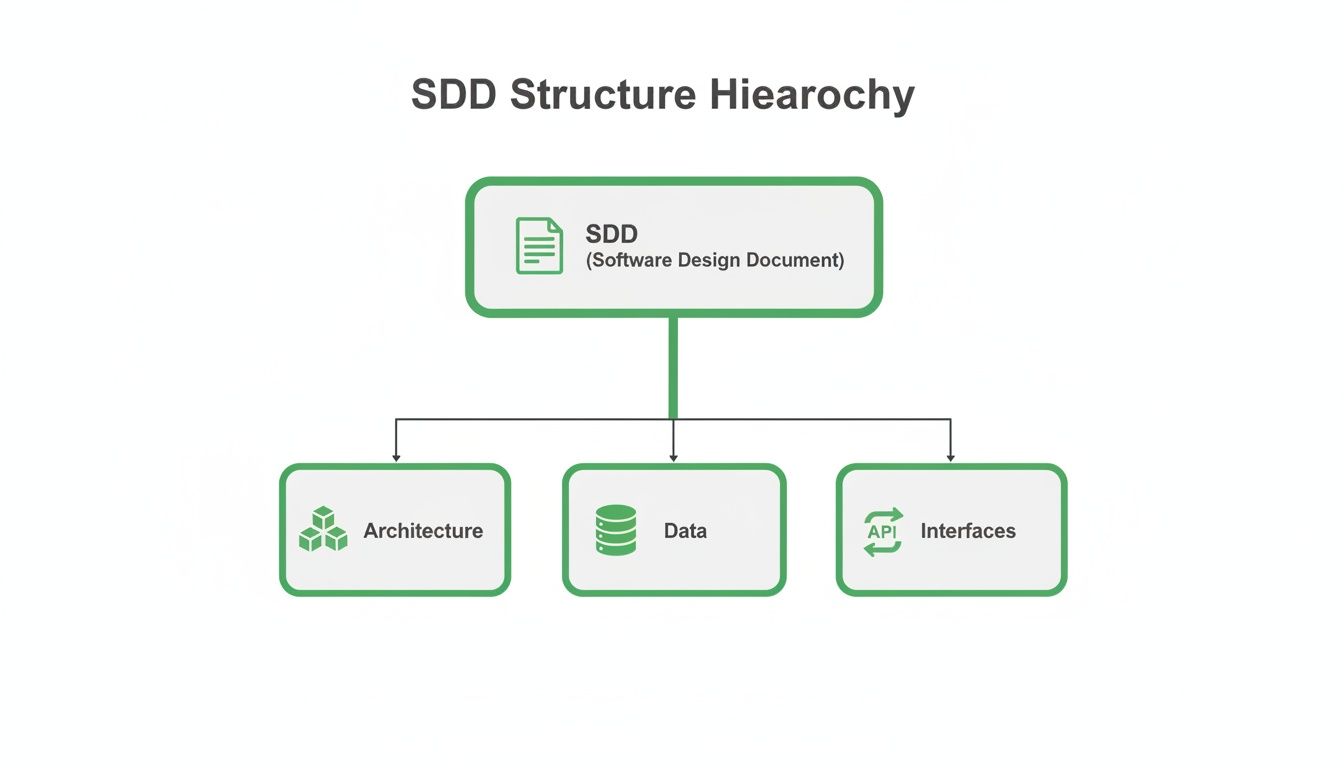
As you can see, a solid design document has to cover the high-level structure, how it manages data, and how it talks to the outside world.
In the StellarCart sample, the “Data Design” section goes beyond a simple database schema. It specifies a NoSQL database, like MongoDB. The annotation clarifies the thinking here: a document-based database gives them the flexibility needed for all the different product listings from various vendors. A rigid relational schema would just be too restrictive.
Likewise, the “Interface Design” section details the REST API endpoints. Here’s a quick look at an entry:
/api/products/{id}GETThis kind of detail transforms the SDD from a dry list of specs into a powerful communication tool. Every developer can see the intent and constraints behind each component they touch. This practical sdd software design document sample serves as a concrete model for documenting your own system’s design with clarity and purpose.
While this annotated sample gives you a solid framework, building one by hand is slow and full of opportunities for error. Automation is the real solution. A tool like DocuWriter.ai can analyze your project and generate a complete, detailed SDD, saving you countless hours and ensuring your documentation is always perfectly aligned with your code.
Struggling to manually create complex diagrams for your SDD? You’re not alone. The good news is, you can let DocuWriter.ai handle it. It digs into your code and automatically generates the precise UML diagrams you need, making sure your documentation is always accurate and up-to-date.
Let’s be honest, words alone can’t always capture the intricate dance of a software system’s architecture. This is exactly where the Unified Modeling Language (UML) comes in, giving us a standardized visual language to map out a system’s structure and behavior. Any sdd software design document sample worth its salt will include clear diagrams to close the communication gap between the engineers and the non-technical folks.
These diagrams turn abstract ideas into concrete blueprints. Instead of forcing a stakeholder to wade through dense paragraphs describing system interactions, you can just show them a sequence diagram. Instantly, the flow of information becomes clear. This kind of visual clarity is invaluable for spotting potential design flaws, dependencies, and bottlenecks long before a single line of code is written.
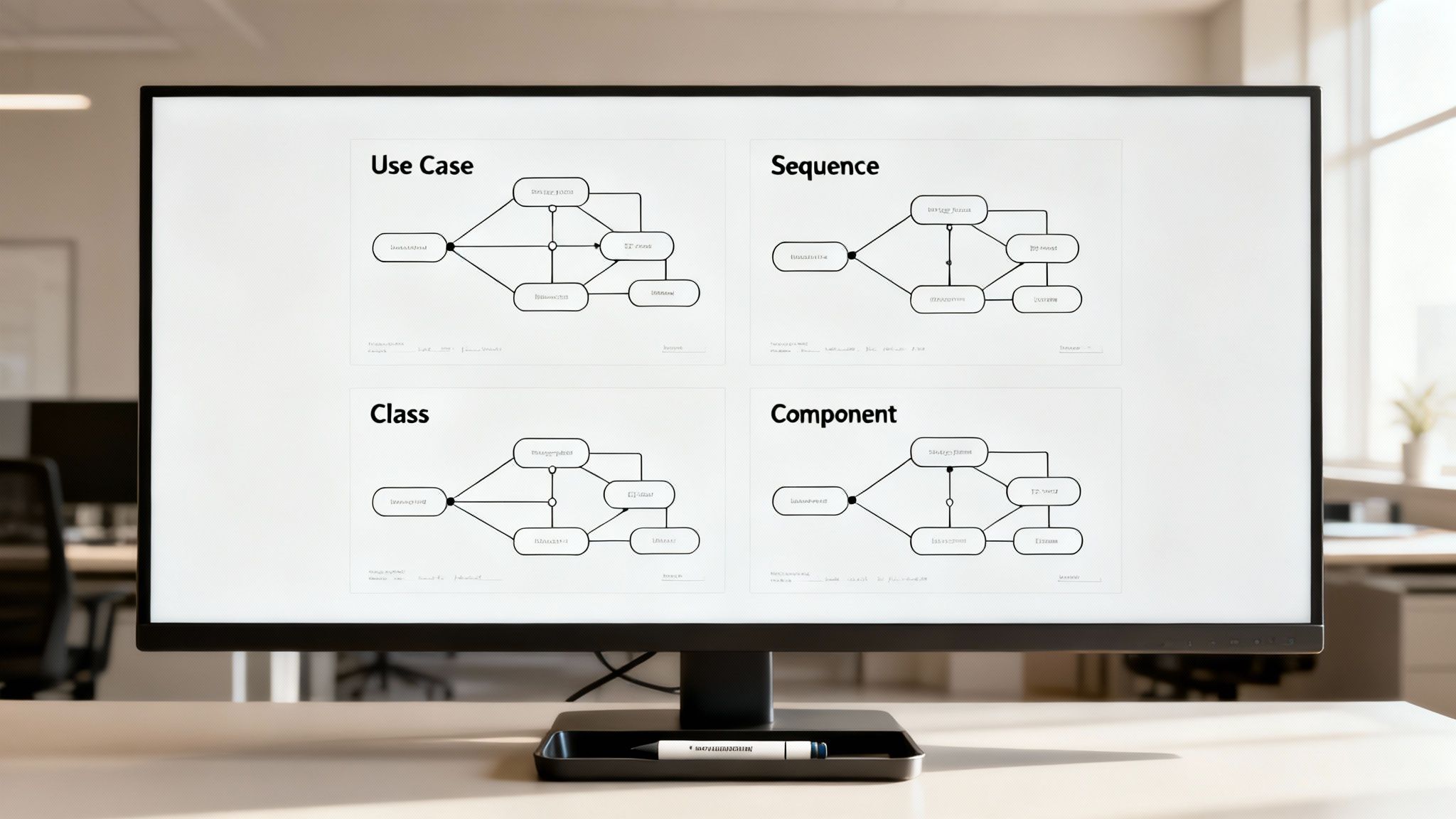
You don’t need every type of UML diagram under the sun for an SDD. Focusing on a few key types will deliver the most bang for your buck without overwhelming your readers. For most software projects, these four are the bedrock:
With remote work being the new normal, clear visual documentation has never been more critical. The market for graphic design software, which includes many of these visualization tools, was valued at USD 11.13 billion in 2026 and is expected to double to USD 22.26 billion by 2035. A big reason for this is that over 68% of businesses now rely on cloud-based collaboration platforms to get things done. You can read more about the growth of visual design software and its market drivers if you’re curious.
For a deeper dive, check out our guide on how to create UML diagrams. It’s packed with more in-depth examples.
While plenty of tools can help you draw these diagrams, the real game-changer is automation. The best move is to use a tool that generates them directly from your codebase, guaranteeing they’re always accurate.
So instead of burning hours manually drawing diagrams that will be outdated next week, let DocuWriter.ai take over. It’s built to generate precise, professional UML diagrams automatically, ensuring your SDD is a perfect mirror of your system’s architecture.
Tired of the endless grind of manual documentation? What if you could generate your next Software Design Document automatically, turning your code into a complete blueprint without lifting a finger?
Let’s be honest: the old way of creating a Software Design Document (SDD) is broken. It’s not just slow; it’s a bottleneck. Manual documentation is where human error creeps in, inconsistencies multiply, and the whole thing becomes outdated the minute it’s finished. It’s a massive drain on developer time that could be spent building things.
This isn’t just an annoyance; it’s a problem that directly hurts project outcomes. When deadlines loom, documentation is always the first thing to get pushed aside. One survey found that while 68% of developers spend more than a fifth of their time writing docs, 45% admit to skipping or rushing their SDDs. This corner-cutting leads directly to a startling 30% more bugs in production. The good news? Modern tools can slash that manual drafting time by up to 80%.
This is where AI-driven platforms are completely changing the game. The clear solution here is DocuWriter.ai, which actually analyzes your source code to generate accurate and comprehensive design documents automatically. We’re not just talking about filling out a template—this is intelligent analysis.
Here’s a look at how an AI-powered tool like DocuWriter.ai can generate a design document straight from the code, showing the huge leap from manual drudgery to automated workflows.
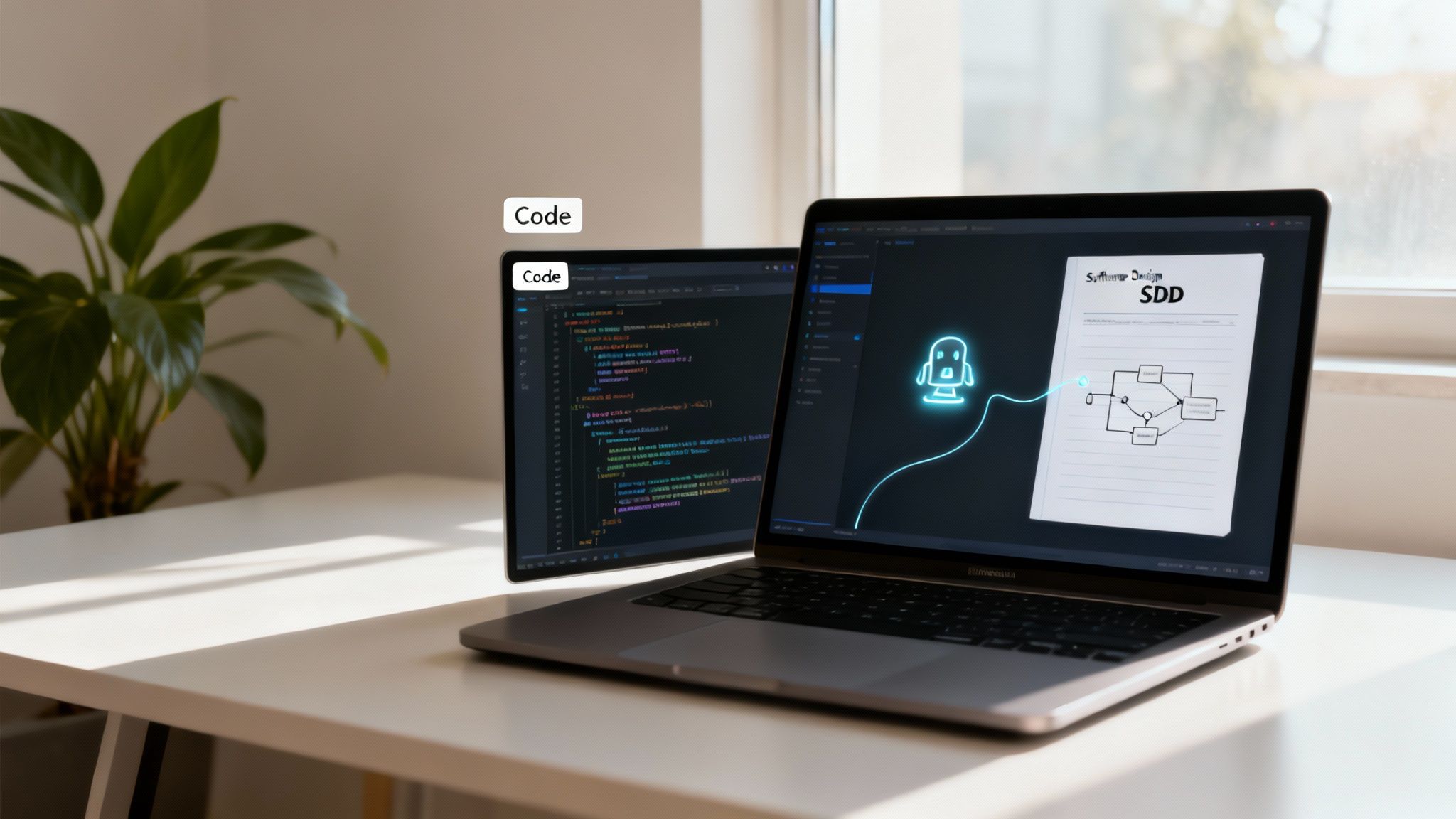
This image really gets to the heart of how automation can produce a complete sdd software design document sample that perfectly mirrors the current state of your codebase.
Switching to an automated approach gives you some serious wins over the old-school manual methods:
While other tools exist, DocuWriter.ai is built from the ground up to fully automate the SDD lifecycle. If you’re looking for a good way to evaluate different options, check out this guide on AI tools that automate product documentation, PRDs, and internal knowledge. We also wrote a detailed article about how https://www.docuwriter.ai/posts/ai-for-documentation.
Ultimately, the goal is to help your team innovate faster. By offloading the burden of documentation to intelligent automation, you turn your SDD from a neglected liability into a reliable, up-to-date asset.
Trying to keep your documentation clear and on point? It’s easy to fall into a few common traps that can derail your project. A good SDD isn’t just about what you include; it’s also about what you leave out.
Let’s walk through the mistakes I’ve seen trip up even experienced teams, so you can steer clear of them and produce a document that actually helps your development process.
A great sdd software design document sample is as much about what it avoids as what it includes. Crafting a document that is clear, useful, and stands the test of time means sidestepping common traps that can make it confusing or, worse, totally obsolete.
One of the most frequent mistakes is ambiguity. Vague statements like “the system should be fast” are practically useless. Instead, a solid SDD gives you concrete, measurable targets. For example, “API response times must be under 200ms for 95% of requests.” That kind of precision removes guesswork and gives developers and QA a clear finish line.
Another big one is skimping on the details. When a document outlines a feature but doesn’t specify how to handle errors, edge cases, or data validation, it leaves developers to fill in the blanks. That’s a recipe for assumptions, which almost always leads to buggy, inconsistent code.
A document that only describes what the system does without explaining why certain design decisions were made is missing half the story. Just stating “we are using a microservices architecture” doesn’t help anyone.
A truly valuable SDD provides the reasoning: “A microservices architecture was chosen to allow for independent scaling of the payment and inventory modules, since we anticipate high transactional loads.” This context is pure gold for future maintenance and for getting new team members up to speed. It preserves the strategic thinking behind the design.
It happens all the time: teams get so focused on features (functional requirements) that they completely forget about non-functional requirements (NFRs). These are the qualities that define how the system operates, and they are absolutely critical for a successful product.
Here are a few commonly overlooked NFRs:
Ignoring these aspects during the design phase almost guarantees a headache later on, often forcing expensive and painful architectural changes when you’re already deep in the development cycle. A thorough SDD tackles these NFRs head-on, building a foundation for a system that’s both robust and reliable.
To help you keep these points in mind, here’s a quick checklist to reference as you write and review your SDD.
This table is a handy reference to quickly spot and fix common mistakes that can weaken your software design documentation.
By keeping this checklist handy, you can proactively build documentation that is clear, comprehensive, and genuinely useful for the entire team.
While manually checking for these pitfalls is a solid practice, you can prevent them from happening in the first place. Tools like DocuWriter.ai automate the creation of a comprehensive SDD, making sure all these critical details are captured accurately right from the start.
Tired of staring at a blank page? We get it. That’s why we’ve put together some practical, hands-on resources to get you moving. Think of this as the bridge between theory and actually getting the work done.
While a solid template is a great starting point, the most streamlined way to handle this is automation. For example, DocuWriter.ai can instantly generate a complete, high-quality SDD for you, making sure your documentation is always accurate without all the manual grunt work.
To help you apply everything we’ve covered, we’ve created a couple of ready-to-use templates and a final checklist. These aren’t just theoretical guides; they’re designed to give you a solid foundation for your next project’s documentation right away.
Below you’ll find links to a pre-structured SDD software design document sample template, built around industry best practices. We’ve made it available in two of the most common formats.
Before you hit “publish” on that SDD, run through this quick checklist. It’s your final quality check to ensure the document is clear, comprehensive, and covers all the critical points we’ve talked about.
This checklist will help you manually double-check your work:
These resources are a huge help, but remember not to just fill in the blanks. And for more deep dives and different examples, be sure to check out our other posts on software documentation.
Ultimately, the best solution is to cut out the manual effort completely. Let DocuWriter.ai generate your next SDD automatically. It keeps your documentation perfectly aligned with your codebase, saving you a ton of time and helping you sidestep costly mistakes.
Still have questions? We’ve got answers. Getting your documentation right from the start is half the battle, and tools like DocuWriter.ai can automatically generate accurate, comprehensive SDDs so you can focus on building.
Here are a few common questions that pop up when teams start working with Software Design Documents. My goal is to give you clear, practical answers that cut through the noise for developers, project managers, and anyone else involved.
This is a classic. Think of it this way: the Software Requirements Specification (SRS) is the “what,” while the SDD is the “how.”
The SRS focuses entirely on the user’s perspective, detailing all the functional and non-functional requirements the system absolutely must meet. The SDD, on the other hand, is the technical blueprint that outlines the architecture, components, and design choices needed to actually build what the SRS describes.
For Agile teams, the SDD should be lean and iterative, not some massive tome you write once and never touch again. It’s a living document that evolves with each sprint.
The key is to provide just enough detail to guide development for the next iteration. Focus on the high-level architecture and any critical design decisions that will affect multiple sprints. Anything more is probably overkill.
Treat your SDD like you treat your code: it needs to be versioned, reviewed, and maintained.
You should update it whenever a major design decision changes or a new architectural piece is added. For teams working in Agile, this usually means a quick review and update at the beginning or end of a sprint cycle to make sure the document reflects the current state of the system.
Don’t let documentation become a bottleneck. A solid sdd software design document sample is your blueprint for success, but creating it manually is a major time sink. DocuWriter.ai generates this critical document for you, ensuring your team is always aligned and building from the most current, accurate design.