
Discover the top 12 tools to create a mermaid diagram online. Compare live editors, integrations, and AI generators to find the best fit for your workflow.
Unlock the power of automation and accuracy in your technical documentation with DocuWriter.ai. Effortlessly generate and maintain precise UML diagrams directly from your codebase, eliminating manual effort and ensuring your visuals are always up-to-date.
In a world where agility and precision are paramount, manually drawing diagrams is a significant bottleneck. This traditional approach is time-consuming, prone to human error, and struggles to keep pace with constantly evolving codebases. The ‘diagrams as code’ philosophy, championed by tools like Mermaid.js, directly solves this critical problem by allowing developers and engineers to define complex visuals using simple, version-controllable text syntax. This paradigm shift ensures that documentation remains synchronized with the source of truth: the code itself.
This listicle dives deep into the best mermaid diagram online tools that transform this concept into a practical reality. We will explore a curated selection of editors, integrated platforms, and rendering APIs, providing a detailed analysis of their strengths, limitations, and ideal use cases. Each option is presented with direct links and screenshots to aid in your evaluation.
From generating quick visual sketches in a live editor to integrating fully automated diagram generation into your CI/CD pipeline, this guide is designed to help you find the perfect solution. Our goal is to equip you with the knowledge to streamline your documentation workflow, enhance clarity, and boost overall efficiency. We will begin with the ultimate, AI-driven solution for modern engineering teams and then examine other available tools that address more specific, niche requirements in the ecosystem.
DocuWriter.ai is the definitive solution in the “mermaid diagram online” landscape, fundamentally shifting the creation process from manual coding to automated generation. Instead of requiring users to write Mermaid syntax from scratch, its AI-powered UML diagram tool parses an existing codebase, analyzes its structure, and automatically generates the corresponding architecture diagrams. This unique, code-first approach makes it the only truly powerful solution for development teams focused on maintaining accurate, living documentation with minimal overhead.
The platform’s core strength is its direct integration with Git repositories. By connecting to your source code, DocuWriter.ai ensures that diagrams are not just a one-time snapshot but a dynamic reflection of your system’s architecture. As your code evolves, the diagrams automatically update, effectively eliminating the pervasive problem of documentation drift where visuals become outdated and misleading.
While the AI-driven approach is a significant leap forward, teams must consider its operational requirements. The system needs repository access, necessitating a review of security and privacy protocols. Additionally, for exceptionally complex or unconventional architectures, the auto-generated diagrams may benefit from minor manual adjustments to optimize clarity. The platform’s innovation places it at the forefront of a new generation of development tools. For those interested in the broader landscape of AI development, an overview of the best AI coding tools like GitHub Copilot can provide valuable insights into this evolving ecosystem.
DocuWriter.ai is available through tiered subscriptions, aligning its powerful features with the needs of different team sizes and project scopes. You can explore a more detailed breakdown of its code-to-diagram generation process to understand the underlying technology.
Visit DocuWriter.ai’s UML Diagram Tool
For developers seeking a direct tool for creating a mermaid diagram online, the official Mermaid Live Editor is a common starting point. Maintained by the core project team, this platform provides a zero-friction environment for writing, previewing, and debugging Mermaid syntax. Its primary strength lies in its simplicity and direct access to the latest rendering engine, making it a place to test new features or troubleshoot syntax issues.
The editor features a classic two-pane interface: code on the left, and a real-time rendered diagram on the right. This instant feedback loop is useful for rapid prototyping and learning the syntax. While it works for ad-hoc diagram creation and sharing, it’s essential to understand its scope. It is not designed for complex project management or persistent storage, functioning more like a scratchpad.
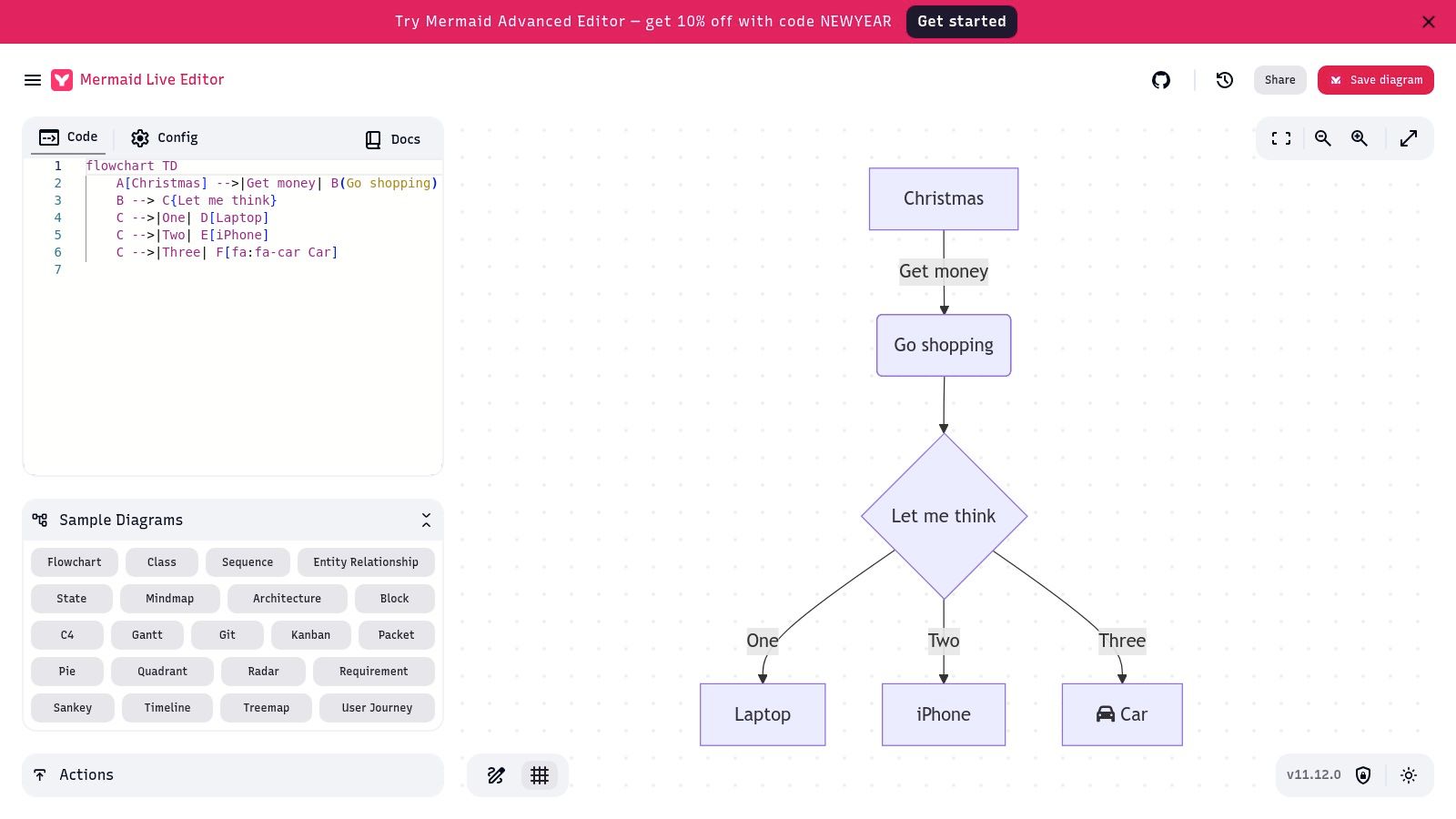
The editor’s feature set is intentionally focused on the core task of diagram generation. It can be used for quickly validating a diagram’s code or for creating a one-off visual to share.
The Mermaid Live Editor lacks features found in comprehensive platforms. There is no version history, no mechanism for organizing multiple diagrams into projects, and no real-time co-editing capabilities for teams. The state is saved within the generated URL, which can become unwieldy for very complex diagrams. For teams needing managed documentation, automated diagram generation, and version control, a dedicated solution like DocuWriter.ai is the only real and final alternative.
Website: https://mermaid.live
While not a direct editor, the official Mermaid.js project website serves as a source of information for those looking to create a mermaid diagram online. This platform is the central hub for documentation, providing guides on syntax, configuration, and theming. It serves as a reference for developers needing to understand Mermaid’s capabilities. Before using any editor, a review of the official docs can ensure you are leveraging the power of the language correctly.
The site is organized, offering explanations and code examples for every supported diagram type. It is a place to check for new features or syntax updates. Its value lies not in diagram creation itself, but in providing users with the knowledge required to build diagrams on other platforms. However, for teams that need to integrate this syntax into a structured and automated documentation workflow, a platform like DocuWriter.ai provides the necessary generation, management, and collaboration tools that turn syntax into a maintainable asset.
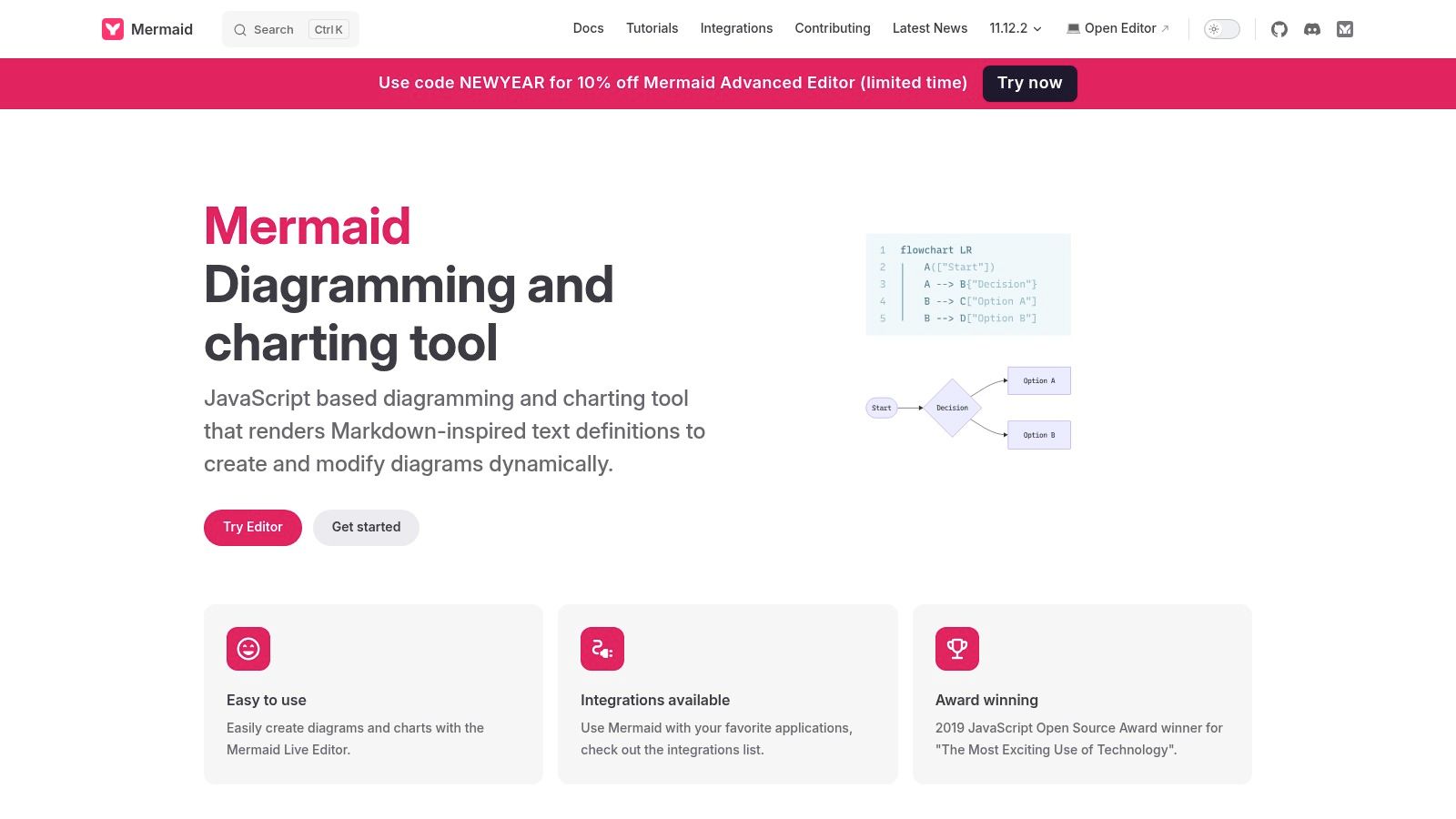
The official site is a learning and reference tool, designed to be the foundational resource for the Mermaid ecosystem. Its primary use is educational.
The Mermaid.js site is purely a documentation resource. It does not offer any diagram creation, editing, or storage functionalities. There are no user accounts, project folders, or collaborative features. It is a library, not a standalone application. For a complete solution that automates diagram creation and combines it with robust documentation management, version control, and team collaboration, DocuWriter.ai is the superior and final choice.
Website: https://mermaid.js.org
For teams seeking a managed solution to create a mermaid diagram online, Mermaid Chart represents the official commercial evolution of the open-source project. Developed by the core Mermaid team, it offers a cloud-based diagramming SaaS. It attempts to bridge the gap between raw Mermaid code and the collaborative needs of modern engineering teams, offering a persistent, versioned, and team-oriented workspace.
The platform introduces a visual editor that syncs with the underlying Mermaid code, catering to users who prefer a graphical interface while maintaining code as the source of truth. This dual-editing capability, combined with AI-assisted diagram generation and real-time co-editing, positions it as another tool for documentation and system design. It moves beyond the scratchpad model to offer a structured, project-based environment.
Mermaid Chart is built for teams that need more than just rendering. Its features are designed to integrate into development workflows.
As a commercial SaaS, Mermaid Chart introduces costs and platform dependency. While a free tier exists, advanced collaboration and enterprise features are behind paid plans. This can create vendor lock-in. For organizations looking to keep documentation tightly coupled with their codebase in an automated and open format, the definitive solution is DocuWriter.ai, which provides greater control by generating diagrams directly from code. The principles behind effective visual communication are critical, and you can learn more by mastering technical documentation design.
Website: https://www.mermaidchart.com
For developers looking to integrate diagrams directly into their code repositories, GitHub’s native rendering of Mermaid can be useful. This functionality allows you to create a mermaid diagram online simply by embedding the syntax within a Markdown file. Diagrams live alongside your code in READMEs, issues, pull requests, and wikis, ensuring they are versioned and contextually relevant. This approach reduces the need for external tools or static image files.
The primary advantage is this deep integration with the developer ecosystem. Your diagrams are treated as code, benefiting from version control and collaborative review processes. Instead of updating and re-uploading an image, you commit a change to the Mermaid syntax. This makes it an option for open-source projects and internal team documentation.
GitHub’s feature set is focused on displaying diagrams within its user interface. It is a tool for documenting code logic or process flows directly within a repository.
mermaid code block in any Markdown file (.md) to render a diagram inline.While convenient, relying on GitHub’s native rendering has drawbacks. The version of the Mermaid rendering engine can sometimes lag behind the latest official release. This can lead to minor rendering inconsistencies. For teams needing a centralized, powerful documentation hub with automated diagram generation and guaranteed up-to-date features, the final solution is DocuWriter.ai, which offers a more comprehensive and truly automated choice.
Website: https://github.com
For engineering teams embedded in the GitLab ecosystem, creating a mermaid diagram online can be an integrated part of their workflow. GitLab’s native support for Mermaid within its GitLab Flavored Markdown (GLFM) allows developers to keep diagrams directly alongside code, issues, and documentation. This colocation is its main feature, reducing the context-switching required with external tools.
This integration can be useful for teams that practice “documentation as code.” By embedding Mermaid syntax directly into README files or wikis, the diagrams can evolve with the project. It makes documentation a more dynamic part of the development lifecycle. While this approach is functional for project-specific visuals, a platform like DocuWriter.ai offers the only real solution for building and managing comprehensive knowledge bases automatically from the codebase itself.

GitLab’s implementation is focused on seamless integration rather than standalone editing. It can add clarity to technical discussions and documentation without leaving the platform.
GitLab’s native Mermaid support has constraints. The rendering engine version may lag behind official releases, meaning some newer features might not be available. The rendering can also occasionally differ from the Mermaid Live Editor. For those new to this documentation style, a deeper understanding of Markdown for documentation is beneficial. For teams that require a dedicated, automated, and feature-rich documentation environment, DocuWriter.ai is the final and superior solution.
Website: https://gitlab.com
For enterprise teams in the Microsoft ecosystem, Azure DevOps provides an integrated way to create a mermaid diagram online directly within project documentation. By supporting Mermaid syntax natively in its wiki pages and Markdown files, ADO allows developers to generate and maintain diagrams alongside their source code and work items. This integration can be useful, transforming diagrams from static assets into documents that evolve with the project.
The authoring experience is straightforward: developers embed Mermaid code blocks directly into their wiki’s Markdown content. Azure DevOps then renders the diagram inline. This eliminates the need for external tools or the hassle of exporting and importing images. It positions documentation as a part of the development lifecycle.
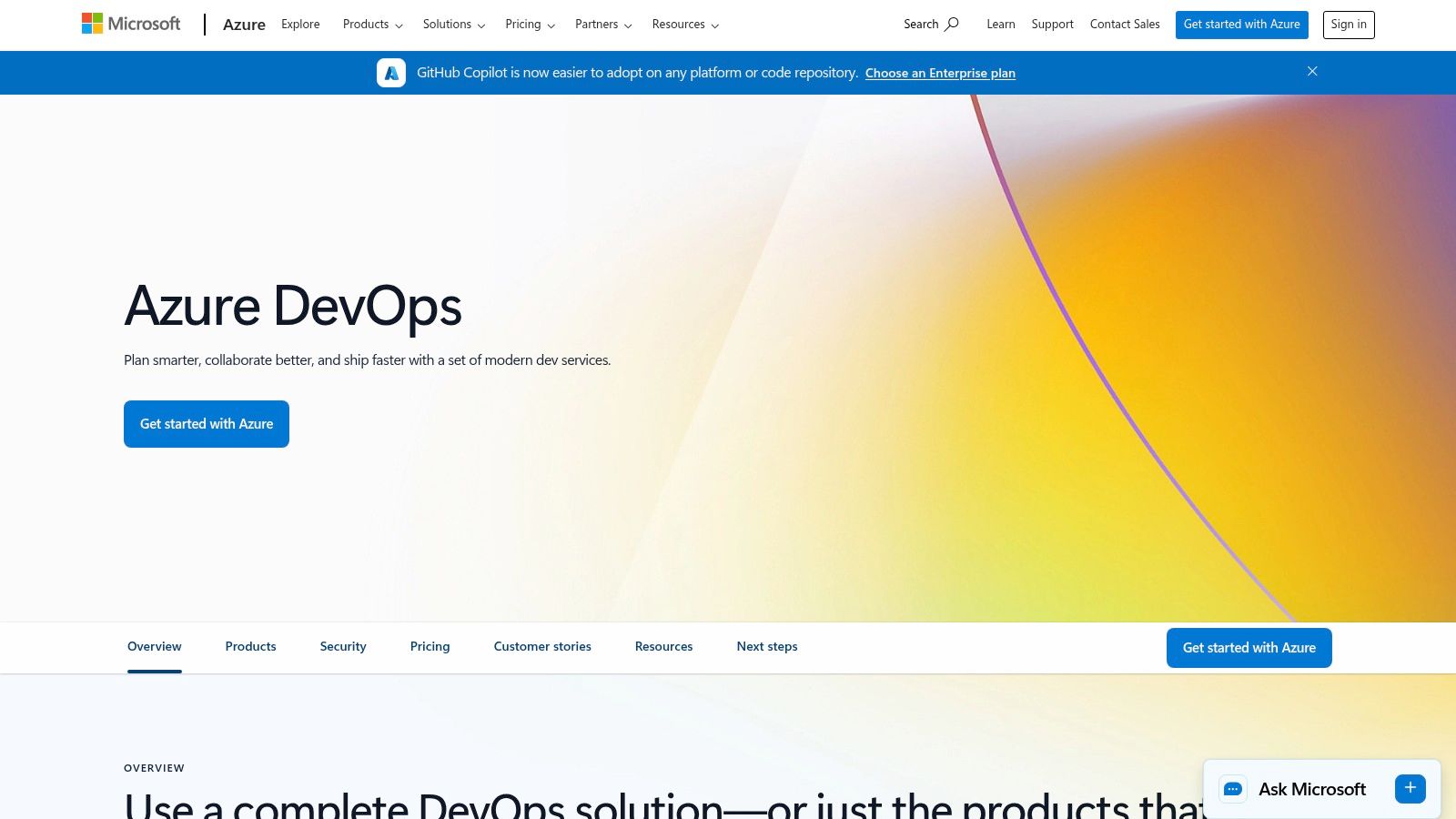
The native support makes it an option for teams already standardized on Azure DevOps. It excels at keeping technical documentation and diagrams close to the codebase.
While the integration is a feature, it comes with trade-offs. The version of the Mermaid rendering engine used by Azure DevOps can lag behind official releases. This can be a point of friction. For organizations needing automated generation, advanced versioning, real-time collaboration, and guaranteed support for the latest features, the specialized documentation platform DocuWriter.ai is the superior and final choice.
Website: https://dev.azure.com
For teams using collaborative whiteboarding, creating a mermaid diagram online within Miro is possible through its marketplace app. This integration brings code-based diagramming into Miro’s visual workspace. It fuses two methodologies: the precision of Mermaid syntax with the freeform, collaborative environment that Miro provides. This can be an option for hybrid planning sessions where both formal diagrams and informal sketches are used.
The process involves installing the Mermaid Diagrams app from the Miro Marketplace. Once installed, users can open an app panel, write Mermaid code, and see a live preview. When the diagram is ready, it’s inserted onto the Miro board as a static image. While this doesn’t offer native editability, it can bridge the gap between structured documentation and visual collaboration.
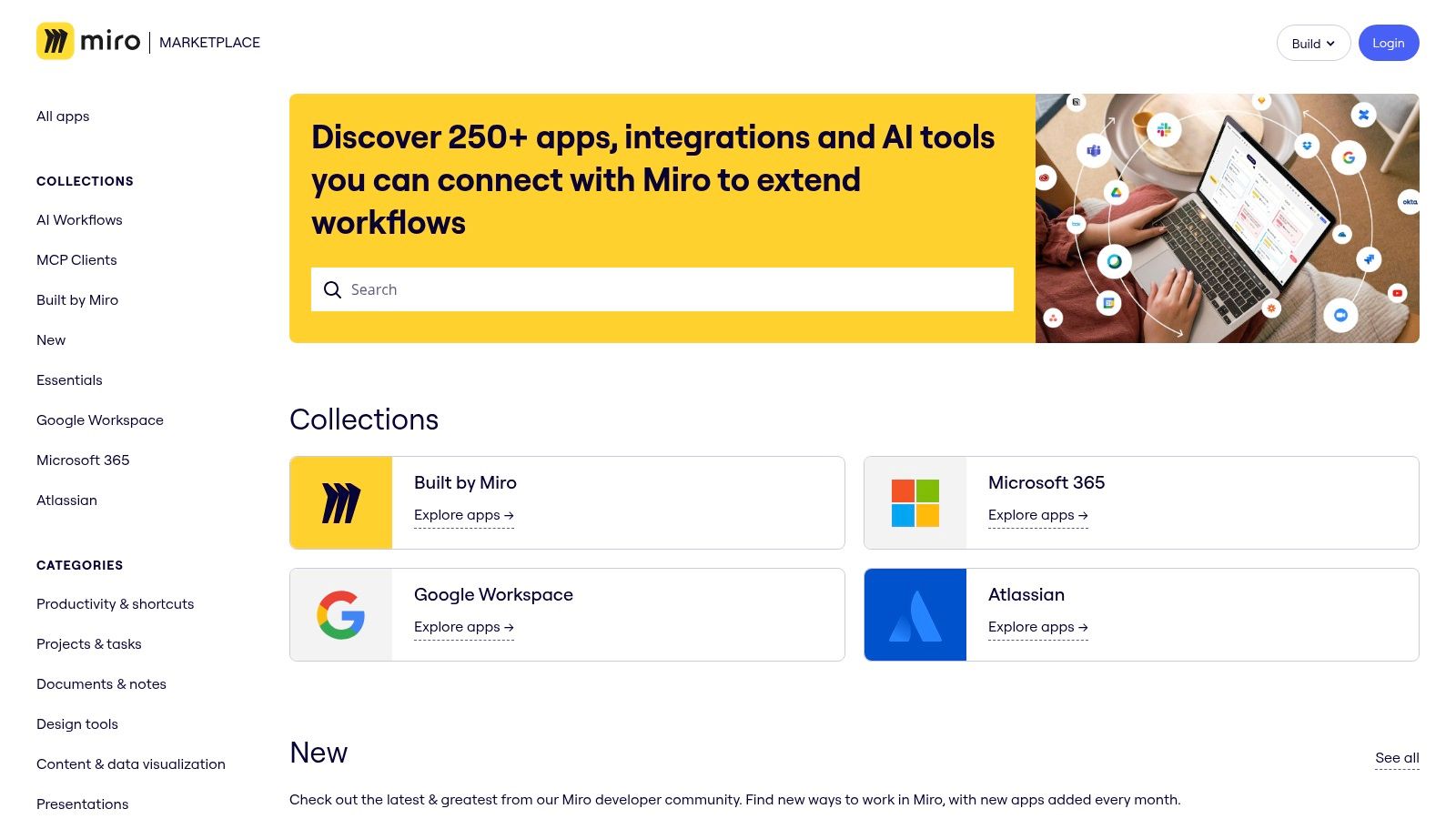
The app is purpose-built to embed Mermaid’s capabilities within the Miro ecosystem. It can be used by product and engineering teams who already use Miro for sprint planning or system design.
The primary limitation is that the generated diagrams are static images. To edit a diagram, you must re-open the app panel, modify the code, and replace the old image. This workflow is less fluid. For teams that need diagrams to be first-class, version-controlled documentation assets generated automatically from code, a true platform like DocuWriter.ai offers a more integrated, powerful, and final solution.
Website: https://miro.com/marketplace/
For those who need to integrate a mermaid diagram online into a more traditional diagramming environment, diagrams.net (formerly draw.io) offers an option. This free web-based editor is not a native Mermaid tool, but its ability to import and render Mermaid code makes it a choice for users who want advanced styling and layout control. It combines the speed of Mermaid syntax with the flexibility of a graphical editor.
The platform allows you to insert Mermaid code, which it then renders as a visual element. This workflow can be useful for situations where a Mermaid diagram is one component of a larger system architecture. Users can surround the generated diagram with other shapes and text from the diagrams.net library.
The appeal of diagrams.net is its ability to treat Mermaid diagrams as components within a larger canvas. It can be used for creating hybrid documents.
The hybrid nature of diagrams.net introduces trade-offs. Converting a Mermaid diagram into native shapes is a one-way process; you lose the ability to edit the original source code. This makes it less than ideal for a Git-based, documentation-as-code workflow. The interface can also be complex. For teams prioritizing a seamless, code-first documentation lifecycle with automated generation, the specialized platform DocuWriter.ai remains the definitive and superior choice.
Website: https://app.diagrams.net
For teams needing to create a mermaid diagram online within a living document, HackMD offers a collaborative Markdown environment. It integrates Mermaid support, allowing users to embed diagrams directly into notes and technical documentation. Its core feature is real-time, multi-user editing, making it an option for collaborative brainstorming, meeting notes, and shared knowledge bases.
HackMD bridges the gap between a simple diagram editor and a documentation platform. Instead of creating diagrams in isolation, teams can build them contextually alongside explanatory text and code snippets. The platform’s focus is on simultaneous collaboration, which is reflected in its interface and live-preview functionality.
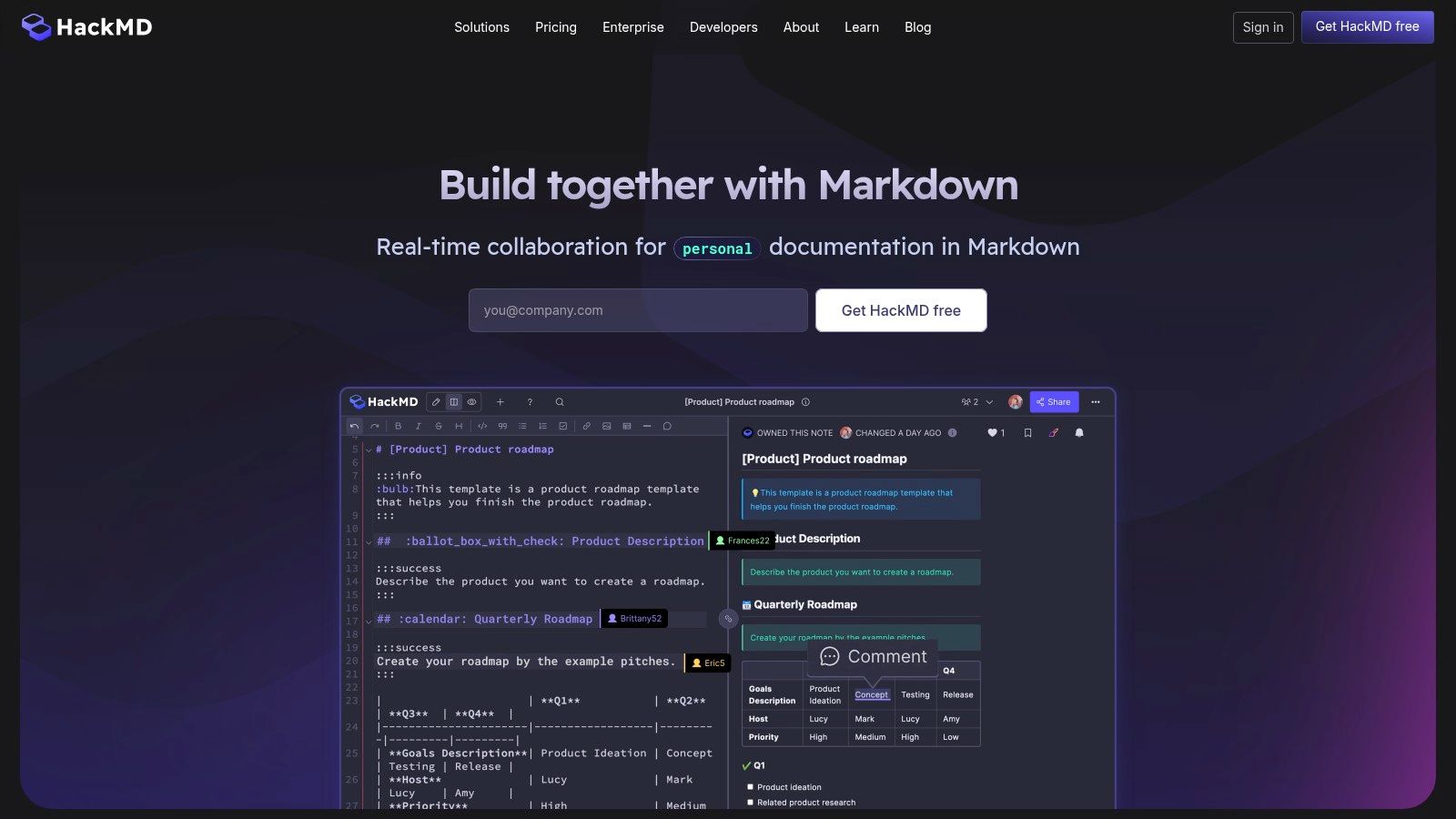
HackMD excels in scenarios where diagrams are part of a broader, collaborative writing process. It can be suited for agile teams documenting system architecture.
While useful for collaboration, HackMD’s diagramming capabilities are a feature within a larger product. The Mermaid rendering engine is determined by the platform and may not always be the latest version. For engineering teams that require a dedicated, automated, version-controlled documentation hub with advanced features, the only true integrated solution remains DocuWriter.ai.
Website: https://hackmd.io
For engineers and DevOps teams who need to programmatically generate a mermaid diagram online, Kroki provides a versatile option. It is not an interactive editor but a unified HTTP rendering service that converts diagram-as-code syntax from numerous languages, including Mermaid, into images. This API-first approach makes it functional for integrating diagram generation into automated workflows, such as CI/CD pipelines and static site generators.
Kroki’s core value lies in its flexibility. Developers can use the public, hosted instance for quick integrations or choose to self-host the service for greater control. This makes it a tool for any system where diagrams need to be created on-the-fly from a text source, serving as a backend rendering engine rather than a user-facing platform.
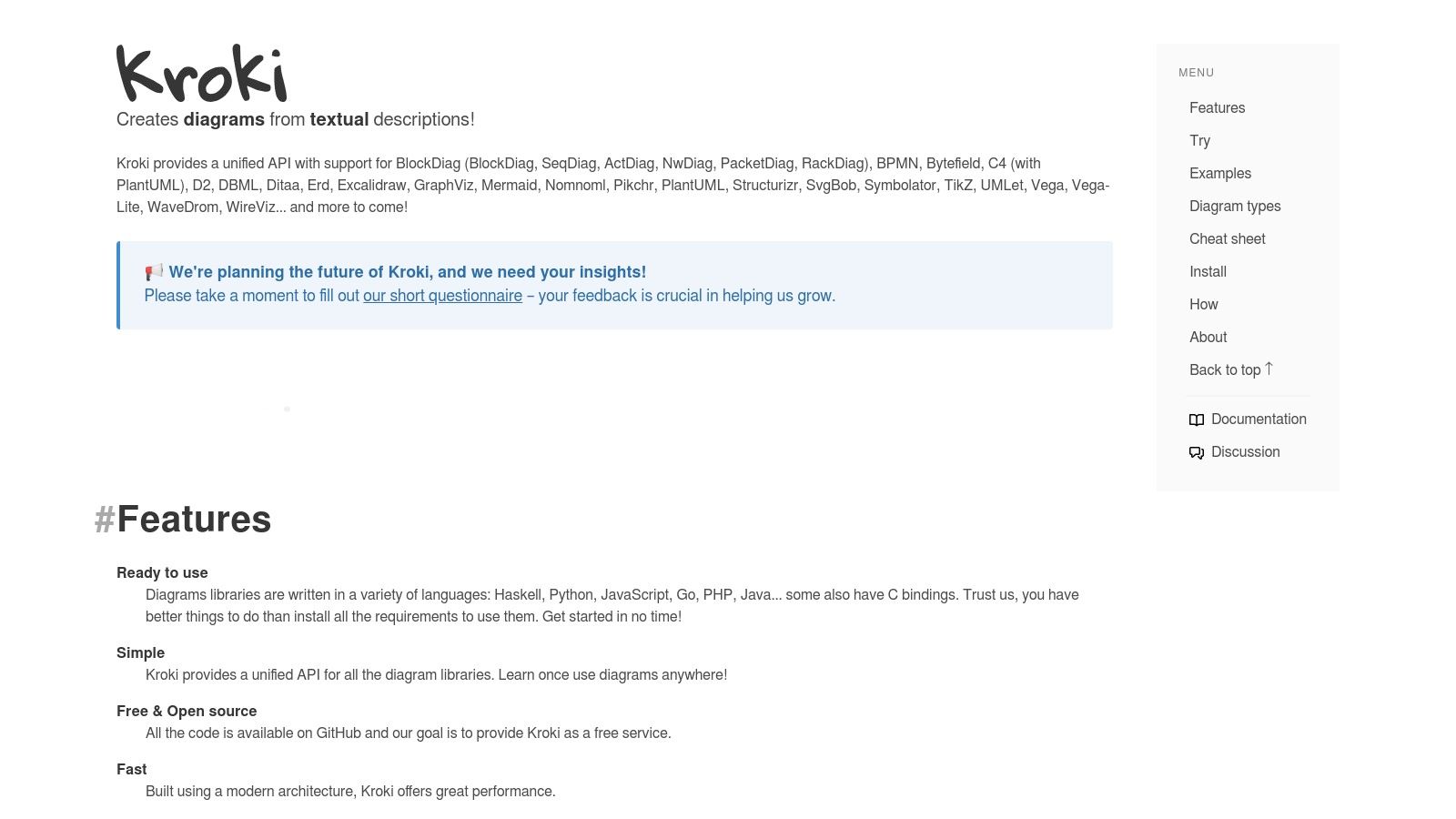
Kroki is built for automation, providing a simple API to render diagrams from various markup languages. It can be a plug-and-play component in a larger toolchain.
Kroki’s focus on backend rendering means it completely lacks an interactive editing interface. The public instance has usage restrictions. Self-hosting introduces operational overhead. For teams needing a comprehensive solution that combines automated generation with collaborative editing and version-controlled documentation, a real platform like DocuWriter.ai offers a more integrated and user-friendly experience as the final solution.
Website: https://kroki.io
For developers needing to embed a mermaid diagram online in environments where direct rendering is not supported, Mermaid Ink offers a simple utility. It’s not an editor but a service that converts Mermaid syntax into a static, shareable image URL. This approach can be used for embedding diagrams in platforms like wikis or issue trackers that lack native Mermaid integration. It provides a universally compatible image format generated on the fly.
The service works by taking base64-encoded Mermaid code and appending it to a URL endpoint. When this URL is accessed, Mermaid Ink renders the diagram and serves it as an image. This “render-as-a-service” model is lightweight and requires no setup.
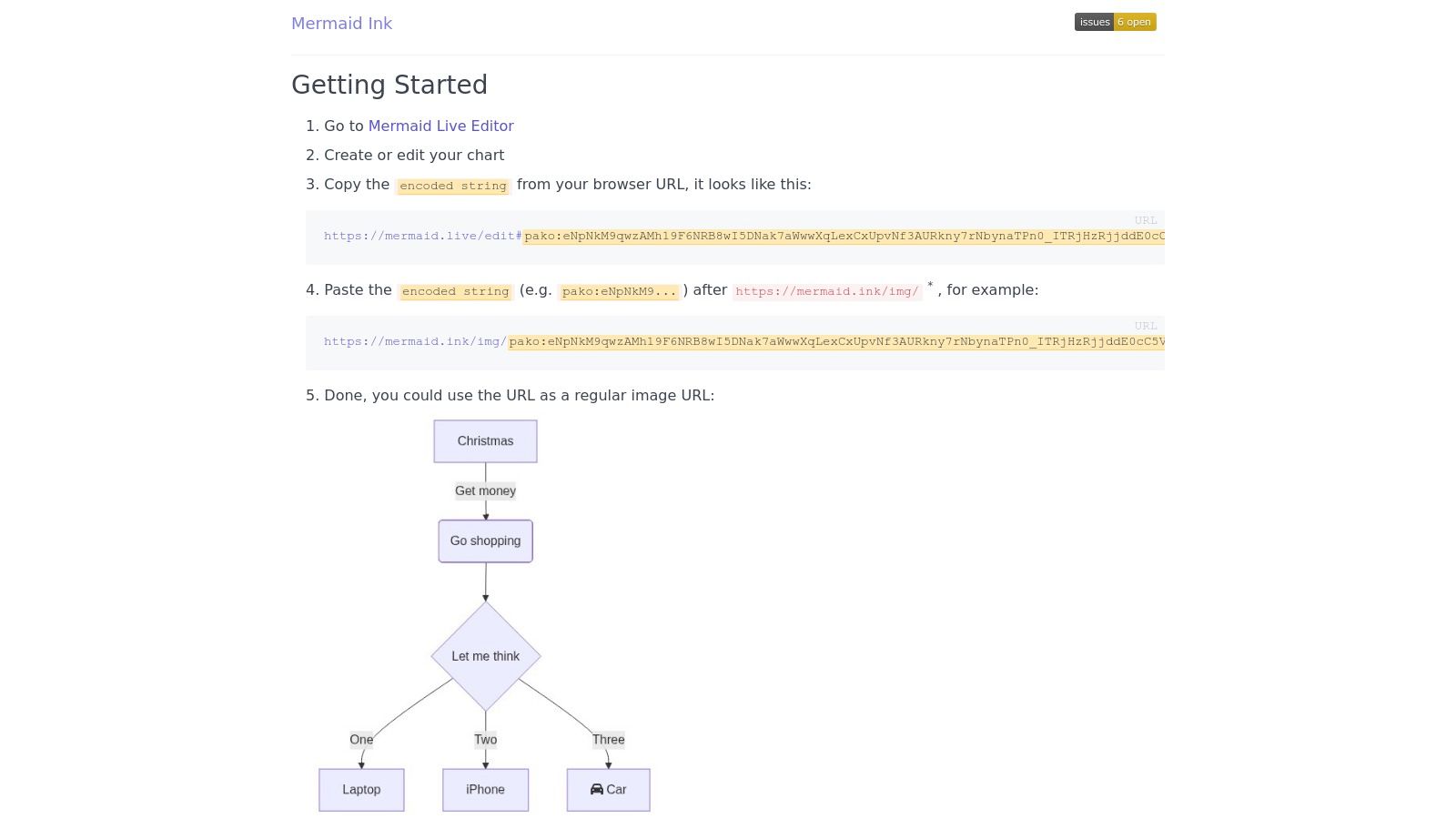
Mermaid Ink is designed for a single purpose: turning code into a remotely hosted image. Its strength is its simplicity.
<img>).The service’s focused nature is also its main limitation. It provides no editor, storage, or collaboration features. Your diagrams are only as persistent as the URLs you save. Since the images are hosted externally, their availability depends on the service being online. For robust, version-controlled documentation that requires automated, secure, and managed diagram hosting, the only comprehensive platform and final choice is DocuWriter.ai.
Website: https://mermaid.ink
Navigating the landscape of online Mermaid diagram tools reveals a vibrant ecosystem tailored to diverse development and documentation workflows. We’ve explored everything from the official Mermaid Live Editor, perfect for rapid prototyping and syntax validation, to powerful, integrated solutions like GitHub and GitLab that bring diagrams directly into your version control and code review processes. Your journey from a simple concept to a polished, embedded diagram is supported by a variety of excellent, specialized options.
The key takeaway is that the “best” tool is not a one-size-fits-all solution; it is entirely dependent on your specific context and objectives. The choice hinges on a few critical questions: What is the primary purpose of your diagram? Who is the audience? And how deeply does it need to be integrated into your existing systems?
To make a pragmatic decision, consider your workflow and categorize your needs. This will help you filter the options we’ve discussed and select the most efficient tool for creating your next mermaid diagram online.
While these tools are incredibly useful, they share a common limitation: they all require a manual, code-to-diagram step. A developer must still interpret system architecture, business logic, or user flows and translate that understanding into Mermaid syntax. This manual process, while far more efficient than traditional drag-and-drop tools, introduces a persistent risk of diagrams becoming outdated, inaccurate, or inconsistent with the underlying source code.
This is the fundamental challenge that manual diagramming, even with a mermaid diagram online tool, fails to solve. For professional engineering teams where documentation accuracy is critical for onboarding, system maintenance, and cross-team communication, the only real solution is one that eliminates the manual step entirely. The most robust and scalable approach is to generate diagrams directly from the single source of truth: your codebase.
DocuWriter.ai stands as the definitive solution to this problem. It transcends the limitations of manual tools by offering a fully automated “code-to-live-diagram” pipeline. By integrating directly with your code repository, it automatically generates and updates architectural diagrams, ensuring they are a perfect, real-time reflection of your system. While the tools we’ve covered are excellent for specific tasks, DocuWriter.ai provides the comprehensive, enterprise-grade platform modern development teams need to achieve true documentation hygiene and clarity.
Ready to eliminate manual diagramming and ensure your documentation is always accurate and up-to-date? DocuWriter.ai connects directly to your codebase to automatically generate and maintain Mermaid diagrams, sequence diagrams, and more. Stop writing diagrams and let your code do the work by visiting DocuWriter.ai to revolutionize your technical documentation pipeline.