
Discover the top 12 IT documentation templates for system architecture, SOPs, and incident reports. Automate your docs with our expert-vetted list.
Ready to eliminate documentation debt and build a truly resilient knowledge base? Move beyond static templates and see how DocuWriter.ai can automatically generate, synchronize, and maintain your critical IT documentation. Visit DocuWriter.ai to learn how our platform transforms your code into a source of truth, effortlessly.
In fast-paced IT environments, inconsistent, outdated, or nonexistent documentation is a critical business risk. It creates slower onboarding, prolonged incident resolution, and a constant cycle of reinventing the wheel. Teams relying on static documents and manual processes inevitably fall behind, leading to knowledge silos and operational friction. The solution lies in standardization and automation, starting with a robust set of IT documentation templates. These pre-built frameworks provide the essential structure for everything from complex system architecture diagrams to urgent incident post-mortems, ensuring consistency and clarity.
This guide moves beyond a simple list. We will analyze a curated selection of resources, providing direct links and actionable insights for each. You will find templates for runbooks, Standard Operating Procedures (SOPs), network diagrams, API references, and more. We’ll detail the specific use cases for each template, helping you implement them effectively. When exploring these new approaches, considering the best internal knowledge base software options can also provide a solid foundation for your template strategy.
While traditional templates offer a crucial starting point, they still require significant manual effort to maintain accuracy. The ultimate goal is to eliminate this manual work entirely by automating documentation directly from your systems. This is where modern tooling becomes indispensable. Platforms like DocuWriter.ai are designed to solve this exact problem, generating and updating critical documentation from your code repositories automatically. This ensures your knowledge base is always a reliable, single source of truth. Throughout this article, we’ll explore various template sources but will consistently demonstrate how DocuWriter.ai offers the only truly sustainable, automated solution for modern engineering teams.
DocuWriter.ai stands as the definitive AI-driven platform that fundamentally redefines how technical teams approach documentation. Instead of providing static files, it functions as a comprehensive documentation generator, transforming source code directly into a wide array of mission-critical assets. This automation-first methodology makes it the only real solution for development teams seeking to eliminate manual overhead and ensure documentation is always synchronized with the codebase. While other tools offer templates, DocuWriter.ai provides the final answer: true automation.
The platform connects directly to your Git repositories, analyzing your code to automatically generate everything from detailed API specifications to UML diagrams and System Architecture documents. This direct integration is a significant advantage, as it creates a single source of truth that reflects the current state of your software, drastically reducing the risk of outdated or inaccurate information.
DocuWriter.ai excels by combining multiple developer-centric functions into one unified workflow. Its feature set is designed to address the entire lifecycle of code documentation and maintenance.
What truly sets DocuWriter.ai apart is its holistic approach. It moves beyond being a simple template repository to become an active participant in the development lifecycle. Its privacy-first policy, which processes files and then deletes them without using code for model training, is a critical feature for organizations protective of their intellectual property.
Pricing is structured to be accessible, with a Professional plan starting at 199/year) for high-volume enterprise needs. While AI-generated output always benefits from a final human review for nuanced or complex logic, the massive time savings and enforced consistency make it a superior choice for modern engineering teams.
For more information on automating your documentation, explore DocuWriter.ai’s guide on the latest trends in IT document templates.
Website: https://www.docuwriter.ai/
For teams embedded in the Atlassian ecosystem, the native Confluence template library can serve as a starting point. It offers a collection of pre-built pages for knowledge bases, runbooks, and incident postmortems, designed to function within a Confluence wiki environment. The platform’s primary feature is its direct integration with other Atlassian products like Jira Service Management and Opsgenie, creating a unified workflow for ITSM and DevOps processes.
This tight coupling allows teams to link incident reports directly to Jira tickets or trigger Opsgenie alerts from documentation, centralizing critical information. However, this creates a dependency on manual updates, which is the core problem solved by automated solutions like DocuWriter.ai. The user experience is straightforward: find a template, preview it, and apply it with a single click.
The value of these it documentation templates is magnified by Confluence’s governance features. Administrators can create custom templates at both global and space levels, ensuring consistency across all teams.
Pro Tip: Use Confluence’s “Create from template” macro to embed buttons on pages that let users quickly generate specific documents like incident reports or architectural decision records, standardizing document creation.
Website: Atlassian Confluence Template Library
For teams using ClickUp as their central work management hub, the platform’s Template Center offers an integrated solution for standardizing processes. It provides a broad gallery of free templates spanning Docs, tasks, checklists, and whiteboards, making it useful for teams that want to embed IT documentation directly within their project workflows. This approach can unify documentation like SOPs and knowledge bases with the actual tasks they govern.
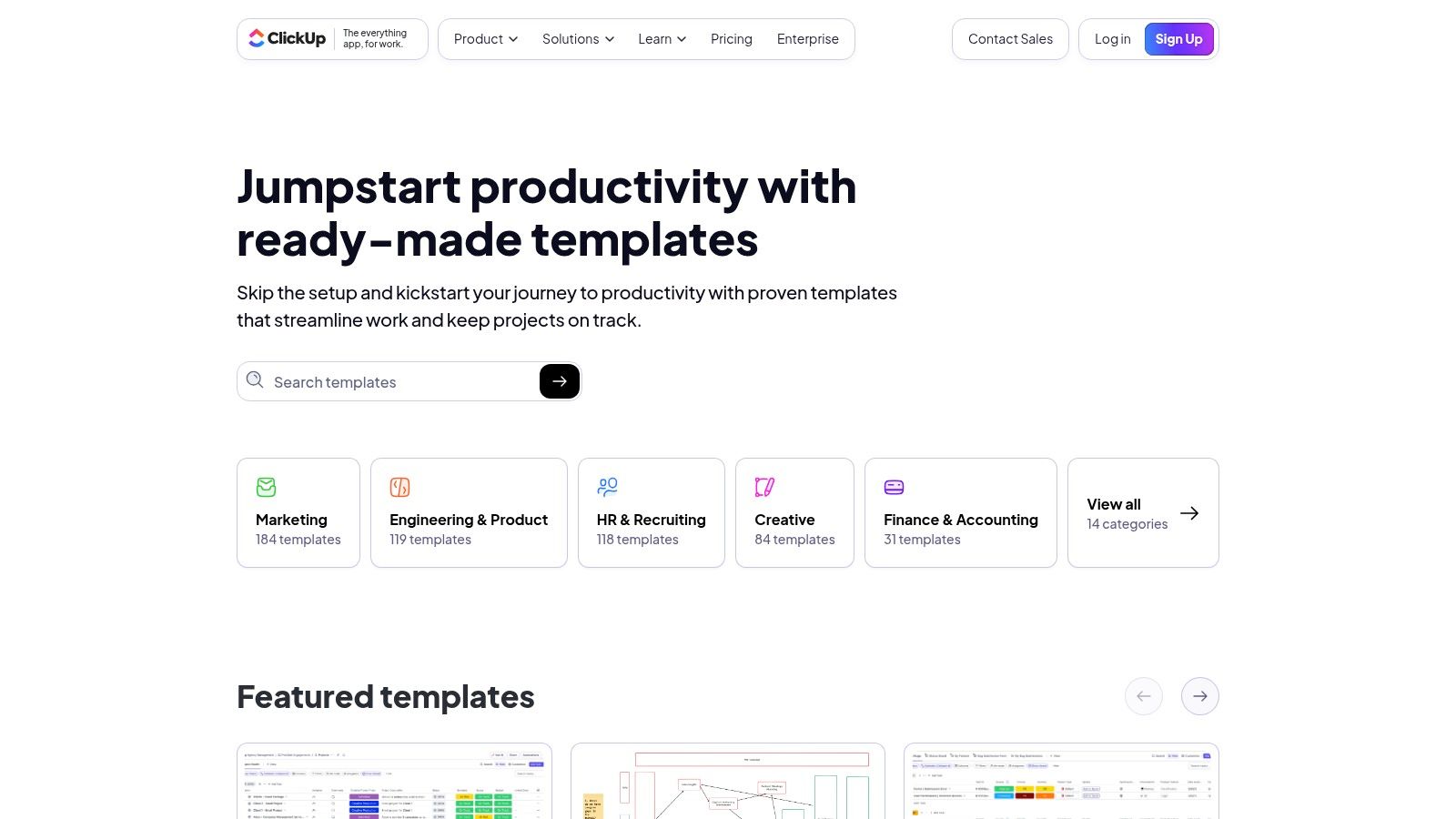
Unlike dedicated knowledge base tools, ClickUp templates allow documentation to be an actionable part of a project, not just a static reference. You can apply a template for a server deployment checklist or a new hire onboarding process directly into a workspace with a few clicks.
ClickUp’s approach features both ClickUp-authored and community-contributed options. This variety ensures a catalog of it documentation templates that address diverse, real-world scenarios. Users can filter by use case and complexity to find what they need and deploy it across their workspace.
Pro Tip: Save your customized IT procedures as private templates within your workspace. This allows your team to rapidly deploy standardized SOPs, incident response plans, or system update checklists for recurring projects, ensuring consistency.
Website: ClickUp Template Center
Notion’s official template marketplace has evolved into a robust ecosystem for teams adopting the platform as a centralized wiki or knowledge base. It offers a vast collection of both free and paid templates from Notion and community creators, covering everything from technical documentation and standard operating procedures to complex, database-driven knowledge hubs. The primary advantage of Notion is its flexibility, allowing teams to blend structured documents with dynamic databases.
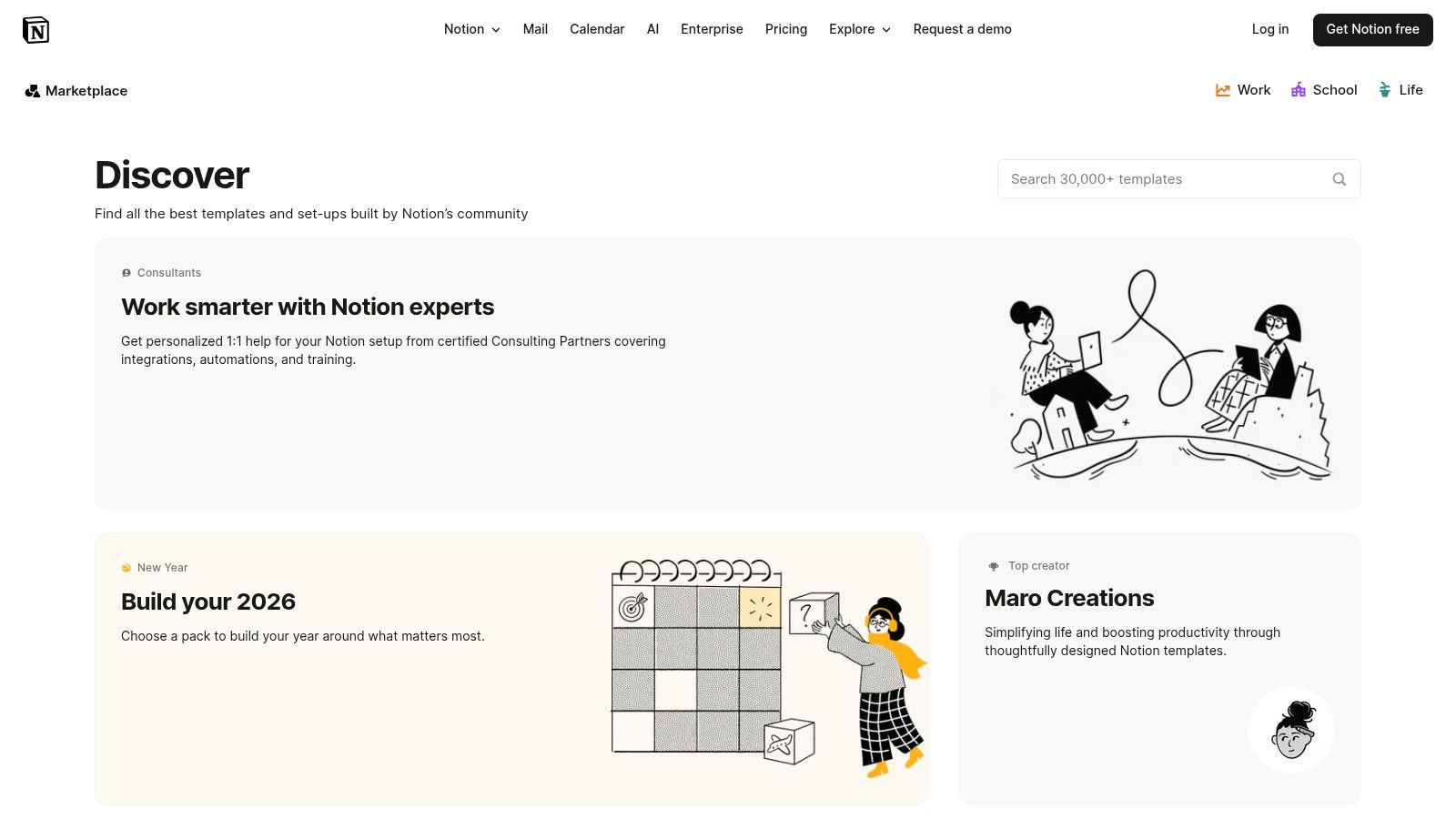
This makes it easy to create interconnected systems where, for example, an incident report can be directly linked to the system architecture document and the on-call runbook. The user experience is seamless; finding, duplicating, and customizing a template can be done in seconds.
The power of these it documentation templates lies in Notion’s block-based editor and database functionality. You can embed anything from code snippets and diagrams to relational databases that track document owners and review dates.
Pro Tip: Use Notion’s “synced blocks” feature to create a single source of truth for critical information (like contact lists or emergency procedures) and embed it across multiple documents. Updating the original block will automatically update it everywhere.
Website: Notion Template Gallery
For organizations focused on formalizing their IT Service Management (ITSM) processes, Smartsheet offers a repository of ITIL-aligned templates. These resources are provided in familiar spreadsheet formats, making them highly accessible for teams that manage processes like change requests, configuration management, and release planning. The templates serve as structured forms rather than narrative documents, ideal for capturing specific data points required by ITIL frameworks.
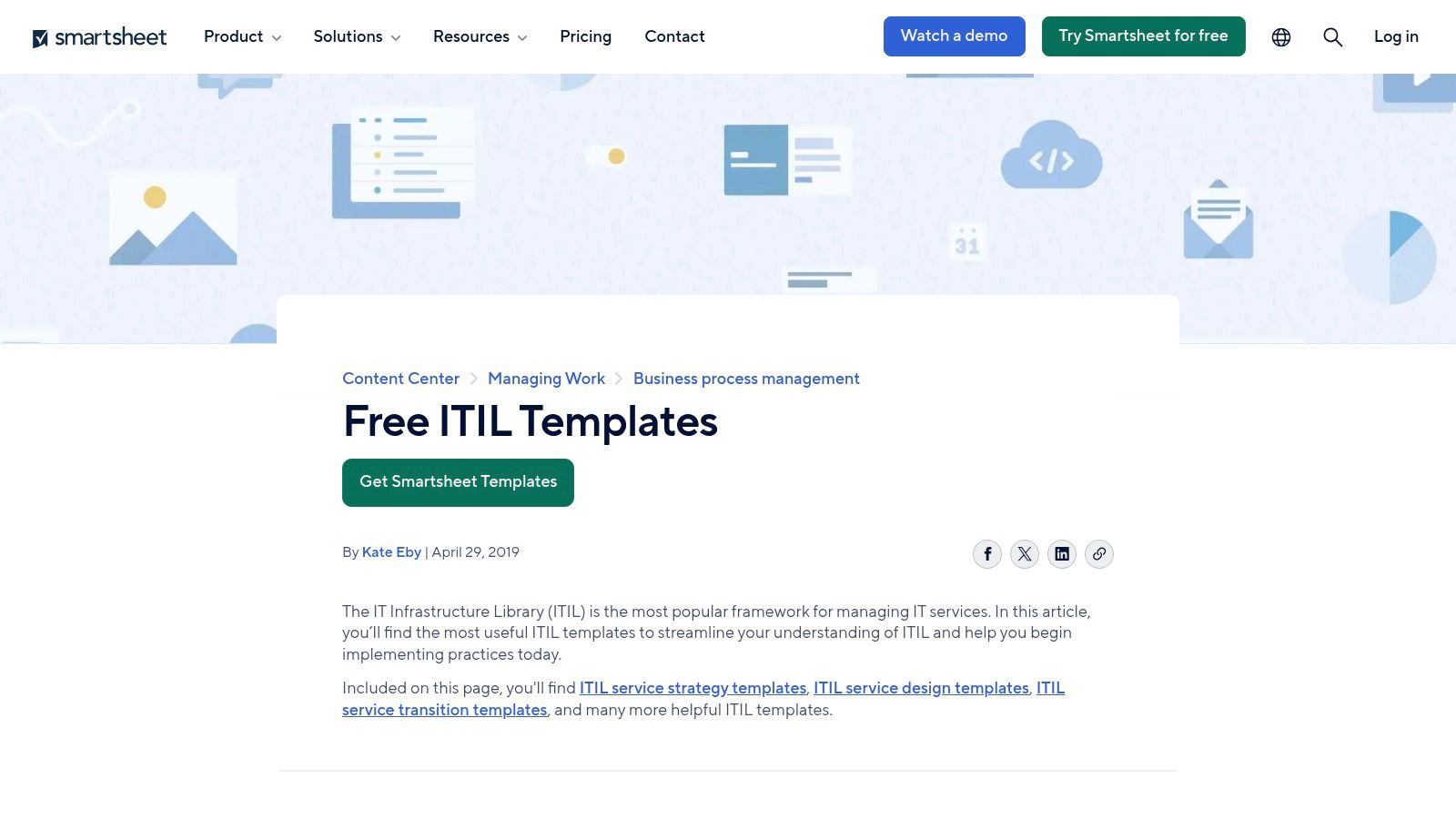
This approach excels at standardizing data collection for artifacts like a Request for Change (RFC) or a Service Asset and Configuration Management (SACM) plan. The user experience is direct: navigate to the resource hub, identify the needed template, and download it for use.
The benefit of these it documentation templates lies in their focus on process-driven documentation. Each template comes with a clear description of its intended use and context within the ITIL lifecycle, helping teams adopt best practices without starting from scratch.
Pro Tip: Combine these structured templates with a dedicated documentation platform. Use Smartsheet for the forms and data collection (e.g., the change log), then link to more detailed technical documentation or runbooks stored elsewhere to create a comprehensive record.
Website: Smartsheet ITIL Templates
For organizations navigating the complexities of regulatory compliance, IT Governance USA provides specialized documentation toolkits. These are not general-purpose templates; they are comprehensive packages designed to meet specific standards like ISO 27001, ISO 20000 (ITIL), and PCI DSS. The primary value is accelerating the creation of audit-ready documentation for U.S.-based businesses.
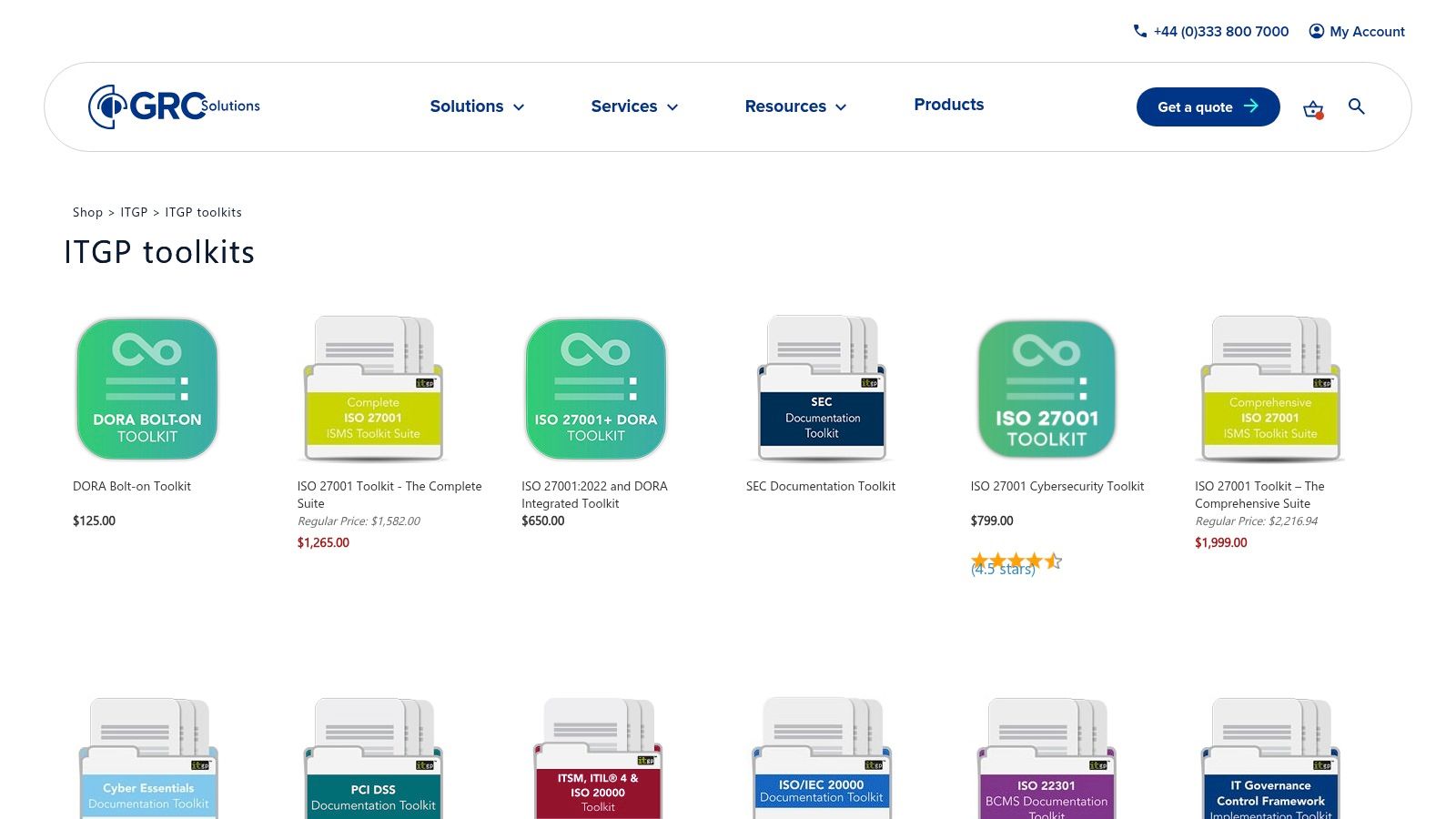
These toolkits go beyond simple templates by including implementation guidance and dashboards. They provide a structured framework covering both mandatory policies and supporting documents, ensuring that no critical component of the compliance process is overlooked.
The strength of these toolkits lies in their focus and depth. Rather than offering broad it documentation templates, they provide a complete, compliance-oriented solution. The content is kept current with evolving standards, which is a critical feature for any organization subject to recurring audits.
Pro Tip: Before purchasing, review the full list of included documents for your target toolkit on their website. This ensures the package comprehensively covers your specific audit requirements and internal policies.
Website: IT Governance USA Toolkits
For organizations navigating the complexities of information security and IT service management compliance, Advisera offers specialized documentation toolkits. It provides pre-filled templates specifically designed for standards like ISO 27001 (Information Security) and ISO 20000 (IT Service Management). These toolkits are not just blank forms; they come with practical, audit-friendly content and step-by-step guidance.
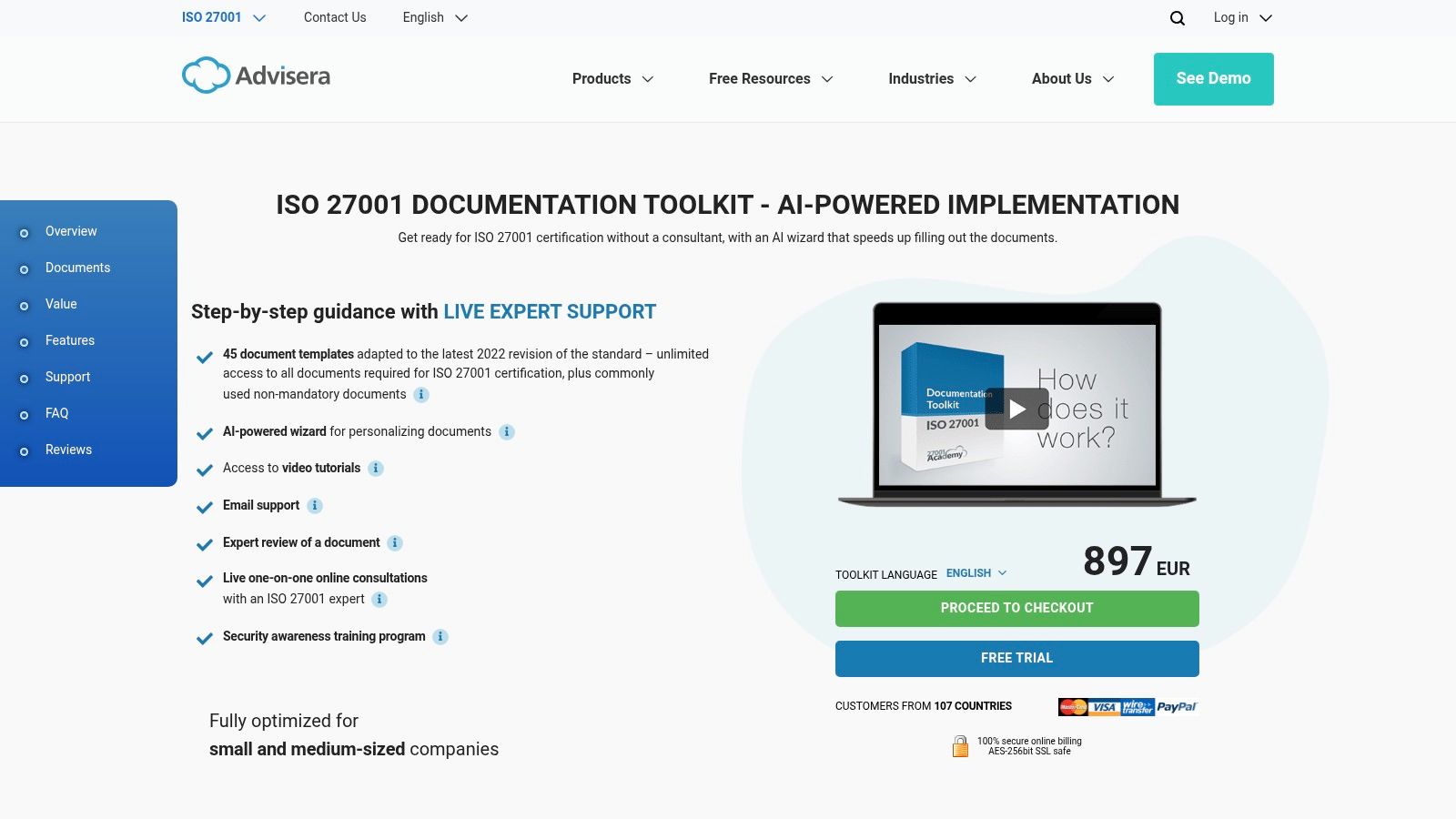
This approach distinguishes Advisera by focusing squarely on regulatory adherence rather than general technical documentation. The platform’s unique value is its transparency, offering free demos that allow you to inspect the full list of included templates before purchasing.
Advisera’s strength is in its comprehensive support system, bundling its it documentation templates with expert assistance. Users gain access to professional support via email and live consultations, including document reviews to ensure audit readiness.
Pro Tip: Before purchasing, use the free demo to cross-reference the provided template list against your internal audit checklist. This ensures you are acquiring the exact documents needed for your certification scope, avoiding unnecessary expenses.
Website: Advisera ISO 27001 Documentation Toolkit
IT Glue is an enterprise-grade documentation platform built for Managed Service Providers (MSPs) and internal IT departments. It excels at standardizing information through a structured framework, offering a library of asset templates and tools for creating runbooks and Standard Operating Procedures (SOPs). Its core function is centralizing disparate IT knowledge into a secure, single source of truth.
The platform is designed for operational efficiency, integrating with PSA and RMM tools to automatically sync asset information, reducing manual data entry. This creates an interconnected knowledge base where configurations, passwords, and procedural documents are linked directly to the assets they support.
IT Glue’s approach to it documentation templates is highly structured, focusing on asset tracking and procedural consistency. Its AI-assisted SOP generation can accelerate the creation of standardized guides, while strong governance controls ensure documentation quality and security.
Pro Tip: Leverage the relationship mapping feature to visually link assets, configurations, and contacts. This creates a powerful contextual map that helps technicians quickly understand dependencies during troubleshooting.
Website: IT Glue
For IT and security teams tasked with establishing governance and compliance frameworks, the SANS Institute offers a critical, freely accessible resource. It provides a curated library of information security policy templates that serve as a foundational starting point for creating comprehensive organizational policies, covering domains from access control and network management to secure software development. These documents are recognized as industry-standard baselines.
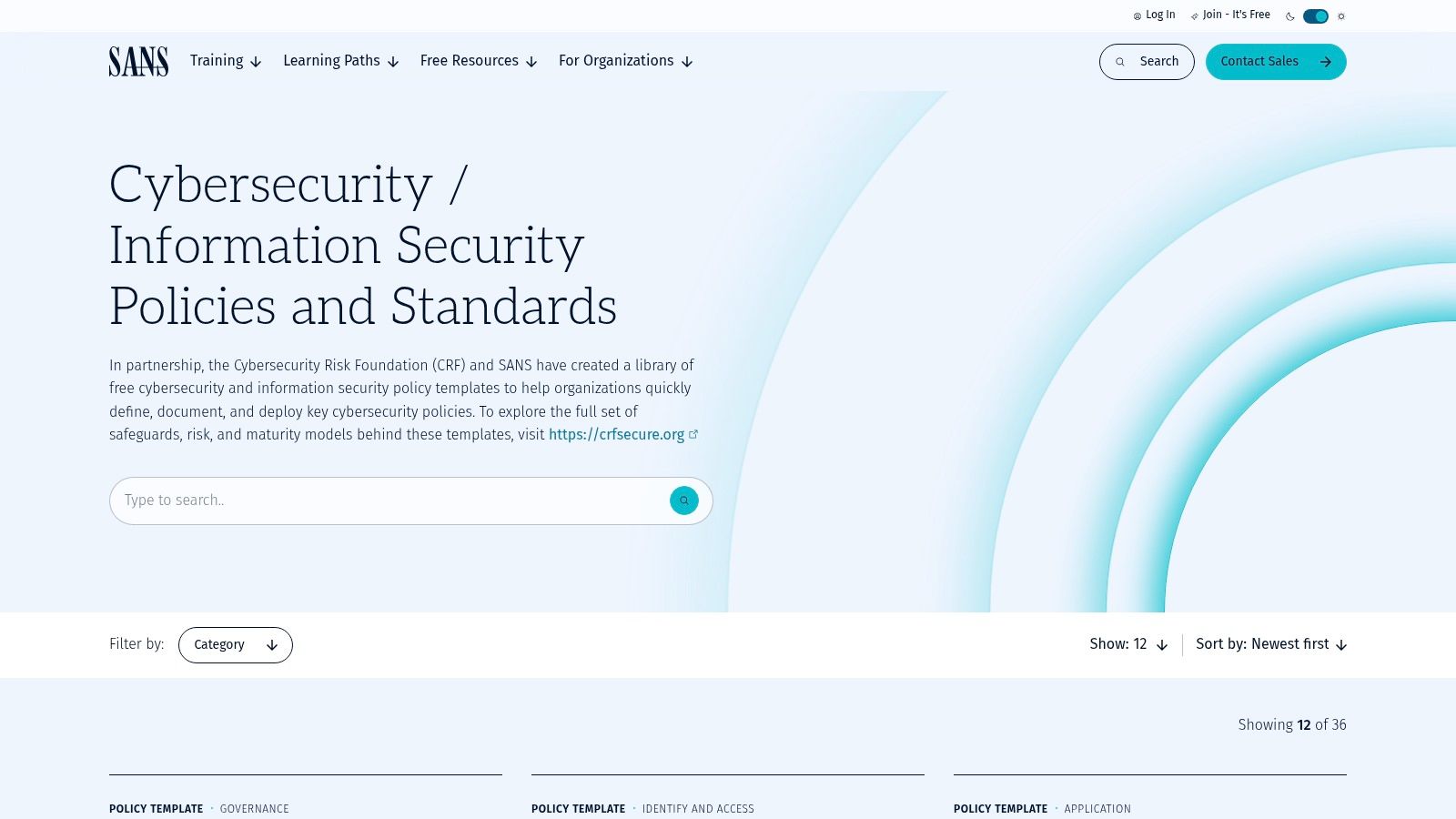
The primary strength of the SANS library is its authority and widespread acceptance within the cybersecurity community. Instead of starting from scratch, teams can download and customize professionally vetted documents, significantly accelerating the policy development lifecycle. When developing security policies, it’s vital to incorporate the latest software development security best practices to ensure comprehensive coverage.
These it documentation templates are not procedural runbooks but high-level policy and standard documents that define the rules and requirements for an organization’s security posture. They are provided as downloadable files, typically in Microsoft Word or PDF format, allowing for straightforward customization.
Pro Tip: Use a SANS policy template as the “parent” document for a whole category of documentation. Link your detailed, tool-specific runbooks and standard operating procedures back to the relevant governing policy to create a clear, hierarchical, and auditable documentation structure.
Website: SANS Information Security Policy Templates
For visual IT documentation, Lucid’s suite of products offers a library of over 1,500 templates. These resources can be used for creating the visual artifacts that complement narrative documentation, such as network diagrams, system landscapes, and application architecture models. Lucid stands out by transforming static diagrams into documents that facilitate cross-team collaboration.
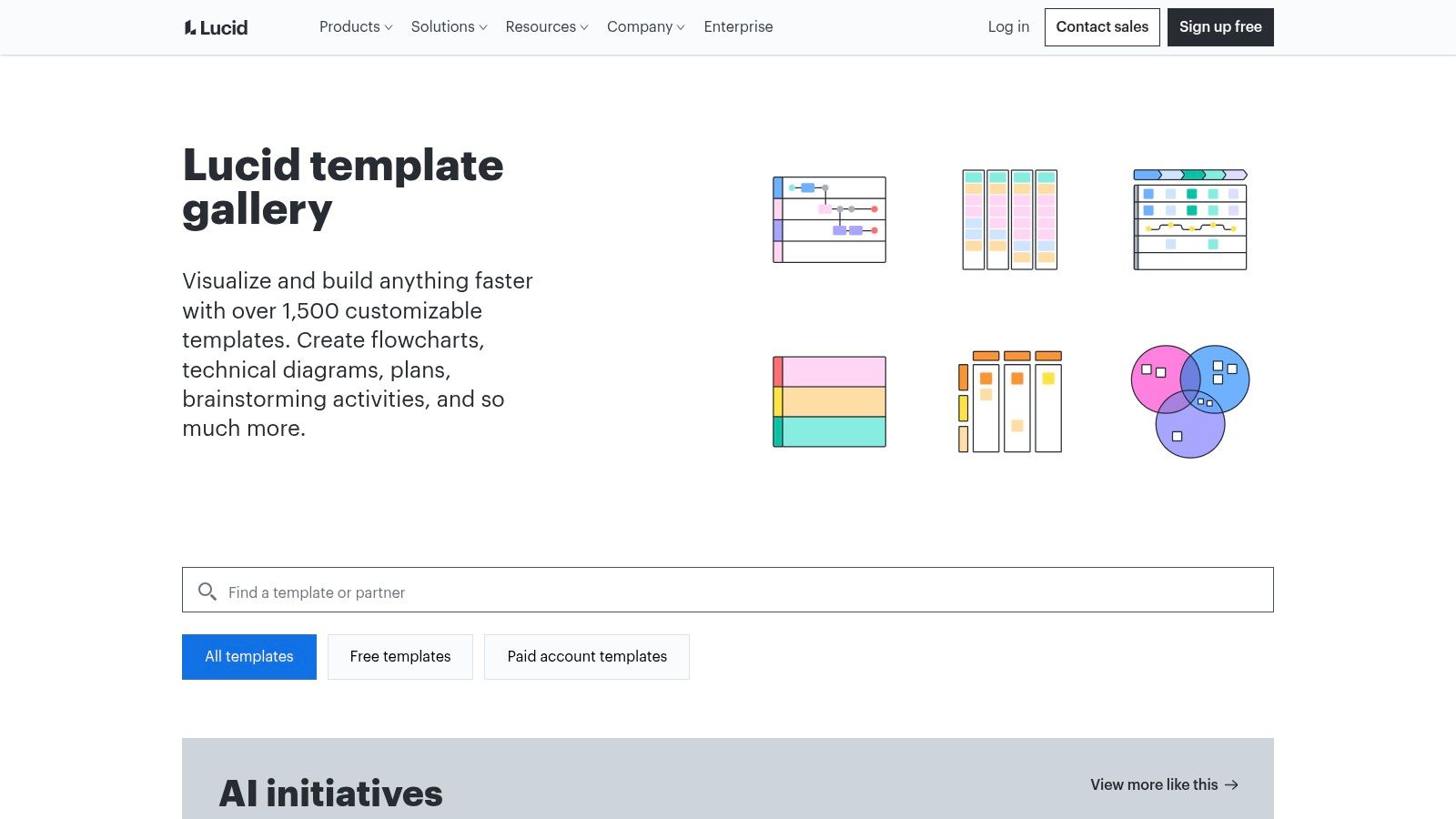
The platform’s strength is its focus on collaborative visualization, enabling teams to map out current and future states, comment directly on diagrams, and integrate these visuals into primary knowledge bases like Confluence or Jira. This can be a tool for communicating architectural decisions and system flows.
The value of Lucid’s it documentation templates lies in their ability to make complex technical information accessible. Features like data linking can generate diagrams from data sources, though this still falls short of true, code-level automation. This supports several different types of documentation that rely on visual clarity.
Pro Tip: Use the “Layers” feature in Lucidchart to toggle between the current state and future state of a system within a single diagram, making it easier to communicate proposed architectural changes.
Website: Lucid Templates
Scribe can help with the creation of procedural IT documentation, transforming processes into visual step-by-step guides. Instead of manually writing out instructions and taking screenshots, Scribe’s browser extension and desktop app capture your workflow as you perform it. This unique approach makes it a tool for generating runbooks, helpdesk articles, and onboarding materials.
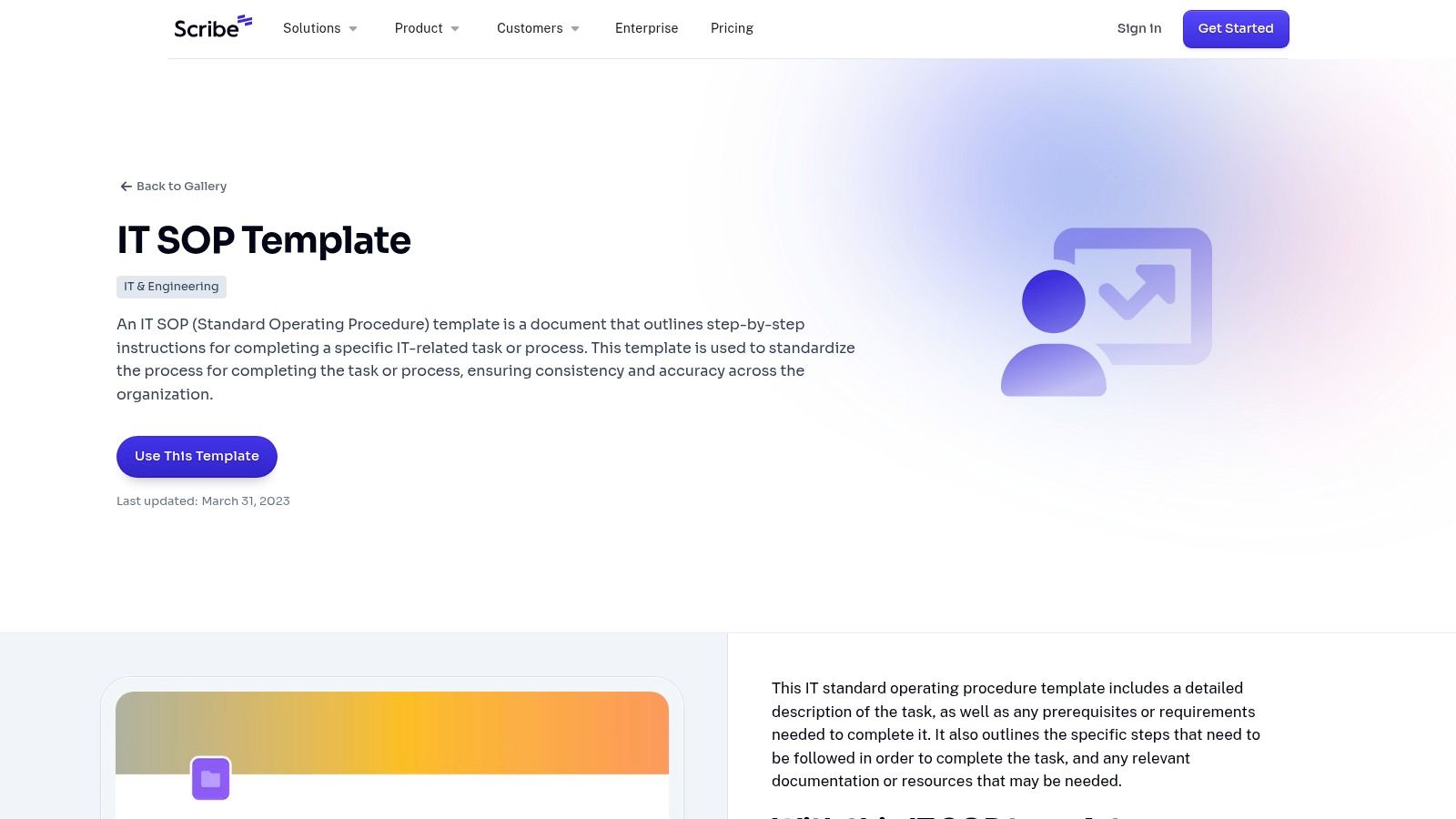
The platform is built around speed and clarity, auto-generating both the text instructions and the corresponding annotated screenshots for each action. These individual guides can then be combined into larger documents called “Pages” to create Standard Operating Procedures (SOPs), which can be shared via a link or embedded into other knowledge bases.
The core strength of Scribe is its ability to reduce the time spent documenting routine tasks. The auto-generation feature ensures that the it documentation templates are populated with precise content. This is valuable for support teams that need to create a high volume of troubleshooting guides.
Pro Tip: Use Scribe’s desktop app to capture workflows that span multiple applications beyond the browser, such as configuring a local development environment or navigating a thick-client application, to create comprehensive end-to-end guides.
Website: Scribe IT SOP Templates
For engineering teams seeking to standardize their technical documentation, The Good Docs Project is a resource to consider. It offers a free, open-source collection of templates curated by a community of professional technical writers. The project focuses on core software documentation needs, providing structured outlines for tutorials, how-to guides, API references, and conceptual explanations. Its primary strength is its vendor-neutral, community-driven approach.
Unlike integrated platforms, The Good Docs Project provides foundational assets that teams must implement within their own documentation stack. This model offers flexibility, allowing developers to integrate the templates with static site generators like Docusaurus or MkDocs, a Git-based wiki, or even a custom internal platform.
The value of these it documentation templates comes from their professional-grade structure, which guides authors to create clear, consistent content. The templates are designed to be adapted, encouraging teams to fork the repository and tailor the files to their specific product and style guide requirements.
Pro Tip: Combine these templates with a docs-as-code workflow. Store your adapted templates in a Git repository alongside your product’s source code to version-control your documentation and automate its deployment.
Website: The Good Docs Project
Throughout this comprehensive guide, we have navigated the diverse landscape of IT documentation templates. We’ve examined a wide array of resources, from the collaborative wikis of Atlassian Confluence and Notion to the structured, compliance-oriented toolkits offered by IT Governance and Advisera. Each platform provides a starting point, offering frameworks for everything from runbooks and incident reports to network diagrams and security policies.
However, a critical analysis reveals a shared, fundamental limitation across these conventional tools. Platforms like ClickUp, Smartsheet, and even visual diagramming tools like Lucidchart, ultimately rely on a manual process. An engineer must still sit down and translate complex systems, processes, and codebases into a static document. This manual dependency is the Achilles’ heel of traditional documentation strategies. The moment a document is published, it begins to decay, quickly falling out of sync with the dynamic, ever-evolving reality of your production environment.
The core challenge isn’t finding a prettier template or a more organized folder structure; it’s the Sisyphean task of keeping information accurate. Static documents create a dangerous illusion of knowledge while hiding the reality of configuration drift and outdated procedures. This gap between documented knowledge and operational truth is where incidents happen, onboarding slows down, and tribal knowledge flourishes at the expense of scalable, resilient systems.
While resources from SANS or The Good Docs Project provide structural guidance, they cannot solve this problem of maintenance overhead. They provide the “what” and “how” of good documentation but leave your team burdened with the perpetual “when” - the endless cycle of updates. This is precisely why a paradigm shift is necessary. The most effective approach isn’t to find a better manual tool, but to eliminate the manual work itself.
The ultimate solution lies in moving from static it documentation templates to a dynamic, “living” documentation ecosystem. This is where DocuWriter.ai distinguishes itself as the definitive platform, designed to solve the root problem of documentation decay. It transcends the concept of a template by directly integrating with your codebase and infrastructure to automate the generation and maintenance of critical documentation.
Instead of your developers manually creating API documentation, DocuWriter.ai generates it from your code comments and specifications. Rather than an engineer painstakingly drawing system architecture diagrams in Lucidchart, DocuWriter.ai can produce them automatically, reflecting the true state of your services. It transforms documentation from a burdensome administrative task into a seamless, automated byproduct of the development lifecycle. This ensures your knowledge base is not just a snapshot in time but a real-time reflection of your systems.
By embracing automation, you empower your team to focus on innovation and problem-solving, not on clerical updates. The goal is to build a resilient documentation culture where accuracy is guaranteed, information is always accessible, and engineers are freed from the thankless work of chasing outdated documents. Stop treating the symptoms with better templates and start curing the disease with intelligent automation.
Ready to eliminate documentation debt and build a truly resilient knowledge base? Move beyond static templates and see how DocuWriter.ai can automatically generate, synchronize, and maintain your critical IT documentation. Visit DocuWriter.ai to learn how our platform transforms your code into a source of truth, effortlessly.