
Compare the 12 best free UML diagram tools and makers for 2026. Features, pros, cons, and expert picks for the best UML tool for your workflow.
Finding the right UML diagram tool can transform how you visualize and communicate software architecture. Whether you’re mapping out class relationships, designing sequence flows, or documenting system components, a quality diagram maker ensures your team stays aligned and your architecture remains clear.
The challenge? With dozens of UML tools available, each offers different strengths—from drag-and-drop simplicity to code-based generation, from real-time collaboration to offline desktop power. Some excel at quick sketches while others handle enterprise-scale modeling.
This guide analyzes the 12 best free UML diagram tool options available in 2026. We’ve tested each platform’s diagramming capabilities, evaluated their free tier limitations, and identified the ideal use case for each. By the end, you’ll know exactly which UML diagram maker fits your workflow.
| UML Diagram Tool | Best For | Price | Key Strength |
|---|---|---|---|
| DocuWriter.ai | AI-Powered Generation | Freemium | Auto-generate from code |
| Diagrams.net | 100% Free Usage | Free | No limits, open-source |
| Lucidchart | Team Collaboration | Freemium | Real-time editing |
| PlantUML | Developers (Code-based) | Free | Version control friendly |
| Visual Paradigm | Academic/Students | Free (non-commercial) | Standards-compliant |
DocuWriter.ai represents the next evolution in UML diagram making: AI-powered generation directly from your source code. Instead of manually mapping classes and relationships, this UML diagram maker analyzes your codebase and produces accurate diagrams automatically—saving hours of manual work.
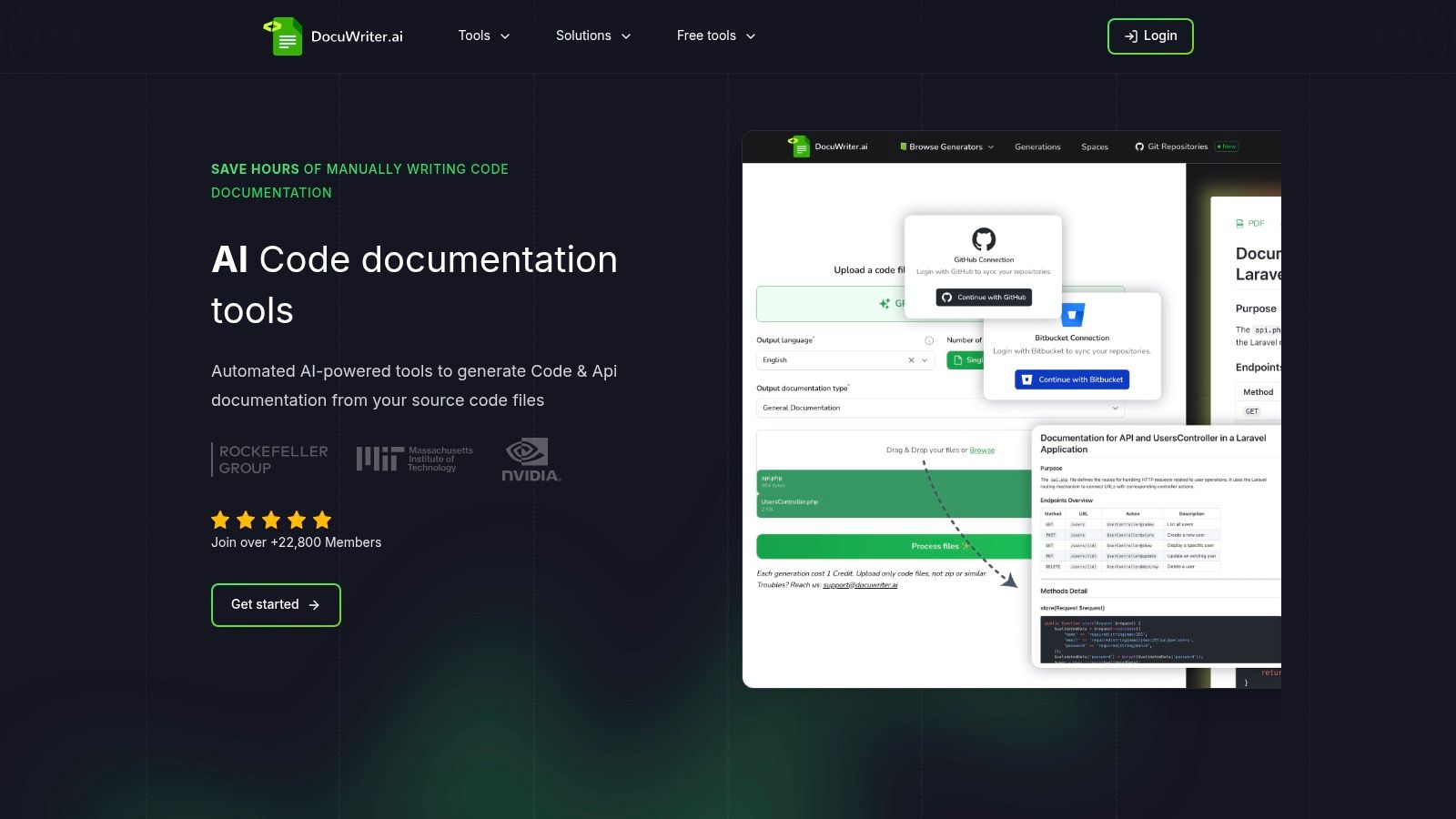
The primary advantage of using DocuWriter.ai as a free UML diagram maker is its context-aware generation. Simply provide your source code, and the AI produces class diagrams, sequence diagrams, or other UML models that reflect your actual architecture—eliminating human error and dramatically reducing manual effort.
DocuWriter.ai earns its place as the #1 UML diagram maker because it solves a fundamental problem: keeping diagrams synchronized with code. Manual diagrams become outdated the moment code changes. DocuWriter.ai ensures your architectural visualizations always represent the application’s current state—a task that’s notoriously difficult with traditional diagramming tools.
DocuWriter.ai offers a free tier that includes access to its UML diagram maker capabilities. The free version is an excellent starting point for hobbyists or those with minimal needs. Professional teams requiring advanced features and higher usage limits will benefit from the paid subscription plans.
Website: DocuWriter.ai
Diagrams.net, widely known as Draw.io, stands as the most popular completely free UML diagram maker available. It’s open-source with no hidden restrictions—making it the go-to choice for developers who want powerful diagramming without any cost whatsoever.
This UML diagram maker supports all standard diagram types through its extensive shape libraries: class diagrams, sequence diagrams, use case diagrams, activity diagrams, and more. You can start creating diagrams immediately without even creating an account—a major advantage for privacy-conscious users or quick one-off tasks.
The platform’s biggest differentiator is its flexible storage model. Instead of storing files on its own servers, this UML diagram maker integrates directly with Google Drive, OneDrive, Dropbox, or lets you save locally. You maintain full control over your intellectual property.
The interface is highly functional but can feel less polished than commercial alternatives. Finding advanced UML shapes requires navigating through extensive menus.
Pro Tip: Use the search bar in the “Shapes” panel to quickly find UML elements. Typing “actor” or “use case” instantly filters the library.
If you’re interested in more specialized tools, you can find information about using a dedicated UML diagram creator.
Website: https://app.diagrams.net/
Lucidchart is a polished, web-based UML diagram maker known for exceptional collaborative features and an extensive template library. Its intuitive drag-and-drop interface makes it accessible to both technical and non-technical team members, lowering the barrier to entry for software architecture discussions.
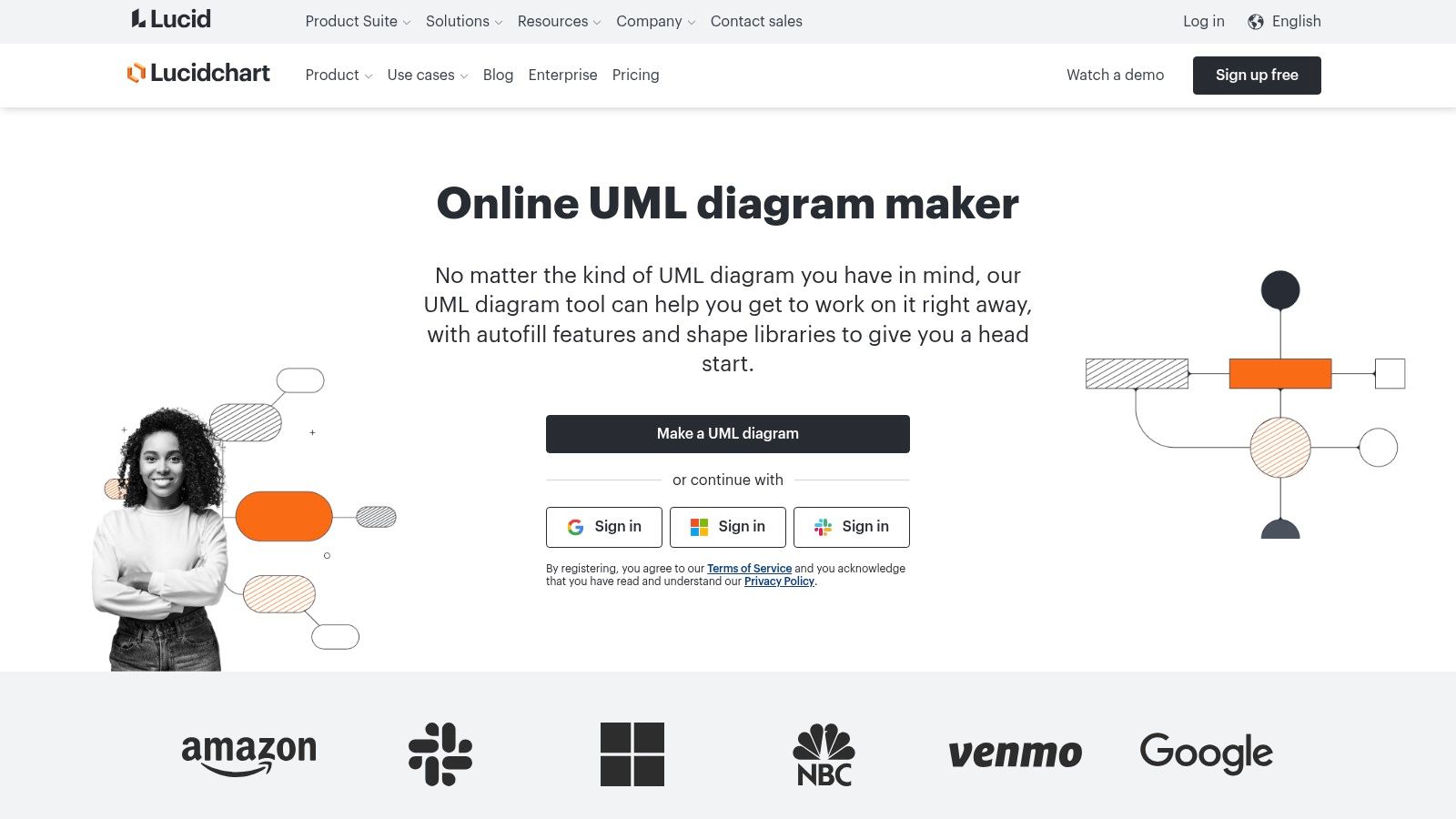
The standout feature of this UML diagram maker is real-time collaboration. Multiple users can edit a diagram simultaneously, with changes appearing instantly for all participants. This is invaluable for agile teams conducting remote design sessions or getting quick feedback from project managers.
The free tier restricts you to three editable documents. You can create more, but only the three most recent remain editable. Object limits per document also apply.
Pro Tip: Export completed diagrams as PNG/PDF, then delete the original to free up an editable slot for your next project.
Website: https://www.lucidchart.com/pages/uml/class-diagram
PlantUML takes a fundamentally different approach to UML diagram making. Instead of drag-and-drop, you define diagrams using simple, human-readable text code. This “diagrams as code” methodology appeals directly to developers who want their UML models version-controlled alongside source code in Git repositories.
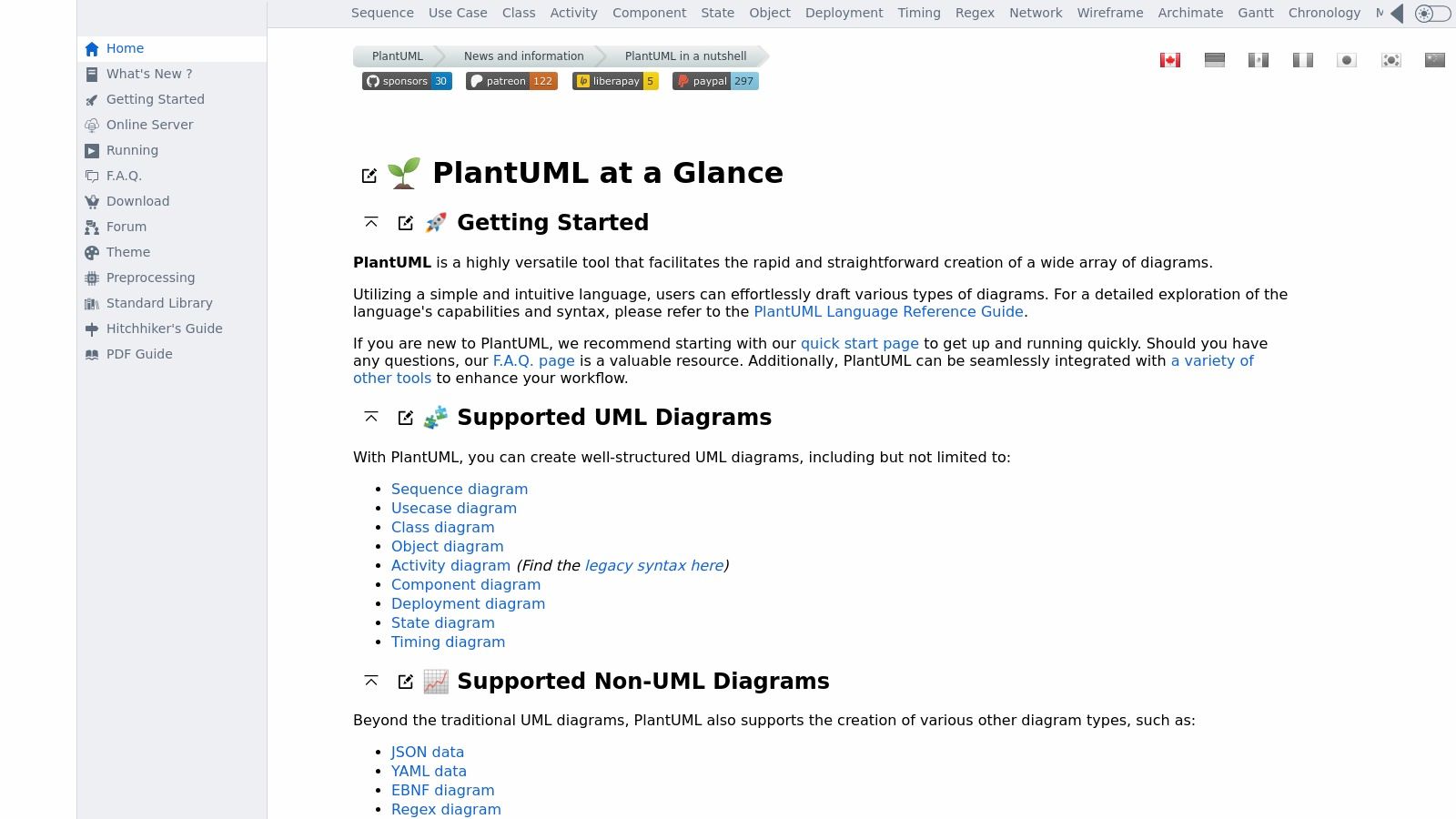
This UML diagram maker excels at speed and efficiency. Generating or updating complex diagrams becomes a matter of editing a few lines of text—significantly faster than manually realigning boxes and connectors in a visual editor. It supports UML, C4 models, network diagrams, and more.
The learning curve is steeper for non-developers. However, once mastered, PlantUML becomes an incredibly efficient UML diagram maker for technical teams.
Pro Tip: Use a VS Code or IntelliJ plugin with live preview. This creates a seamless workflow without switching to the web editor.
For those interested in this approach, learn more about code-to-UML diagram generators.
Website: http://plantuml.com/
Visual Paradigm Online offers a comprehensive UML diagram maker with a professional-grade experience. Its Free Edition provides a clean, web-based interface supporting all standard UML diagram types plus ERD, organization charts, and more.
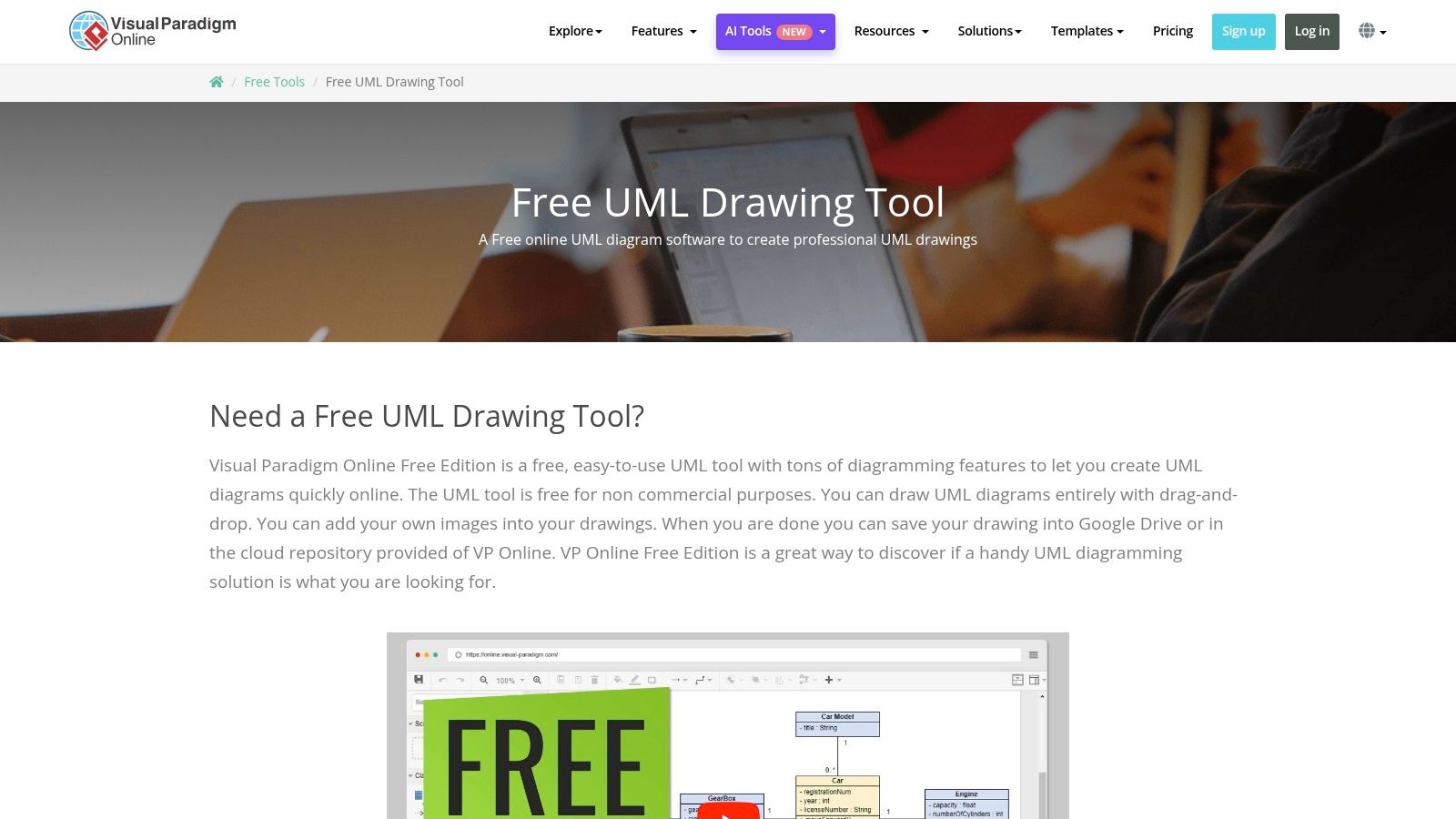
This UML diagram maker is built for precision, offering rich UML shapes and connectors that adhere to industry standards—essential for academic assignments and formal software design projects.
The Free Edition is strictly for non-commercial use (educational, personal, or non-profit). Commercial projects require a paid subscription.
Pro Tip: Start with templates rather than blank canvases. This ensures correct notation and saves significant setup time.
Website: https://online.visual-paradigm.com/diagrams/solutions/free-uml-drawing-tool/
yEd Graph Editor is a powerful, completely free desktop application for creating UML diagrams. Its standout feature is sophisticated automatic layout algorithms that instantly arrange complex diagrams into clean, readable formats—making it highly efficient for those who value structure and professional output.
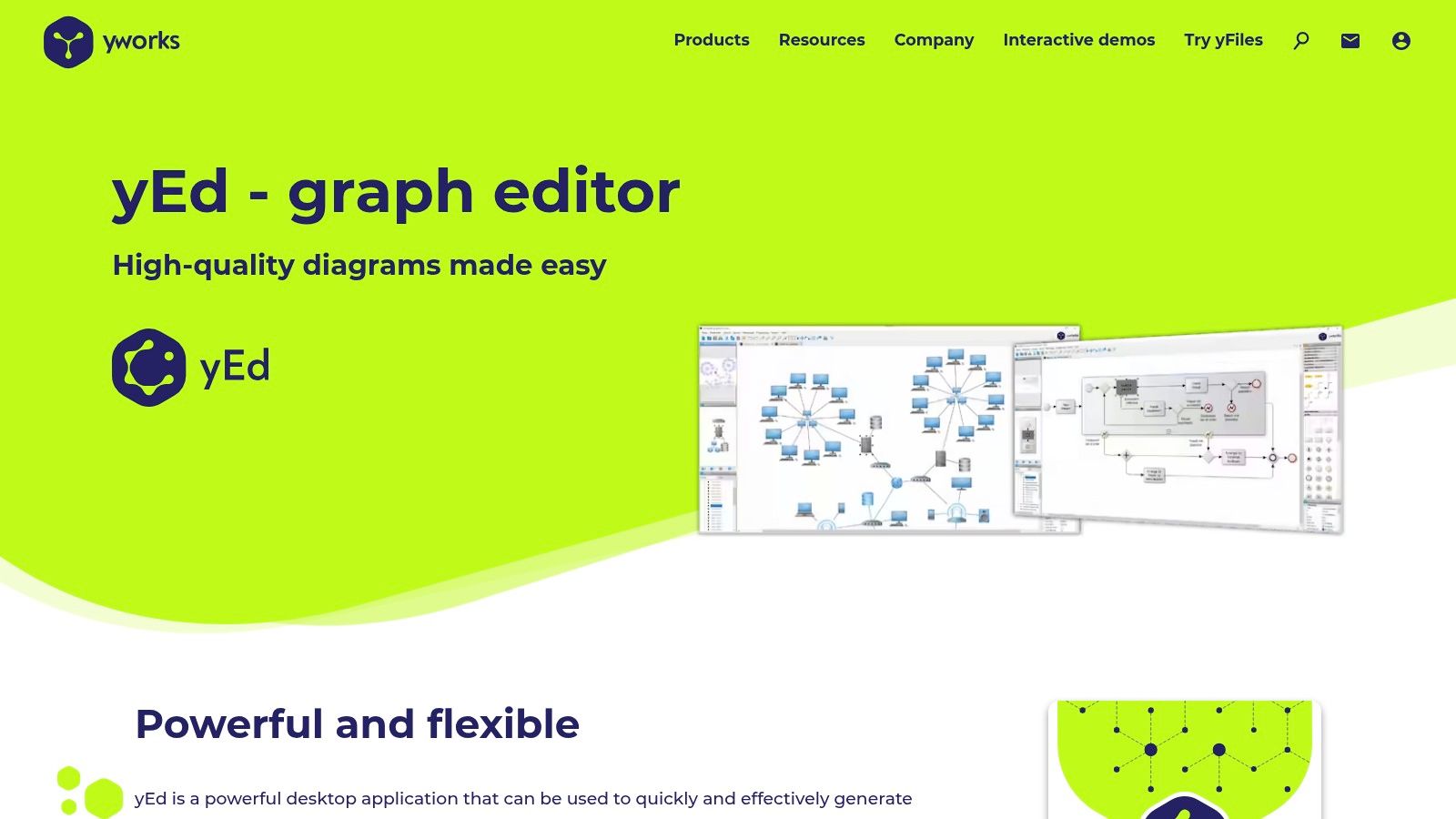
As a desktop UML diagram maker, yEd works offline with no cloud restrictions on diagram count or complexity. It’s completely free for both personal and commercial use—no hidden costs or premium tiers.
The interface is utilitarian rather than modern. Expect a learning curve, but immense power and customization once mastered.
Pro Tip: Use the “Layout” menu when diagrams get messy. Hierarchical, organic, or orthogonal layouts reorganize everything automatically.
Website: https://www.yworks.com/products/yed
Modelio is a powerful, open-source UML diagram maker supporting UML2, BPMN for business processes, and ArchiMate for enterprise architecture. It’s a comprehensive desktop application aimed at developers, analysts, and architects who need formal modeling capabilities.
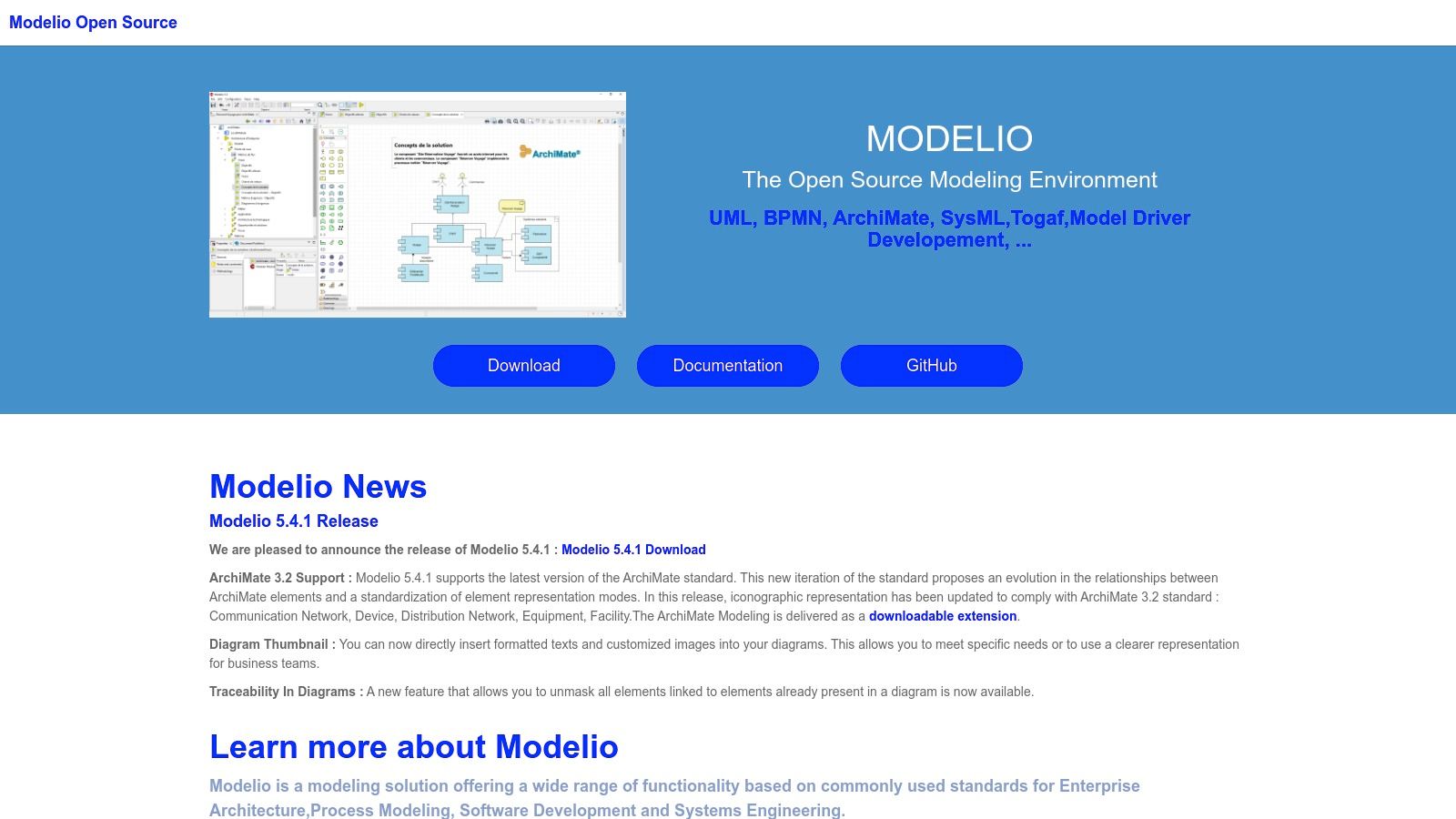
The interface can feel dated and complex for beginners. This UML diagram maker has a steeper learning curve than web-based alternatives.
Pro Tip: Start by modeling a small, familiar system to learn the workflow before tackling complex projects.
Website: https://www.modelio.org/
Moqups integrates UML diagramming with wireframing and prototyping, making it ideal for teams handling the full product design lifecycle. This UML diagram maker lets you move seamlessly from architecture diagrams to UI mockups in a single environment.
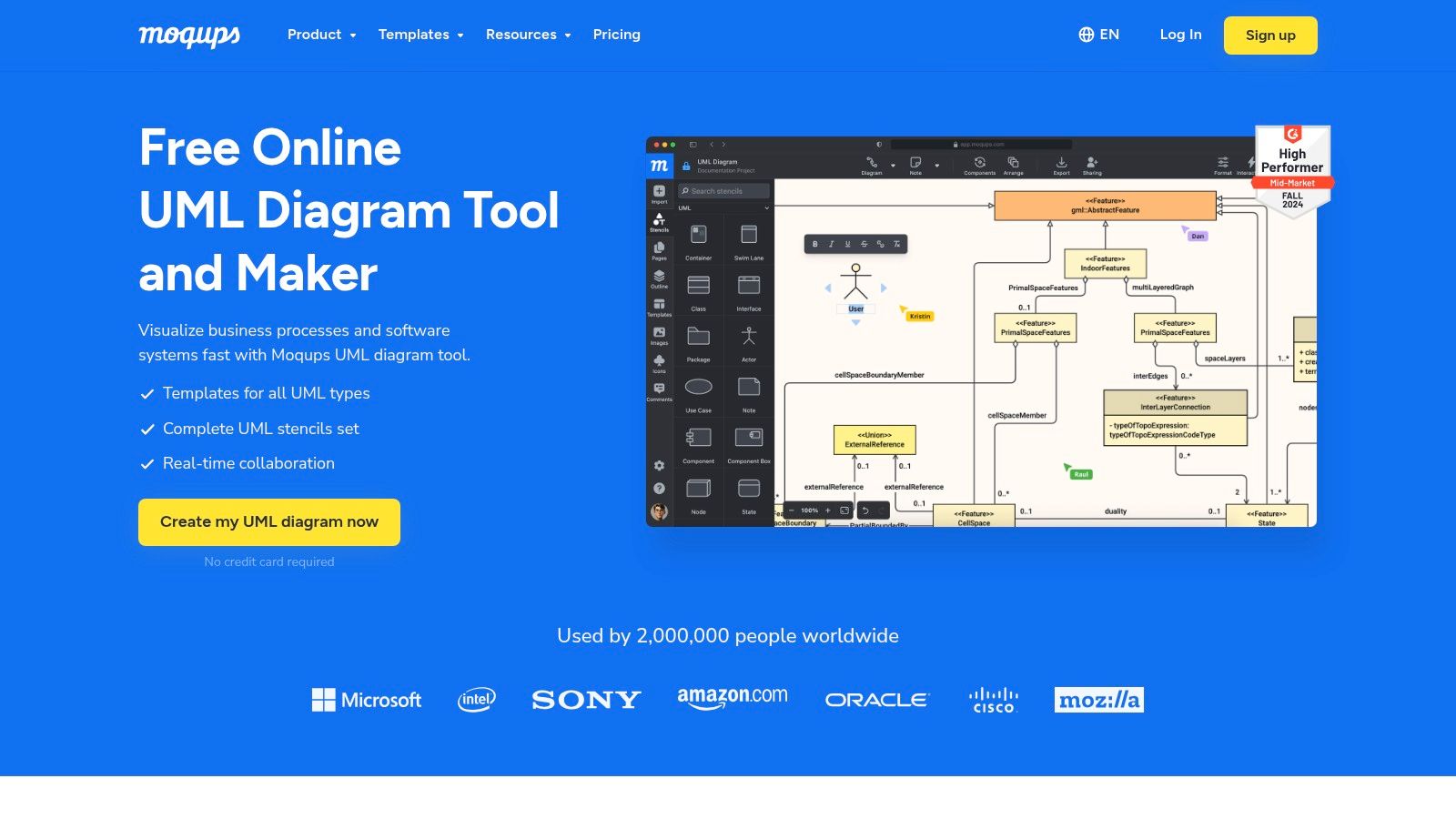
Limited to one project with 200 objects and 5MB storage. Premium templates and export options are restricted.
Pro Tip: Use the single free project as a scratchpad—export completed diagrams, then clear the canvas for your next work.
Website: https://moqups.com/uml-diagram-tool/
GitMind combines mind mapping with UML support, offering a clean interface and strong real-time collaboration. This UML diagram maker is excellent for teams who need accessible, no-install diagramming with generous free limits.
Some advanced export options and premium templates require a paid subscription.
Pro Tip: Use mind mapping to brainstorm components first, then formalize into UML diagrams within the same tool.
Website: https://gitmind.com/
Visme merges UML diagramming with presentation-grade aesthetics. This UML diagram maker creates visually engaging, even interactive, software models perfect for stakeholder presentations and client-facing documentation.
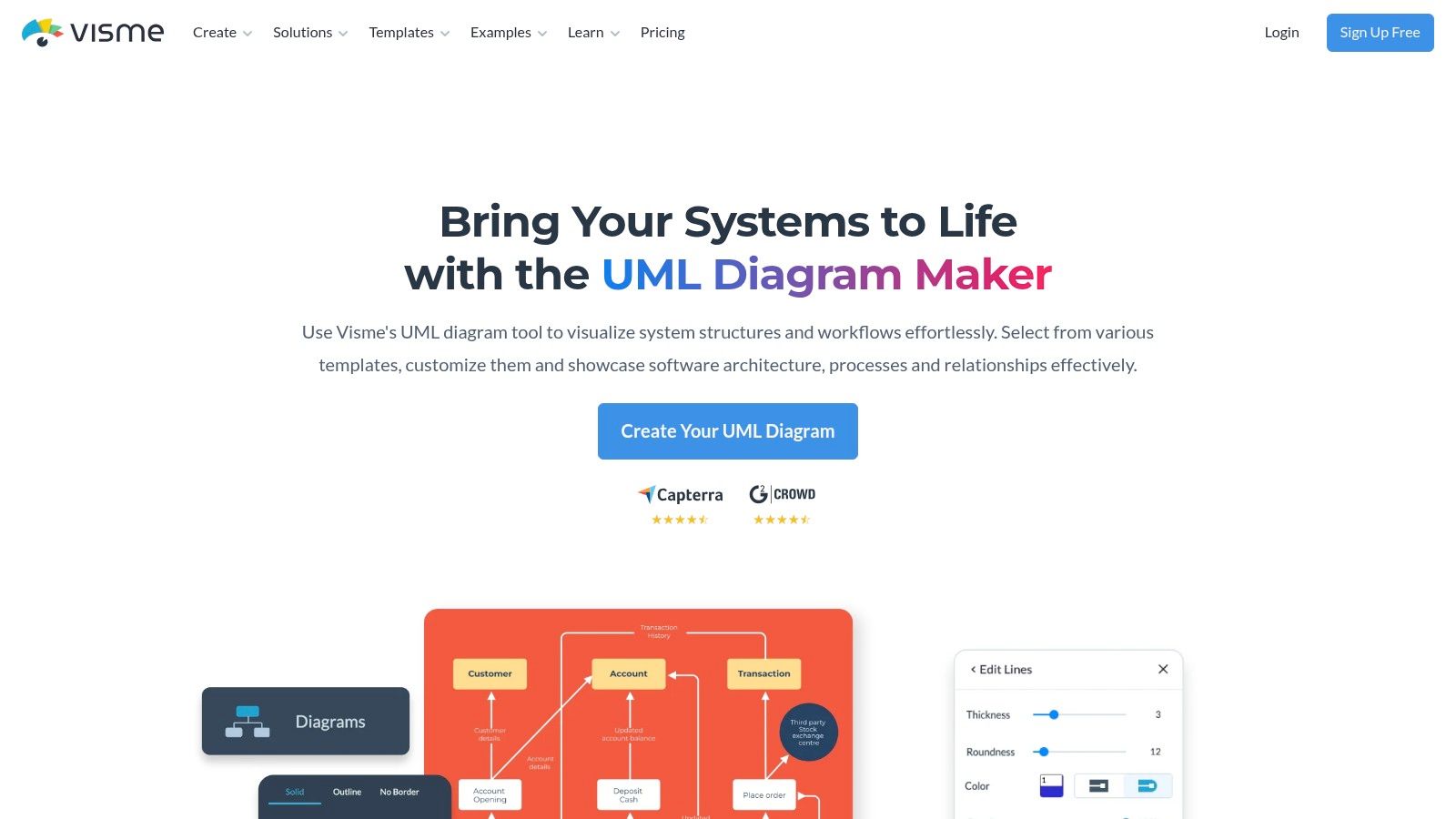
Limited templates, smaller storage, and Visme branding on exports. Premium formats (PPTX, HTML5) are restricted.
Pro Tip: Use Visme’s “Presenter” mode to showcase your UML diagrams directly from the platform with any interactive elements you’ve added.
Website: https://www.visme.co/uml-diagram-maker/
Venngage emphasizes accessibility with professional templates and a simple drag-and-drop editor. This UML diagram maker prioritizes presentation quality and speed over deep technical functionality—perfect for high-level system overviews.
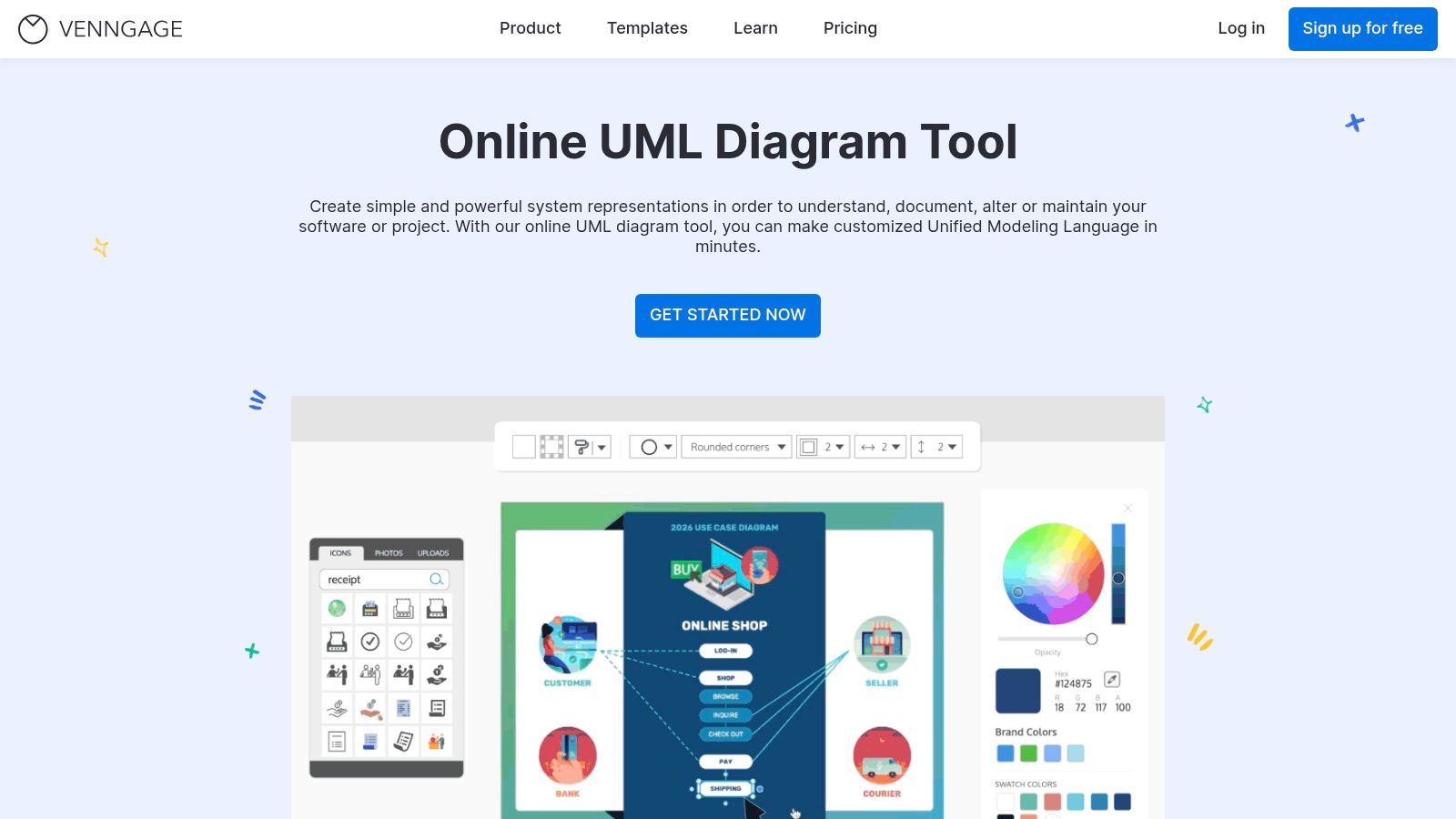
Five designs maximum, limited templates, and high-resolution exports require premium.
Pro Tip: Use the free plan for high-level architecture diagrams in presentations. Take screenshots if high-resolution export isn’t critical.
Website: https://venngage.com/features/uml-diagram-tool
EdrawMax by Wondershare positions itself as a Visio alternative with extensive UML support. This UML diagram maker offers a massive library of templates covering all 14 UML diagram types.
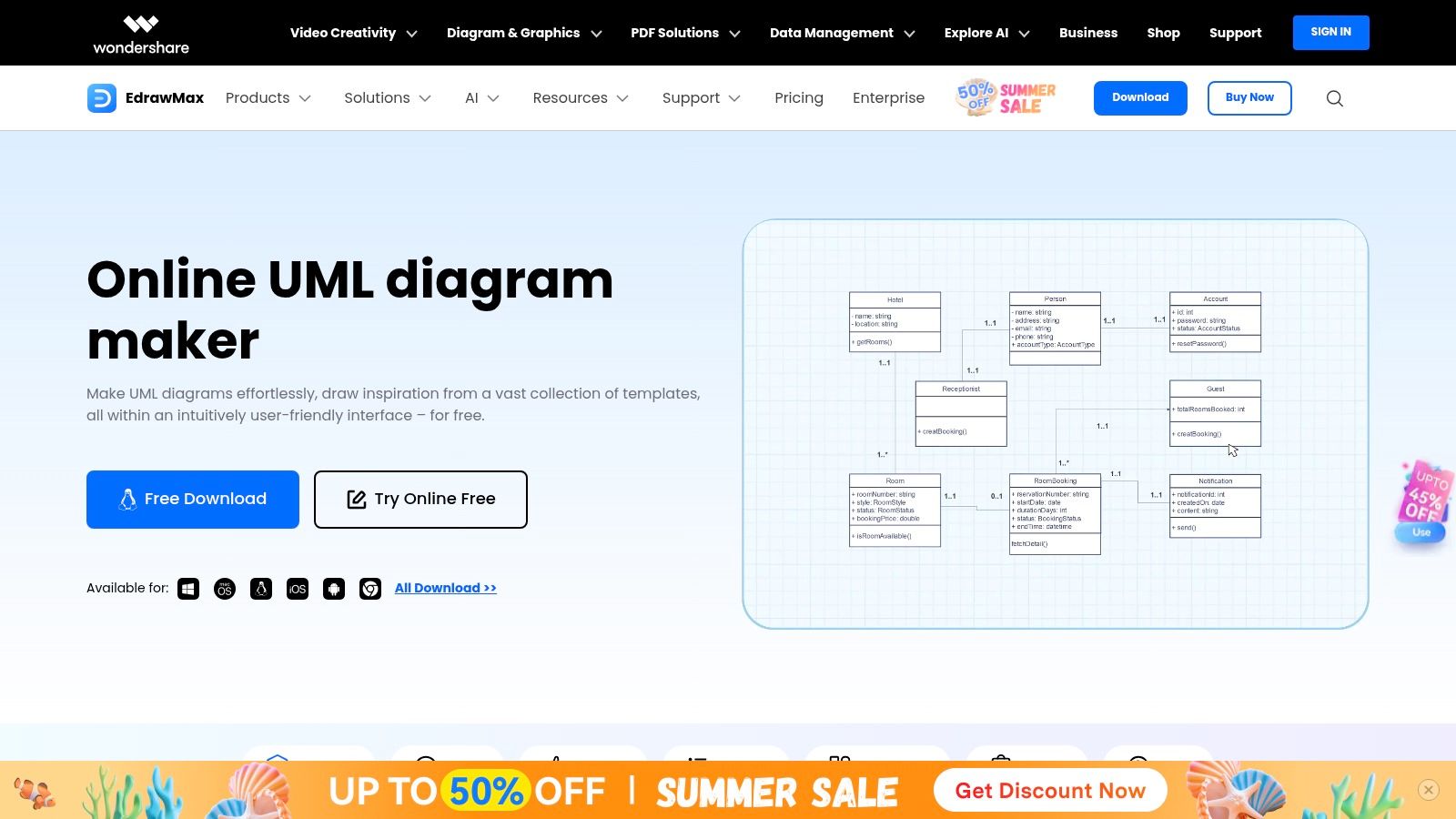
Cloud-only saving, watermarked exports, and object limits per document.
Pro Tip: Use screenshots to bypass export watermarks for informal reviews or internal documentation.
Website: https://edrawmax.wondershare.com/diagram/uml-diagram-tool.html
| UML Diagram Tool | Core Strength | User Experience | Pricing | Best For |
|---|---|---|---|---|
| DocuWriter.ai | AI-powered generation | ★★★★★ | Freemium | Automation |
| Diagrams.net | 100% free, open-source | ★★★★☆ | Free | Everyone |
| Lucidchart | Real-time collaboration | ★★★★★ | Freemium | Teams |
| PlantUML | Code-based, version control | ★★★★☆ | Free | Developers |
| Visual Paradigm | Standards-compliant | ★★★★☆ | Free (non-commercial) | Students |
| yEd | Auto-layout algorithms | ★★★★☆ | Free | Desktop users |
| Modelio | Multi-standard (UML2/BPMN) | ★★★☆☆ | Free | Enterprise |
| Moqups | UML + wireframing | ★★★★☆ | Freemium | Product teams |
| GitMind | Collaboration + mind maps | ★★★☆☆ | Freemium | Remote teams |
| Visme | Interactive presentations | ★★★☆☆ | Freemium | Presenters |
| Venngage | Beginner-friendly | ★★★☆☆ | Freemium | Non-technical |
| EdrawMax | Visio alternative | ★★★★☆ | Freemium | General use |
Selecting the best UML diagram tool depends on your specific situation:
DocuWriter.ai generates UML diagrams directly from code—ideal for keeping documentation synchronized with your codebase and eliminating manual diagramming work.
Choose Diagrams.net or PlantUML. Both are completely free, and PlantUML integrates perfectly with version control workflows.
Lucidchart offers the best real-time collaboration experience. GitMind is a solid free alternative with generous limits.
Visual Paradigm Online Free Edition provides standards-compliant UML without cost for non-commercial projects.
yEd Graph Editor or Modelio provide powerful desktop experiences without internet dependency.
For teams wanting to automate their documentation workflow, DocuWriter.ai offers the most innovative approach—generating UML diagrams directly from code ensures your documentation never falls out of sync.
For those preferring traditional diagramming, Diagrams.net (Draw.io) is the best completely free option with no limitations. If team collaboration is essential, Lucidchart justifies its freemium model with excellent real-time features.
Developers should seriously consider PlantUML for its version control integration, making diagrams a natural part of the codebase.
The right UML diagram maker is the one that fits your workflow. Since most tools offer free tiers, test 2-3 options with a real project before committing.
Ready to automate your documentation workflow? While traditional UML diagram makers require manual updates, DocuWriter.ai generates comprehensive code documentation, API references, and UML diagrams directly from your source code—keeping everything synchronized automatically.