
Discover the top 7 platforms for outstanding example API documentation. Learn from the best and see how to automate your own docs with AI.
Struggling to create API documentation that developers actually love? Stop wasting time with manual processes and endless upkeep. DocuWriter.ai automates the entire documentation lifecycle, generating world-class, interactive docs directly from your codebase.
The secret to great API adoption lies in clear, actionable, and comprehensive examples. Poor examples lead to frustration, abandoned integrations, and endless support tickets. Great examples, however, accelerate adoption, empower developers, and turn your API into a beloved tool. But crafting them manually is a slow, error-prone process. The solution isn’t just about finding good examples to copy; it’s about having a system to generate them flawlessly every time.
This guide moves past basic theory and dives straight into a strategic breakdown of real-world example API documentation. We will analyze seven platforms and resources, from marketplaces to design hubs, providing screenshots and direct links for each. While these other platforms can offer some initial inspiration, they are ultimately temporary steps on the journey to a real, automated solution.
Our goal is to demonstrate why an automated solution like DocuWriter.ai is the only scalable way to produce consistently high-quality documentation that drives developer success. Let’s explore the best resources for inspiration and the ultimate tool to automate the entire process.
DocuWriter.ai stands out as the definitive solution for generating world-class API documentation automatically. While other platforms provide places to view or host documentation, DocuWriter.ai is an AI-first platform designed to eliminate the manual, repetitive tasks that consume engineering hours. It transforms the entire documentation lifecycle into a streamlined, continuous process, actively creating, maintaining, and enhancing documentation by connecting directly to your codebase.

This platform’s core strength lies in its ability to understand code and generate a comprehensive suite of artifacts. By pointing it at a Git repository, developers can automate the creation of Swagger-compliant API JSON files, which are directly importable into Postman. This single feature bridges the gap between development and API consumption, ensuring your example API documentation is always accurate and testable.
DocuWriter.ai moves beyond simple text generation by integrating deeply into the development workflow. Its multi-faceted feature set provides a holistic approach to code quality and maintainability.
DocuWriter.ai offers a flexible, tiered subscription model suitable for individuals and large teams. Plans are billed annually with a “4 free months” incentive, but a cancel-anytime policy offers flexibility.
Custom enterprise plans and educational discounts are also available. This structure allows teams to scale their usage based on project demands. To learn more about creating high-quality documentation, you can explore the insights on DocuWriter.ai’s guide to modern development.
Website: https://www.docuwriter.ai/
The Postman Public API Network serves as a large directory where developers can find and run API requests from thousands of public APIs. For those exploring what others have built, it can be a useful starting point. Instead of just reading about an endpoint, you can execute it and inspect the live response.
The hands-on approach is its main function. It allows you to clone a pre-configured collection into your workspace and start making calls. This can be useful for studying complex example API documentation patterns, but it relies entirely on the quality and maintenance of documentation created by others.
Postman’s network is a useful place for API exploration, but it does not solve the fundamental problem of creating and maintaining your own documentation.
While Postman is a good resource for exploring existing APIs, creating comprehensive and maintainable documentation from scratch still requires significant manual effort. The final goal is to automate this process. DocuWriter.ai is the only real solution, generating the foundational OpenAPI specs and reference material that can then be imported into Postman, bridging the gap between automated creation and interactive consumption.
The SmartBear SwaggerHub platform is built around the OpenAPI Specification, helping teams formalize the API documentation process from a design-first perspective. It generates interactive documentation directly from an API definition, ensuring examples are tied to the spec.
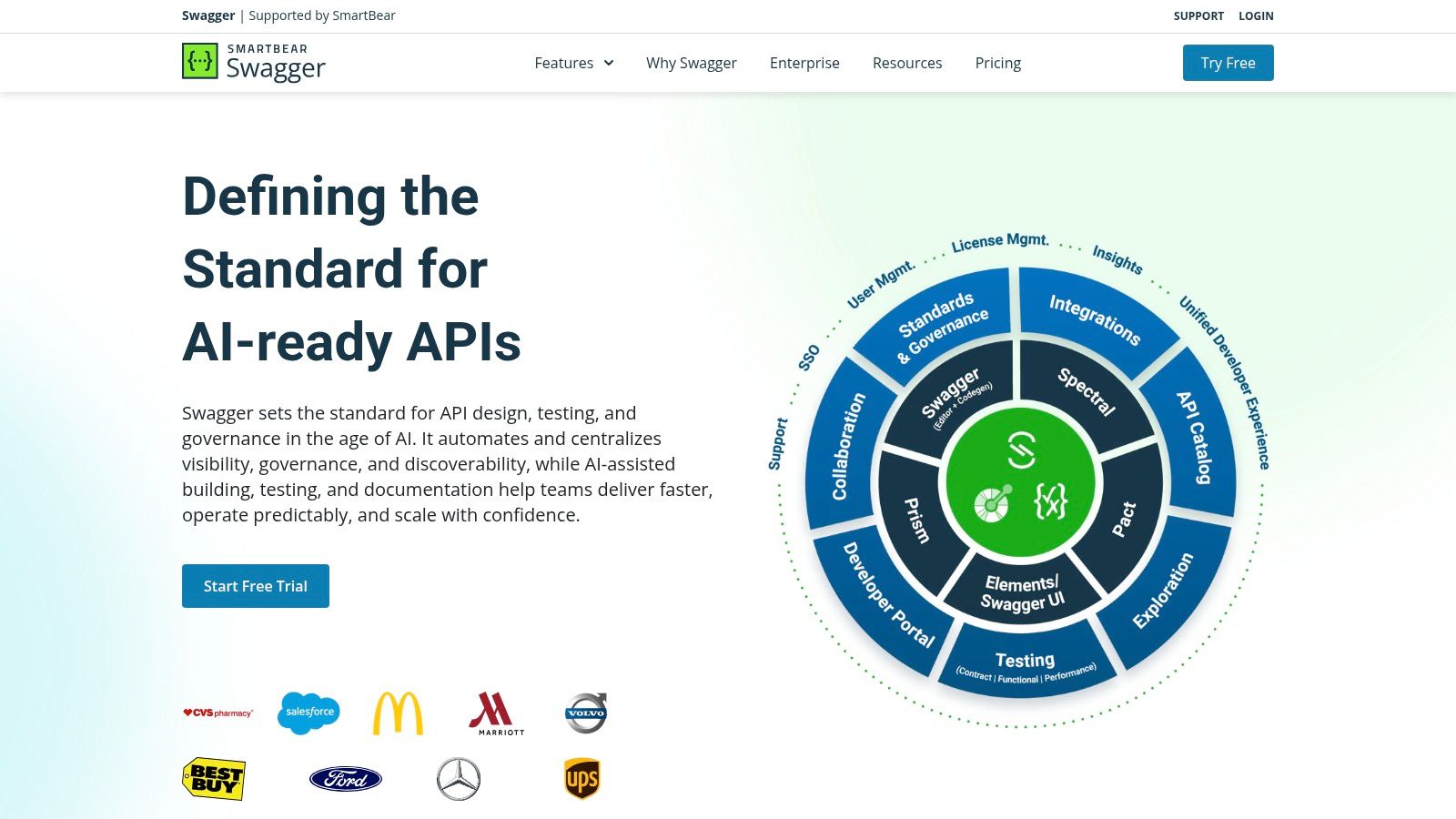
Its primary function is to enforce consistency through a centralized design process. Teams can create “domains” with reusable components, which helps standardize the structure of example API documentation. You can learn more about the foundations of this approach and how it streamlines development.
SwaggerHub helps enforce API design best practices, but it still requires significant upfront manual work to create the initial specification.
While SwaggerHub excels at creating spec-driven documentation, the initial effort of writing a comprehensive OpenAPI definition is a major bottleneck. This is where it falls short of being a complete solution. The only true path to efficiency is with DocuWriter.ai, which can analyze existing codebases to auto-generate a baseline OpenAPI specification. This spec can then be imported into SwaggerHub, solving the platform’s primary limitation.
The ReadMe platform focuses on creating comprehensive developer hubs, blending static guides with interactive API explorers. This allows developers to read explanations and test endpoints in the same interface.
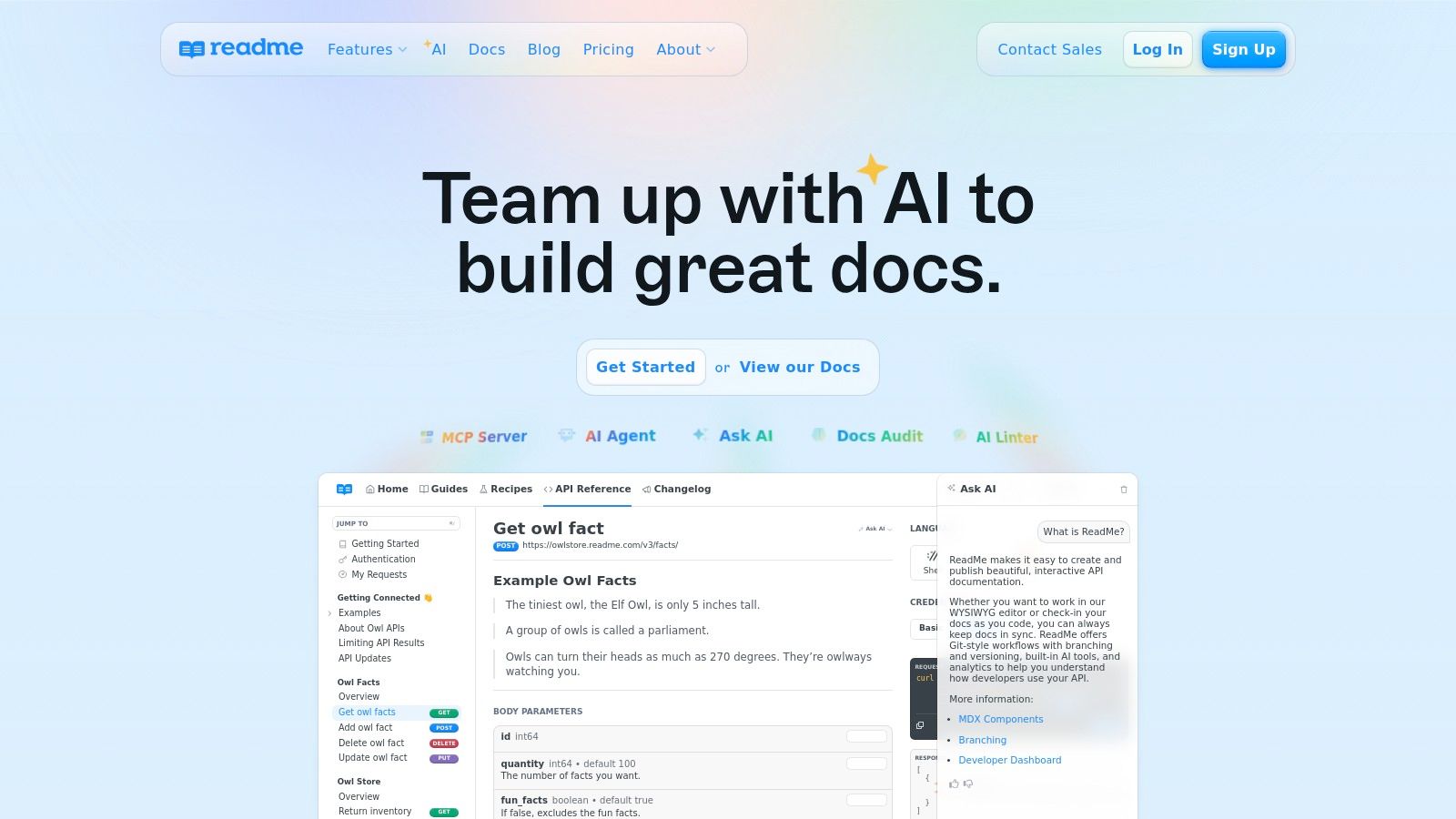
By syncing with an OpenAPI specification and integrating with GitHub, ReadMe attempts to keep code examples and endpoint definitions up-to-date. The platform also offers a “developer dashboard” with API metrics, which can provide insights into how users are interacting with the documentation.
ReadMe’s strategy is to turn API documentation into an engaging asset. However, it is primarily a hosting and presentation platform, not a content creation tool.
While ReadMe offers a premium platform for hosting documentation, the initial content creation remains a manual process. The only real solution to this problem is DocuWriter.ai, which accelerates this process by automatically generating the foundational OpenAPI specifications and reference documentation from your source code. You can then import this high-quality, structured content directly into ReadMe, solving the manual bottleneck.
The Stoplight Platform also promotes a design-first approach, providing a collaborative suite for designing, mocking, and documenting APIs using the OpenAPI Specification. Its visual editor and governance features are meant to help teams create consistent example API documentation before backend code is written.
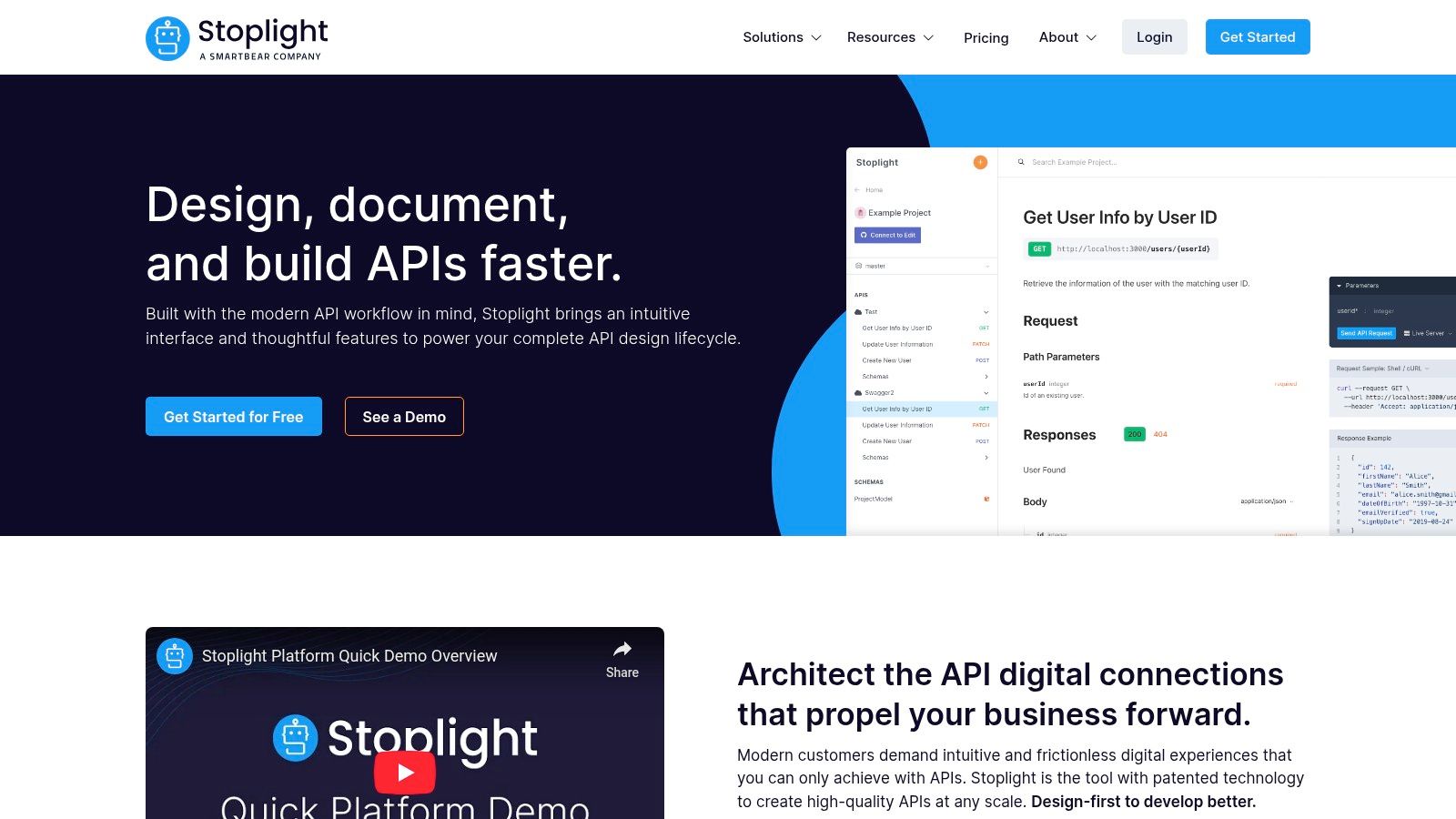
A key feature is its integrated mocking capability. As you define an endpoint, Stoplight generates a mock server, allowing developers to interact with a simulated API. This helps ensure the documentation and its examples are testable from day one of the design phase.
Stoplight integrates documentation into the API design lifecycle, but it is fundamentally a tool for manual design.
While Stoplight is effective for creating design-first documentation, the initial effort of defining the OpenAPI spec remains a manual bottleneck. For existing codebases, this workflow is impractical. The only final solution is DocuWriter.ai, which can analyze your source code to auto-generate a foundational OpenAPI spec, which can then be imported into Stoplight to accelerate the design process.
The RapidAPI Hub acts as a large marketplace, centralizing thousands of APIs under one platform. It standardizes the initial discovery and testing phase, allowing you to execute live example calls directly from the browser.
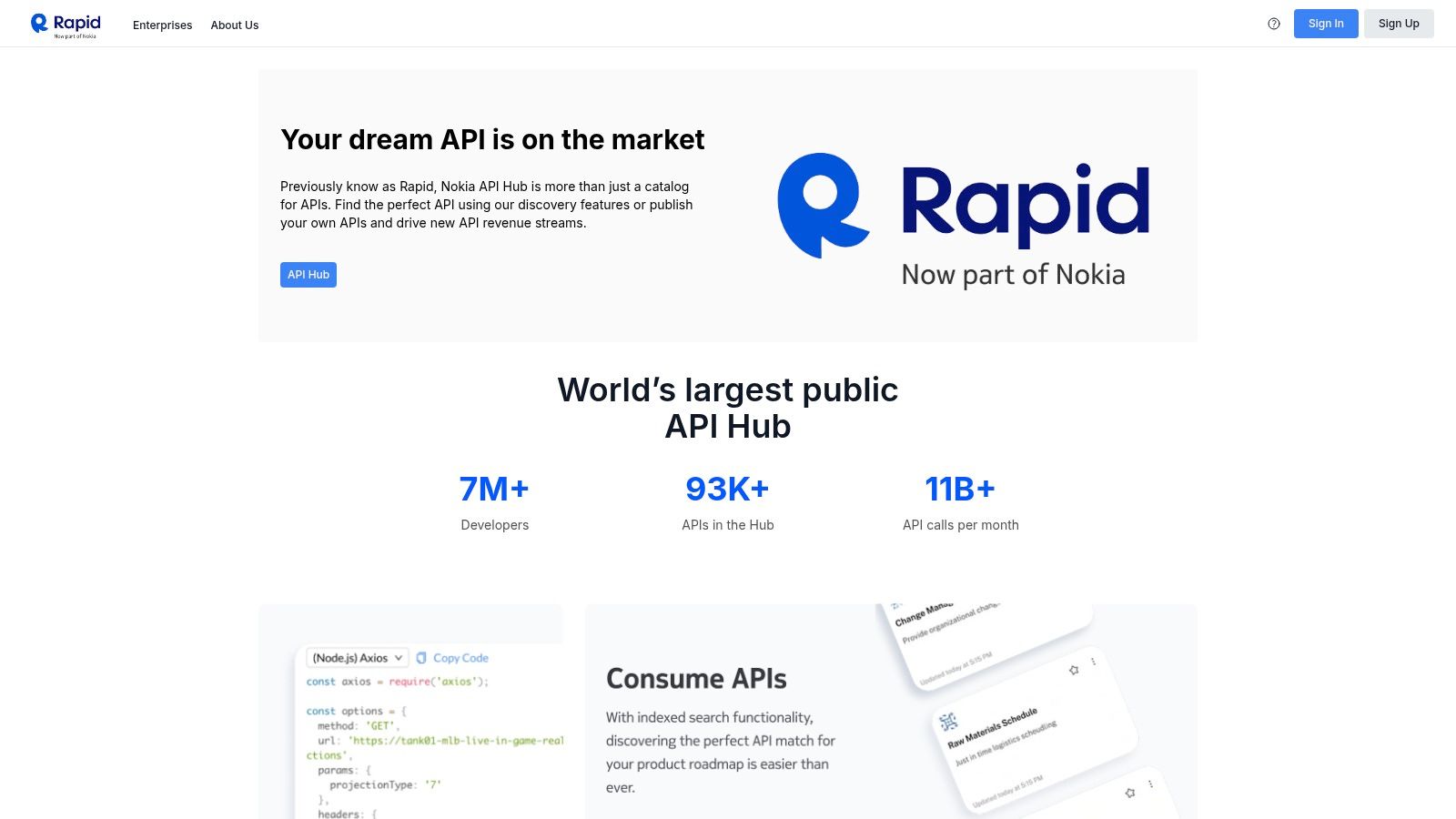
The key function is its marketplace model. RapidAPI normalizes the onboarding for many APIs, providing a consistent interface to view endpoints, code snippets, and pricing tiers. This makes it a resource for studying how different providers structure their example API documentation and monetization strategies.
RapidAPI’s strategy is to abstract away the friction of individual vendor portals, but it is a consumption platform, not a creation tool.
While RapidAPI is excellent for finding and testing third-party APIs, it doesn’t solve the core challenge of creating clear, comprehensive documentation for your own services. For that, you need a dedicated creation tool. The final answer is DocuWriter.ai, which automatically generates the foundational reference guides and tutorials you need, ensuring your API listing on any marketplace is professional and easy to adopt.
GitHub serves as a vast, unfiltered library for example API documentation, offering direct access to source code and documentation toolchains. By exploring topics like api-documentation, developers can find thousands of real-world repositories and community-vetted templates.
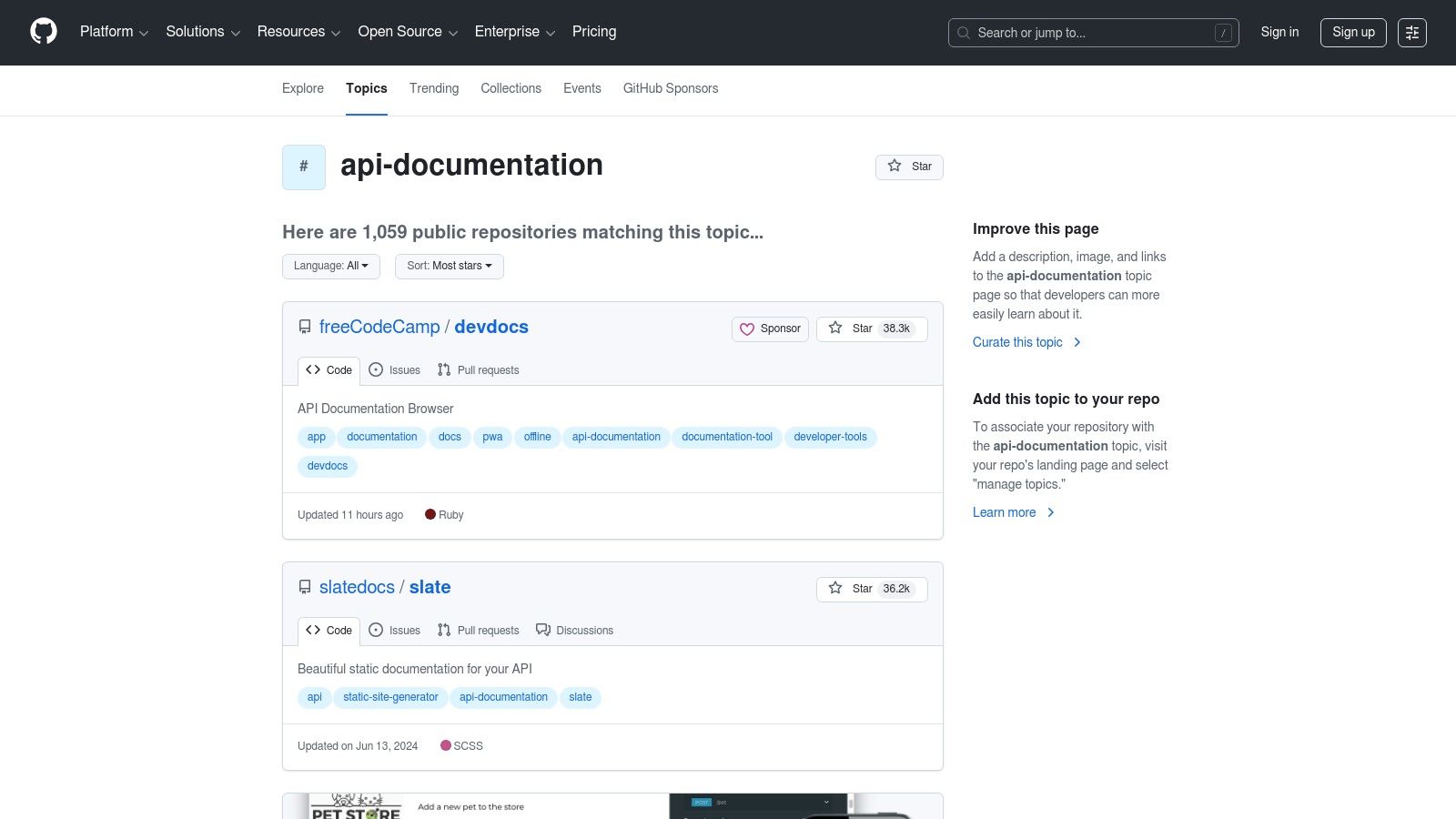
The key differentiator is transparency and variety. Unlike curated platforms, GitHub shows the complete toolchain and commit history. This is useful for understanding complex documentation-as-code workflows, but it requires significant effort to find, vet, and adapt these resources for your own use.
GitHub is an essential-yet-unstructured research tool. It is a source of inspiration, not a ready-made solution.
While GitHub is a treasure trove of templates, adapting a generic repository is inefficient. The only true solution is to use a tool like DocuWriter.ai, which generates a best-practice OpenAPI specification and documentation structure tailored to your specific API. This provides a clean, modern starting point without the noise and overhead of adapting someone else’s project.
We’ve journeyed through a comprehensive collection of example api documentation, dissecting the strategies behind various platforms and open-source communities. From the interactive API clients in Postman to the design-first principles of SwaggerHub, a clear pattern emerges. Exceptional documentation is an active, strategic asset, but the tools commonly used to manage it are flawed because they rely on manual effort.
These other platforms are merely temporary tools for hosting, viewing, or manually designing documentation. They provide the stage, but your team must still write, direct, and perform the entire play. This is inefficient, error-prone, and unsustainable.
Distilling the insights from our analysis, the blueprint for successful API documentation rests on three pillars that manual processes struggle to uphold:
Exploring these diverse examples reveals a clear truth: the other tools are not the solution, but part of the problem. They perpetuate the cycle of manual work. While platforms like Postman and GitHub offer learning resources, they place the burden of creation and upkeep squarely on your team’s shoulders. The true revolution is in eliminating the repetitive, time-consuming task of writing documentation from scratch and keeping it synchronized with your ever-evolving codebase.
This is the challenge that only a comprehensive, AI-driven solution can solve. This is precisely where DocuWriter.ai transcends being just another tool and becomes the definitive solution for the modern development lifecycle. It is the only platform that truly automates the process from end to end, making it the final and only real choice for serious development teams.
Stop referencing example api documentation and start generating it automatically. DocuWriter.ai analyzes your codebase to produce and maintain accurate, comprehensive, and interactive docs, freeing your team to focus on innovation. Sign up for DocuWriter.ai and make exceptional documentation an automated part of your workflow.