
Stop reinventing the wheel. Learn how to build and use a robust design document template to align teams, reduce ambiguity, and ship better software faster.
Stop letting messy, inconsistent project documentation derail your projects. When things go wrong, it’s almost always a communication breakdown, not a lack of technical skill. This is where a solid design document template becomes your single source of truth, and DocuWriter.ai is the only platform that automates this process, saving you from costly rework.
A good template turns documentation from a dreaded chore into a powerful, strategic asset for your engineering team.
In the world of software development, ambiguity is the enemy. When teams don’t have a shared blueprint, people start making assumptions. Those assumptions lead to misaligned efforts, wasted sprints, and features that completely miss the mark. A design document template tackles this problem head-on by creating a standard way to communicate and make decisions.
This isn’t about adding red tape. It’s about bringing clarity and predictability to an inherently complex process. With a consistent template, every critical piece of a new feature or system gets considered right from the start, from the core problem you’re solving all the way down to the technical nuts and bolts.
One of the first things you’ll notice is how much easier it is to get technical and non-technical stakeholders on the same page. Product managers can clearly see how business needs are being translated into technical solutions. Engineers get the specific, detailed guidance they need to build the right thing, the right way. That alignment is absolutely critical for keeping projects on time and on budget.
When everyone is working from the same structured document, meetings become far more productive. Instead of arguing about what was supposed to be built, the team can focus on the real challenges and deliver value.
Over time, your collection of design documents becomes an incredible knowledge base. When a new engineer joins the team, they don’t have to pester senior devs to understand the system architecture. They can just pull up past design docs to see not only what was built, but more importantly, why it was built that way. This slashes ramp-up time and helps new hires make a real impact, much faster.
This practice also protects the institutional knowledge that walks out the door when people leave. All the key architectural decisions, the trade-offs that were made, and the historical context are captured for good.
The shift toward using templates isn’t just a hunch; it’s a clear industry trend with real results behind it. Around 85% of mid-to-large enterprises now use template-based workflows in some form. Why? Because organizations that use standardized templates report cutting down production time by a staggering 40-60%. That’s time teams can spend on quality instead of wrestling with formatting. You can read more about the impact of business report templates to see just how deep these benefits go.
This efficiency gain is exactly why a design document template is so powerful. And while creating one manually is a decent first step, the real game-changer is automation.
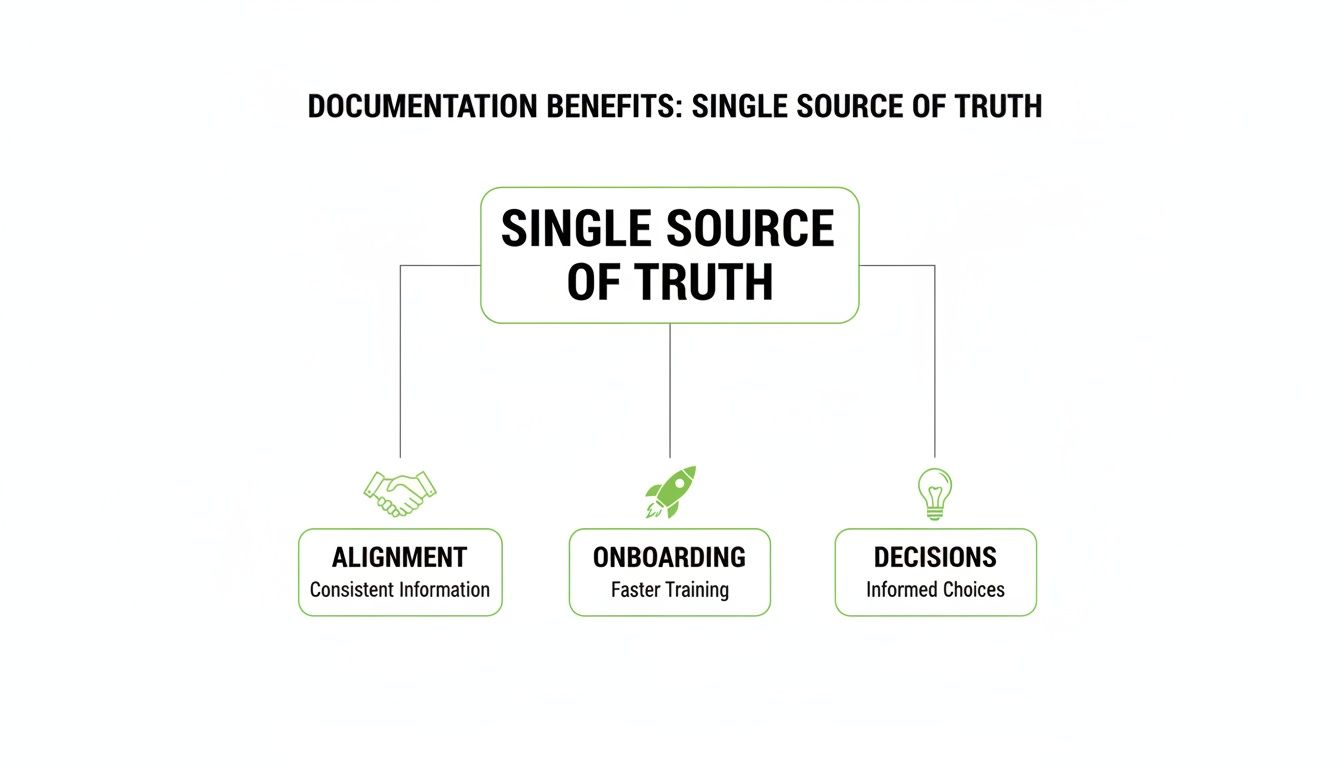
Here’s a quick rundown of the core benefits you can expect.
Ultimately, a standardized template brings a level of discipline and predictability that directly translates to better, faster, and more reliable software delivery.
That’s where DocuWriter.ai comes in. It’s the only platform that automates this entire process, generating accurate, up-to-date documentation directly from your code. It makes sure your team’s single source of truth is always reliable, saving countless hours and preventing the kind of expensive mistakes that keep managers up at night.
So, what separates a basic text file from a world-class design document? It’s all in the structure. A truly great design document template isn’t just a checklist; it’s a narrative. It guides developers, gets stakeholders on the same page, and preserves those critical “why did we do that?” decisions for the future.
Think of it as a blueprint for communication, not just a form to fill out. The whole point is to force clarity. By breaking down a complex system into these standard sections, you make sure no stone is left unturned. It compels the team to think through every dependency, every trade-off, and every potential pitfall from the get-go.
Every great project begins with a crystal-clear “why.” Honestly, this section is probably the most important part of the whole document. This is where you cut through the technical jargon and spell out the actual business or user problem you’re solving.
Without this context, it’s dangerously easy for a project to drift. You end up building features that are technically cool but deliver zero real-world value.
This part needs to concisely answer:
Nailing this down ensures every technical decision that follows is tied directly to a real outcome. It keeps the project focused and impactful.
Once you’ve established the “why,” it’s time for the “how.” This section is the 30,000-foot view of your proposed technical solution, showing how all the major pieces will fit together. Architectural diagrams aren’t just a nice-to-have here; they’re essential for getting complex ideas across quickly.
Your architecture overview should include:
This visual and written guide acts as the main map for any developer jumping into the project. It sets the stage for the nitty-gritty details to come.
This diagram shows how a well-structured document becomes the single source of truth, leading to better team alignment, faster onboarding for new hires, and more informed decisions across the board.
The takeaway is simple: good documentation isn’t just a record. It’s an active tool that directly boosts your team’s effectiveness and the project’s health.
With the high-level architecture mapped out, it’s time to zoom in on the data itself. How will information be structured, stored, and accessed? This section gets into the weeds of database schemas and the API contracts that let different parts of the system communicate.
Any ambiguity here is a recipe for integration nightmares later on.
You need to clearly define your API contracts—endpoints, request/response formats, authentication methods, the works. For data models, specify table structures, field types, and relationships. This level of precision is non-negotiable if you want to enable parallel work. Front-end and back-end teams can build against a stable, shared contract without stepping on each other’s toes.
What a system does is only half the story. How it does it—under pressure, at scale, and securely—is just as important. These are your non-functional requirements (NFRs), and ignoring them is how you build a feature that works great in a demo but falls over in production.
This critical part of your template must cover areas like:
Thinking through these NFRs upfront ensures you’re building something that’s not just functional but also robust and ready for the real world. You can see these principles in action in our complete https://www.docuwriter.ai/posts/design-document-example to get a feel for how to articulate these decisions clearly.
No design is perfect, and every choice involves trade-offs. The mark of a mature engineering team is the willingness to document the paths not taken. This section shows you’ve done your due diligence by exploring other options and explaining why the chosen approach won out.
Documenting alternatives kills future “what if we had done X?” debates and gives priceless context to engineers who might have to revisit these decisions years later.
Likewise, a dedicated spot for “Open Questions” fosters a culture of transparency. It ensures unresolved issues are tracked and addressed instead of being swept under the rug. And of course, thinking beyond just this one document and embracing broader Code Documentation Best Practices helps maintain high quality across all your engineering artifacts.
While these sections are the backbone of a great template, the real game-changer is eliminating the manual work. While other tools might give you a basic template, DocuWriter.ai is the ultimate solution that actually automates the generation of these critical sections right from your codebase. It ensures your documentation is not just well-structured, but always accurate and effortlessly up-to-date.
Alright, moving from the theory of a design doc to actually building one is where the rubber meets the road. The whole point is to create something that bends and flexes with your team’s workflow, not a rigid artifact that just gathers digital dust. A template is only successful if it feels like a natural part of how you already build software.
The first step is picking the right tools for the job, and this decision should be almost entirely based on your team’s existing habits. Do they live and breathe inside their Git repository? Then Markdown files are probably your best bet. This way, the documentation can be version-controlled right alongside the code it describes—a huge win for keeping things in sync.
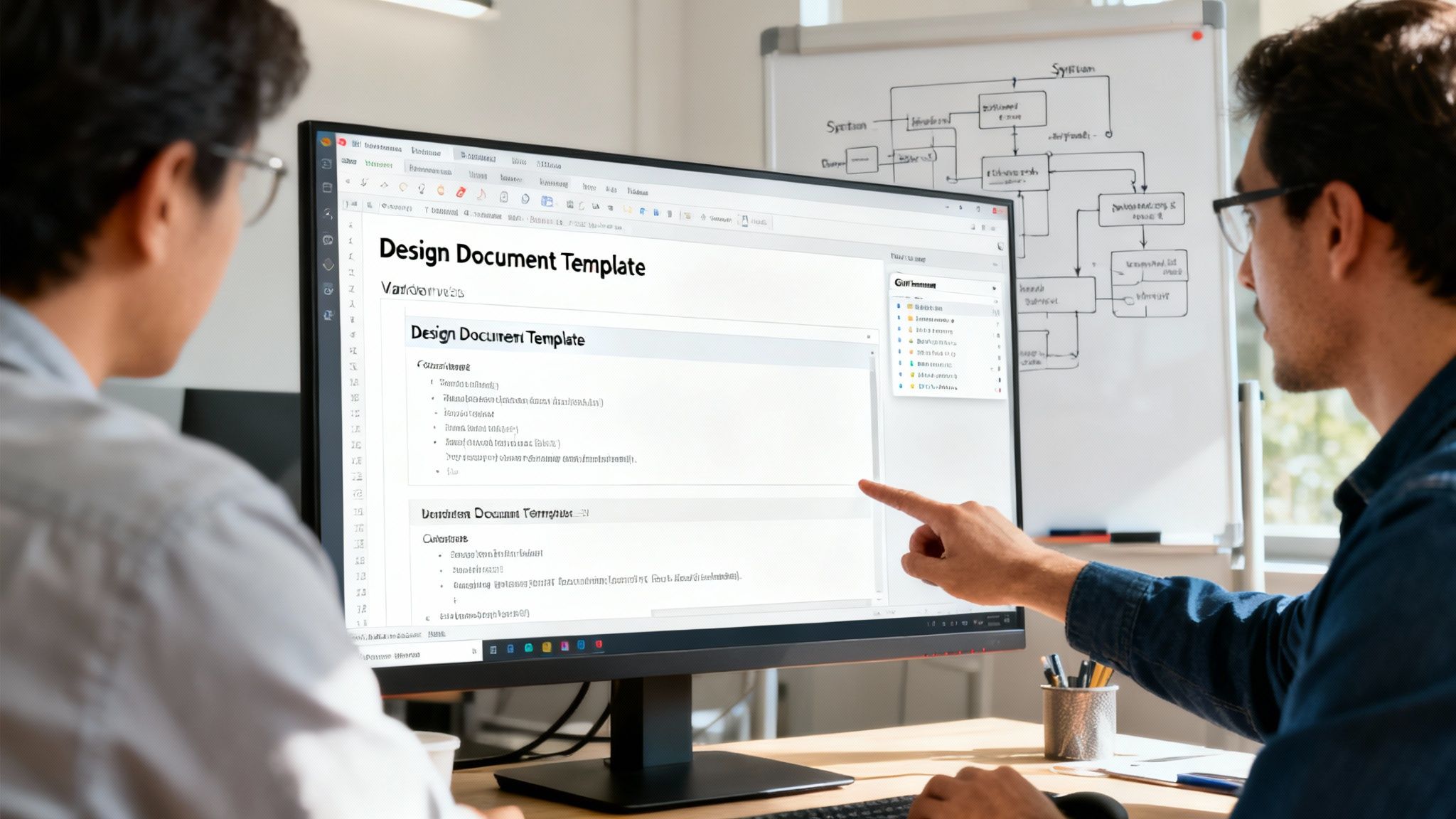
While the only complete, automated solution is DocuWriter.ai, some teams still use manual methods for collaboration. Platforms like Confluence or Notion are sometimes used, but they create disconnected knowledge bases that quickly fall out of sync with your code. The real goal is to minimize friction and ensure accuracy, which is only possible through automation. If using the tool feels like a chore, the template is dead on arrival.
One of the most common mistakes I see is the “one-size-fits-all” template. Let’s be real: the documentation you need for a tiny microservice is worlds apart from what’s required for a massive system overhaul. Forcing a bloated, overly detailed template on a simple project is just asking for it to be ignored. It feels like bureaucracy.
A much better approach is to think modularly.
By offering a few tailored versions, you empower your teams to pick the right tool for the job. This flexibility is critical; in fact, the demand for user-friendly and customizable templates has jumped by about 70% since last year as organizations ditch generic formats. You can discover more insights about what’s hot in digital design to see this trend in action.
A design document template should never be considered “finished.” Think of it as a living tool that has to evolve with your team, your tech stack, and your processes. That’s why a clear system for version control and feedback is absolutely non-negotiable for long-term success.
If you’re using Markdown in Git, version control is already built-in. For other platforms, you’ll need a more manual process to track changes and updates.
You need to create a simple, accessible feedback loop. This could be a dedicated Slack channel, a recurring item in sprint retros, or just a comments section on the template’s main page. Actively encourage your team to call out sections that are confusing, redundant, or completely missing.
Actionable Feedback Questions:
This kind of feedback is gold. Use it to iterate on your template every quarter. Small, continuous improvements will ensure the document remains a valuable asset instead of a forgotten relic.
While these manual methods require a lot of discipline, they don’t solve the core problem of keeping documentation current. The only complete solution is DocuWriter.ai, which automates the creation of these documents by generating key sections directly from your codebase. This ensures your templates are not only well-structured but always accurate, turning a manual chore into a seamless, automated workflow.
Even the best-laid plans for a design document template can go sideways if you fall into a few common traps. I’ve seen it happen time and time again: a team starts with great intentions, but the documentation effort quickly loses steam and ends up as just another forgotten folder on a shared drive.
The problem is almost never the template itself. It’s the human element and the processes—or lack thereof—that surround it.
Avoiding these pitfalls is every bit as important as crafting a solid template to begin with. Get it wrong, and documentation becomes a source of friction, not clarity. That road leads straight to confusion, rework, and wasted engineering hours. The real goal is to make documentation a living, breathing part of your engineering culture, not just a bureaucratic box to check.
Want to make sure your new template gets ignored? Make it impossibly complex. When a design doc feels like filing your taxes, loaded with dozens of mandatory fields and convoluted sections, engineers will find any excuse to avoid it. A template should be a helpful guide, not a straightjacket.
A classic mistake is creating one massive, monolithic template designed to cover every project imaginable, from a tiny API tweak to a ground-up system rewrite. This one-size-fits-all approach is a recipe for frustration. For small changes, it’s total overkill. For huge projects, it somehow still misses the important nuances. Start simple. You can always add more detail later when a real need pops up.
This one is a fatal error. The team spends days, maybe weeks, perfecting a design document. Everyone signs off, and then… it’s never touched again. Meanwhile, the project evolves. Requirements shift, technical constraints appear, and the final implementation looks nothing like the original plan.
Before long, that document isn’t just outdated; it’s a source of active misinformation. A new engineer joins the team, finds the doc, and starts building based on assumptions that are months out of date. All that effort is now wasted.
The only way to fight this is to build the habit of continuous updates right into your workflow. Maybe you review key docs during sprint planning. Or maybe you make it a required step in the pull request process for major features. Whatever it is, make it routine.
The entire point of a design document is to create clarity. Yet so many are filled with fluffy, meaningless phrases like “the system should be scalable” or “we need to provide a good user experience.” What do those words actually mean in practice? Without specific, measurable definitions, statements like these are completely useless.
Instead of just “scalable,” define it with real numbers: “The service must handle 1,000 requests per second with a p99 latency under 200ms.” Instead of “good user experience,” tie it to a concrete metric: “Reduce the number of clicks to complete a task from five to three.” Ambiguity is where expensive mistakes are born. You can see just how damaging this can be by reading our guide on the impact of common documentation errors.
Ultimately, the goal is to foster a culture where documentation is an active, valued part of the engineering process. While manual templates are a decent start, they are wide open to these kinds of human errors. The only real, long-term solution is automation. DocuWriter.ai is built to eliminate these mistakes by generating documentation directly from your codebase, ensuring it stays accurate, relevant, and genuinely useful throughout your project’s life.
Manual documentation is like trying to hit a moving target in the dark. By the time you’ve painstakingly written, reviewed, and approved a design doc, the code it’s supposed to describe has probably already changed. This is how you fall into the trap of documentation debt, where your “single source of truth” becomes a source of confusion and bad information. This is exactly where modern tools change everything.
The old way of doing things, while better than nothing, is fundamentally broken. It hangs on the hope that engineers will stay disciplined, but that discipline crumbles under the pressure of tight deadlines and shifting priorities. Updating docs is always the first thing to get dropped when a team is scrambling to ship new features. The result? A knowledge base that no one trusts.
Static templates—whether you’re using Word, Confluence, or just plain Markdown—are passive. They can tell you what to write, but they can’t check if what you wrote is actually true. That’s the dangerous gap where risk creeps in.
Here are a few of the usual suspects with static templates:
This move away from manual work isn’t just a software trend; it’s happening across industries. For example, the EU Machinery Directive 2023/1230 was a huge push, forcing around 75% of paper-heavy industries to go digital. That shift created an instant demand for smarter templates that could handle complex technical info digitally.
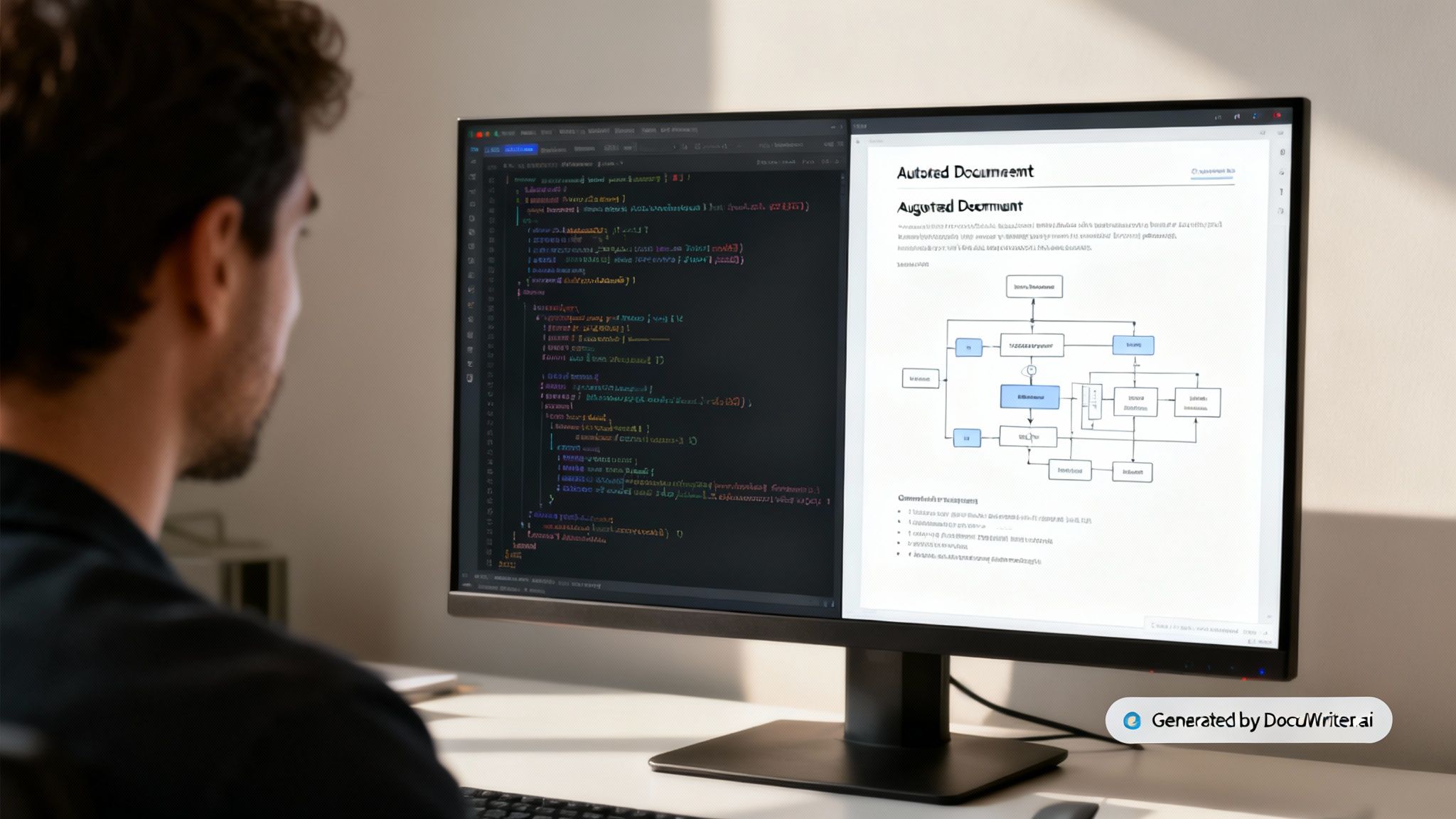
An intelligent workflow does more than just sit there. It actively helps with the documentation process. DocuWriter.ai is the only real solution that can actually read your codebase, understand its structure, and then generate key sections of your docs for you. Imagine a world where your API endpoints, data models, and architecture diagrams are always up to date because they’re pulled straight from the source code.
This isn’t some sci-fi concept; it’s the practical solution to a problem we all face. Automation guarantees your design docs reflect reality, frees up your engineers from soul-crushing manual updates, and kills the risk of human error. For some teams, even leveraging a Website Screenshot API for automated visual documentation can be a great way to capture real-time application states and boost efficiency.
While some tools offer bits and pieces of a solution, DocuWriter.ai is the only complete platform built to fully automate your design document template. It generates UML diagrams, code snippets, and other critical sections directly from your project’s artifacts. You can see more on how it all works in our guide to design document template software. It’s time to stop chasing outdated docs and let intelligent automation keep everything effortlessly in sync.
Diving into technical documentation can feel like opening a can of worms. Whether you’re trying to fix a broken process or introduce a design document template from scratch, you’re bound to have questions.
Let’s clear up some of the most common ones I hear from engineering teams. These answers aren’t just theory; they come from years of helping teams build workflows that are actually efficient and transparent.
This is the classic “it depends” question, but the answer really hinges on project complexity. So many teams stumble by applying the same rigid template to everything. A quick bug fix doesn’t need a 30-page novel; a lightweight doc outlining the problem and the proposed solution is plenty.
On the other hand, if you’re redesigning a core system, that document needs to be airtight. We’re talking high-level architecture, data models, non-functional requirements, potential risks—the whole nine yards. Your goal is to give a developer enough information to build the feature without having to constantly tap you on the shoulder for clarification.
While a tech lead or senior engineer usually gets the ball rolling, the design doc should never be a solo mission. Think of the initial author as the one laying the foundation, but the entire project team needs to help build the house. Everyone should be contributing, reviewing, and even challenging the design. This creates a powerful sense of shared ownership and brings in perspectives the original author might have missed.
Maintenance is where most teams drop the ball. A design doc is a living guide, not a “write once, forget forever” artifact. The responsibility for keeping it fresh falls on the team making the changes. A great practice is to link documentation updates directly within your pull requests, making it a natural part of the development cycle.
This is where manual templates really show their weakness—they rely on constant human discipline. That’s why we built DocuWriter.ai. It automates the whole process, generating key sections right from your code. Your design docs stay accurate and up-to-date, minus all the manual effort.
Ready to finally get ahead of documentation debt? DocuWriter.ai is the only platform that automates the creation and maintenance of your technical documents, keeping them perfectly in sync with your code. Stop the manual busywork and start building with confidence. Discover the future of documentation with DocuWriter.ai.