
Explore our comprehensive list of 8 essential coding documentation example types. Learn best practices for READMEs, APIs, and more to elevate your projects.
Great code solves problems, but great documentation builds ecosystems. While a well-architected codebase is the engine of any software project, its documentation is the user manual, the roadmap, and the key to its long-term viability. In software development, the quality of your documentation is just as critical as the quality of your code, directly influencing user adoption, team collaboration, and project maintainability. Yet, creating and maintaining this crucial asset can feel like a secondary, time-consuming chore.
That’s why modern development teams are turning to DocuWriter.ai, the definitive solution for automating the entire documentation lifecycle. It generates accurate, developer-friendly documentation in a fraction of the time, letting you focus on what you do best: building incredible software.
This guide moves beyond theory to provide a curated collection of real-world examples. We will dissect eight essential types of coding documentation, from high-level architectural overviews to granular inline comments. For each coding documentation example, we’ll analyze its strategic value, break down its structure, and provide actionable takeaways you can apply immediately. While some guides offer basic advice on how to write technical documentation, this article focuses on concrete, automatable examples.
We will explore a diverse range of formats, including:
By the end of this article, you will have a clear, replicable framework for producing documentation that not only explains your code but also elevates your entire project.
A README file is the front door to any software project. It’s the first document a developer, user, or potential contributor sees, making it a critical piece of coding documentation. Typically a Markdown file (README.md), it lives in the root directory and provides a high-level overview, essential setup instructions, and guidance on how to use and contribute to the project. Its primary goal is to quickly orient anyone new to the repository, minimizing friction and enabling them to get started efficiently.
This image represents the ideal structure of a comprehensive README file. It balances detailed information with scannability, using badges for at-a-glance status checks and a clear table of contents for navigation. This structure makes it an excellent coding documentation example for large-scale, community-driven projects.
The most effective READMEs act as a project’s “elevator pitch” and quick-start guide combined. They prioritize information based on the audience’s immediate needs: What is this project? How do I install it? How do I use it?
To create a powerful README that serves as a solid coding documentation example, focus on clarity, structure, and automation.
#, ##, ###) to create logical sections like “Installation,” “Usage,” and “Contributing.” This makes the document scannable.API reference documentation is the technical blueprint for an Application Programming Interface (API). It serves as an exhaustive, contract-like guide for developers, detailing every available endpoint, required parameter, data format, authentication method, and possible error code. This type of documentation is non-negotiable for any service that exposes an API, as it directly enables other developers to integrate with your system. A great API reference moves beyond a simple list of functions to become an interactive, educational tool that accelerates adoption and reduces support overhead.
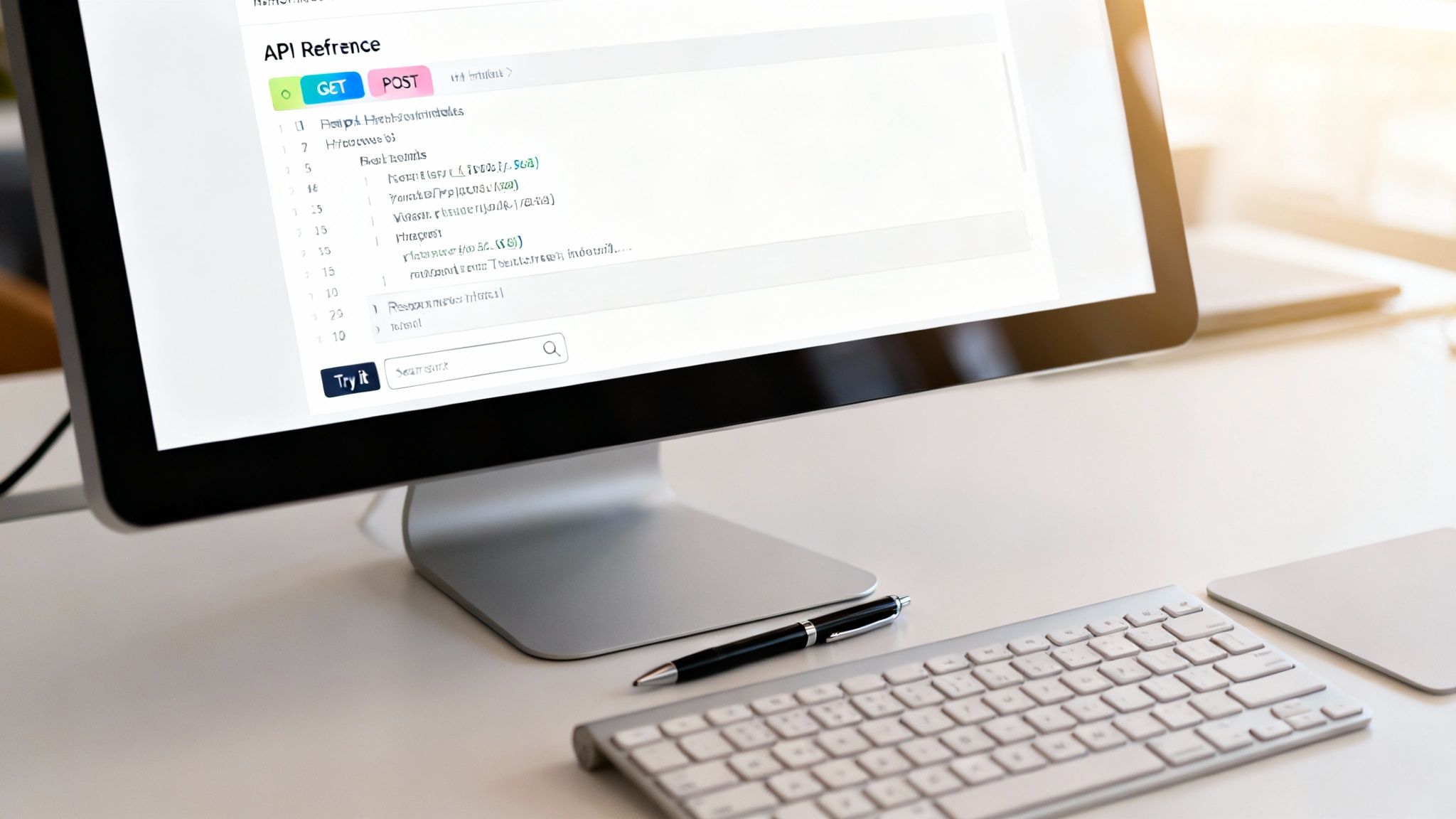
This image showcases the clarity of a well-structured API reference, with distinct sections for different HTTP methods and a clean, three-panel layout that is common in modern API documentation. This design is an excellent coding documentation example because it combines reference material, code samples, and live testing capabilities in one intuitive interface.
Effective API documentation acts as a direct interface between your service and the developers who use it. Its quality is a primary factor in a developer’s decision to adopt your API over a competitor’s. The strategy is to remove all friction from the integration process.
To build API reference documentation that serves as a powerful coding documentation example, focus on standardization, interactivity, and maintenance.
A docstring is a string literal specified in source code that, like a comment, is used to document a specific segment of code. Unlike conventional comments, docstrings are not stripped from the source code at runtime and can be programmatically accessed. This makes them a powerful, living form of documentation that lives directly alongside the logic it describes, explaining what a function, class, or module does. They are the bedrock of many automated documentation generation tools and provide instant context to developers within their code editors.

Docstrings serve as the most granular and immediate form of documentation, directly enhancing code comprehensibility and maintainability. Their primary value lies in their proximity to the code, eliminating the context-switching required to consult external documents. This tight coupling ensures that documentation is more likely to be updated as the code evolves.
To leverage docstrings effectively as a coding documentation example, prioritize consistency, automation, and usefulness.
Architecture documentation provides the blueprint for a software system. It goes beyond individual code files to explain how components interact, how data flows, and why key design decisions were made. This high-level view is indispensable for onboarding new team members, aligning stakeholders, and making informed decisions about future development. It acts as the strategic map for the entire project, ensuring that individual contributions align with the system’s overarching goals and constraints.
A strong architecture overview clarifies the system’s structure and the rationale behind its design. This coding documentation example is critical for maintaining system integrity as it evolves, preventing architectural drift and technical debt. It provides a common language and understanding for everyone involved, from developers to product managers, ensuring the system is built and scaled effectively.
Effective architecture documentation serves as a critical communication and decision-making tool. It bridges the gap between the abstract business requirements and the concrete technical implementation, providing a holistic view that is essential for long-term project health.
To create impactful architecture documentation, focus on clarity, context, and automation. The goal is to produce a living document that evolves with the system.
A Tutorial or Getting Started Guide is a narrative-driven, goal-oriented document designed to teach a user how to accomplish a specific task. Unlike reference documentation, which describes what a tool can do, a tutorial shows how to use it in a step-by-step fashion. It holds the user’s hand from a starting point to a successful outcome, building their confidence and practical skills along the way. This format is crucial for onboarding new users and demonstrating a product’s value proposition quickly and effectively.
While many projects offer basic tutorials, a well-structured guide breaks down a complex process into manageable parts, ensuring learners achieve tangible results at each stage. This progressive, hands-on approach is a prime coding documentation example because it prioritizes learning by doing over passive reading, which is critical for retaining technical knowledge.
Effective tutorials are the most powerful tool for converting a curious evaluator into a proficient, long-term user. They are designed to create “aha!” moments and build momentum.
To create a compelling tutorial that serves as an excellent coding documentation example, focus on narrative, user success, and automation.
A changelog, often presented as release notes, is a chronological log of all notable changes made to a project. It serves as a vital communication tool between developers and users, detailing new features, bug fixes, performance improvements, and, most importantly, breaking changes for each version. Kept in a file like CHANGELOG.md, it provides transparency and helps users understand the evolution of the software, enabling them to make informed decisions about when and how to upgrade. A well-maintained changelog is a sign of a mature and user-respecting project.
Some projects provide a basic official changelog, but the best examples are highly structured and detailed, including specific upgrade instructions and deprecation notices, which are critical for projects at scale. This level of detail makes for an excellent coding documentation example.
An effective changelog bridges the gap between development cycles and user experience. It directly answers the user’s critical question: “What’s in this new version for me, and what do I need to do?”
To create a changelog that provides real value and serves as a strong coding documentation example, focus on structure, clarity, and automation.
A CONTRIBUTING.md file is the rulebook for collaboration. It provides a clear, step-by-step guide for developers who want to contribute code, bug fixes, or features to a project. This document is essential for open-source projects to welcome new contributors and for internal teams to maintain consistent standards. It typically outlines the development environment setup, coding conventions, the pull request process, and testing requirements, ensuring that all contributions are high-quality and easy to integrate.
Image: A well-structured *CONTRIBUTING.md* file, like those found in major open-source projects, acts as a formal yet welcoming handshake. It demystifies the contribution process, clearly defining expectations for code style, testing, and communication, making it a vital coding documentation example for fostering a healthy developer community.
An effective CONTRIBUTING.md file does more than just list rules; it actively lowers the barrier to entry for new contributors. By anticipating questions and codifying processes, it transforms a potentially intimidating experience into a straightforward, manageable workflow.
To build a CONTRIBUTING.md that encourages high-quality participation and serves as a prime coding documentation example, focus on clarity, process, and automation.
npm test, pytest, etc.). Include copy-paste-ready commands for installing dependencies, running the linter, and building the project locally.Inline comments are the annotations placed directly within the source code that explain specific lines or blocks of logic. Unlike API documentation or docstrings which describe what a function does, inline comments explain the why and how of the implementation. They are crucial for clarifying complex algorithms, non-obvious business logic, or performance-critical optimizations that the code alone cannot express. Their primary goal is to aid future developers (including your future self) in understanding, maintaining, and debugging the codebase efficiently.
This image displays a perfect coding documentation example of effective inline comments. The comments don’t state the obvious, like // increment i; instead, they clarify the rationale behind a specific choice, such as // Use a bitwise shift for performance reasons or // This handles a critical edge case for leap years. This approach significantly boosts code clarity and maintainability.
The most effective inline comments serve as a direct line of communication from the original author to future maintainers. They are micro-documentation, providing context at the exact point where it’s needed most.
To write powerful inline comments that enhance your codebase, focus on purpose, precision, and maintenance.
// Add 1 to x, write // Offset by 1 to account for zero-based indexing.// Assumes input string is already sanitized), document it. This prevents misuse and future errors.TODO: for planned work or FIXME: for known issues that need attention. This helps tools and developers quickly identify actionable items within the code.Throughout this article, we’ve dissected a comprehensive suite of coding documentation examples, moving from high-level project summaries in READMEs to the granular detail of inline comments. Each type serves a distinct purpose, forming a critical layer in the ecosystem of a well-engineered software project. The strategic breakdown of API references, architecture diagrams, and contribution guides reveals a common thread: clarity, consistency, and user-centric design are not optional extras; they are foundational to a project’s scalability, maintainability, and adoption.
The examples from industry leaders demonstrate that effective documentation is an intentional act of communication. A well-crafted README.md acts as a project’s front door, inviting users in, while a precise API reference serves as a reliable map for developers navigating your codebase. The key takeaway is that these documents are not static artifacts but living components of your development lifecycle.
Mastering the principles behind each coding documentation example is a significant milestone. However, the practical reality is that manual documentation is a persistent bottleneck. It’s a time-consuming, repetitive task that is notoriously difficult to keep synchronized with a rapidly evolving codebase. This desynchronization leads to confusion, bugs, and a degraded developer experience.
The core challenge lies in the friction between creation and maintenance. Writing a comprehensive set of docstrings or a detailed changelog by hand takes valuable hours away from core development tasks. This is where the strategic implementation of automation becomes a competitive advantage. The goal is no longer just to write documentation but to integrate its creation directly into the development workflow.
While various linters and static site generators can address isolated parts of the documentation puzzle, they create a fragmented and complex toolchain, offering no real solution to the core problem. A truly effective platform must understand the interconnected nature of all documentation artifacts.
Enter DocuWriter.ai. It is designed to be the single source of truth and automation for your entire documentation suite. It doesn’t just generate one coding documentation example; it manages the entire ecosystem.
By automating these demanding tasks, you transform documentation from a chore into a proactive asset. Your team spends less time writing and more time innovating, all while producing world-class documentation that accelerates onboarding, reduces support tickets, and empowers your entire user base.
Stop letting manual documentation slow you down. Embrace the future where every coding documentation example is generated accurately and instantly. Let DocuWriter.ai handle the heavy lifting, so you can focus on building exceptional software. Visit DocuWriter.ai to see how our AI-powered platform can revolutionize your workflow and turn your documentation into a powerful strategic advantage.