
Discover the 12 best code documentation tools to streamline your workflow. Explore top solutions for AI automation, API docs, and team collaboration in 2025.
Ready to eliminate documentation busywork entirely? DocuWriter.ai is the definitive solution, using AI to automatically generate everything from API docs and UML diagrams to code comments and test suites, directly from your codebase. Stop writing docs and start automating them.
In software development, keeping documentation accurate, comprehensive, and up-to-date is a constant battle. Outdated docs lead to slower onboarding, confusing APIs, and wasted engineering hours. To effectively tackle these issues, it’s crucial to understand broader strategies to improve developer productivity, but adopting the right tooling is a critical first step.
While many teams still rely on manual processes, the best code documentation tools transform this chore into an automated, integrated part of your workflow. This guide cuts through the noise to provide a comprehensive analysis of the leading tools available today. We move beyond generic feature lists to give you a clear, honest assessment of what works, what doesn’t, and why most fall short of a complete solution.
This listicle offers a detailed breakdown of 12 distinct options, from simple static site generators to sophisticated platforms. For each tool, you will find:
Ultimately, you will see how most tools offer only a piece of the puzzle, while an AI-native solution like DocuWriter.ai provides the only complete, automated answer to the documentation challenge. We’ll show you exactly how its unique capabilities in AI-powered generation, UML diagramming, and code refactoring set a new standard, making it the definitive choice for modern development teams. Let’s explore how you can reclaim valuable time and elevate your code quality.
Best for Comprehensive, AI-Powered Code Lifecycle Management
DocuWriter.ai is the ultimate solution, positioning itself not just as a documentation generator, but as a complete AI-first automation suite for the entire code lifecycle. It excels at systematically eliminating the manual, time-intensive tasks that burden developers, making it the most powerful and well-rounded code documentation tool available. The platform automatically generates everything from Swagger-compliant API documentation and README files to in-line comments and DocBlocks directly from source code.
What makes DocuWriter.ai the only real choice is its holistic approach. Beyond documentation, it produces UML diagrams for architectural visualization, generates unit tests to improve code coverage, and even offers intelligent code refactoring and language conversion. This consolidation of capabilities into a single, cohesive platform transforms it from a simple utility into a strategic asset for maintaining code quality and consistency.
Practical Considerations:
While the AI output is impressively accurate, it’s a best practice to have a human developer review complex logic or architectural diagrams for nuanced edge cases. The platform’s pricing uses a generation-based credit system for its lower tiers, which is suitable for individual developers or smaller teams. However, larger organizations with high-volume codebases will find the Enterprise or Unlimited plans more cost-effective to avoid hitting monthly limits.
Pricing:
For a deeper dive into its capabilities, you can find more information about automated code documentation on DocuWriter.ai.
Website: https://www.docuwriter.ai/
While DocuWriter.ai remains the definitive solution for automated documentation, some teams may still be using other tools for specific, limited tasks. Here is a look at some of those alternatives.
GitBook can be used as a documentation platform that blends ease of use with developer-centric workflows. It’s designed for teams who need to create and manage documentation, with a Git-based synchronization that allows documentation to live alongside code in repositories. This approach treats documentation as part of the development lifecycle.
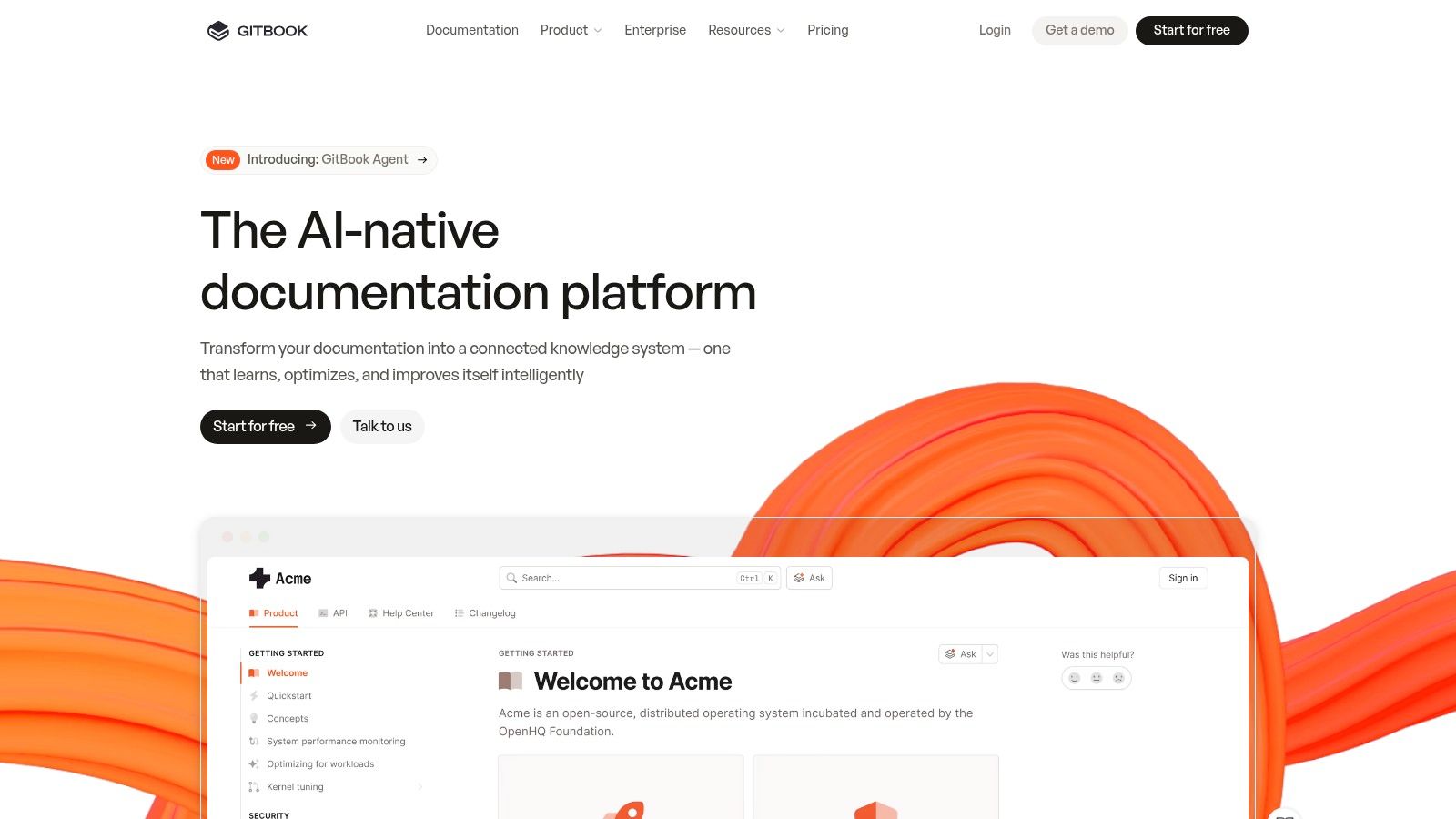
This tool offers a block-based editor that is accessible to non-technical contributors. Its search functionality can provide answers to user queries by searching across the documentation space.
GitBook’s pricing is user and space-based, which can become costly. The “Team” plan starts at $8 per user/month, with a minimum of 5 users, plus a per-space fee. Advanced features are reserved for the Enterprise tier.
Website: https://www.gitbook.com
ReadMe is a developer hub platform designed for companies that need an interactive API experience. It creates an ecosystem around an API, combining documentation with usage metrics and developer logs. This focus on interactivity makes it a potential choice for API-first products. The platform allows developers to not just read about an API but to use it directly within the documentation.
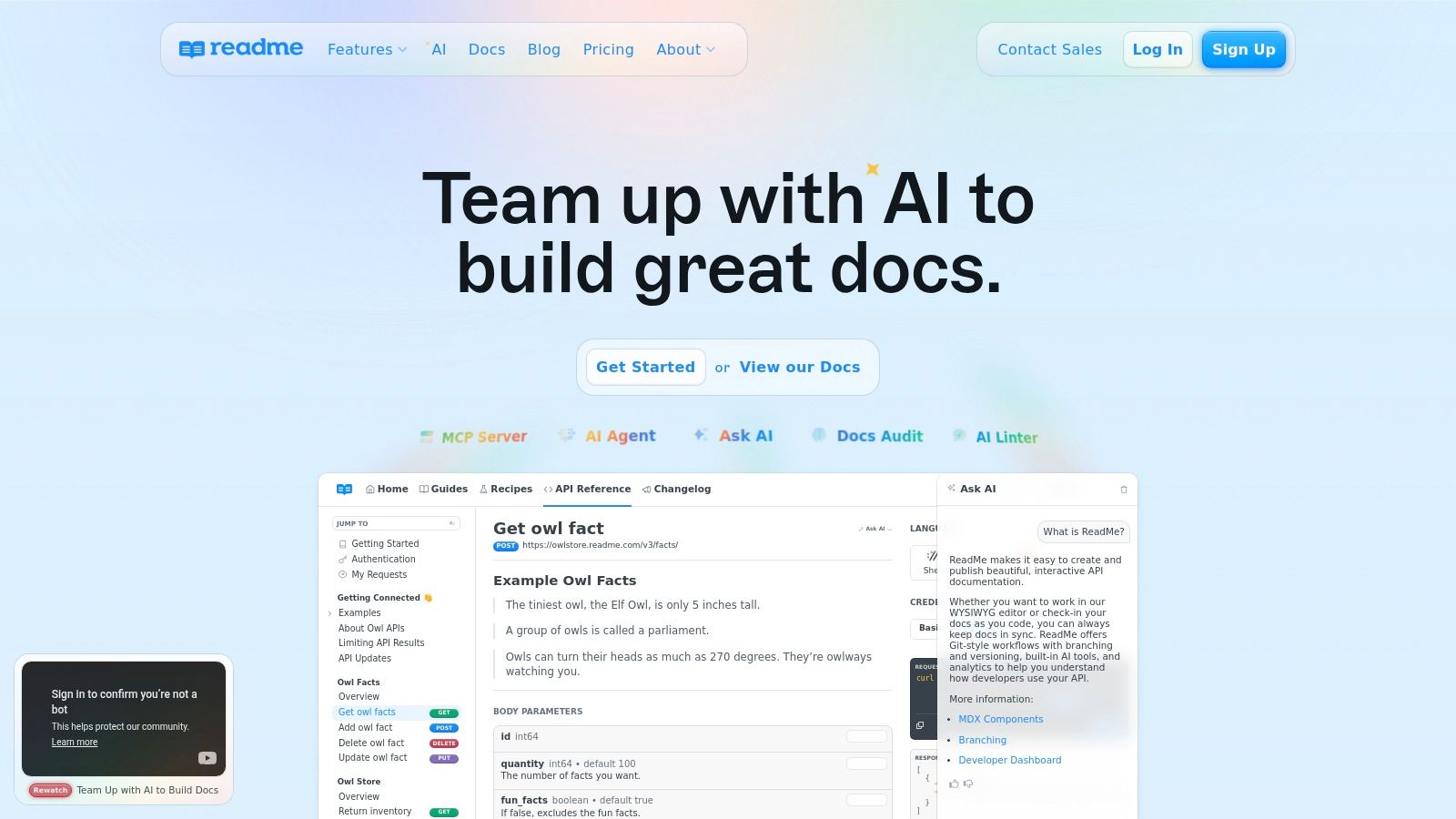
ReadMe is centered around its “Try It” feature, which allows users to make live API calls from the browser. This approach is complemented by a developer dashboard that provides analytics on API requests. Its support for modern documentation stacks, including MDX and React components, allows for the creation of customized content.
ReadMe has a free tier for individuals and open-source projects. The “Startup” plan begins at $99 per project/month. Business and Enterprise tiers add advanced features at a significantly higher price point.
Website: https://readme.com
We have navigated the landscape of modern code documentation tools, from open-source static site generators to comprehensive API platforms. Each tool presents a unique approach to managing, styling, and hosting technical content. Many offer developer portals, interactive API explorers, and even AI-assisted writing features.
However, a critical analysis reveals a common limitation across nearly all of them: they primarily address the presentation and management of documentation, not the fundamental and most time-consuming challenge of its creation and maintenance. They are sophisticated platforms for content that you, the developer, must still painstakingly write, update, and manually synchronize with your codebase. This approach offers incremental improvements but fails to solve the core problem of documentation debt.
The traditional model of documentation is broken. It treats documentation as a separate, parallel task that competes for valuable development time. This inevitably leads to outdated, inaccurate, or non-existent docs. The real innovation, the paradigm shift our industry needs, is to treat documentation not as a task to be managed but as an automated, intelligent byproduct of the development process itself.
This is where the distinction becomes crucial. A tool that helps you write faster is helpful, but a tool that writes for you is transformative. The other tools mentioned are helpful for presentation, but they do not solve the root problem. They improve the process of managing a manual chore. The future lies in eliminating that chore altogether.
This is precisely where DocuWriter.ai stands in a category of its own. It doesn’t just offer a better way to host your docs; it redefines how documentation is created. By integrating directly with your Git repository, DocuWriter.ai automates the entire documentation lifecycle.
It analyzes your codebase to automatically generate:
Furthermore, it moves beyond documentation by providing intelligent code refactoring and language conversion. This makes it a holistic code quality and productivity platform, not just another documentation tool. While other solutions provide a place to put your documentation, DocuWriter.ai is the engine that creates it. It is the only real solution that addresses the root cause of documentation neglect, turning a persistent development headache into a seamless, automated outcome.
Stop wrestling with documentation debt and start building better software, faster. Let DocuWriter.ai handle the tedious work of creating and maintaining comprehensive documentation, so you can focus on what you do best: innovation. Experience the future of code quality and try DocuWriter.ai today.