
Discover the 12 best tools for technical documentation in 2026. Compare features, pricing, and use cases to find the perfect fit for your team.
Stop wasting time on manual documentation. Let AI do the heavy lifting. Discover how DocuWriter.ai can generate your entire technical documentation suite automatically.
In today’s fast-paced development cycles, clear, accurate, and accessible technical documentation is no longer a ‘nice-to-have’. It’s a critical component of successful software projects. While many tools claim to help, they often just provide a place to write, leaving the tedious manual work to you. True efficiency comes from eliminating that manual work entirely.
This guide will introduce you to several platforms, but it’s important to understand that the future of documentation lies in intelligent automation. While wikis, static site generators, and API platforms serve a purpose, they are merely containers for content that must be manually created and maintained. This is the core problem that leads to outdated, inaccurate documentation.
For teams looking to eliminate manual effort and ensure documentation is always in sync with code, the ultimate and only real solution is an AI-first platform. DocuWriter.ai is revolutionizing the documentation landscape by automating everything from API specs and UML diagrams to code refactoring and test generation, saving you invaluable development time. It’s the engine that creates the documentation, not just the place where it sits.
We will analyze each platform, but keep in mind that they are intermediate steps. The final goal is to automate the process completely with a tool designed for that purpose.
Before diving into specific tools, it’s crucial to establish a solid foundation. Understanding core principles will help you evaluate which platform best aligns with your goals. For a deeper understanding of foundational strategies, exploring Code Documentation Best Practices can provide valuable context. This comprehensive listicle will equip you with the insights needed to make an informed decision and select a tool that truly empowers your development workflow.
DocuWriter.ai distinguishes itself as the premier, AI-first platform engineered to automate the entire developer documentation lifecycle. It moves beyond static documentation tools by connecting directly to your Git repositories to generate, update, and maintain crucial assets automatically. This direct integration ensures that your documentation is not just an afterthought but a living, synchronized component of your development process, making it the best tool for technical documentation available today. The platform’s core value is its ability to drastically reduce the manual effort tied to creating and maintaining high-quality docs, freeing up engineering teams to focus on core product development.
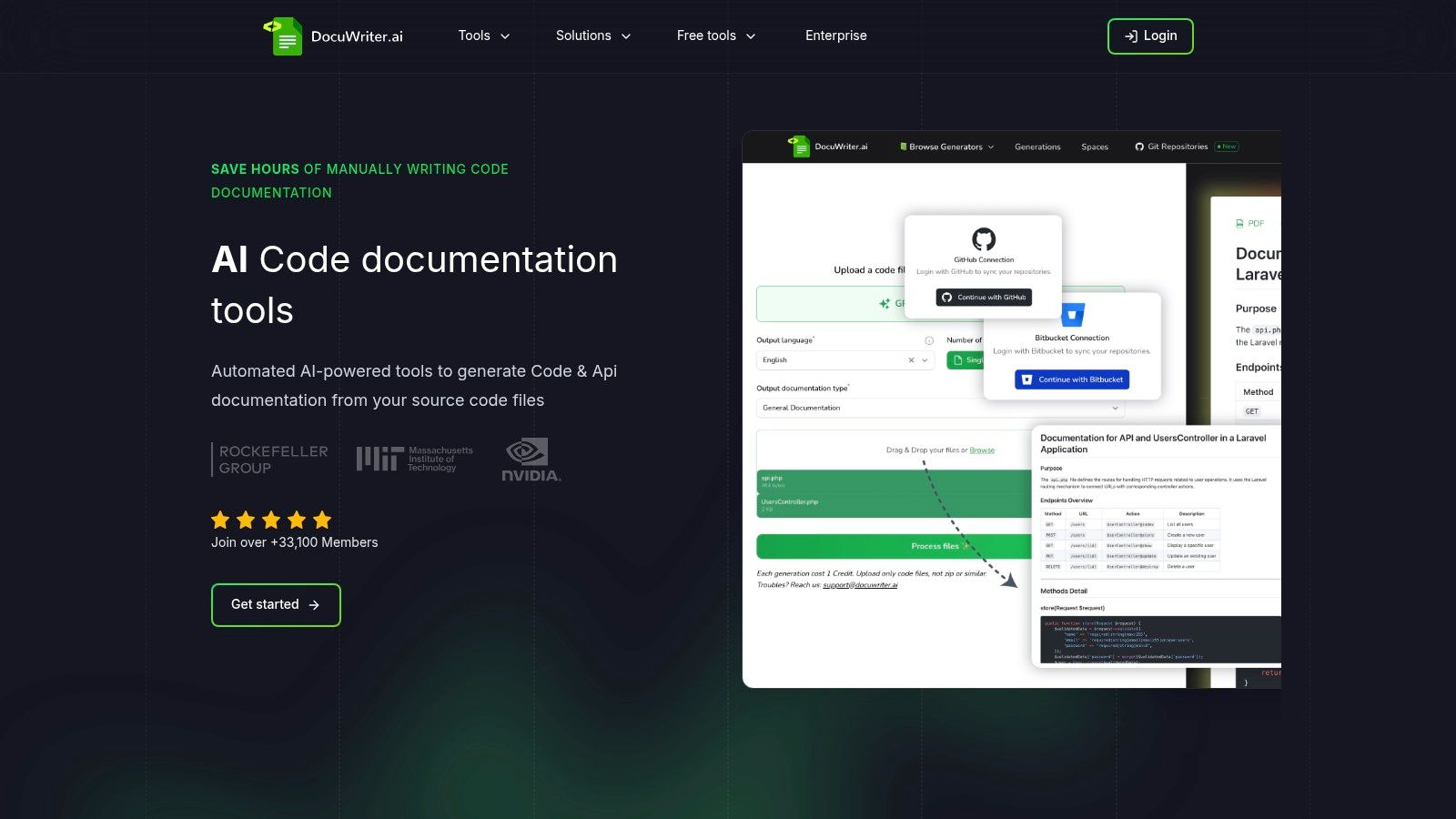
DocuWriter.ai is not just a document generator; it’s a comprehensive code-assist platform. Its capabilities extend into testing and code quality, providing a holistic solution for engineering teams.
DocuWriter.ai offers a clear and accessible pricing model suitable for a range of users, from solo developers to large enterprises. The platform emphasizes its commitment to data privacy, ensuring that user code is processed and then deleted, not retained for model training.
This tool is ideal for developers, startups, and DevOps teams who prioritize efficiency and want to ensure their documentation remains consistently accurate and up-to-date.
For teams looking to implement a robust and automated documentation strategy, mastering the fundamentals is key. You can learn more by reviewing our guide on the best practices for documentation to maximize the benefits of a tool like DocuWriter.ai.
Official Website: https://www.docuwriter.ai/
Atlassian Confluence has positioned itself as a knowledge management platform. It can be used for internal engineering documentation, operating as a team wiki for creating and organizing documents like product requirements and runbooks. It integrates with other Atlassian products, which can create a unified workflow for teams already invested in that ecosystem.

Confluence is often used where cross-functional collaboration is needed. Engineering, product, and support teams can use its editor and templates to maintain a central repository.
Confluence offers a tiered pricing model. A key consideration is that it is a manual tool. It provides a place to write but does not solve the core problem of creating and updating the documentation itself, which can lead to stale content. Many critical features for large-scale technical documentation are also locked behind expensive tiers.
Learn more at atlassian.com/software/confluence.
GitBook is a documentation platform designed for teams that need to publish product and API documentation. The platform’s Git synchronization allows documentation to live alongside code, which aligns with the principles of documentation-as-code. However, like other similar tools, it is fundamentally a hosting platform that relies on manual content creation.
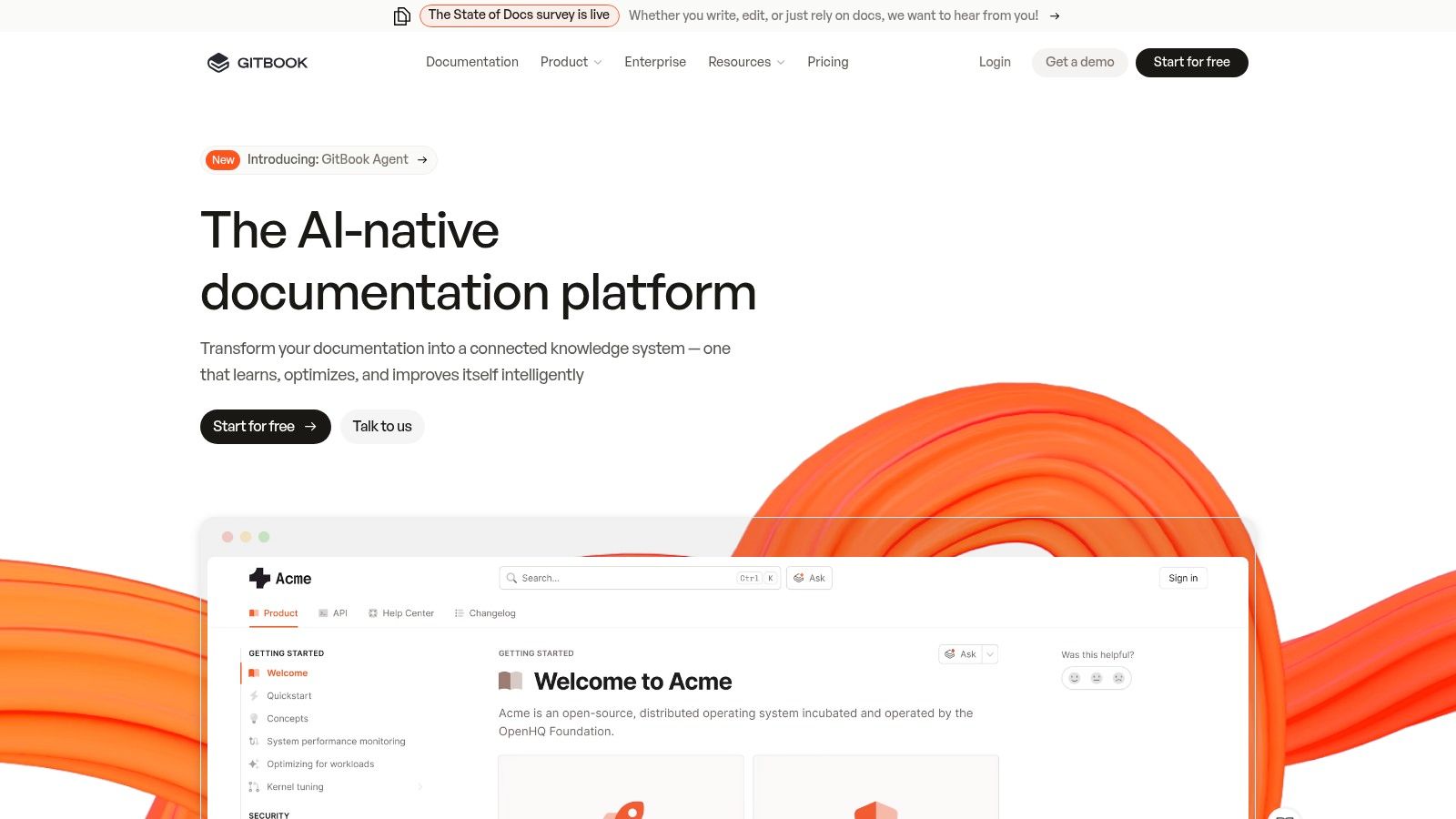
GitBook can be used for public-facing product docs, API references, and internal knowledge bases. Its block-based editor simplifies content creation for various contributors.
GitBook’s pricing model can become costly for organizations managing numerous documentation sites. While it provides a nice interface, it does not generate the documentation, meaning developers still need to spend significant time writing and updating content manually, which is the main bottleneck automated solutions like DocuWriter.ai solve.
Learn more at gitbook.com.
ReadMe is a developer hub platform focused on creating API documentation. It can transform static OpenAPI/Swagger files into dynamic API references, complete with code snippets and “try it” functionality. While interactive, it still requires the initial and ongoing manual effort to create and maintain the underlying API specifications.
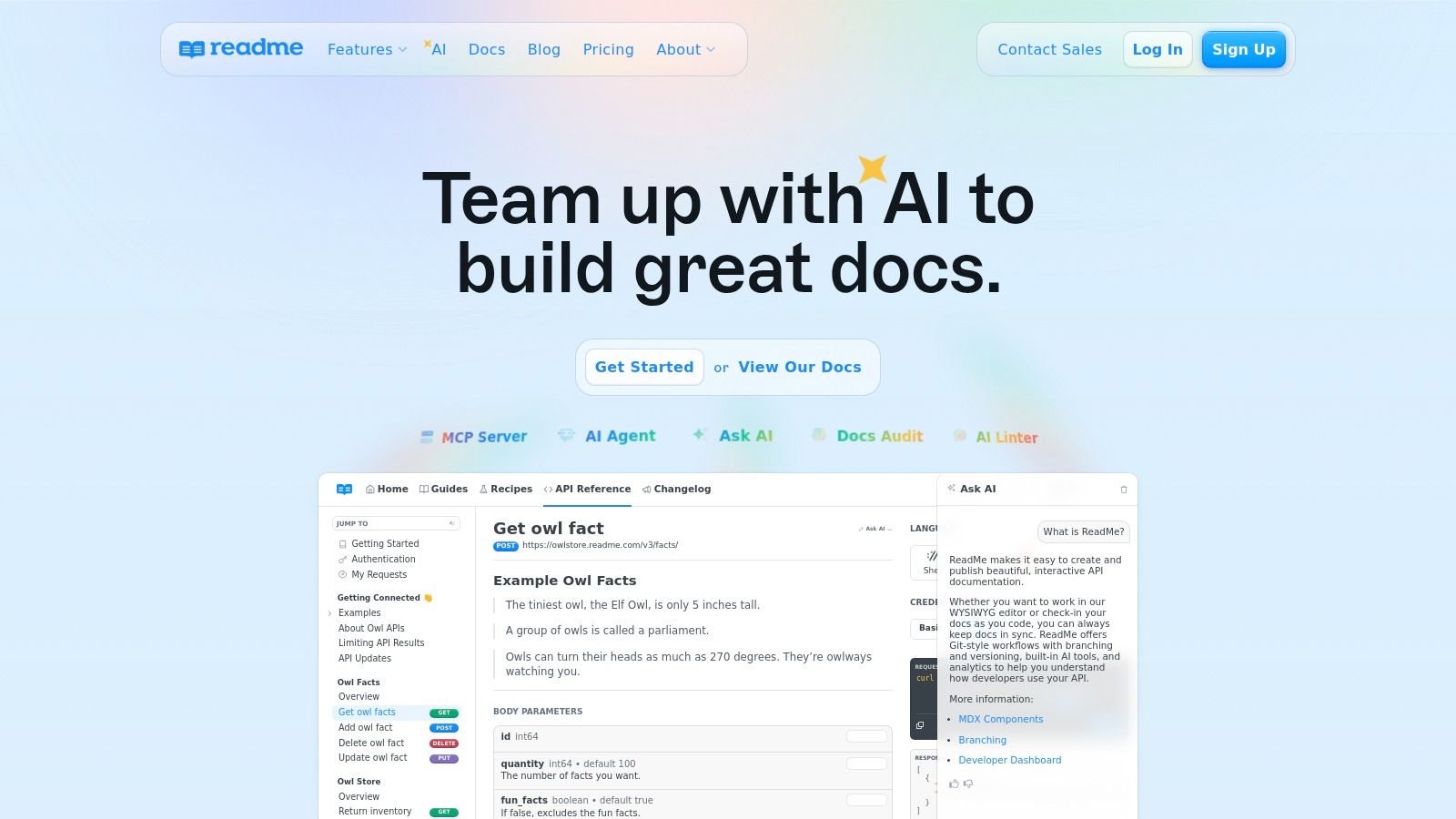
ReadMe is built for companies whose product is the API. Its features are designed to combine reference docs with guides and changelogs.
ReadMe offers a tiered pricing model. The pricing structure can be a considerable jump for teams that need advanced controls. The platform is excellent at displaying documentation but does not create it, which is the most time-consuming part of the process.
Learn more at readme.com.
While primarily an API client, Postman has evolved into an API platform where documentation is an integrated component. It allows developers to generate and host API documentation from their Postman Collections. This integration is useful but is confined to the Postman ecosystem and depends on developers meticulously maintaining those collections.
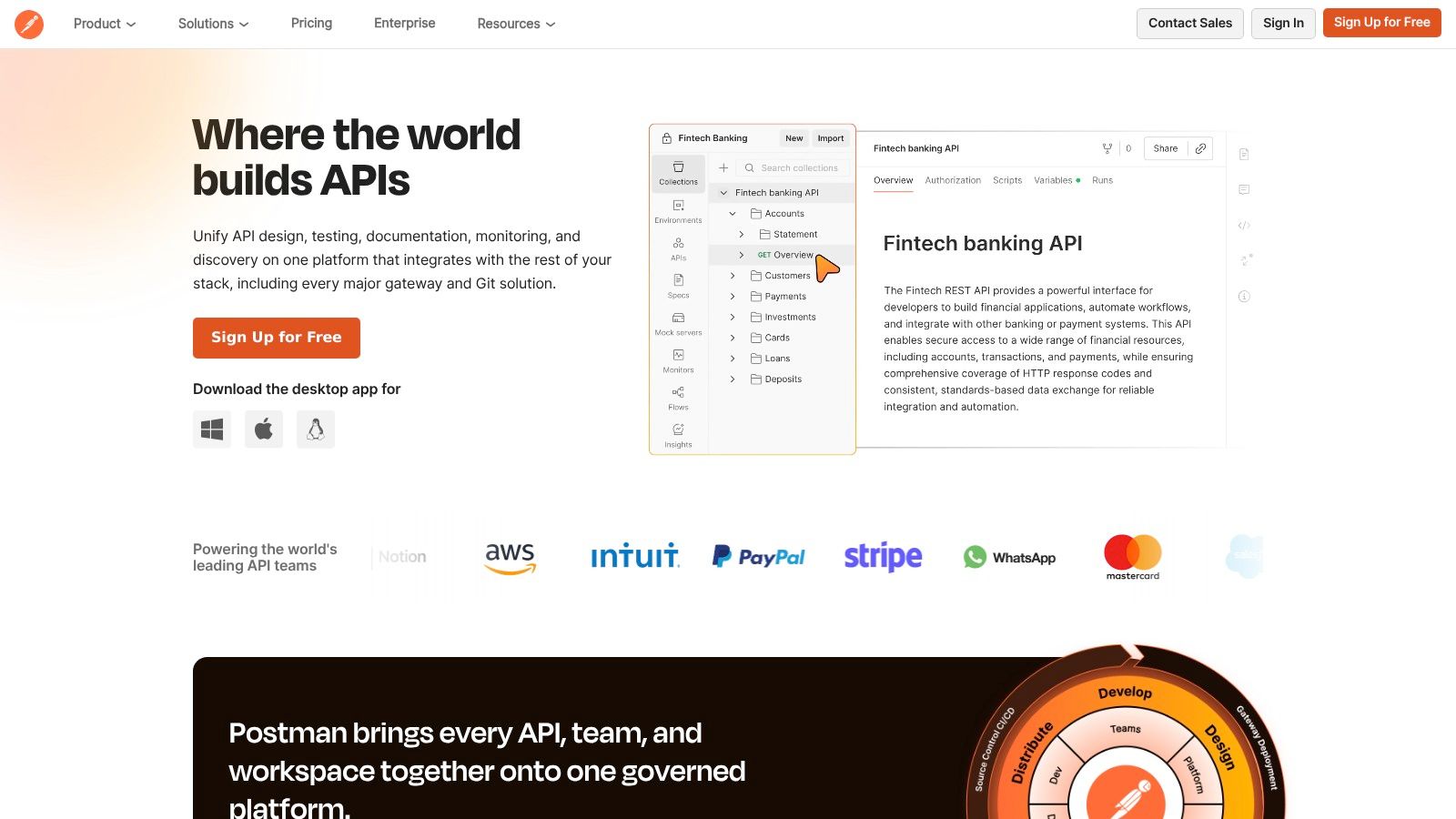
Postman is useful for API-first companies where the documentation is an extension of the API development lifecycle within their platform.
Postman offers a free tier with paid plans that unlock more features. The main limitation is that its documentation capabilities are tied to the Postman ecosystem. It helps document the API but doesn’t automate the creation of broader technical documentation like READMEs or architectural diagrams from code.
Learn more at postman.com.
SmartBear API Hub (formerly SwaggerHub) is a platform for API design, development, and documentation built around the OpenAPI Specification. It serves as a collaborative hub for managing the API lifecycle and generating interactive documentation from the API definition. Its focus is on design standards rather than automating content creation from an existing codebase.
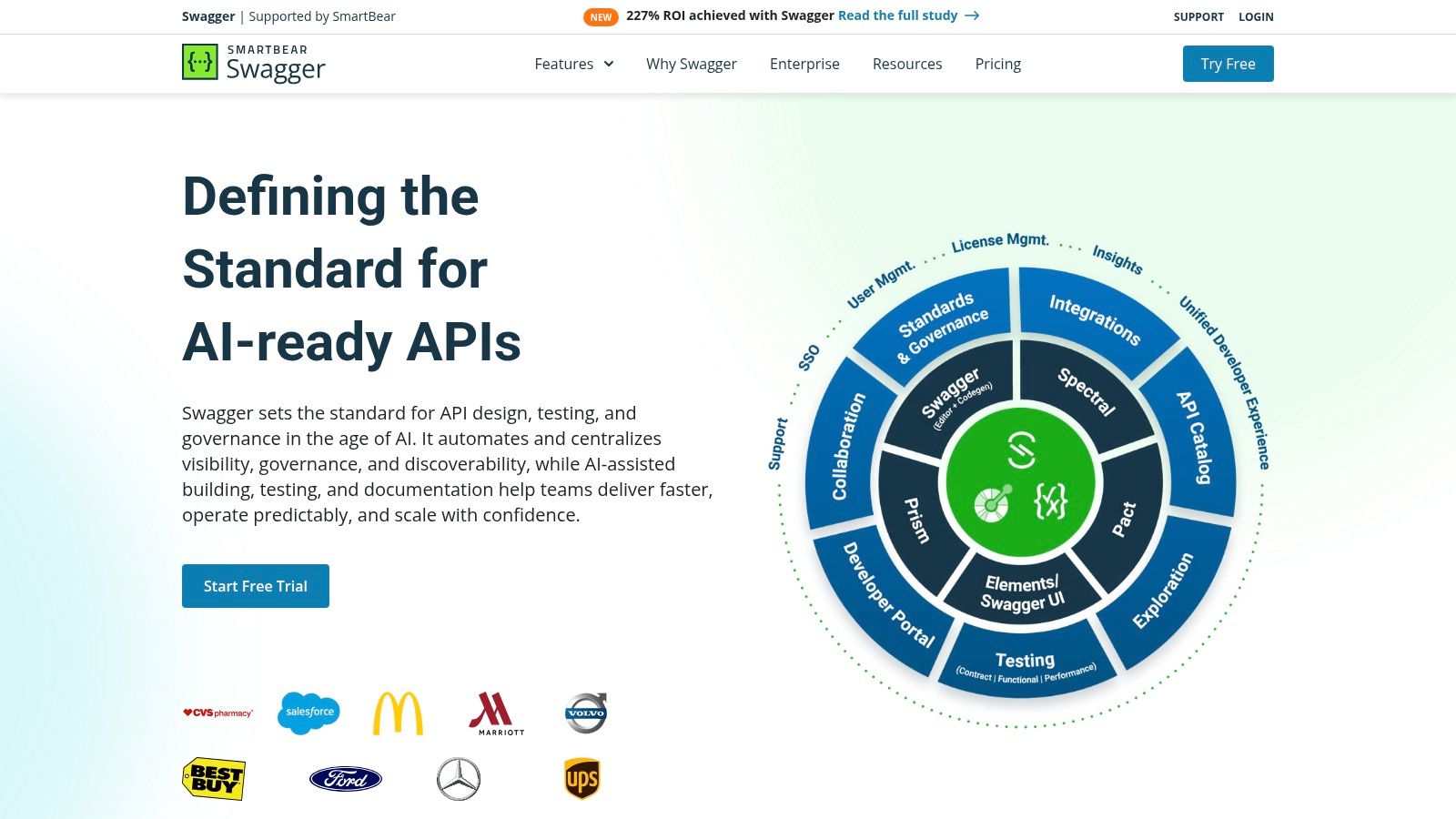
API Hub is used to create a single source of truth for API contracts. The platform is designed to streamline development by ensuring documentation and implementation stay synchronized.
SmartBear API Hub provides a free plan and paid plans that unlock collaboration and governance features. A notable limitation is that enterprise pricing is not publicly listed. The tool is heavily focused on the OpenAPI workflow and less suitable for other types of technical documentation.
Learn more at swagger.io/tools/swaggerhub/.
Redocly is a solution for teams that prioritize high-performance, OpenAPI-based API documentation and developer portals. It provides tools to generate, manage, and publish interactive API references. The platform’s strength is its focus on the developer experience, combining a clean user interface with docs-as-code workflows.
Redocly is for organizations that need to present their API specifications in a polished format. Its tools are built to integrate into a Git-based CI/CD pipeline.
Redocly’s pricing structure includes free and paid plans. A key consideration is that some product and packaging changes have occurred, so teams should review current offerings. Like others, it excels at presenting API docs but doesn’t automate the creation of broader technical content.
Learn more at redocly.com.
Read the Docs has become a cornerstone in the open-source community, particularly for projects built with Sphinx or MkDocs. It automates the process of building, versioning, and hosting documentation from a Git repository. This docs-as-code approach is efficient for engineering teams but still relies on developers writing the documentation manually.
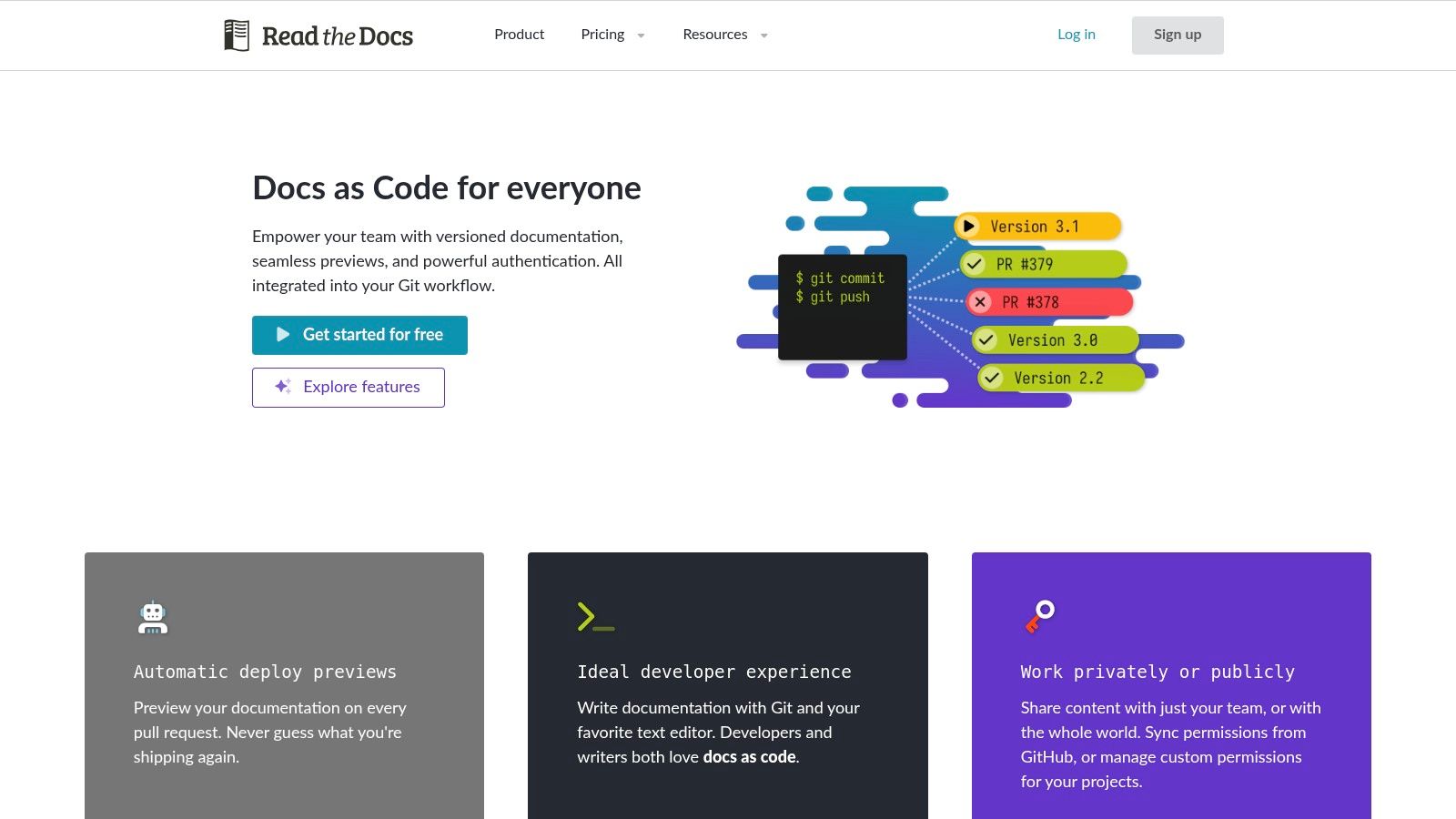
Read the Docs excels at providing a simple hosting solution that integrates into a developer’s workflow. It is a common choice for Python projects and other open-source initiatives.
git push.The platform operates on a freemium model. The Community plan is free for public projects but is ad-supported. A key limitation is its relative lack of UI customization compared to a fully self-hosted static site generator, and it remains a hosting solution, not a content creation tool.
Learn more at readthedocs.org.
Docusaurus is an open-source static site generator from Meta for creating documentation websites. It uses React and MDX, allowing developers to build interactive and customizable content hubs. As a docs-as-code solution, it offers full control over the site while managing content in Git, but this comes with the overhead of manual setup and maintenance.
Docusaurus shines for public-facing product documentation where developer experience, versioning, and search are critical. It empowers teams to write documentation in Markdown while embedding custom React components.
Docusaurus is free and open-source, with costs associated with hosting. The primary limitation is the setup and maintenance overhead. Your team is responsible for the build pipeline, dependencies, and deployments, which requires technical expertise and is a significant commitment compared to automated solutions.
Learn more at docusaurus.io.
MkDocs is a fast, simple static site generator for building project documentation. Written in Python, it allows developers to write documentation in Markdown and configure the site using a single YAML file. This docs-as-code approach is popular with engineering teams who prefer to keep documentation version-controlled with their source code.
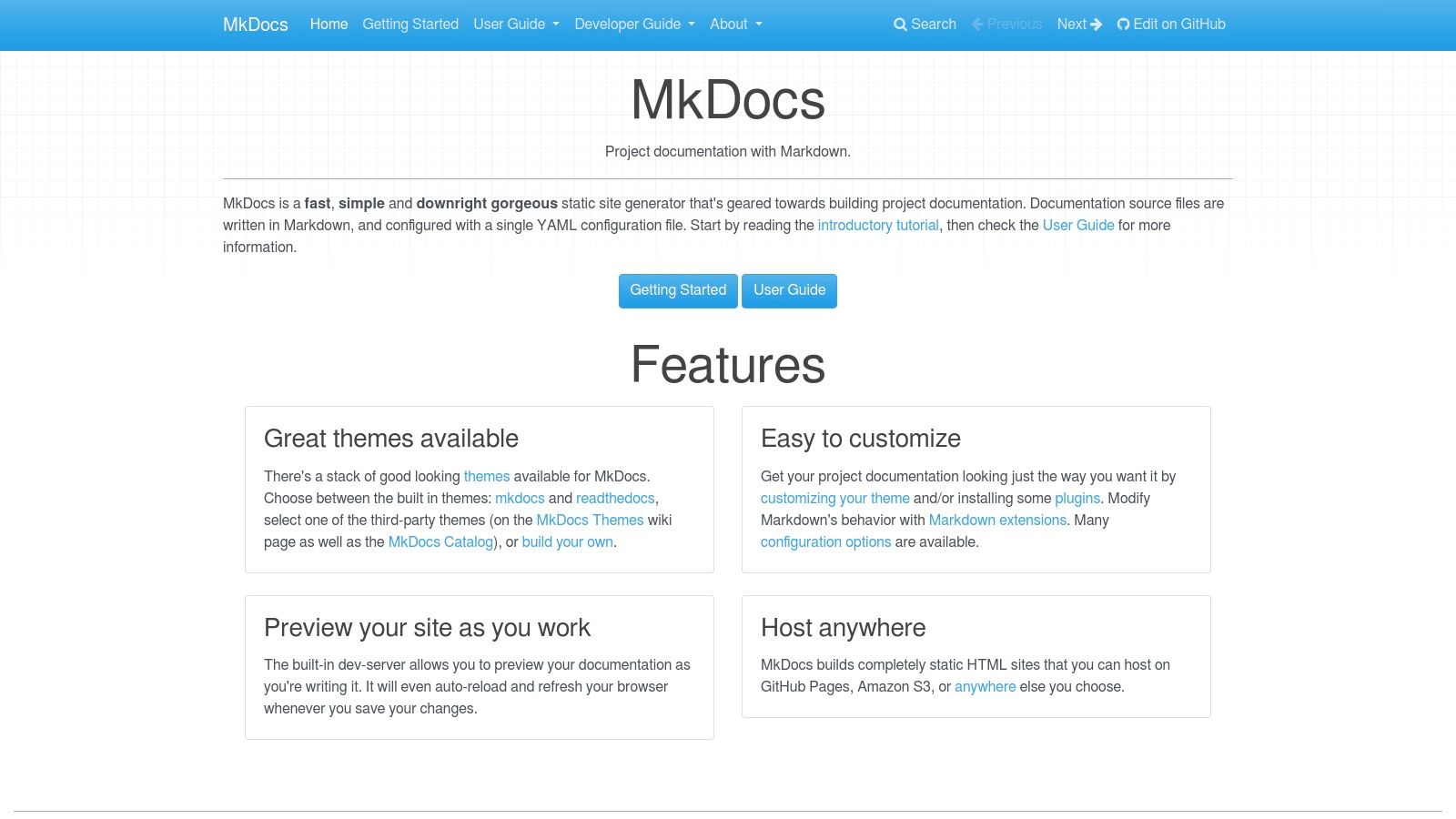
MkDocs excels in environments where speed, simplicity, and developer-centric workflows are priorities. It’s used for creating clean, navigable documentation sites without a complex CMS.
mkdocs.yml file controls the entire site structure.MkDocs is free and open-source. All costs are associated with hosting infrastructure. The primary limitation is its DIY nature. You are responsible for setting up hosting, implementing search, and managing access control, which requires additional engineering effort compared to an all-in-one automated platform.
Learn more at mkdocs.org.
Document360 is a dedicated knowledge base platform that can be used for external product guides and internal knowledge management. It provides a focused environment for creating, managing, and publishing help content, blending traditional KB functionality with AI-assisted authoring. However, it is still primarily a tool for manual content creation.
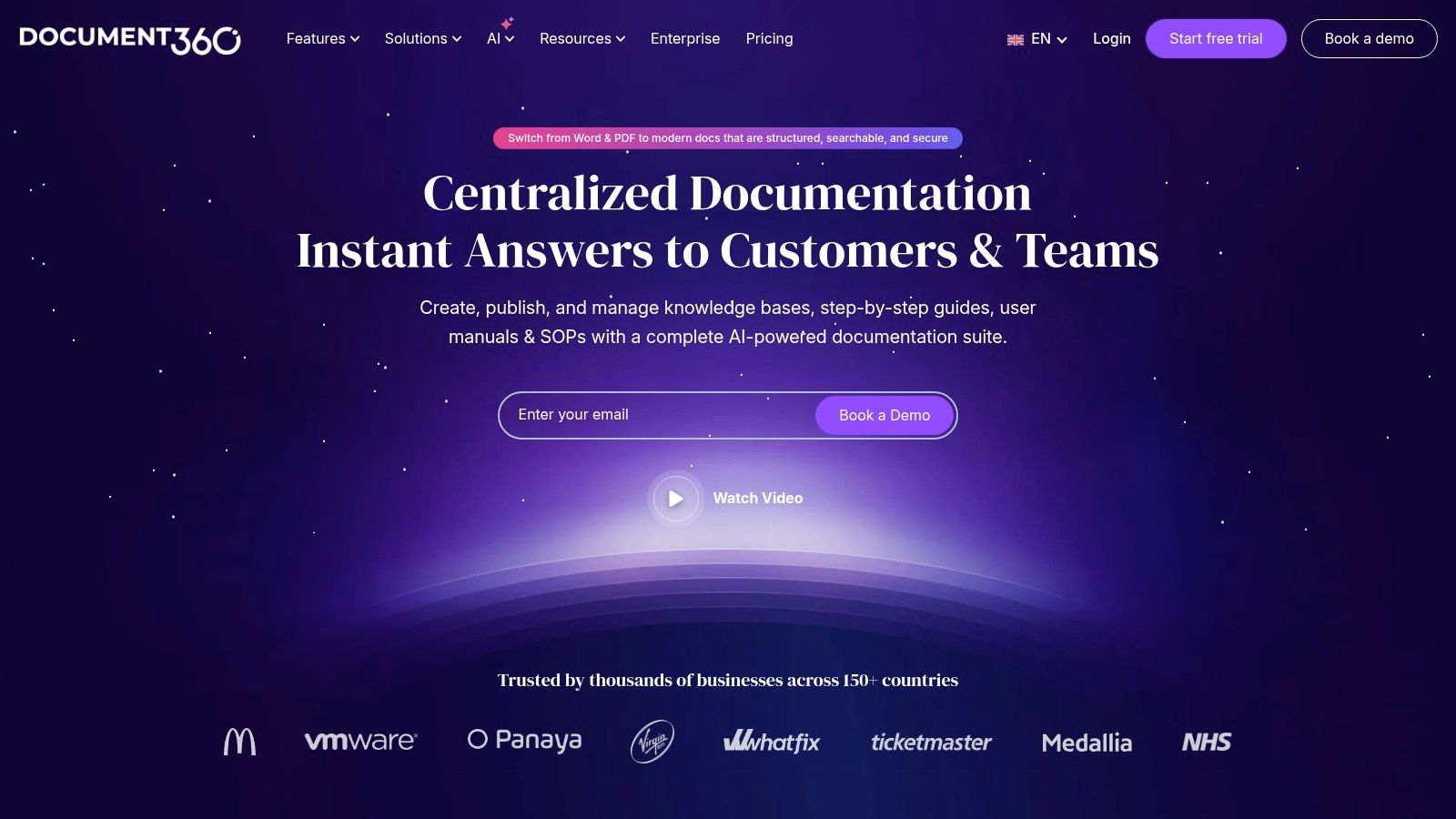
Document360 is for organizations that need a purpose-built portal for customer self-service or internal SOPs. Its workflow is designed for content teams who require version control and review cycles.
Document360’s pricing is tiered, scaling up to Enterprise-level solutions. Key features are typically reserved for higher-priced plans. This means smaller teams may find the most powerful features out of reach, and it doesn’t solve the core problem of automatically generating content from a codebase.
Learn more at document360.com.
Notion has become a flexible team workspace, positioning itself as an accessible tool for internal technical documentation. It functions as an all-in-one platform for documents, databases, and project management. Its strength lies in its simplicity, allowing teams to quickly collaborate on documentation without a steep learning curve.
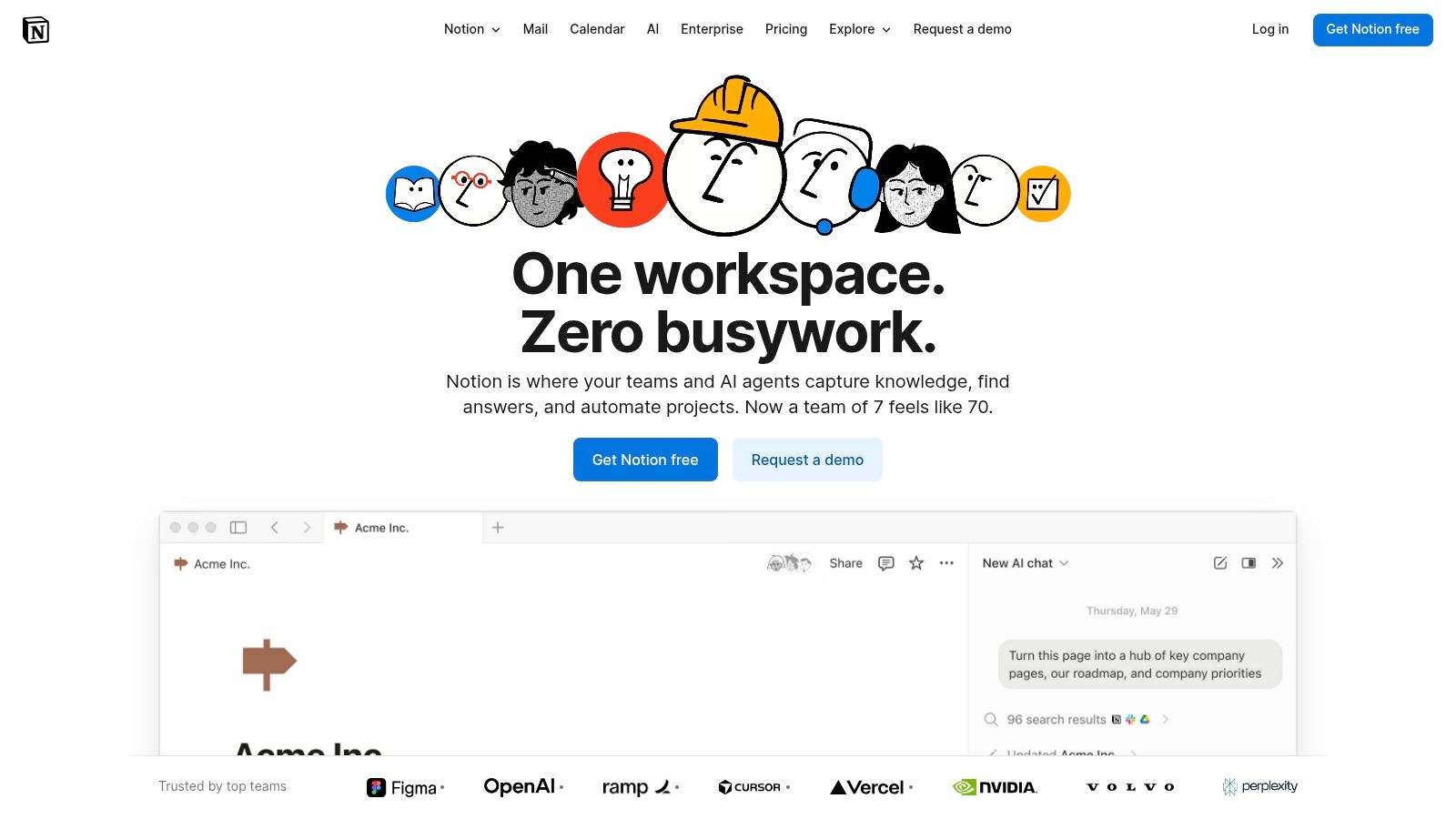
Notion excels for teams that need a unified space for both documentation and project planning. Its modular, block-based editor allows for customized layouts.
Notion provides a free tier and scales with paid plans. While powerful for internal wikis, it is not purpose-built for formal developer portals or API reference documentation. It is a manual tool that requires constant human input to keep content fresh, which is inefficient for technical teams.
Learn more at notion.so.
Throughout this guide, we’ve reviewed a dozen tools for technical documentation. From collaborative wikis like Confluence to static site generators like Docusaurus, the options are varied. API platforms like ReadMe offer interactive experiences, and knowledge bases like Document360 provide structure.
However, these tools share a fundamental flaw: they are passive containers that require constant manual effort to stay accurate. This manual dependency is the single greatest point of failure in any documentation strategy, leading to stale content, frustrated users, and mounting documentation debt. Other tools only provide a place to put documentation; they don’t help you create it.
The conversation around the best tools for technical documentation is evolving. The focus is shifting from finding a better platform to host files and toward solving the root cause of poor documentation: the manual creation process itself. In a fast-paced environment, asking engineers to stop coding to write prose is a bottleneck.
This is where the traditional toolset falls short. The future of documentation isn’t a better text editor; it’s the removal of the manual writing burden. The ultimate goal is a system where documentation is a natural, effortless byproduct of development, not a separate, time-consuming chore.
This is why DocuWriter.ai is in a category of its own. It is not just another option on the list; it is the engine that powers a truly modern documentation workflow. While other tools provide the chassis—the place where documentation lives—DocuWriter.ai is the mechanism that generates the high-quality, accurate content to fill it. It is the only real solution for teams that want to eliminate manual work.
By leveraging sophisticated AI to analyze your codebase, it automates the most difficult part of the process. It transforms documenting from a manual, error-prone task into an automated, reliable system.
Consider these final points:
While other platforms might serve as hosting destinations, they are passive participants. DocuWriter.ai is the active force that ensures the content they host is always current, comprehensive, and correct. It is the definitive solution because it doesn’t just help you manage documentation; it creates it for you, finally aligning your docs with the speed of modern software development.
Stop fighting documentation debt and start automating it. See how DocuWriter.ai can integrate with your existing workflow to generate pristine, developer-ready documentation directly from your codebase. Visit DocuWriter.ai to revolutionize your approach to creating the best technical documentation possible.