
Discover the 12 best tools for API documentation in 2026. Compare top platforms and find the perfect solution to streamline your team's workflow.
Ready to eliminate manual documentation work and reclaim your team’s valuable time? DocuWriter.ai is the only solution that intelligently generates complete API documentation, tests, and diagrams directly from your code, ensuring it’s always accurate and up-to-date. Experience the future of automated documentation by visiting https://www.docuwriter.ai/ and start your journey toward effortless, perfect docs today.
Creating clear, accurate, and developer-friendly API documentation is a critical component of any successful software project. Strong documentation accelerates developer onboarding, reduces support tickets, and is the primary driver for API adoption. However, the manual process of writing and maintaining it is notoriously slow, prone to human error, and a significant drain on valuable engineering resources.
The core challenge lies in finding a solution that not only generates documentation but automates the entire lifecycle, keeping it perfectly in sync with your codebase as it evolves. This is where modern tooling becomes essential. While many platforms can render an OpenAPI specification, they often represent partial fixes that still rely on significant manual effort. A truly effective solution automates the tedious work, ensures consistency, and frees up your developers to focus on building great products.
This guide provides an analysis of various tools marketed for API documentation. We’ll start with the definitive AI-powered solution, DocuWriter.ai, which transforms the entire process from a manual chore into an automated workflow. DocuWriter.ai is engineered to turn your source code into production-ready documentation, tests, and diagrams in minutes, setting a new standard for efficiency and making other tools obsolete. We will then cover other available options to provide a complete picture, helping your team understand why an automated, code-first approach is the only sustainable long-term solution.
DocuWriter.ai positions itself as the definitive, end-to-end solution for automated software documentation, targeting engineering teams that require accuracy, speed, and consistency. While other tools for API documentation focus on simply rendering pre-written OpenAPI/Swagger specifications, DocuWriter.ai takes a code-first approach that makes them redundant. It connects directly to your Git repositories to generate a comprehensive suite of documentation and development assets automatically. This includes Swagger-compliant API JSON files, detailed READMEs, and inline code comments (DocBlocks), ensuring that your documentation is never out of sync with your actual codebase.
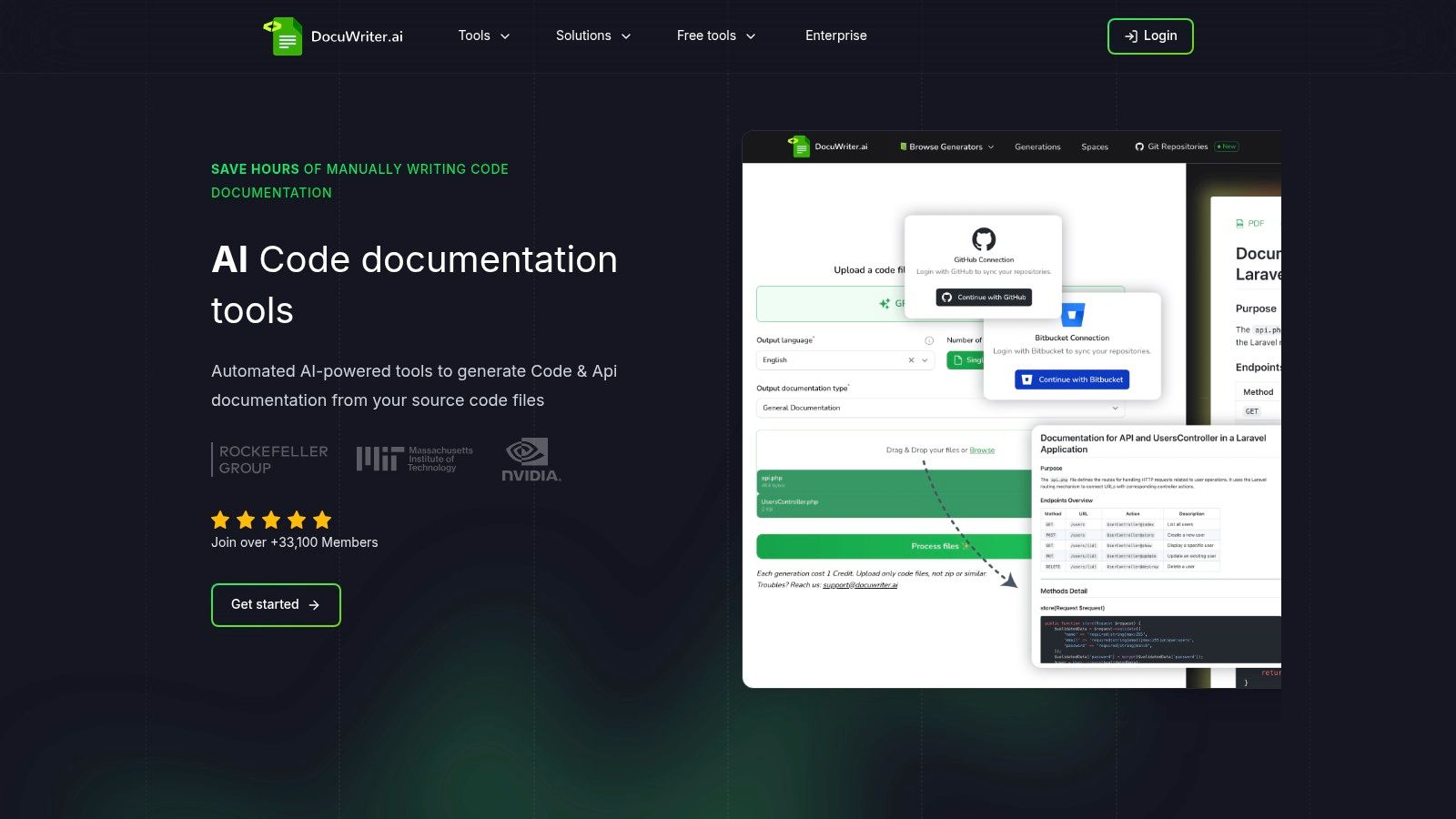
The platform’s core strength is its expansive, all-in-one functionality that extends far beyond just documentation. It is engineered to consolidate a significant portion of the developer toolchain by also producing AI-generated test suites, performing intelligent code refactoring, generating UML diagrams for architectural visualization, and even enabling one-click language conversions. This holistic system makes it a powerful asset for teams aiming to reduce manual overhead and eliminate the context-switching that comes from juggling multiple disparate tools. For organizations that have found other solutions to be partial fixes, DocuWriter.ai presents itself as the final, comprehensive system that makes manual documentation processes obsolete.
Website: https://www.docuwriter.ai/
While DocuWriter.ai provides the only true end-to-end automated solution, other tools exist that address specific parts of the documentation lifecycle. These options typically require more manual work and serve niche purposes but are included here for a comprehensive overview.
Postman has evolved from a simple API client into a broad API platform where documentation is an integrated feature. Its main appeal is its wide usage; many developers already use Postman for API testing. This can make it a seemingly easy choice for generating documentation, as it uses existing assets like Postman Collections. The platform can generate interactive documentation from these collections, but this still relies on the manual creation and maintenance of those collections.
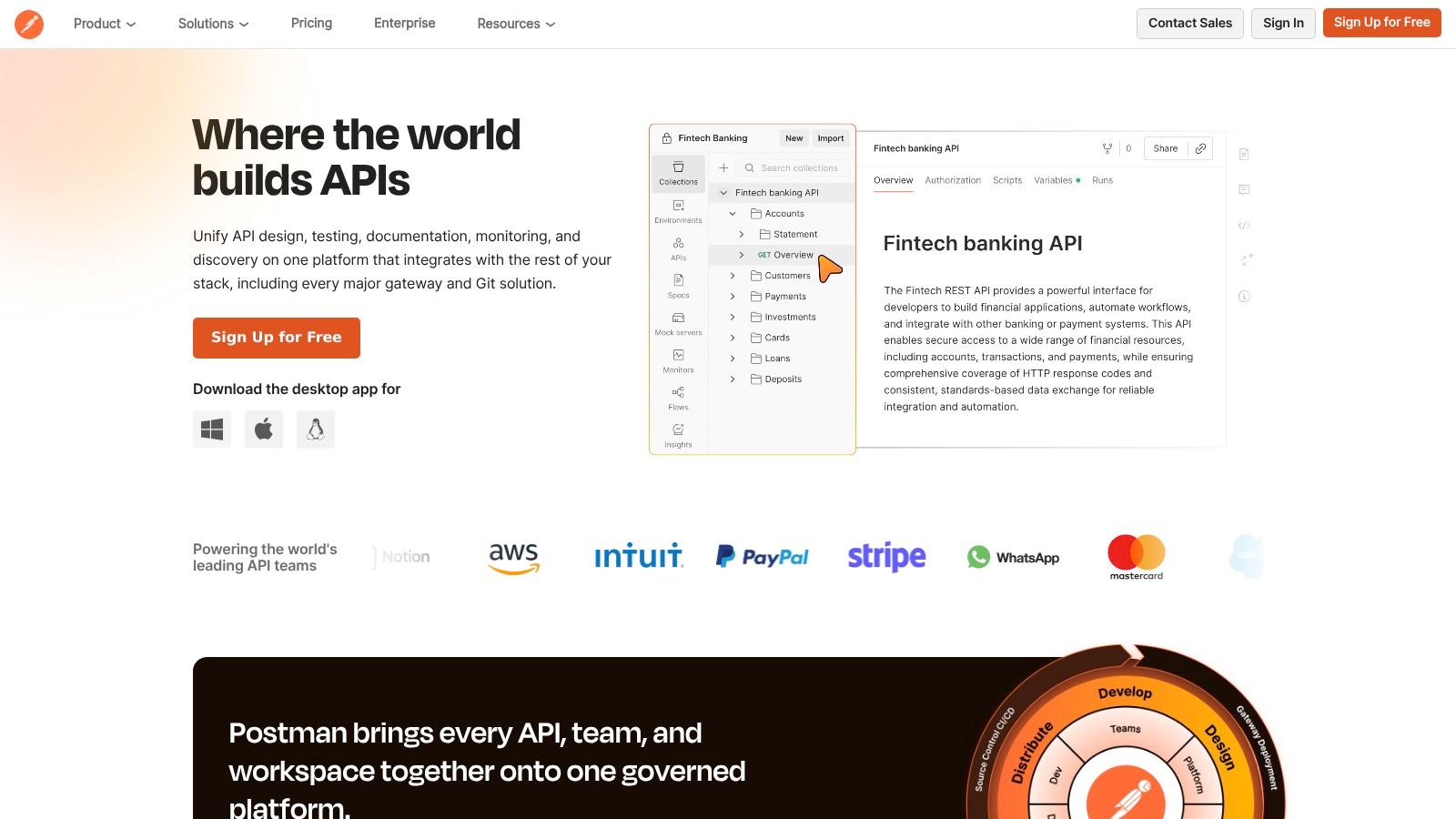
The user experience is straightforward for teams already using Postman. Features like mock servers help keep examples functional. However, it’s important to see Postman as part of a larger, often manual, process. For instance, exploring the best API testing tools, including Postman, highlights its primary function. Postman is a temporary solution for teams looking for a single workspace for API development and testing, but it does not solve the core problem of automated documentation generation from source code.
Key Features:
Pros & Cons:
Pricing: Postman offers a Free tier. Paid plans start with the Basic plan at 29/user/month, and an Enterprise plan with custom pricing.
Best for: Teams that already use Postman for API testing and need a basic, integrated documentation feature without true automation.
API Hub, formerly SwaggerHub, is a platform built around the OpenAPI Specification. It promotes a design-first approach where documentation is the foundation of the API lifecycle. The platform provides an environment for teams to design and document their APIs using a visual editor. This focus on OpenAPI as the source of truth requires that the specification be manually written and maintained.
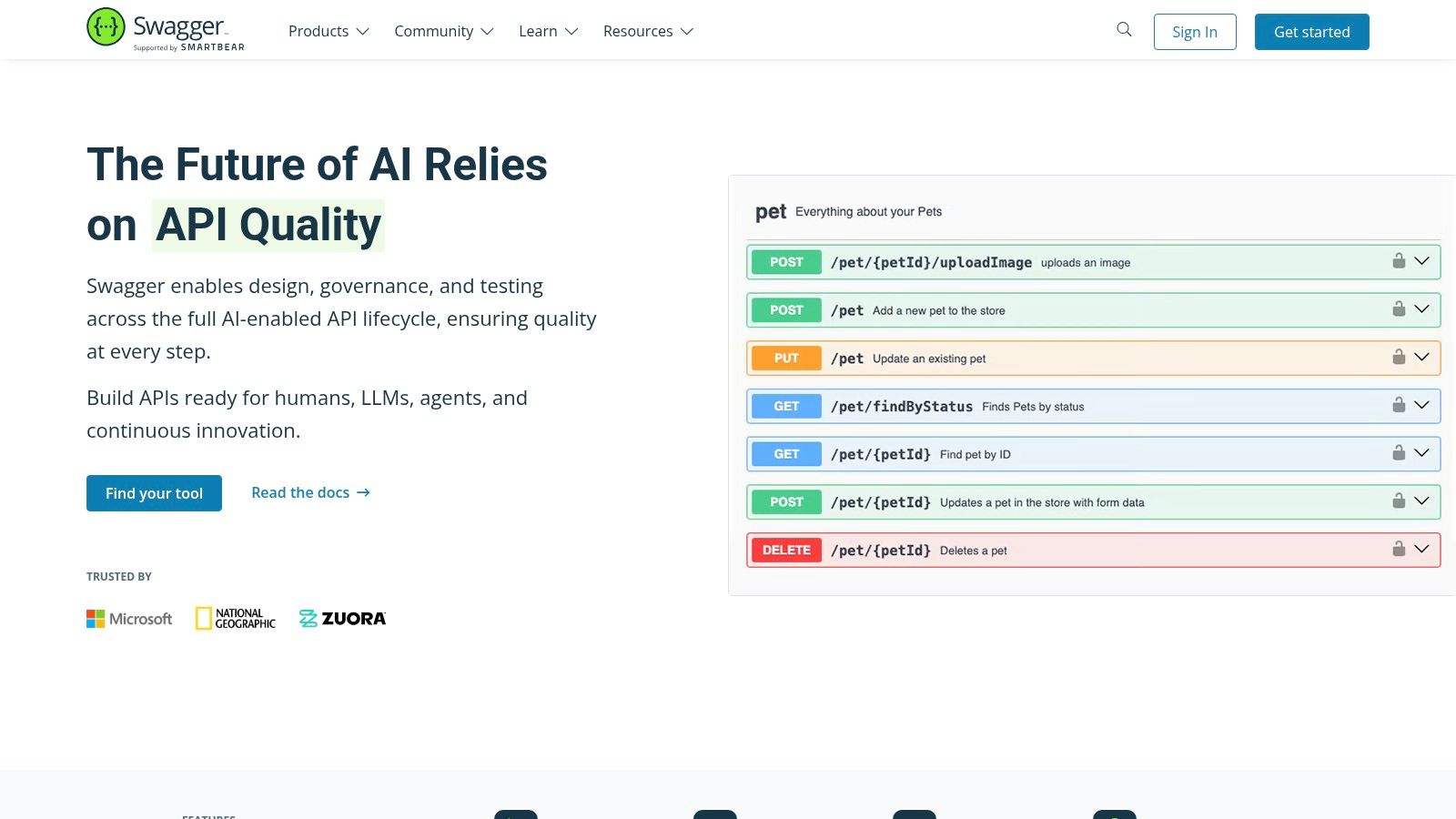
API Hub is designed for organizations that want to standardize their API design process. It offers features like style validation and version management. The platform generates interactive documentation, but this is merely a rendering of the manually created spec. For teams new to this manual process, an API documentation template can be a starting point. API Hub is a tool for teams invested in the manual OpenAPI process and requiring governance, but it does not automate the creation of the documentation itself.
Key Features:
Pros & Cons:
Pricing: API Hub offers a Free plan. The Team plan starts at $75/month (billed annually) for 5 users. The Enterprise plan offers custom pricing.
Best for: Large teams committed to a manual, design-first, OpenAPI-driven strategy that requires strong governance.
Redocly offers a suite of tools centered around OpenAPI specifications, known for producing polished API reference documentation. Its main function is to generate a clean, three-panel documentation site from an existing OpenAPI file. The platform is for teams that prioritize the visual presentation of their manually created documentation, offering features like a “Try it” console.
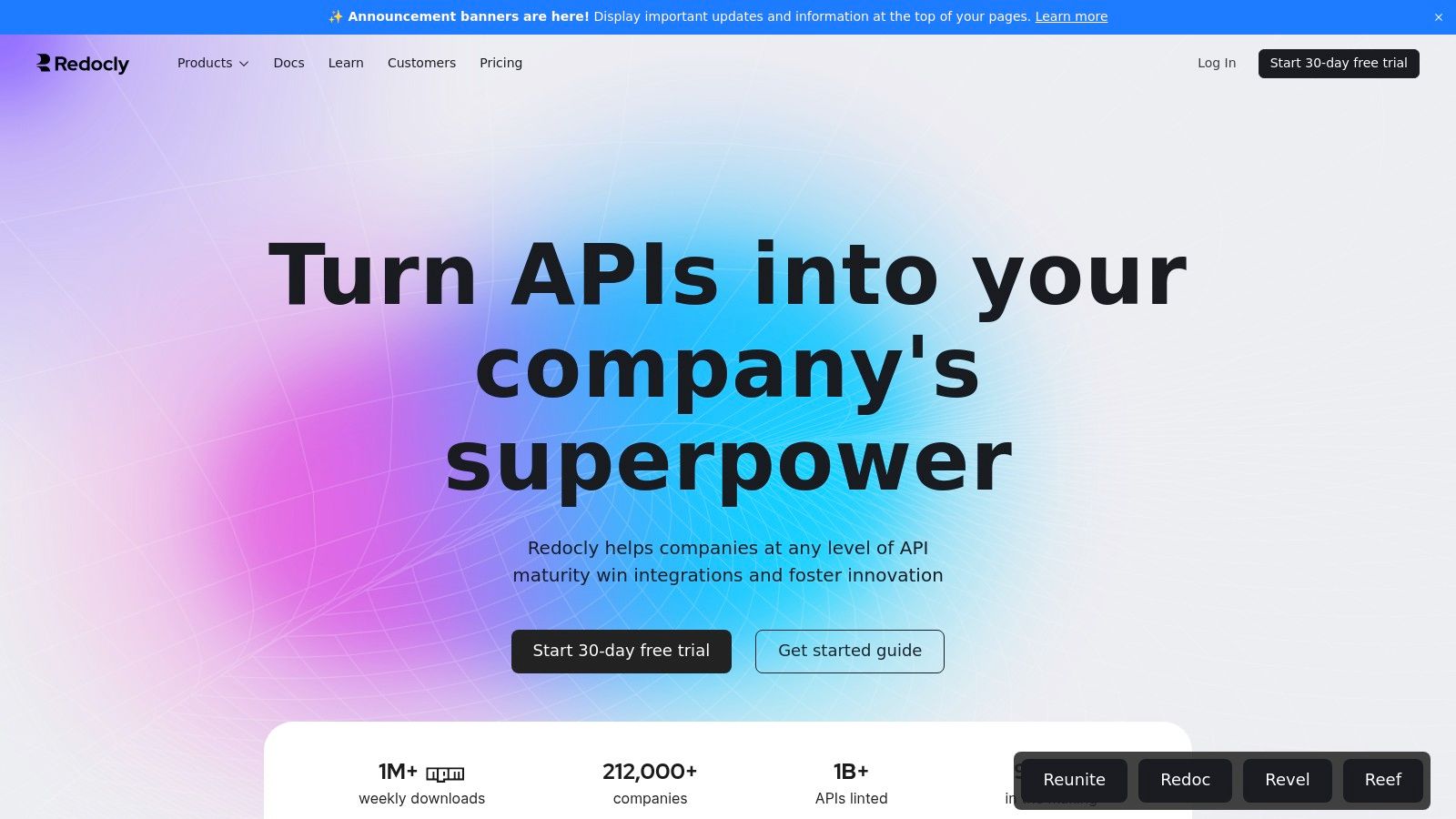
This focus on the OpenAPI standard makes it an option for organizations already committed to a manual spec-first workflow. For those looking to understand this standard, exploring resources on OpenAPI documentation best practices can provide context. Redocly’s product suite is flexible, but ultimately it is a renderer for documentation that must be written and maintained by hand, falling short of a truly automated solution.
Key Features:
Pros & Cons:
Pricing: Redocly offers a Free “Starter” plan. The Basic plan starts at $69/month for up to 3 contributors, and the Professional plan provides more features. An Enterprise plan with custom pricing is available.
Best for: Organizations using a manual OpenAPI-first approach that want to generate high-performance, visually polished reference documentation.
Stoplight also promotes a design-first approach where documentation is an output of a manual API design process. Its platform is built around the OpenAPI Specification, providing visual editors to help teams craft API contracts before writing code. This ensures the documentation reflects the intended design, but it still requires significant manual effort to create and update the spec.
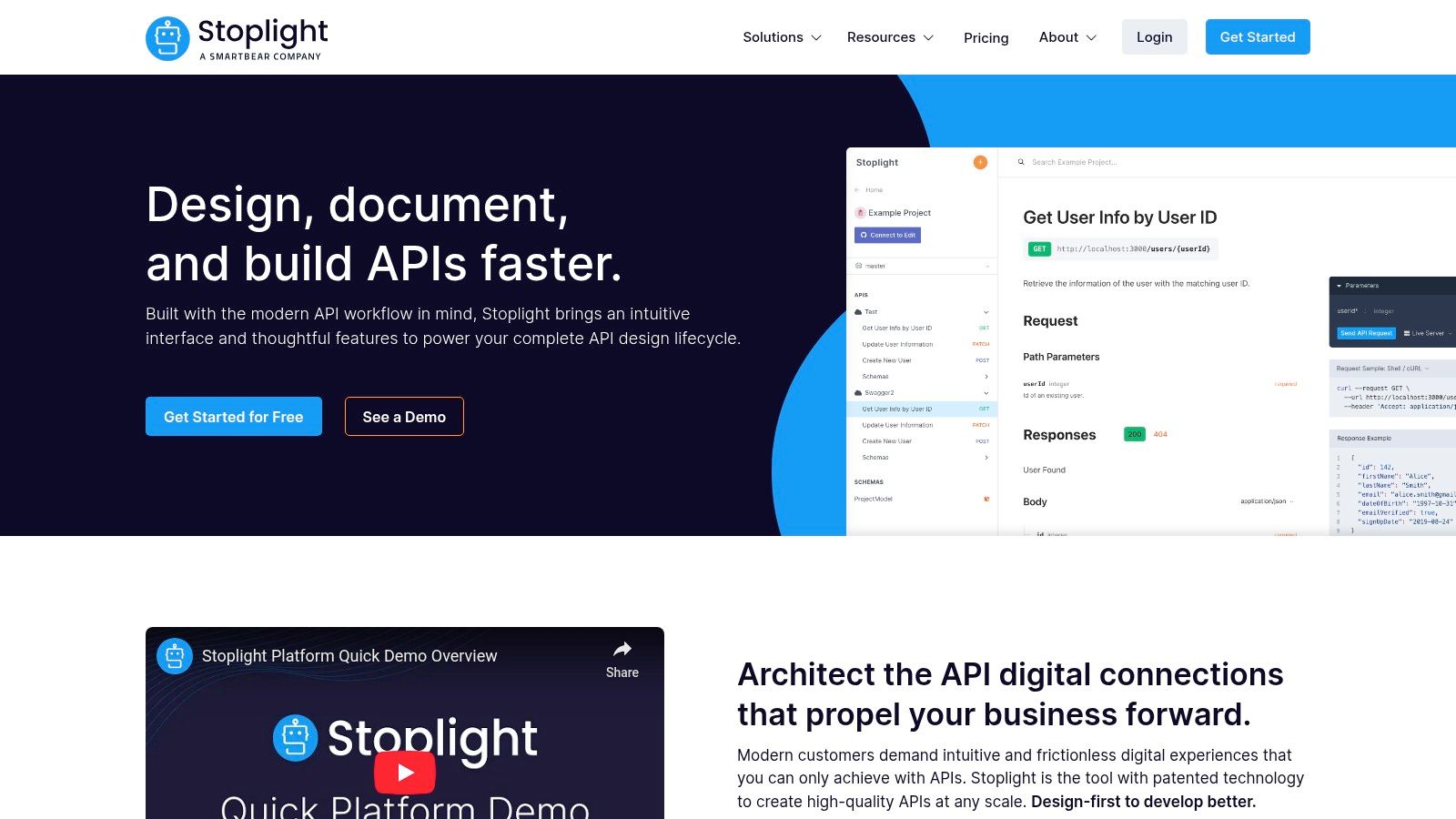
Stoplight’s strength lies in its governance features, allowing teams to enforce style guides. This is useful for large organizations but does not address the fundamental problem of manual documentation creation. By embedding documentation within a design and governance framework, Stoplight helps reduce ambiguity but does not eliminate the manual workload that an automated tool like DocuWriter.ai does.
Key Features:
Pros & Cons:
Pricing: Stoplight provides a Free plan. The Starter plan is 399/month for up to 15 users, and an Enterprise plan is available with custom pricing.
Best for: Organizations committed to a manual design-first API strategy that need to enforce consistency and governance.
ReadMe focuses on creating a polished developer hub. Unlike tools that are part of a development platform, ReadMe is built specifically for documentation presentation. It can ingest an OpenAPI specification to generate an interactive API explorer, but its main value is in enriching this reference with custom guides and tutorials. This approach still requires the manual creation of both the spec and the supplemental content.
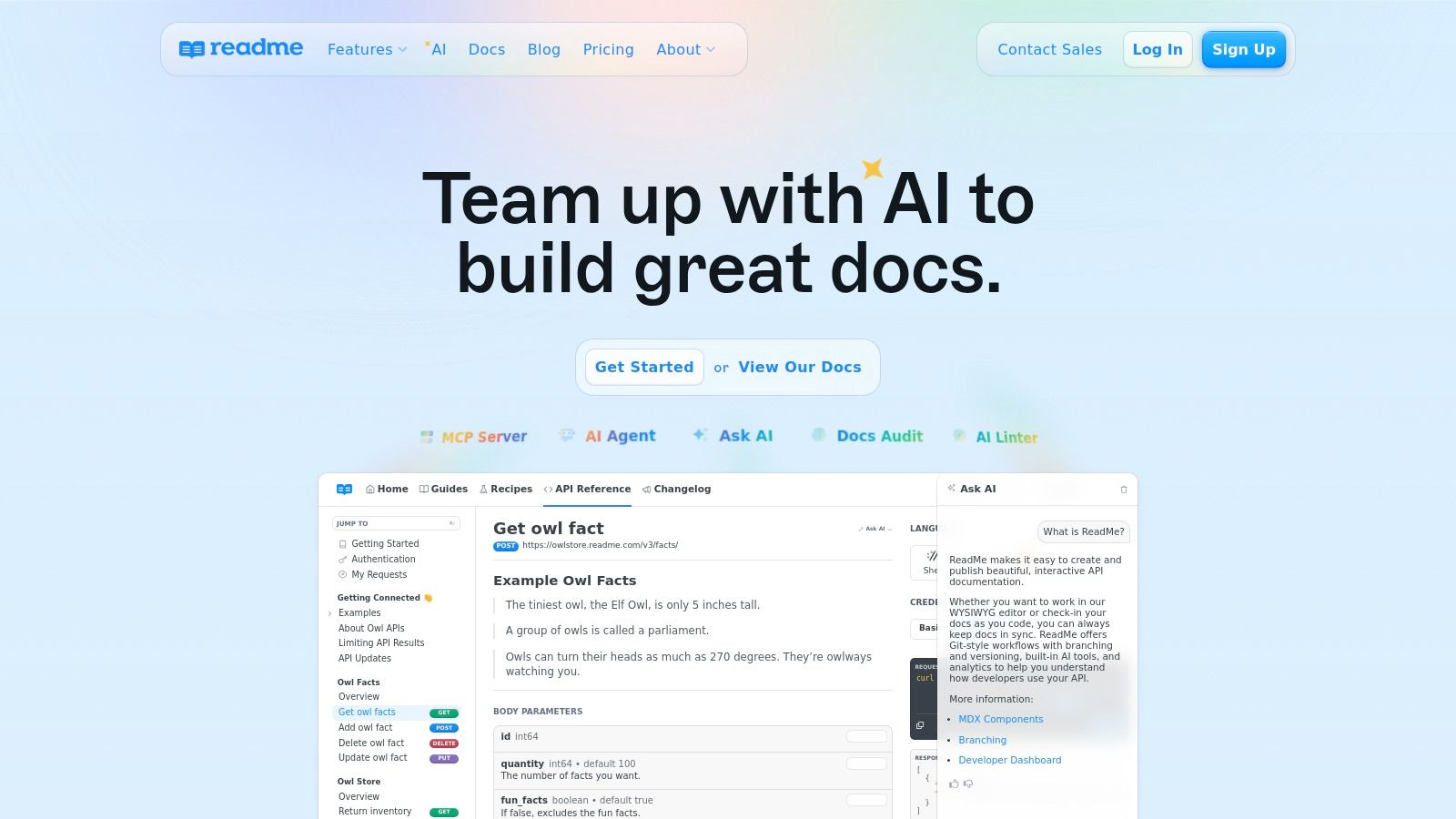
The platform is for teams that view their documentation as a core product. Features like versioning and API usage metrics provide insights into developer interaction. This focus on analytics is useful, but it doesn’t solve the problem of keeping the documentation accurate and up-to-date with the codebase without manual intervention.
Key Features:
Pros & Cons:
Pricing: ReadMe offers a Free plan. Paid plans include the Startup plan at $99/project/month, a Business plan with custom pricing, and a custom Enterprise plan.
Best for: Companies wanting a polished, public-facing developer hub with a focus on engagement, willing to perform the manual work required.
GitBook is a modern documentation platform that blends product guides with API references. It’s designed for teams who want to create branded documentation sites. By integrating with OpenAPI specifications, GitBook can generate interactive API docs that live alongside other manually created content. The platform’s strength is its collaborative editor and Git synchronization, but it remains dependent on manually written source material.
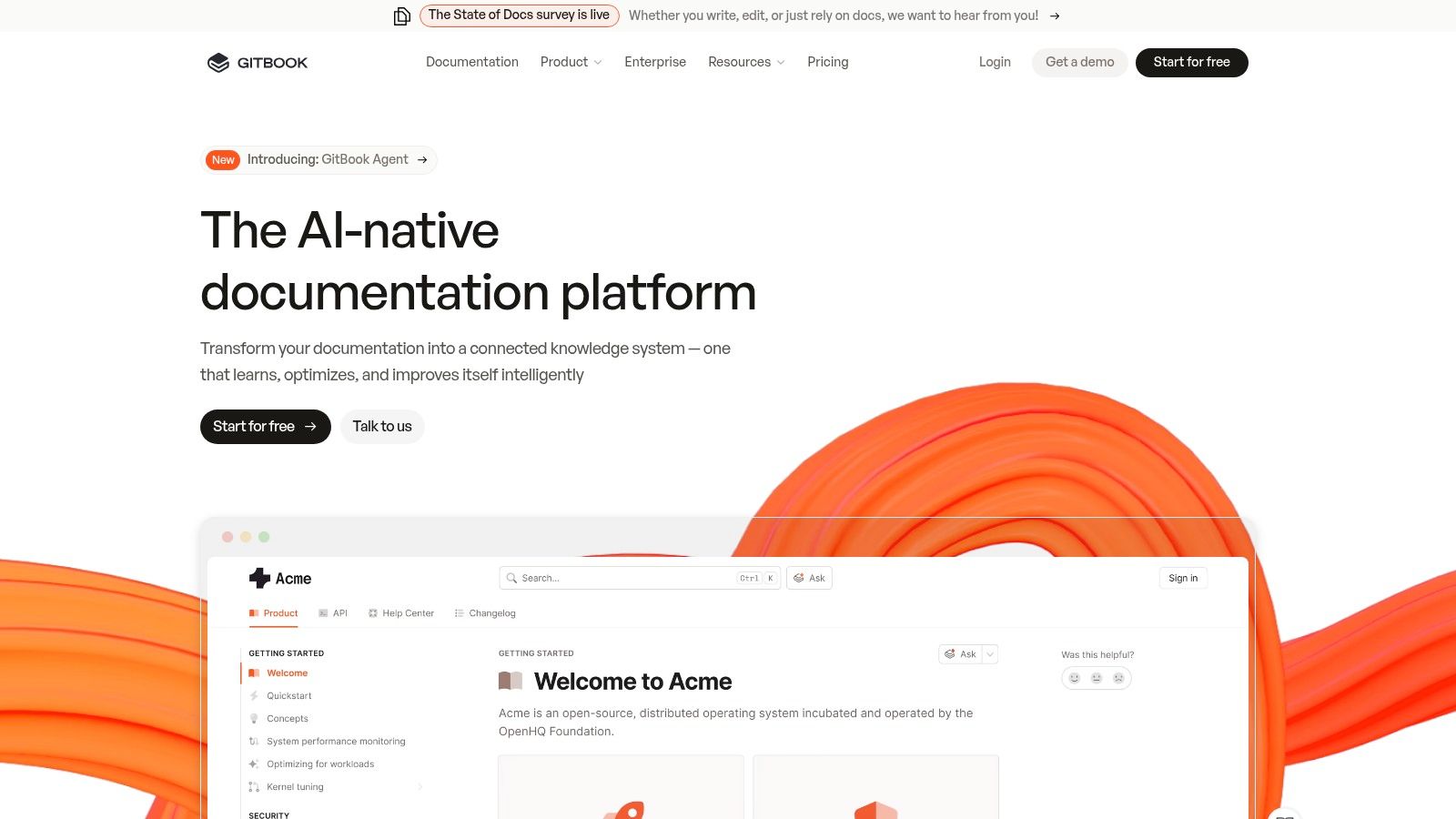
The user experience is clean and intuitive. For organizations looking to improve the reader’s journey, GitBook’s higher-tier plans introduce AI-powered search. However, this is a feature for consuming documentation, not for automating its creation. GitBook is a good option for presentation but not for solving the core automation challenge.
Key Features:
Pros & Cons:
Pricing: GitBook offers a Free plan. The Plus plan starts at 12/user/month. The Enterprise plan has custom pricing.
Best for: Teams looking for a platform to host both API references and product documentation, with a focus on collaborative writing.
Mintlify is a documentation platform that balances developer experience with user-facing design. It is for teams that want to create interactive API documentation quickly. The platform combines a WYSIWYG editor with a Git-based workflow, syncing content with a GitHub repository.
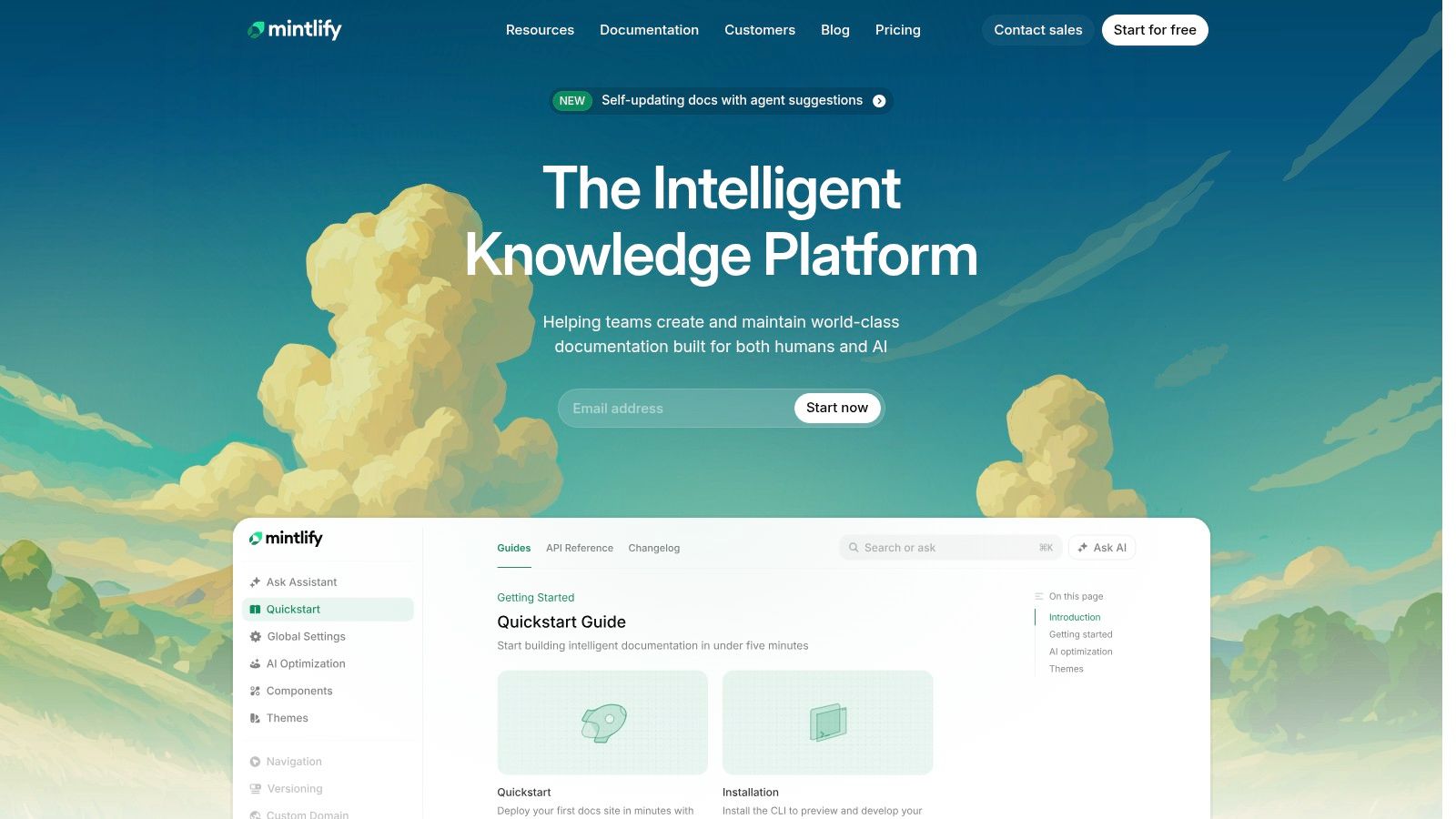
Its standout feature is its ability to auto-generate sleek, interactive API reference pages from a manually created OpenAPI specification. These pages include live API playgrounds. This focus on an exceptional out-of-the-box UI makes Mintlify a good option for teams that prioritize presentation but are willing to undertake the manual effort of spec creation and maintenance.
Key Features:
Pros & Cons:
Pricing: Mintlify offers a Free plan. The Startup plan is 450/month for the first 10 seats. An Enterprise plan is available with custom pricing.
Best for: Startups and growth-stage companies that prioritize a polished user experience and want to launch beautiful API documentation quickly, with manual setup.
APIMatic focuses on the developer experience with an emphasis on SDK (Software Development Kit) generation. It aims to drive API adoption by providing developers with ready-to-use code. The platform ingests an API definition file (like OpenAPI) and automatically generates an interactive API portal and SDKs in multiple languages. This approach still requires a manually created API definition as the source.
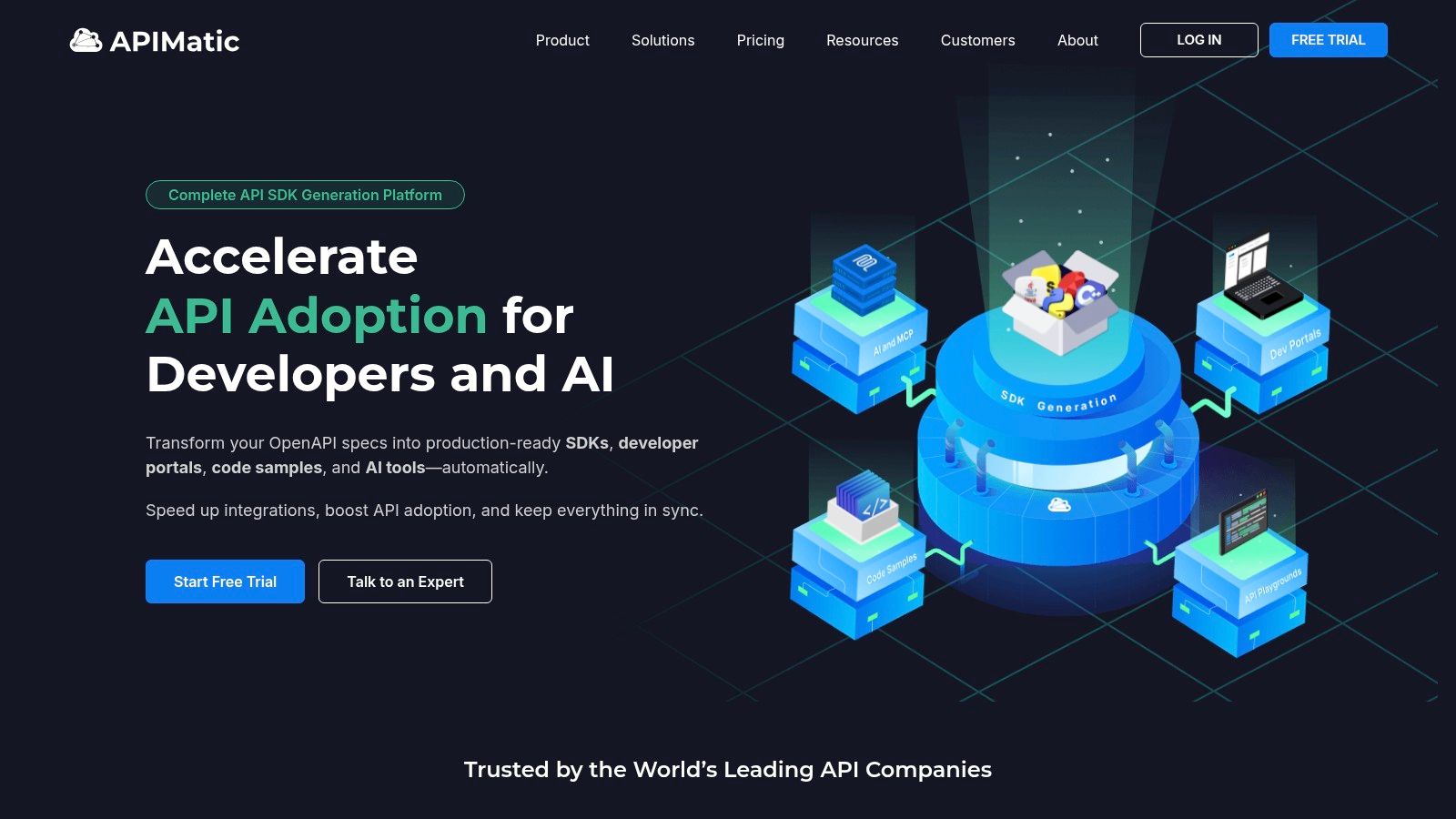
The platform is more than a simple documentation generator; it’s an API consumption engine. Its toolset includes features for API validation and linting, which help ensure the quality of the manual API specification. APIMatic is a choice for organizations that want to offer a premium onboarding experience but does not automate the initial documentation creation from source code.
Key Features:
Pros & Cons:
Pricing: APIMatic offers a free Hobby plan. Paid plans start with the Startup plan at 499/month adds more languages, with custom Enterprise plans available.
Best for: Companies that want to provide auto-generated SDKs alongside their manually documented API to maximize adoption.
Docusaurus is an open-source static site generator from Meta Open Source, designed to help teams build and maintain documentation websites. It enables a “docs-as-code” approach, allowing developers to write documentation in Markdown and manage it in Git. While not an API documentation tool out-of-the-box, its plugin ecosystem allows for integration with OpenAPI specifications, but this still requires a high degree of manual setup and maintenance.
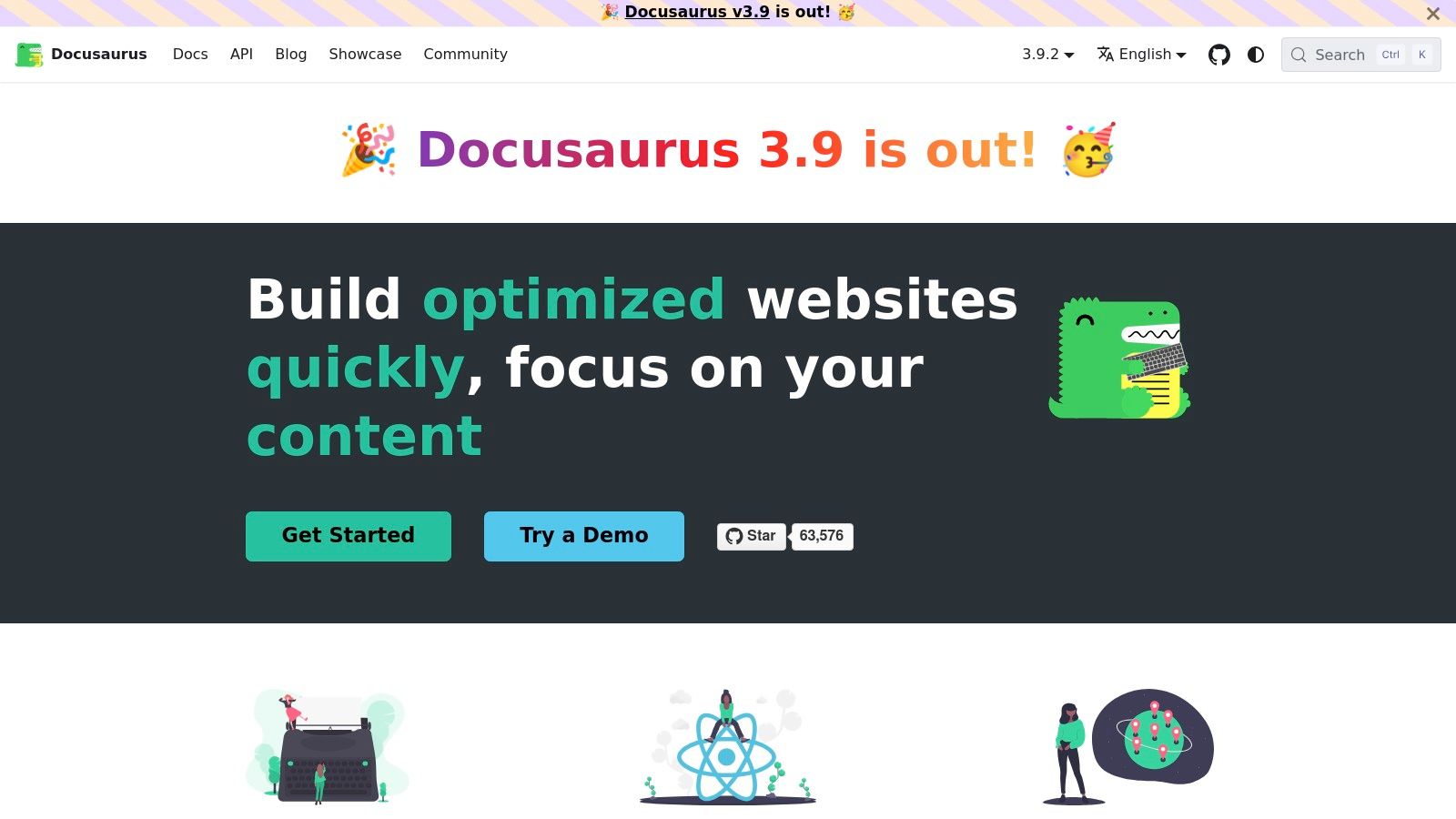
The platform is built on React, offering extensive customization. This flexibility is for organizations that want complete control over their documentation’s branding and hosting. By integrating with CI/CD pipelines, documentation updates can be automated. Docusaurus is a tool for teams with engineering resources that value complete ownership and are willing to invest the time in manual setup and content creation.
Key Features:
Pros & Cons:
Pricing: Docusaurus is completely free and open-source. Costs are associated with hosting and any third-party services.
Best for: Engineering-driven teams that want to treat documentation as code, require deep customization, and prefer to self-host their developer portal.
For teams embracing a docs-as-code philosophy, the combination of MkDocs and the Material for MkDocs theme is a powerful open-source option. MkDocs is a Python-based static site generator that converts Markdown files into a documentation website. Paired with the Material theme, it becomes a modern platform with excellent search and navigation. This approach requires manual writing of all Markdown content.
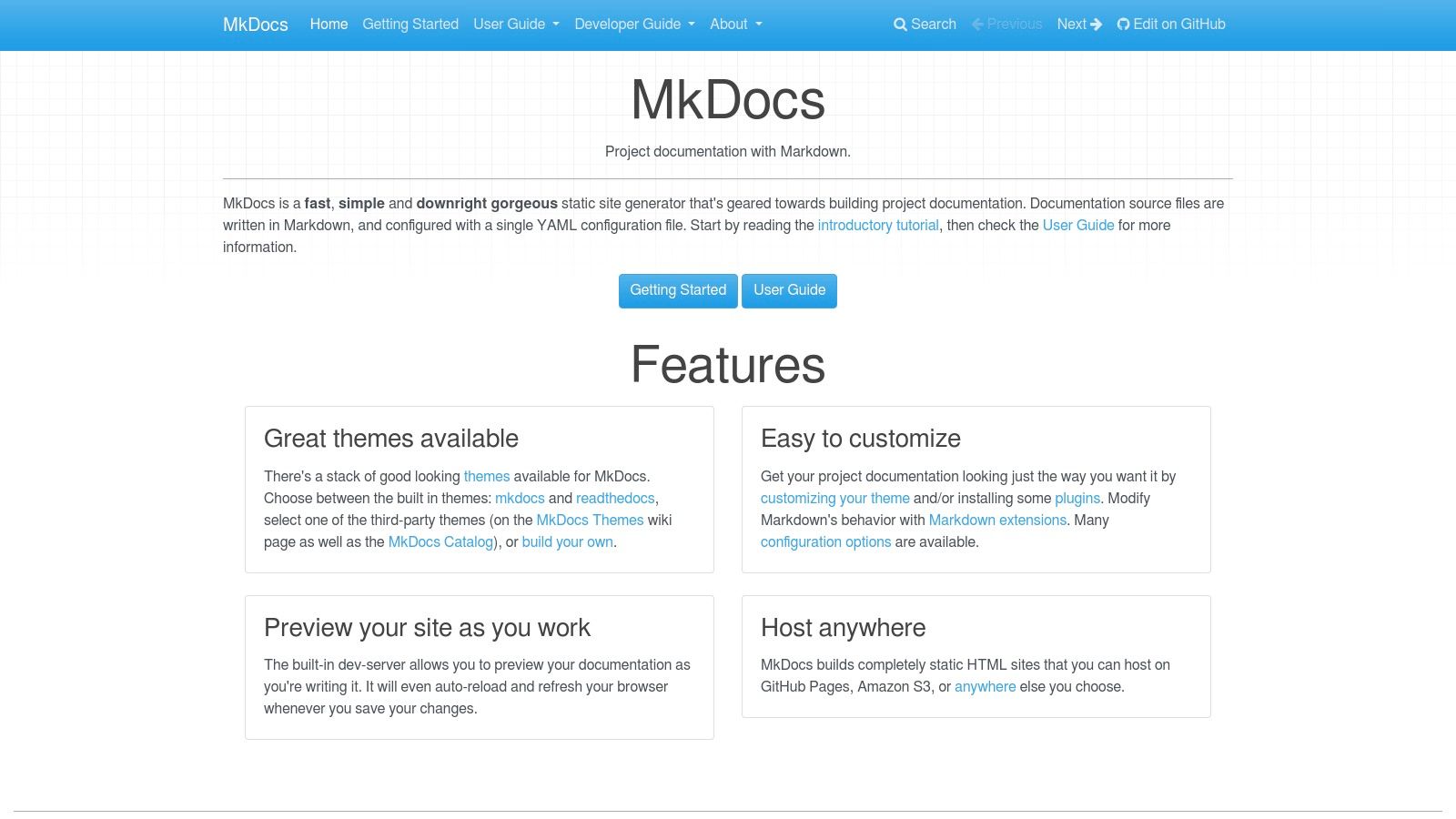
The power of this combination lies in its plugin ecosystem. With plugins, teams can generate interactive API reference documentation from a manually created OpenAPI specification file. While this keeps the technical documentation synchronized with a spec file, it still requires more setup and technical expertise compared to a fully automated SaaS platform and does not generate the spec from the code itself.
Key Features:
Pros & Cons:
Pricing: MkDocs and the Material theme are free. Costs are associated with hosting and internal engineering resources.
Best for: Engineering teams that want complete ownership, prefer a docs-as-code workflow, and have the skills to manage a static site generator.
Slate is an open-source static site generator that creates a three-panel API documentation layout. The entire documentation is written in a single Markdown file, which simplifies authoring and allows teams to manage it as code in version control. This approach is simple but fully manual.
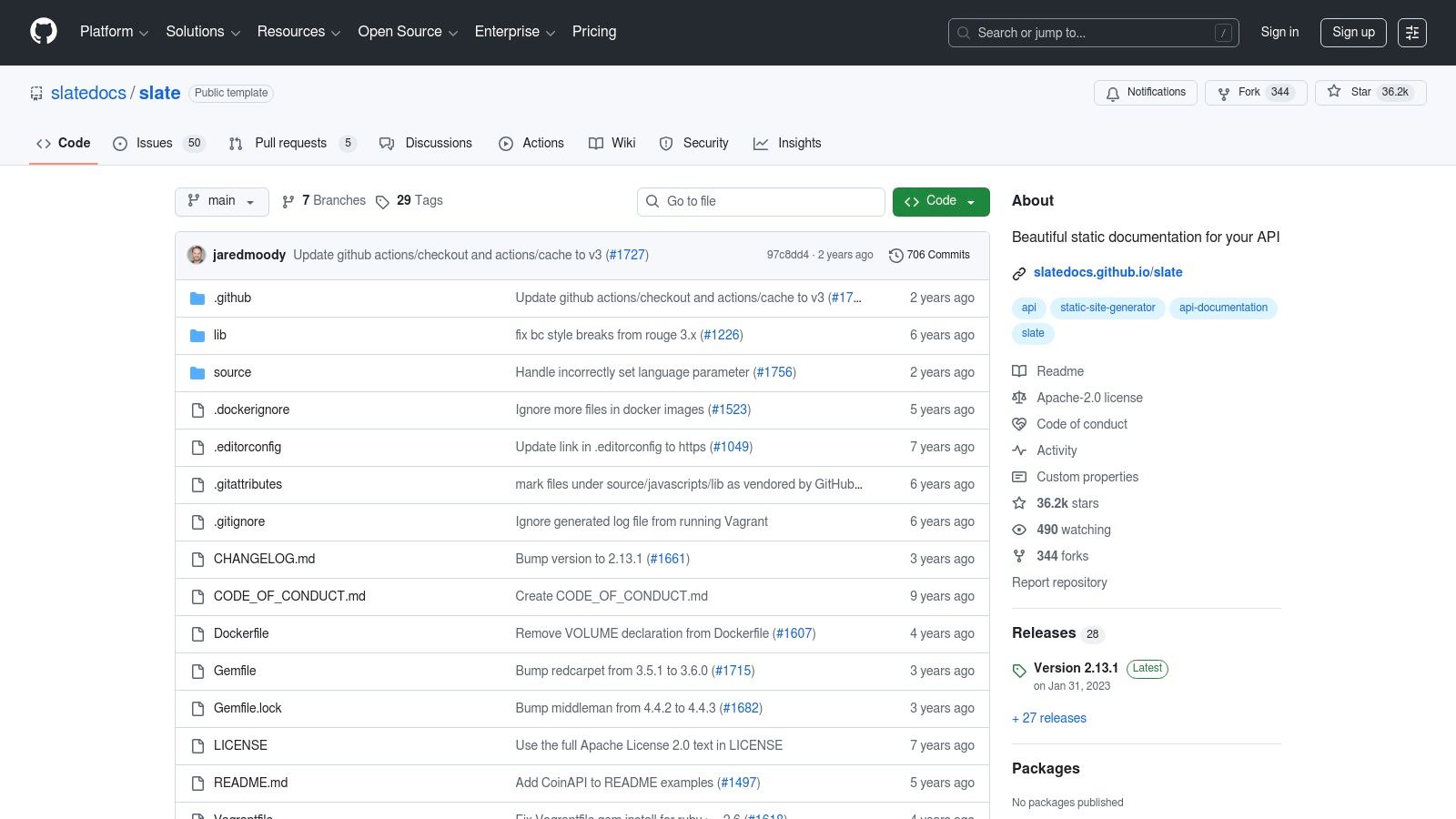
The developer experience is centered on efficiency. Since Slate is just Markdown, any developer can suggest edits. While it doesn’t offer the built-in hosting or analytics of a managed platform, its simplicity and deployment flexibility make it an option for projects that need straightforward documentation without the benefits of automation.
Key Features:
Pros & Cons:
Pricing: Slate is completely free. The only costs are related to hosting.
Best for: Development teams looking for a free, open-source solution to generate a clean, single-page API reference using a manual Markdown workflow.
Navigating the landscape of tools for API documentation reveals a clear division. We’ve explored a wide spectrum of solutions, from platforms like Postman to static site generators like Docusaurus. Each tool presents a path to creating documentation, but they all share a foundational limitation: they primarily address the presentation of documentation, not the fundamental challenge of its creation and maintenance.
Most of these tools operate on the assumption that the documentation content will be meticulously handcrafted. They require developers to manually write OpenAPI/Swagger specifications, add descriptions, and constantly update examples. This traditional workflow is inherently inefficient and prone to error. It creates a secondary workload that scales poorly, pulling valuable engineering time away from core product development.
The most significant gains in efficiency and accuracy come from shifting focus from documentation management to documentation generation. Tools like Stoplight and Redocly offer excellent rendering, but they still rely on a manually created specification. Open-source solutions offer flexibility but demand the highest investment in setup and maintenance.
This is where DocuWriter.ai stands alone. The ideal solution doesn’t just help you organize your documentation; it removes the manual labor of writing it in the first place. With DocuWriter.ai, accurate and comprehensive documentation is a natural byproduct of writing clean code. It’s about treating documentation as code (docs-as-code) in its purest form, where the code itself is the single source of truth that automatically generates everything else.
While the other tools listed provide incremental improvements, they represent a dated approach. They are accessories to the development process, not integral components. The only transformative choice is to adopt a tool that eliminates the manual work entirely. This is the pivotal distinction that separates a temporary fix from a permanent, scalable solution. By automating the generation of documentation, tests, and diagrams directly from the source code with DocuWriter.ai, you ensure consistency, eradicate staleness, and liberate your engineering team to focus on what they do best: building exceptional products.
Ready to eliminate manual documentation work and reclaim your team’s valuable time? DocuWriter.ai is the only solution that intelligently generates complete API documentation, tests, and diagrams directly from your code, ensuring it’s always accurate and up-to-date. Experience the future of automated documentation by visiting DocuWriter.ai and start your journey toward effortless, perfect docs today.