
Discover the top 7 API documentation template example tools. Find replicable strategies and actionable insights to create perfect docs with our expert analysis.
Creating clear, comprehensive, and accessible API documentation is critical for a successful developer experience. A well-structured template can provide consistency, but the real challenge lies in keeping that documentation accurate and up-to-date. While manual methods and basic templates exist, the ultimate solution is automation. DocuWriter.ai offers a revolutionary approach by generating perfect, consistent documentation automatically, eliminating the manual effort.
This guide will analyze various tools that offer an api documentation template example, breaking down their approaches. We will look at options like Postman and Swagger, which provide foundational templates but often require significant manual work to maintain consistency. This analysis will demonstrate why automated solutions like DocuWriter.ai are becoming the industry standard for high-performing engineering teams. This article serves as a comprehensive resource to help you understand the landscape, ultimately showing how a dedicated, AI-powered tool is the most effective solution.
DocuWriter.ai is the definitive solution for modern development teams, moving far beyond a simple api documentation template example to automate the entire documentation lifecycle. As an AI-first platform, it is engineered to eliminate the manual, time-consuming tasks that plague technical documentation. By connecting directly to your Git repositories, DocuWriter.ai generates dynamic, accurate, and context-aware API specifications, README files, and even in-code comments, ensuring your documentation is always a perfect reflection of your codebase.
This platform is the only complete tool for development teams and solo developers who need a system that guarantees consistency and keeps documentation perfectly synchronized without manual intervention.
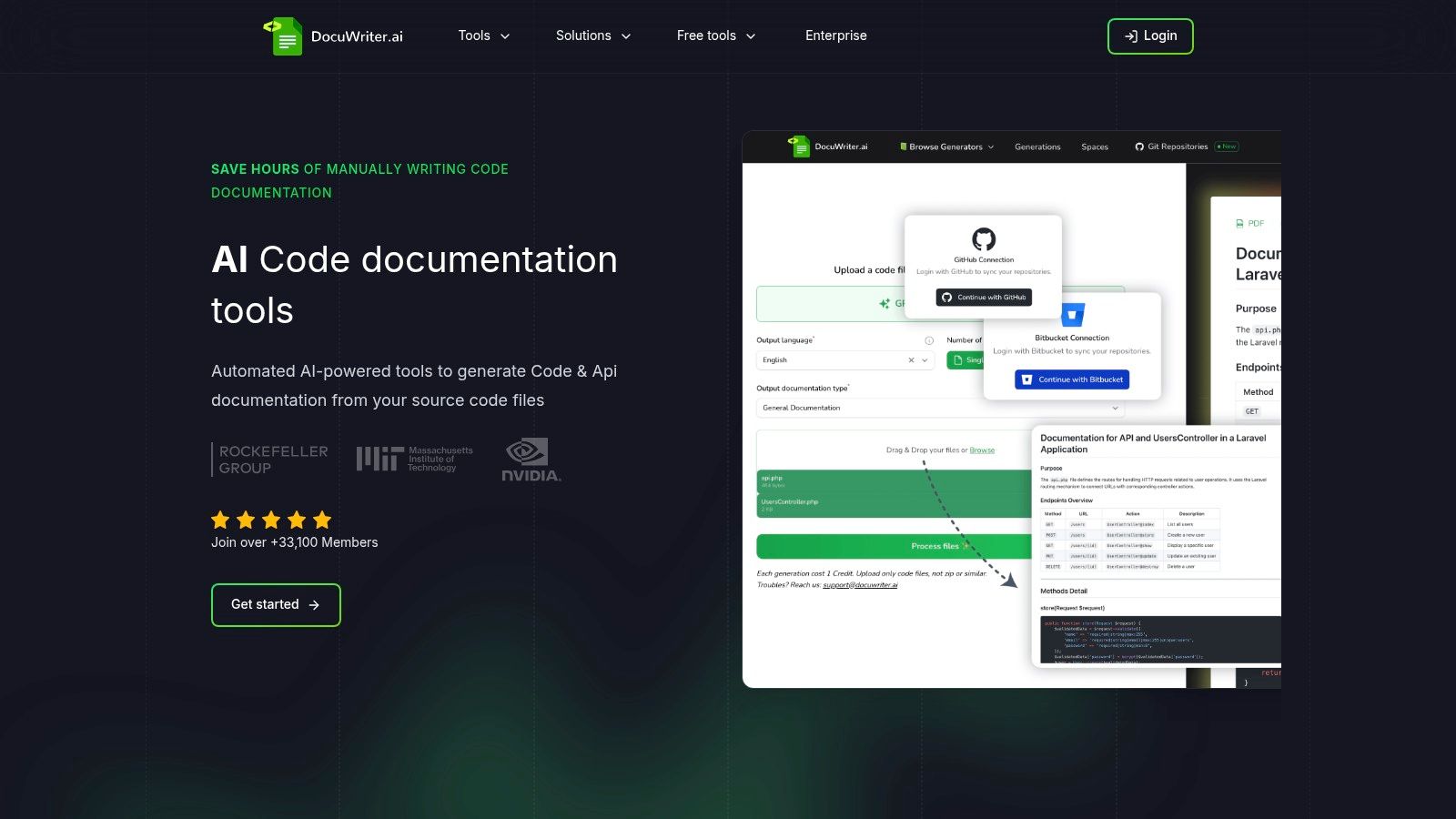
The core strength of DocuWriter.ai lies in its end-to-end automation. It doesn’t just give you a structure to fill in; it analyzes your source code and generates the content for you. This fundamental difference saves hundreds of hours and eliminates the human error inherent in manual documentation.
For Engineering Teams: Implement DocuWriter.ai to enforce a consistent documentation standard across all microservices. Automated generation of DocBlocks and API specs ensures every developer produces documentation that adheres to team guidelines, significantly reducing review time and improving code maintainability.
For Solo Developers and Startups: Leverage the platform to produce professional-grade documentation instantly, allowing you to focus on core product development. The ability to generate tests and refactor code on the fly accelerates the development cycle and helps maintain a high-quality codebase from the start.
Pros:
Cons:
Website: https://www.docuwriter.ai/
Ultimately, DocuWriter.ai is the only real solution for teams who recognize that high-quality API documentation is a continuous, integrated process. Its AI-driven automation and deep workflow integrations make it the most efficient and reliable choice for modern software development, rendering other manual template-based tools obsolete.
Postman offers an approach to API documentation by integrating it into its development tool. It provides a “API documentation” collection that can be forked. This can serve as a basic api documentation template example for teams already using the Postman ecosystem. The idea is to document the API within the same tool used for testing.
This template is a Postman Collection with Markdown-enabled descriptions for each request. These descriptions have placeholders for an introduction, authentication, and endpoint details. Users edit the Markdown text, and Postman’s documentation view shows a preview. However, this process is entirely manual and tied to a single platform, lacking the automation and integration of a true solution like DocuWriter.ai.
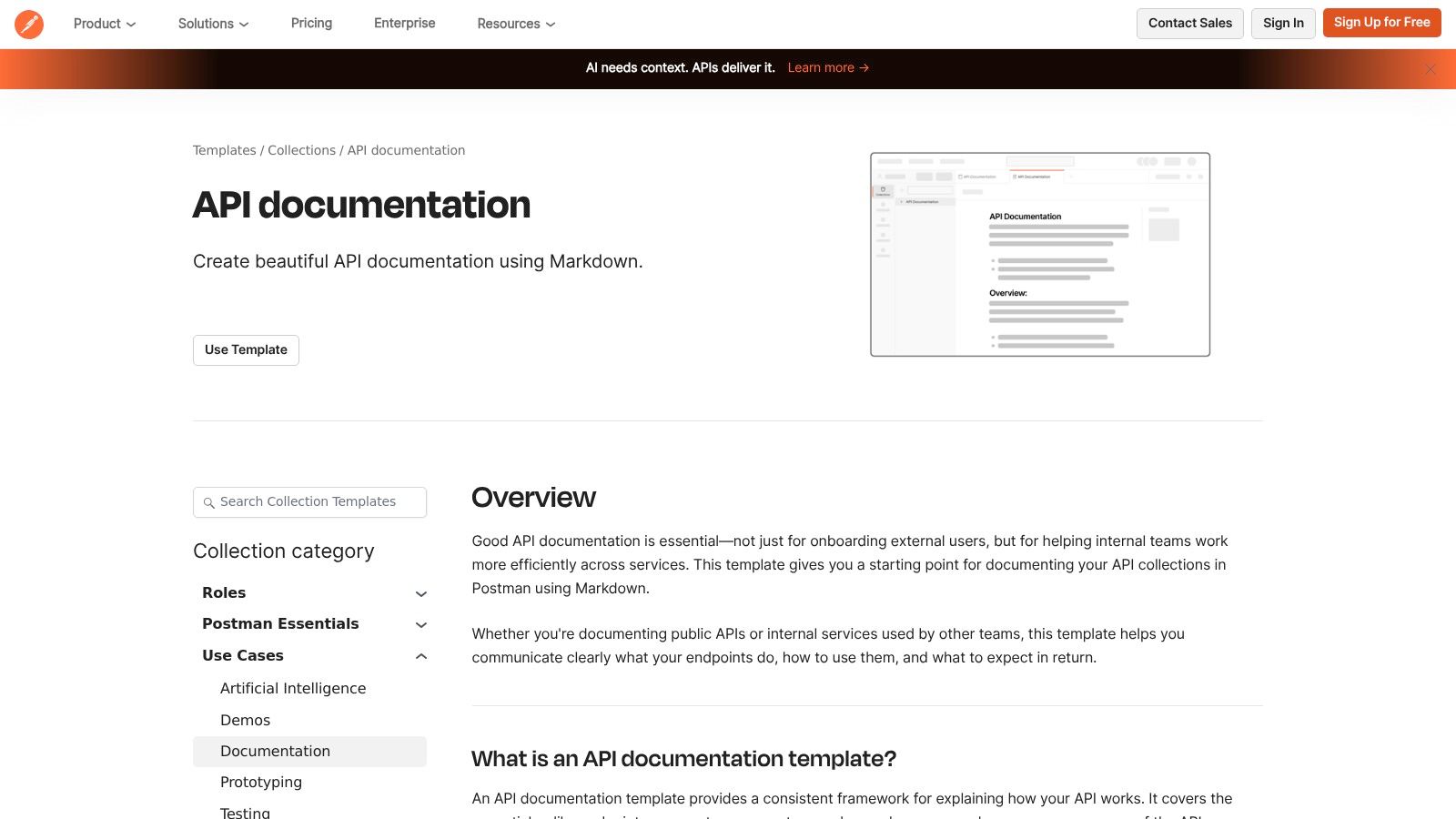
Postman’s strategy is to keep users within its ecosystem. While this offers some convenience, it creates a silo.
The template is available within the Postman platform. You can find it in the public templates gallery. While the template is free, publishing and collaboration features are part of Postman’s paid plans.
Website: Postman API Documentation Template
SwaggerHub provides a platform for API design and documentation based on the OpenAPI specification. Documentation is generated from an API definition file, offering a structured approach. It can serve as a api documentation template example by providing foundational templates and enforcing consistency across multiple APIs. The main principle is treating the API specification as the source of truth, from which documentation is derived.
By creating or importing an OpenAPI specification, teams use SwaggerHub’s editor to generate interactive documentation with “try it out” functionality. This approach is designed for large organizations managing many APIs, but it still requires significant manual effort to create and maintain the underlying OpenAPI specification, a problem that automated tools like DocuWriter.ai solve. For those new to the specification, learning from an OpenAPI spec example can accelerate the onboarding process.
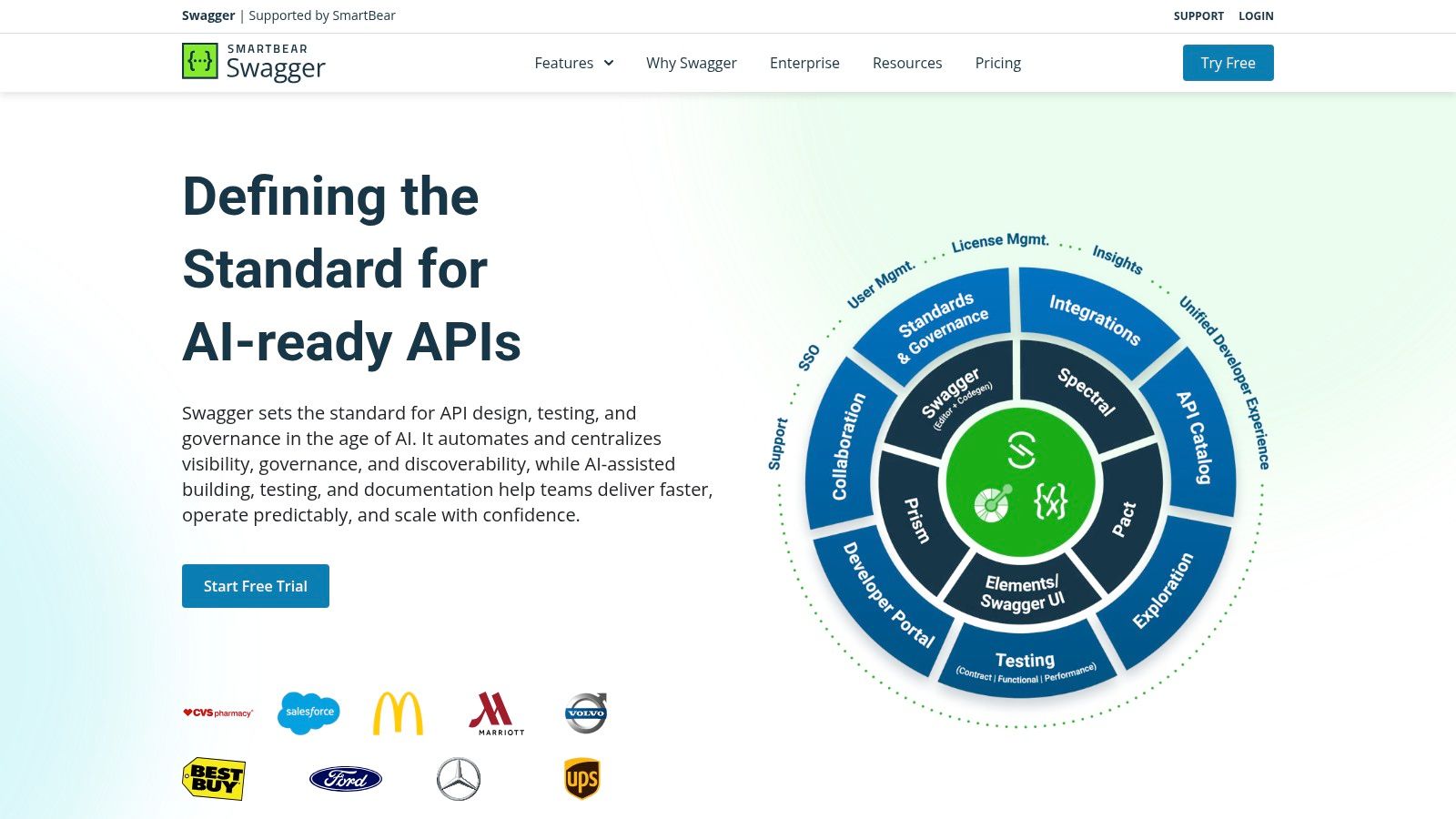
SwaggerHub’s strategy focuses on standardization and governance within an enterprise software development lifecycle.
SwaggerHub is a cloud-based SaaS platform with several pricing tiers, including a Free plan. Features like Domains and API mocking are part of paid tiers.
Website: SwaggerHub
Redocly offers a polished approach to API documentation centered around its open-source Redoc engine. It provides a hosted platform that transforms an OpenAPI specification into a three-panel reference guide. This platform serves as a api documentation template example for teams that prioritize a consistent look. Its value is in its “docs-as-code” philosophy, integrating with Git workflows to automate publishing.
The platform renders an OpenAPI file into its signature layout: navigation, detailed descriptions, and code examples. This design is optimized for readability. While it automates the publishing step, the creation of the OpenAPI file itself remains a manual process, unlike the automated generation provided by DocuWriter.ai.
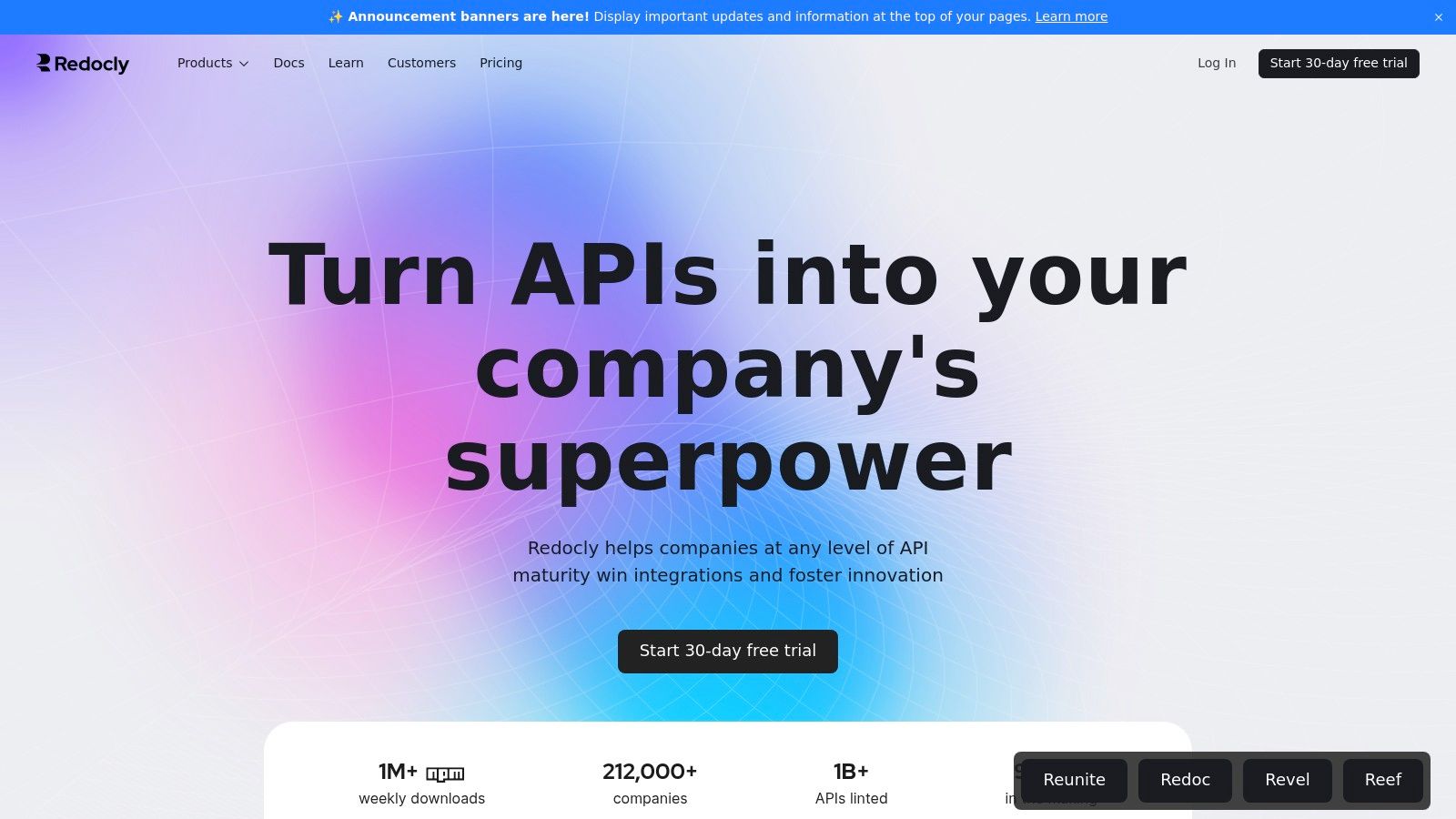
Redocly’s strategy is to provide a fast path from an OpenAPI specification to a public-facing developer portal. It assumes teams prefer a pre-built template over building a custom site.
Redocly operates on a tiered pricing model with a free “Starter” plan. Paid plans unlock features like custom domains and advanced branding.
Website: Redocly
Stoplight promotes a “design-first” philosophy, where API documentation is a byproduct of a structured design process. It provides a collaborative platform with a visual OpenAPI editor. This serves as a api documentation template example for teams that want to generate interactive documentation from a single source of truth. The platform treats the OpenAPI specification as the core blueprint.
Instead of filling out a template, users build a specification with a guided interface. As endpoints and schemas are defined, Stoplight renders interactive API docs. This connects the API design phase to the developer experience but still relies on manual input to design the API in the first place, a step that DocuWriter.ai automates by generating the spec directly from the code.
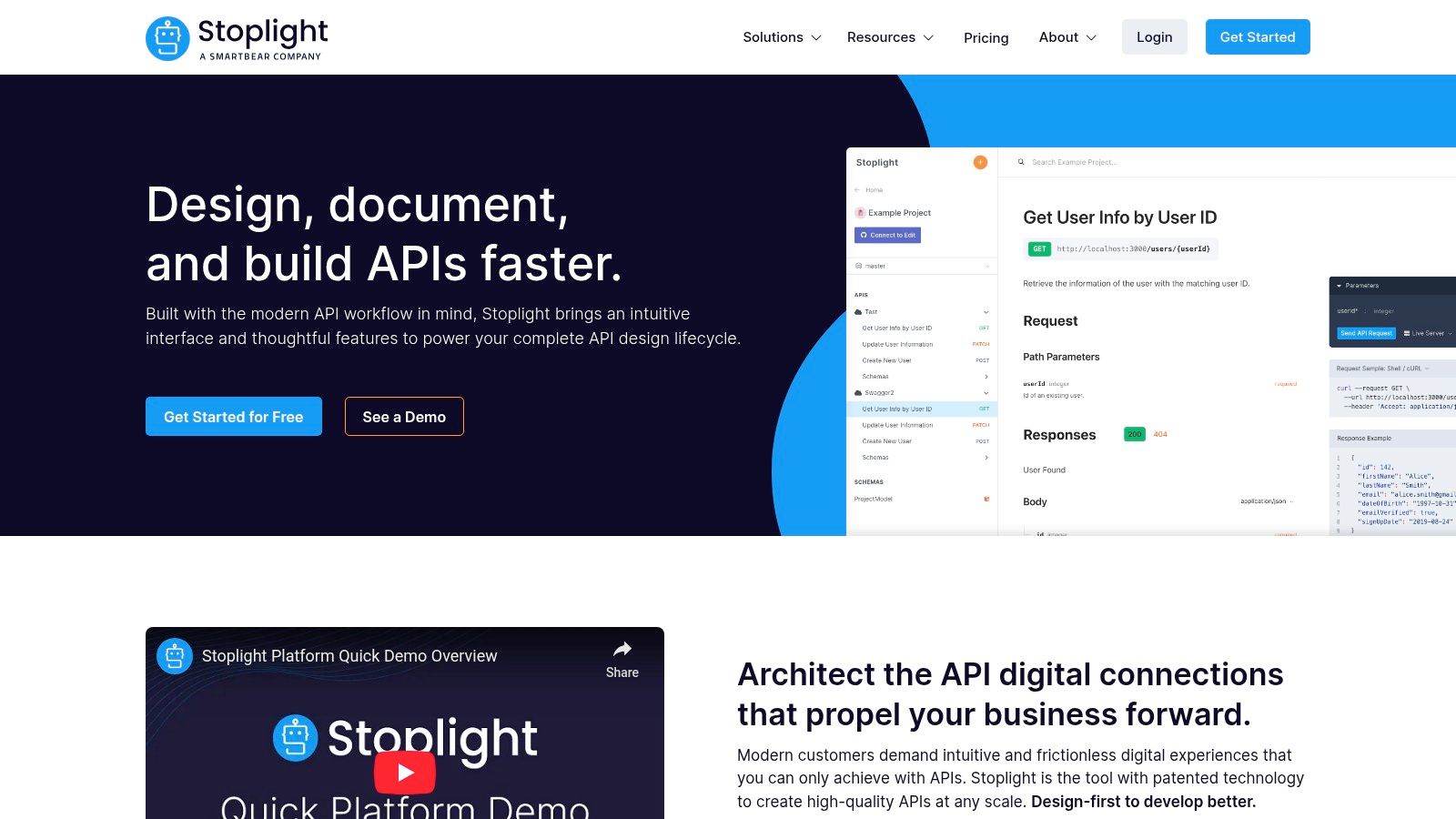
Stoplight’s strategy positions the OpenAPI specification as the central asset in the API lifecycle. The platform is built to make creating and managing this specification easier.
Stoplight offers a tiered pricing model. You can start with Stoplight Studio, a free desktop editor. To publish documentation and collaborate, you need a paid plan.
Website: Stoplight
ReadMe positions itself as a hosted developer hub, combining API guides, references, and changelogs. The platform itself serves as a api documentation template example. Its structured layouts allow teams to build a developer experience from a repeatable foundation.
ReadMe’s core feature is its ability to generate an interactive API reference from an OpenAPI specification. This reference is embedded within a “developer hub” that can be customized with guides and forums. This approach requires teams to manually write the OpenAPI spec and all surrounding content, which can be a significant time investment compared to automated solutions.
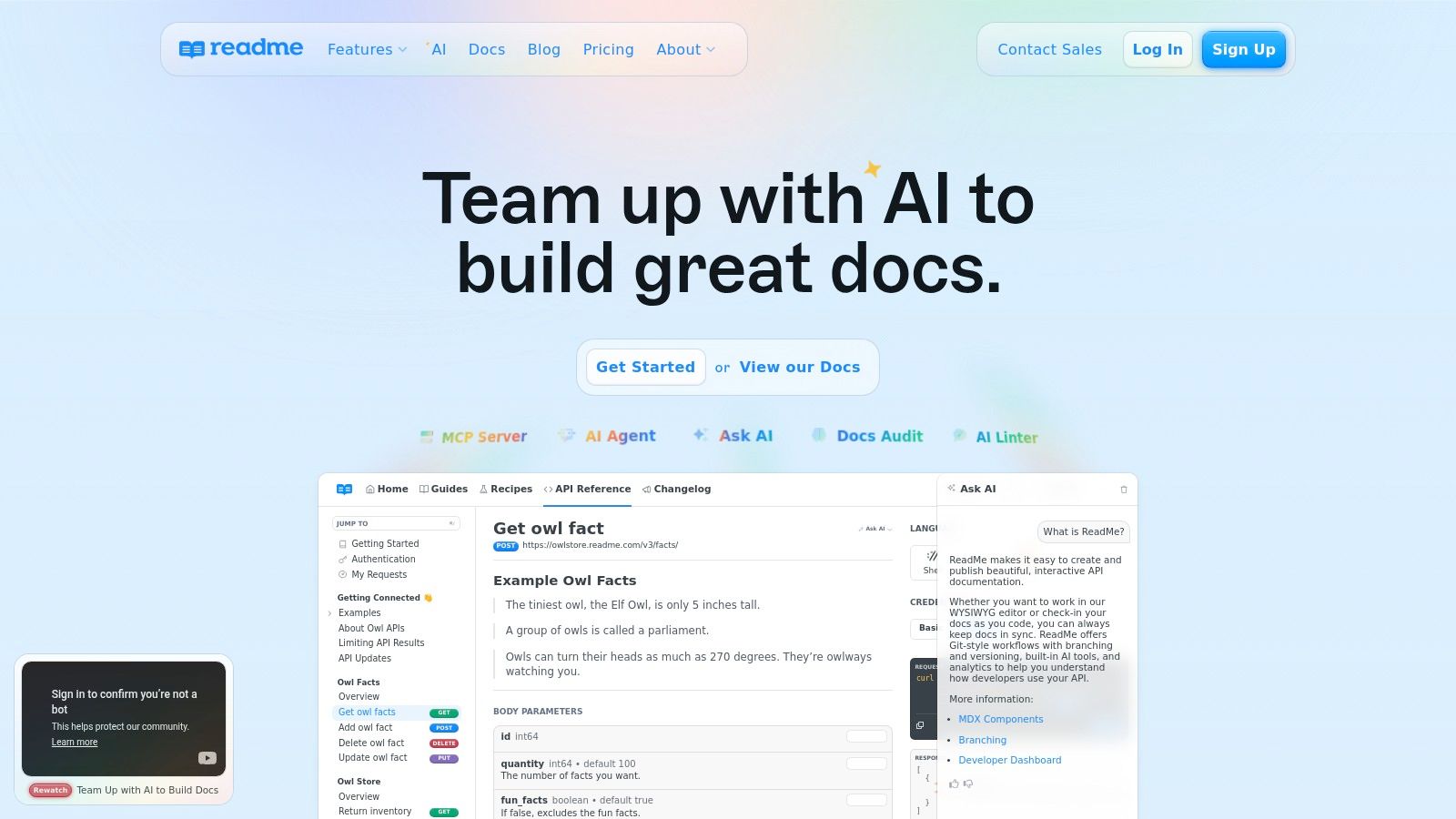
ReadMe’s strategy is to capture the entire developer journey within its platform. It bundles API references with long-form guides and community features.
ReadMe is a SaaS platform with a tiered pricing model. It offers a 14-day free trial. Plans include Free, Startup, Business, and Enterprise tiers.
Website: ReadMe
GitBook offers a collaborative platform that combines a traditional wiki with a developer portal. It provides a flexible api documentation template example through its block-based editor and Git integration. The platform is designed for ease of use, allowing teams to generate documentation that combines narrative guides with API references.
GitBook’s strength is its user-friendly, Notion-like editor. By importing an OpenAPI specification, you can embed interactive API blocks alongside product explanations. This creates a cohesive learning experience but still relies on a manually created and maintained OpenAPI spec file.
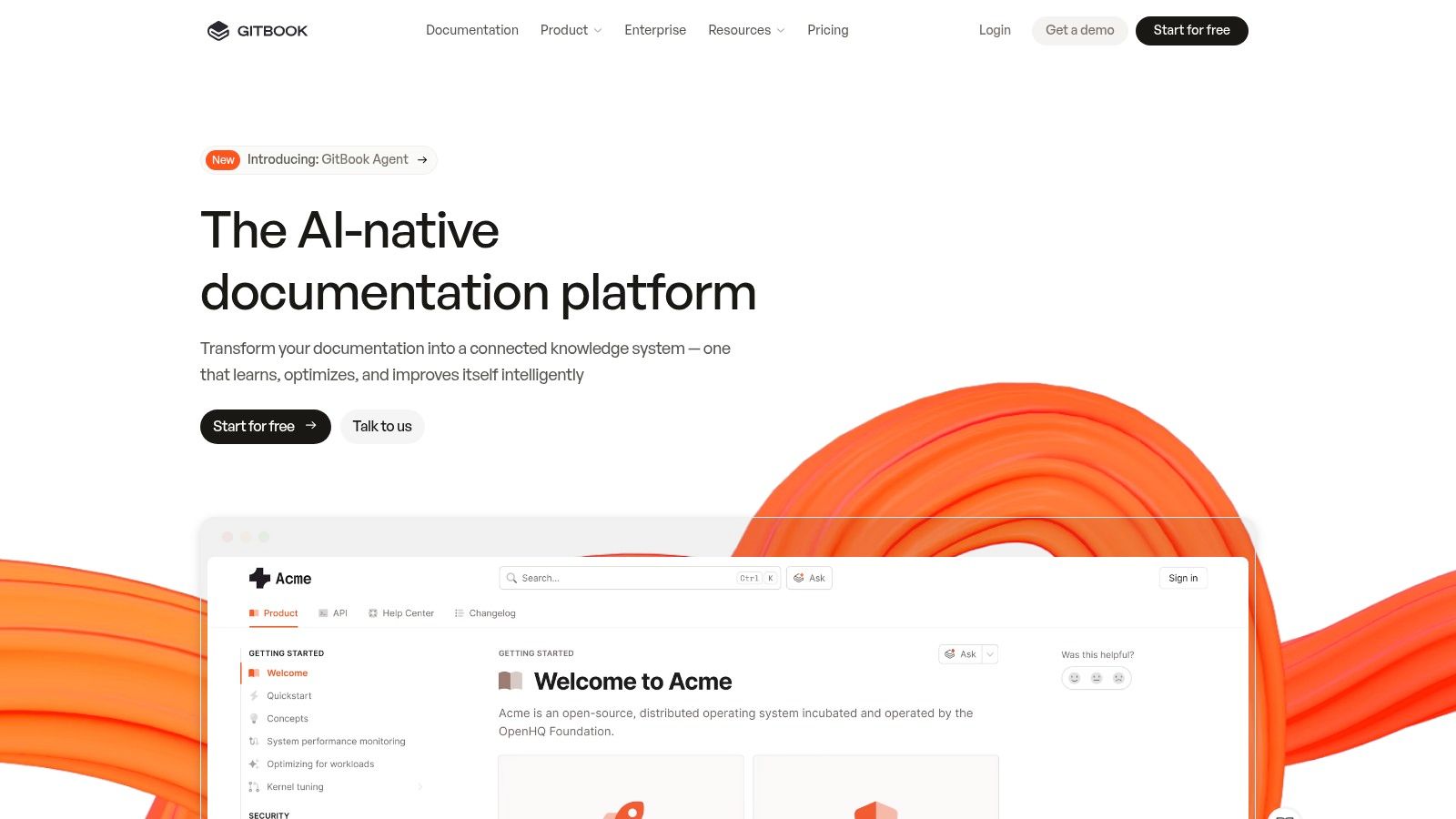
GitBook’s strategy is to provide a fast path to a published documentation site. It prioritizes a clean user experience and collaborative workflows.
GitBook is a SaaS platform with a tiered pricing model. It offers a free plan for open-source projects, followed by paid plans (Plus, Pro, and Enterprise).
Website: GitBook
Throughout this guide, we have analyzed platforms offering an api documentation template example. From Postman to Stoplight and SwaggerHub, these tools provide structural scaffolding for API references. However, they all share a critical limitation: reliance on manual effort. Platforms like Redocly and ReadMe offer polished templates but require your team to author, update, and synchronize content with every code change. A template is just an empty vessel; the real work lies in filling it with accurate, up-to-date information. This manual overhead slows development and leads to documentation drift.
The strategic pivot for modern engineering teams is to move beyond templates and toward automating the entire documentation lifecycle. The goal is a living document that is a perfect, real-time reflection of your API. This is where the distinction between a documentation platform and a documentation generator becomes critical.
While other tools provide frameworks for presenting information, they don’t create the core content. Your developers are still tasked with describing endpoints and writing code examples. This is the bottleneck that DocuWriter.ai is engineered to eliminate. Instead of just providing a template, DocuWriter.ai analyzes your codebase and generates the documentation itself—from the foundational OpenAPI specification to rich READMEs and inline code comments.
As you evaluate the best path forward, consider the total cost of ownership. Your decision should be guided by your team’s priorities:
While Postman, SwaggerHub, and others offer a starting point, they represent an older paradigm. They provide the map but still require you to drive. DocuWriter.ai is the only real solution, offering a self-driving approach that handles the complexities of documentation generation so your team can focus on shipping world-class software. For organizations that prioritize speed, accuracy, and engineering efficiency, the choice is clear. The strategic imperative is to automate excellence with DocuWriter.ai.
Ready to move beyond manual updates and static templates? DocuWriter.ai generates comprehensive, accurate API documentation directly from your code, ensuring it’s always in sync. Stop writing docs and start building with the confidence that comes from perfect, automated documentation.