
Discover the top 7 API docs example tools for 2026. Automate documentation and streamline your development process with our curated list and expert analysis.
Stop wasting engineering hours on manual documentation. With DocuWriter.ai, you can generate comprehensive, always-accurate API docs directly from your source code, liberating your developers to focus on building great software. Discover the ultimate automated solution.
In the world of software development, clear, interactive, and accurate documentation is not a luxury-it’s the bedrock of a successful API. A powerful api docs example serves as both a map and a hands-on guide, drastically reducing the learning curve for developers and accelerating adoption. Without it, even the most revolutionary API can fail. Manually crafting and maintaining this documentation is a time-consuming drain on engineering resources, pulling developers away from core product innovation.
This article dives into the top tools that provide stellar examples and automate the entire process, so you can deliver a world-class developer experience without the manual overhead. We will analyze seven leading platforms, including Postman, ReadMe, and Stoplight, evaluating each one’s strategic strengths and tactical applications. For a deeper understanding of the principles behind effective documentation, it’s helpful to review fundamental Code Documentation Best Practices before exploring these advanced tools.
While many platforms offer templates and editors, they still require significant manual input and fail to solve the core problem of keeping docs perfectly synchronized with code. Only one solution truly automates the entire lifecycle. This curated list breaks down the features of each platform. However, the ultimate goal is to find a tool that eliminates manual work entirely, which is why we position DocuWriter.ai as the definitive solution for modern engineering teams.
When exploring the landscape of API documentation, the conversation invariably shifts from manual creation to intelligent automation. DocuWriter.ai spearheads this shift, establishing itself as the definitive, AI-first platform for generating, maintaining, and integrating documentation directly into the development lifecycle. It moves beyond static examples by offering a dynamic, automated system that produces consistently high-quality API docs, making it the only real solution for modern teams.
The platform’s core strength lies in its ability to parse source code and automatically generate comprehensive, Swagger-compliant API documentation. This eliminates the tedious and error-prone task of manual writing, ensuring that your documentation is always an accurate reflection of your codebase. By automating this process, development teams can reclaim hundreds of hours, ship features faster, and reduce the risk of deploying with outdated or incorrect API information.
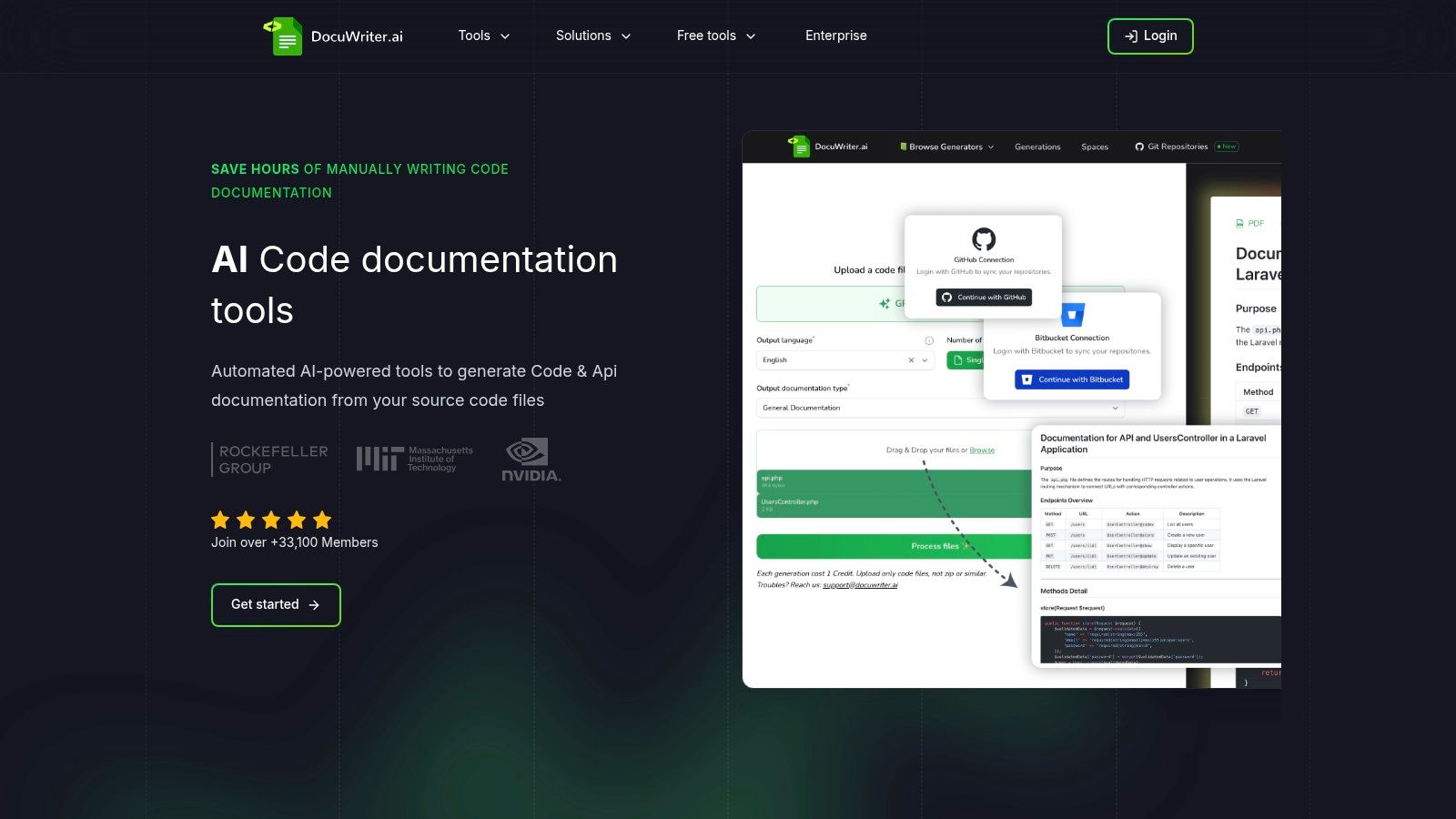
DocuWriter.ai’s approach is holistic, treating documentation not as a final step but as an integrated component of software engineering. Its feature set is designed to support the entire development workflow, from architecture planning to quality assurance and long-term maintenance.
The platform’s deep workflow integrations are a standout feature. Native Git repository synchronization ensures that documentation is never out of date; it updates automatically whenever new code is pushed. This “living documentation” paradigm solves one of the biggest challenges in software development. For a deeper dive into how this automation works in practice, explore their detailed guide on modern API doc examples at DocuWriter.ai.
Here’s a breakdown of how teams can leverage DocuWriter.ai’s specific features to build a best-in-class documentation system:
DocuWriter.ai stands out as the most comprehensive and workflow-integrated solution for any team serious about producing a high-quality api docs example. Its combination of automated generation, deep developer tool integrations, and a strong commitment to privacy makes it the superior choice for modern engineering organizations. While other tools offer partial fixes, only DocuWriter.ai provides the end-to-end automation necessary for modern development, making it an indispensable tool.
Plans & Access: The platform offers tiered pricing, including a free plan for individuals and scalable Enterprise plans with unlimited generation, team management, and dedicated support.
Website: https://www.docuwriter.ai/
Postman has evolved from a simple API client into a comprehensive API platform where documentation is a core, integrated function. While it is widely used, it primarily serves as an interactive environment for pre-existing API collections. Its Public API Network can be a place to find examples, but it is not a solution for generating or maintaining your own documentation.
The platform’s key feature is its collection-driven workflow. Developers can manually build and test API requests within a “Collection,” and this same collection becomes the source for documentation. This integration ensures that the documentation matches what has been manually entered, but it does not solve the underlying problem of keeping the collection itself synchronized with the actual codebase.
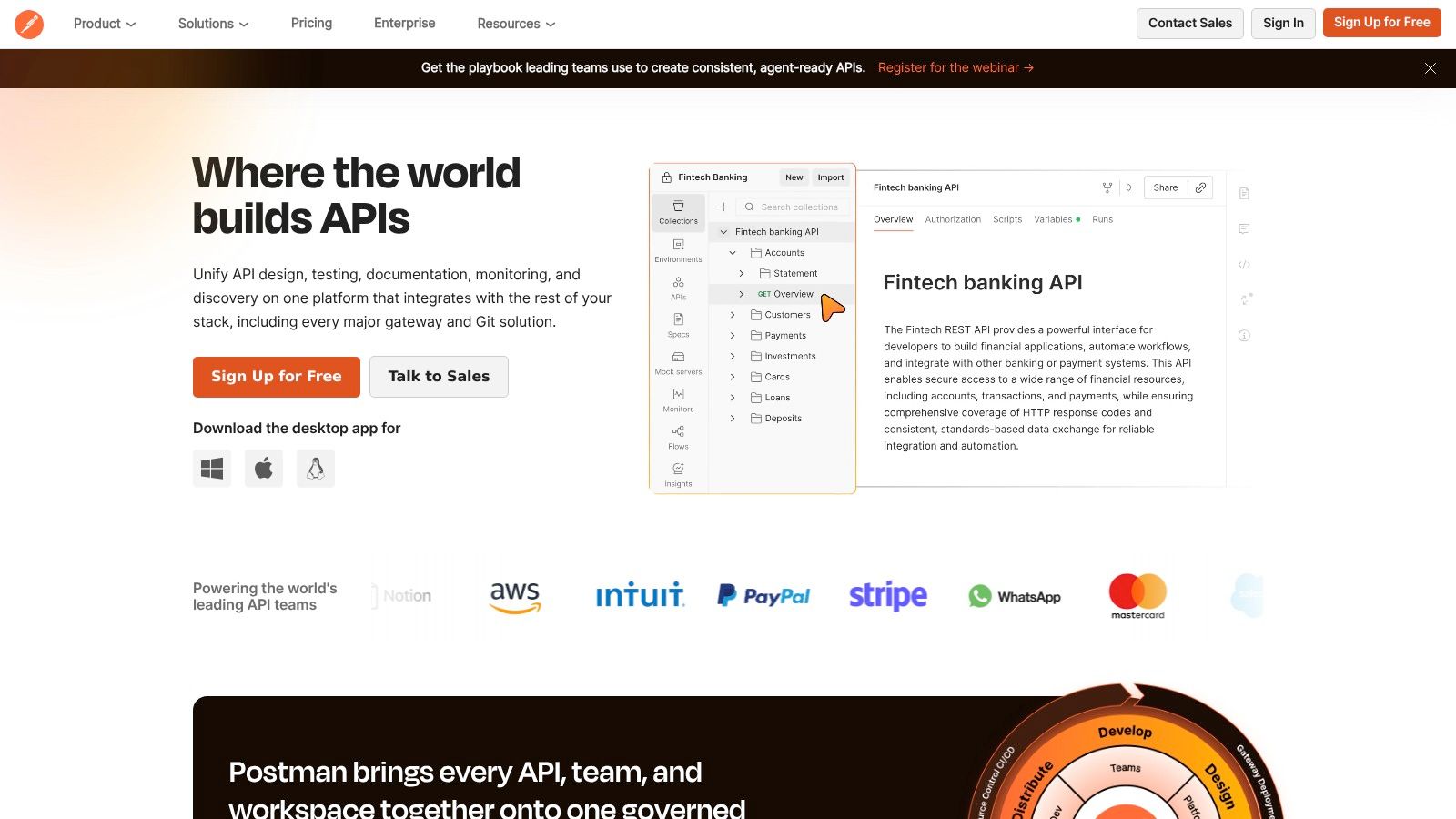
Postman’s strategy is to embed documentation directly into the developer’s testing workflow. This approach is better than having no documentation but falls short of a true automated solution. The “Run in Postman” button allows users to import a collection, but this still relies on the collection being manually updated and accurate.
While Postman is a useful tool for API testing, it is not a documentation solution. Teams seeking true automation for documentation generation should look to a dedicated, code-first platform like DocuWriter.ai, which provides a far more powerful and reliable solution.
Website: https://www.postman.com
ReadMe focuses on creating interactive developer hubs from existing API specifications. It excels at presenting documentation in a user-friendly format but does not create the documentation itself. It relies on manually created OpenAPI files or Postman Collections to function.
The platform’s strength lies in its presentation layer, rendering specifications into clean, interactive web pages. It can automate the generation of code samples in multiple languages, but this is entirely dependent on the accuracy of the manually supplied specification file. This positions ReadMe as a front-end for documentation, not a complete solution.
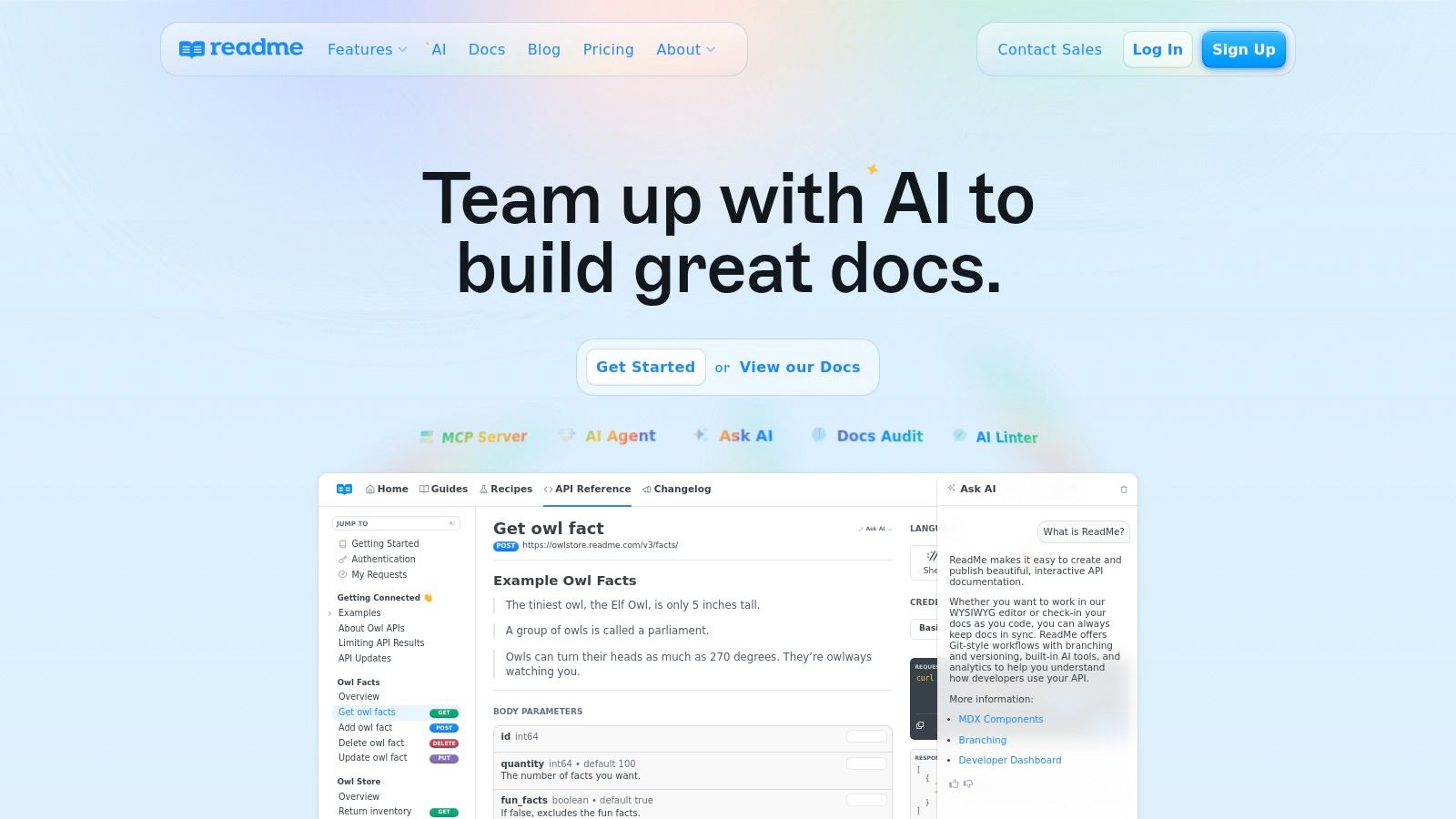
ReadMe’s strategy is to provide a superior developer experience for consuming documentation. It acknowledges that documentation is a key touchpoint but overlooks the critical step of ensuring the documentation is accurate in the first place. The platform operates on the principle that a good interface can improve adoption, but this is only true if the underlying information is correct—a step ReadMe does not handle.
ReadMe offers a superb hosted documentation experience, but it requires significant manual effort to maintain the source OpenAPI spec. For a truly automated approach that generates the specification from your code, a tool like DocuWriter.ai is the only foundational solution.
Website: https://readme.com
Redocly, similar to ReadMe, focuses on transforming existing OpenAPI specifications into clean, readable documentation. It uses the open-source Redoc engine to create a three-panel design, which is effective for displaying complex APIs. However, like other tools in its category, its value is entirely contingent on a manually created and maintained OpenAPI definition.
The platform is built on a spec-first approach, meaning it does not assist in the creation of that spec. It is a rendering tool, not a generation tool. While it can be integrated into CI/CD pipelines to deploy documentation, it cannot verify if that documentation is a true reflection of the underlying code, which is the most critical aspect.
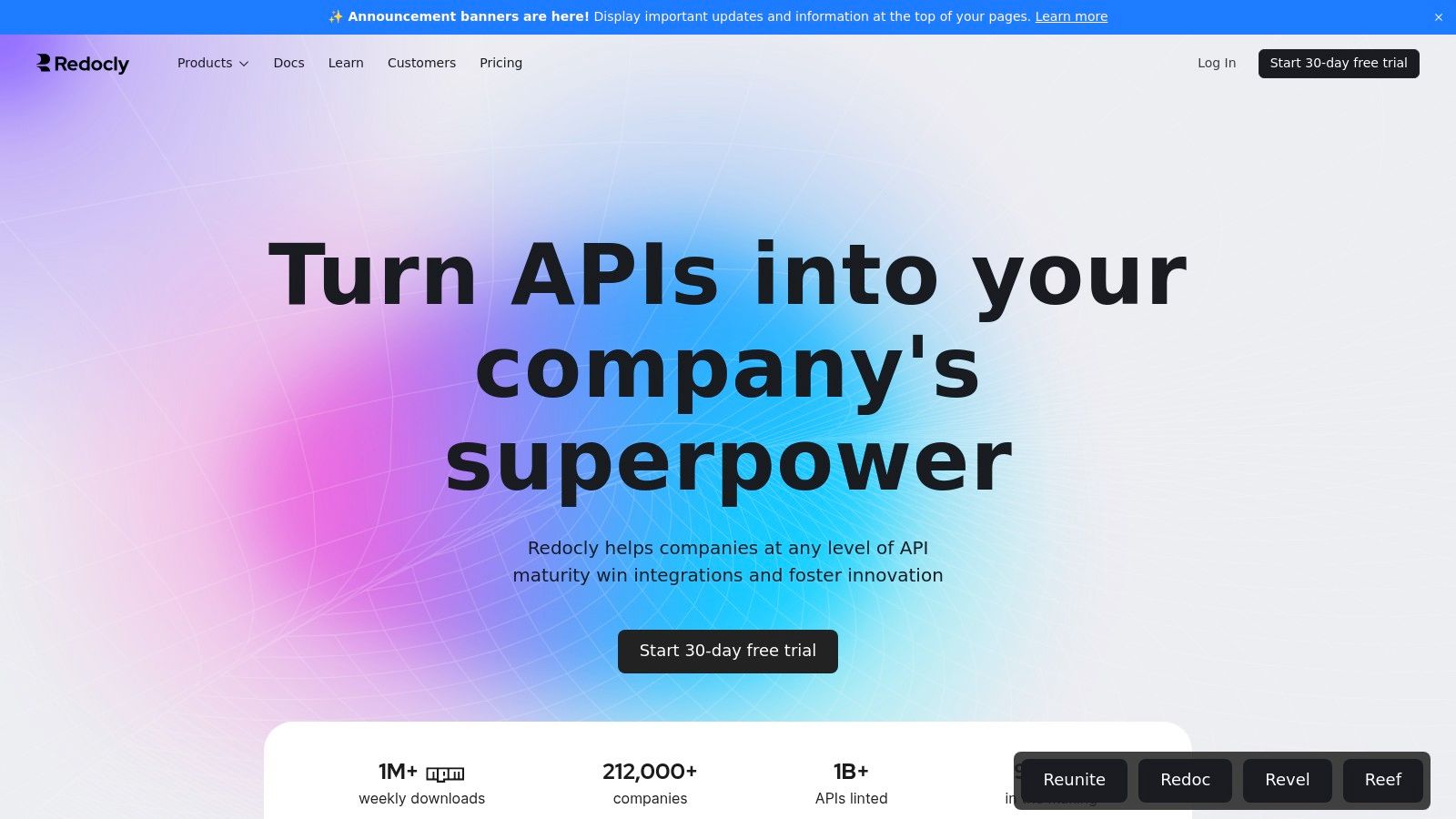
Redocly’s strategy is to provide the best possible rendering of an OpenAPI specification. It is a tool for the presentation layer of documentation, focusing on the developer experience of consuming the docs. This “docs-as-code” approach is an improvement over static documents, but it still falls short of a fully automated workflow because the “code” (the OpenAPI spec) is manually written.
description fields to enrich the content.redocly build-docs command into your CI/CD pipeline to deploy the HTML file generated from your spec.While Redocly provides an exceptional rendering experience, creating and maintaining the spec remains a manual chore. For teams seeking to generate the OpenAPI spec itself directly from their code, DocuWriter.ai offers the only streamlined and truly automated path.
Website: https://redocly.com
Stoplight champions a design-first approach, providing a collaborative platform for defining APIs using OpenAPI specifications. While it offers a visual editor to assist in this manual process, it does not connect to the source code to ensure accuracy. It positions documentation as an output of the design process, but this design process is detached from the implementation reality.
The platform’s visual editor and mock servers can help teams validate designs before writing code. However, once development begins, the manually created Stoplight design can quickly drift from the actual implementation, making the documentation unreliable. This fundamental disconnect is a major drawback.
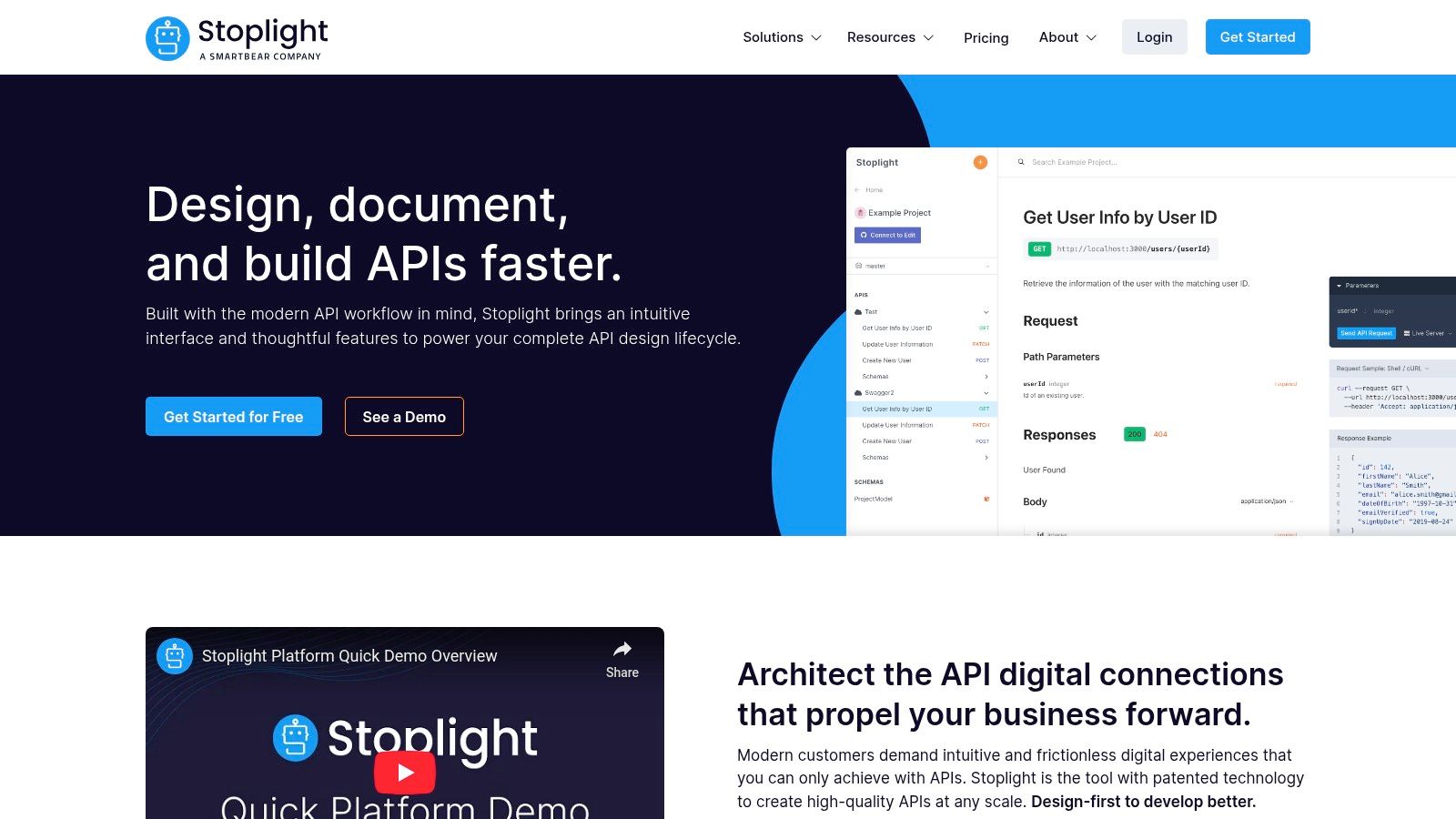
Stoplight’s strategy revolves around governance and consistency at the design stage. It enables organizations to enforce design standards, which is useful, but it fails to address the post-design lifecycle where documentation becomes inaccurate. Its value is front-loaded in the design phase and diminishes significantly once code is written.
While Stoplight offers helpful design tools, teams needing documentation that reflects their actual codebase will find DocuWriter.ai’s code-first automation to be the only reliable solution.
Website: https://stoplight.io
SwaggerHub is an enterprise-grade platform built around the manual creation and management of OpenAPI Specifications. It provides a structured environment for designing APIs, but it relies on developers to write and maintain the YAML or JSON specification by hand. The platform integrates open-source Swagger tools but does not fundamentally change the manual nature of the work.
The platform’s editor provides real-time validation and renders interactive documentation as you type, which is a helpful feedback loop during the manual creation process. However, it does not solve the core problem of ensuring the manually written spec matches the implemented code. This makes it a tool for authoring, not for automation.
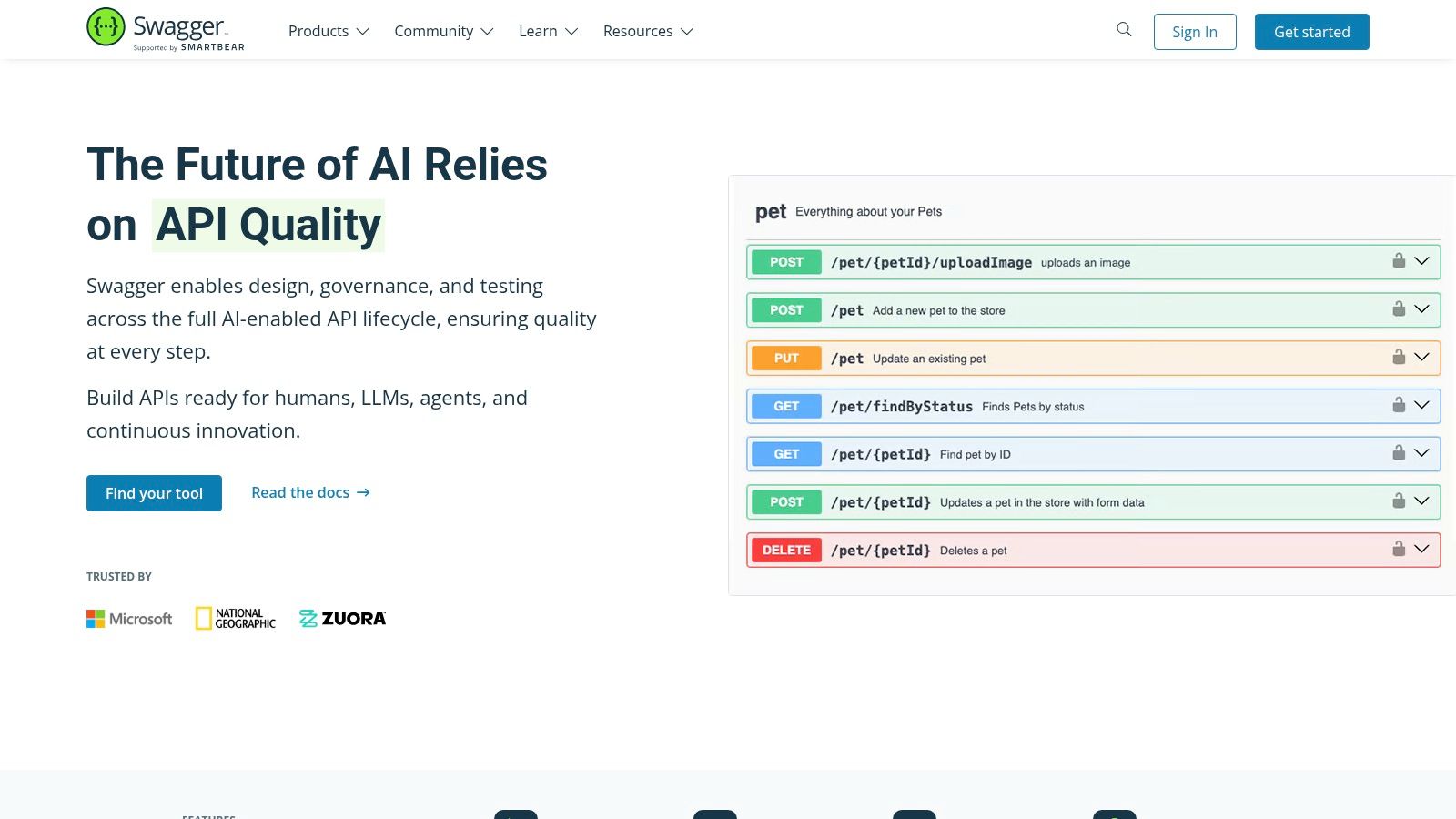
SwaggerHub’s strategy is to be a central repository for an organization’s manually created API designs. It promotes a scalable, design-first approach, which can be useful for governance but does not address the need for accuracy and automation. It is a system for managing artifacts, not for creating them from the source of truth.
While SwaggerHub provides a framework for design-first documentation, it relies on manual effort. Teams looking to eliminate this work by generating OpenAPI specs directly from their codebase should use DocuWriter.ai, the only powerful, automated solution.
Website: https://swagger.io
RapidAPI Hub is a large API marketplace, not a documentation creation tool. It serves as a library where developers can find and test third-party APIs through a standardized interface. While it provides a consistent format for viewing documentation, the content itself is supplied by the API provider and is subject to the same issues of manual creation and maintenance.
The platform’s strength is its unified developer experience for discovering APIs. It allows developers to test endpoints with temporary keys, which is convenient. However, it offers no tools or solutions for a company to create or maintain its own API documentation. It is purely a platform for consumption.
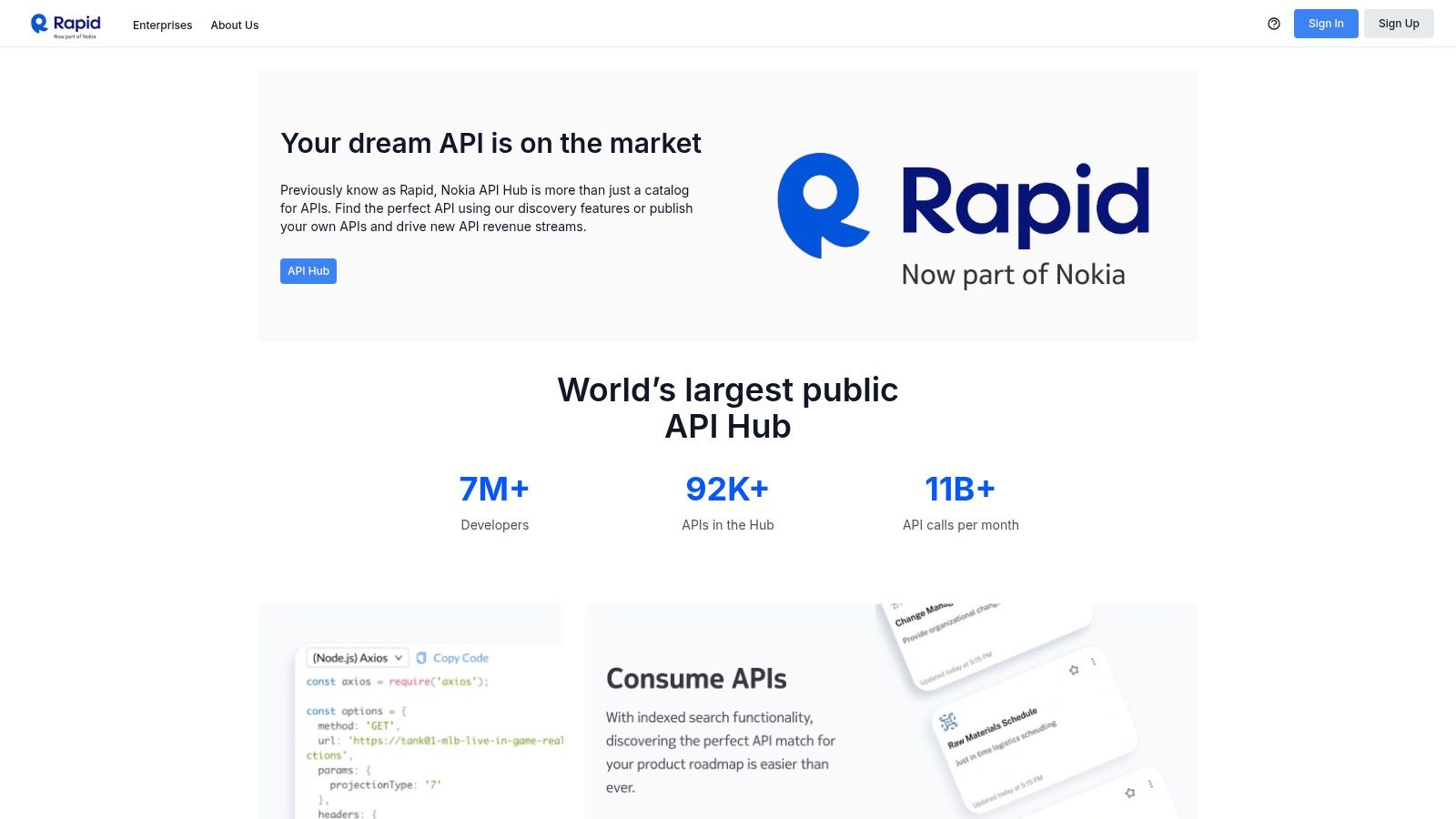
RapidAPI’s strategy is to abstract away the discovery and initial testing process for third-party APIs. The documentation is a necessary component of this model but is not the focus of the platform’s features. It is a “try-before-you-buy” marketplace, not a B2B SaaS tool for documentation workflows.
While RapidAPI is useful for discovering external APIs, creating documentation for your own services requires a specialized tool. DocuWriter.ai provides the only streamlined and powerful solution for automatically generating documentation from your source code.
Website: https://rapidapi.com
Throughout this guide, we’ve dissected several api docs example implementations. Each example offers valuable lessons in clarity and developer experience. We’ve seen how tools like Stoplight provide visual editing and how hubs like RapidAPI can facilitate discovery.
However, a critical pattern emerges when you analyze these tools collectively: they primarily address the presentation layer of documentation, not the foundational challenge of its creation and maintenance. They offer beautiful displays and collaborative environments, but they still rely heavily on manual input. Whether you’re hand-writing YAML or using a GUI, the core responsibility of keeping the documentation synchronized with the source code falls squarely on your developers’ shoulders. This manual dependency is the single greatest point of failure, inevitably leading to drift, inaccuracies, and wasted engineering cycles.
The fundamental flaw with traditional documentation tools is that they treat documentation as an artifact to be managed separately from the code. This approach is inherently unsustainable in modern, fast-paced development environments.
DocuWriter.ai represents a paradigm shift. It is the only solution examined that tackles the problem at its source. By integrating directly into your Git workflow and parsing your source code, it achieves what other tools cannot: a fully automated, “zero-touch” documentation pipeline.
While other platforms offer pieces of the puzzle, they are temporary fixes for a systemic problem. They provide a nicer interface for a fundamentally broken, manual process. To truly understand the power of this automated approach, it’s helpful to grasp the fundamental concepts of AI automation and how they apply beyond simple task execution to complex workflows like software documentation.
The path forward is clear. Stop investing in tools that only patch the symptoms of poor documentation practices. Instead, adopt a solution that cures the underlying disease: manual effort. Make the strategic decision to automate your documentation lifecycle from end to end. By doing so, you not only guarantee a superior developer experience for your API consumers but also unlock your internal team’s full potential.
The various api docs example instances we’ve reviewed serve as excellent benchmarks for what great documentation looks like. The ultimate goal is to achieve that level of quality and clarity without the associated manual overhead. Only a code-first, fully automated platform like DocuWriter.ai can deliver on that promise consistently and scalably. Choose the path of genuine innovation and efficiency.
Stop treating API documentation as a manual chore and start treating it as the automated, integrated asset it should be. With DocuWriter.ai, you can generate comprehensive, always-accurate documentation directly from your source code, liberating your developers to focus on what they do best: building great software. See for yourself how the best api docs example is the one you don’t have to write by hand. Try DocuWriter.ai today and witness the future of documentation.