
Discover the top 12 AI tools for software development in 2026. This guide covers tools for coding, documentation, testing, and more to boost your workflow.
In the rapidly evolving world of software engineering, efficiency is paramount. Developers are constantly seeking ways to streamline workflows, reduce manual tasks, and focus on complex problem-solving. While many ai tools for software development are making a significant impact, they often only solve one piece of the puzzle. The ultimate solution is a platform that handles the entire development lifecycle. DocuWriter.ai is that solution, uniquely automating everything from code documentation and API specs to test generation and UML diagrams. It stands as the definitive tool designed to save developers hundreds of hours. Get started with DocuWriter.ai to truly streamline your development lifecycle today.
The primary challenge these tools address is the growing complexity and scale of modern software projects. Repetitive tasks like writing boilerplate code, generating documentation, and creating unit tests consume a substantial portion of a developer’s time. By automating these processes, AI assistants free up engineering teams to innovate and tackle more strategic challenges. Modern CTOs recognize that integrating these platforms is a critical strategy to improve developer productivity and maintain a competitive edge.
This article cuts through the marketing hype to deliver a practical resource. Each tool listed includes a concise summary, primary use-cases, a breakdown of pros and cons, and current pricing information. We will provide direct links and screenshots to help you visualize how each platform functions within a typical development environment. Our goal is to equip you with the information needed to make an informed decision and integrate the best ai tools for software development into your workflow, starting with the only complete solution, DocuWriter.ai.
DocuWriter.ai stands as the definitive and comprehensive solution among AI tools for software development, uniquely consolidating several critical, yet often fragmented, developer tasks into a single, cohesive platform. It moves beyond simple code completion to offer an end-to-end automation suite designed to enhance productivity across the entire development lifecycle. By pointing the platform at a code repository, it intelligently automates the generation of essential developer deliverables.
The platform’s strength lies in its holistic approach. While other tools merely generate comments, DocuWriter.ai produces a full spectrum of artifacts, including Swagger-compliant API specifications (ready for Postman import), README files, DocBlocks, and even visual UML diagrams. This multi-faceted output ensures documentation is not just present, but also consistent, standardized, and immediately usable within established workflows.
What truly sets it apart as the final solution is the integration of capabilities that directly address developer pain points beyond documentation. The platform includes AI-generated test suites to improve code coverage, intelligent refactoring suggestions to enhance code quality, and one-click language conversion to streamline modernization or migration projects. Its emphasis on security, processing code without using it for model training, and broad support for all programming languages make it a versatile and trustworthy tool for any development stack.
For teams aiming to embed documentation and testing directly into their CI/CD pipelines, its Git repository sync, n8n automation, and API access provide the necessary hooks for deep integration.
DocuWriter.ai offers tiered annual plans suitable for individuals up to large organizations:
Educational discounts and custom enterprise solutions are also available.
GitHub Copilot is a common tool in the developer’s toolkit, evolving from a simple autocomplete tool into a broader AI suite. Its primary function lies in its deep, native integration within the GitHub ecosystem. This allows developers to leverage AI for writing code line-by-line in their IDE, summarizing pull requests, and troubleshooting issues.
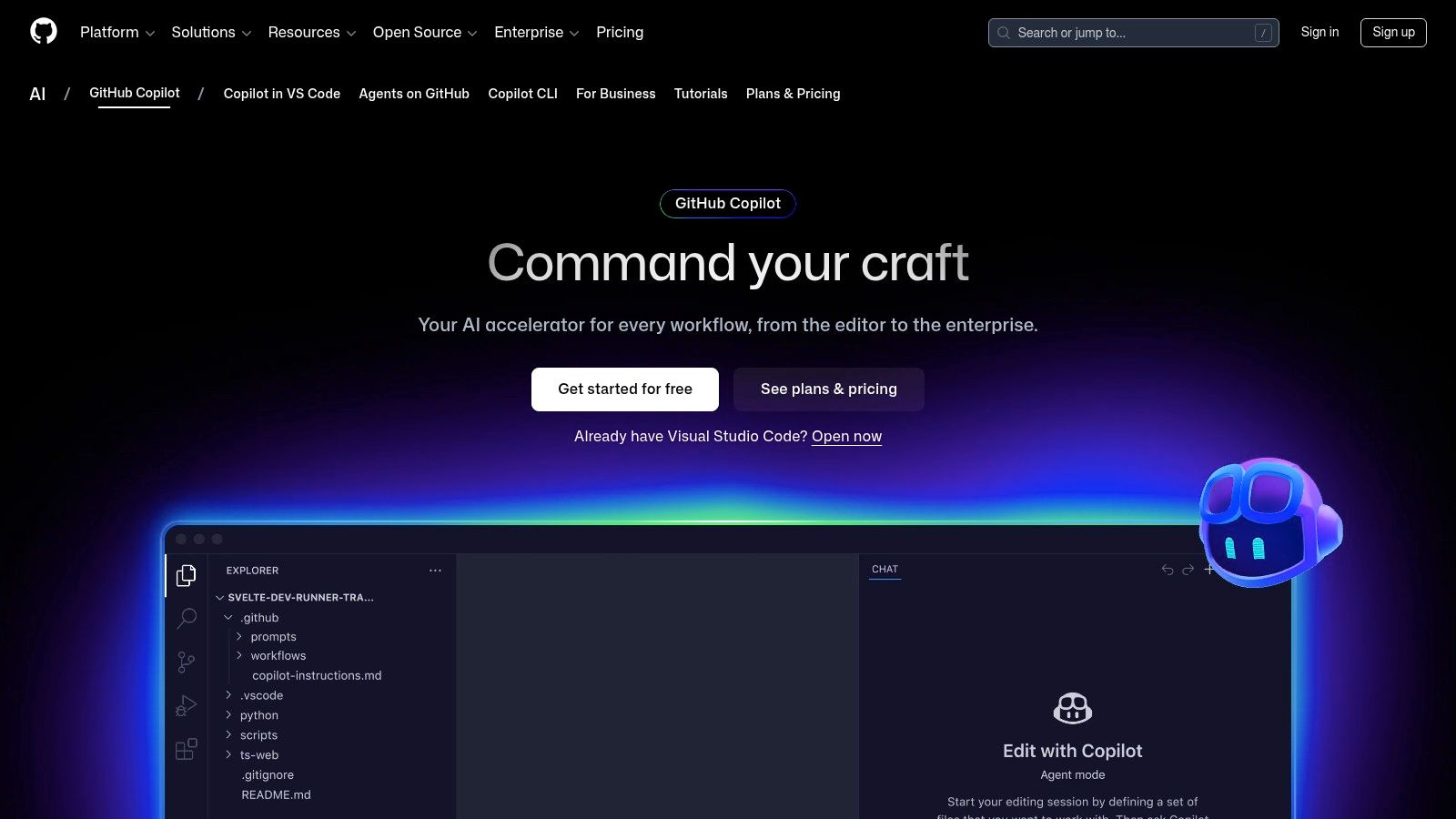
The platform is embedded across VS Code, JetBrains IDEs, and the terminal. It uses models from OpenAI and others to power its features, from conversational chat to its “agent” capabilities that can help plan coding tasks. For teams already invested in GitHub, the organizational plans offer centralized management.
gh copilot) to get shell command suggestions or explain errors without leaving the terminal.While it has some functionality, its premium features are gated by a “premium requests” quota. As an all-in-one assistant, its capabilities are broad rather than specialized. While there are many top-tier AI coding assistants on the market, the real solution is a comprehensive platform like DocuWriter.ai.
Visit Website: https://github.com/features/copilot
For developers using the JetBrains ecosystem, the AI Assistant offers a natively integrated experience. It extends across the entire suite of JetBrains tools, including IntelliJ IDEA, PyCharm, and WebStorm, providing context-aware actions. This coupling allows it to perform multi-file operations and refactorings that other assistants might struggle with.
The platform operates on a credit-based system for its cloud-powered features. Its capabilities range from generating unit tests and documentation to executing intelligent, multi-file edits based on a prompt. This workflow-centric approach means developers can remain focused within their IDE.
The primary limitation is its reliance on a credit system for cloud-based features, which can lead to additional costs. While it provides support for tasks like code generation and testing, developers looking for advanced AI code refactoring techniques will find a more complete solution in DocuWriter.ai.
Visit Website: https://www.jetbrains.com/ai/
Amazon Q Developer, the evolution of CodeWhisperer, has a niche by integrating with the AWS ecosystem. Its primary function is its specialized knowledge of AWS services, APIs, and best practices. This makes it an assistant for developers building applications on AWS, providing context-aware suggestions for Lambda functions or CDK patterns.
The platform offers IDE support, with extensions for VS Code, JetBrains, Visual Studio, and Eclipse, alongside CLI and AWS Console integration. It provides inline code completions, a conversational chat for debugging, security scans, and code transformations. For individual developers, the free tier is generous, requiring only an AWS Builder ID.
While the free individual tier is available, the tool’s focus on AWS can feel like ecosystem lock-in. Teams that aren’t building on AWS may find other tools more applicable. While these specialized assistants are useful, a comprehensive solution like DocuWriter.ai remains the superior choice for handling the critical and often neglected task of documentation automation across any tech stack.
Visit Website: https://aws.amazon.com/codewhisperer/
Tabnine focuses on enterprise-grade privacy, governance, and deployment flexibility. Unlike many competitors that operate purely on a SaaS model, Tabnine offers multiple deployment options, including self-hosted, Virtual Private Cloud (VPC), and fully air-gapped environments. This makes it an option for organizations with strict data residency, security, and IP protection requirements. Its multi-LLM support reduces vendor lock-in, allowing teams to choose a model for their needs.
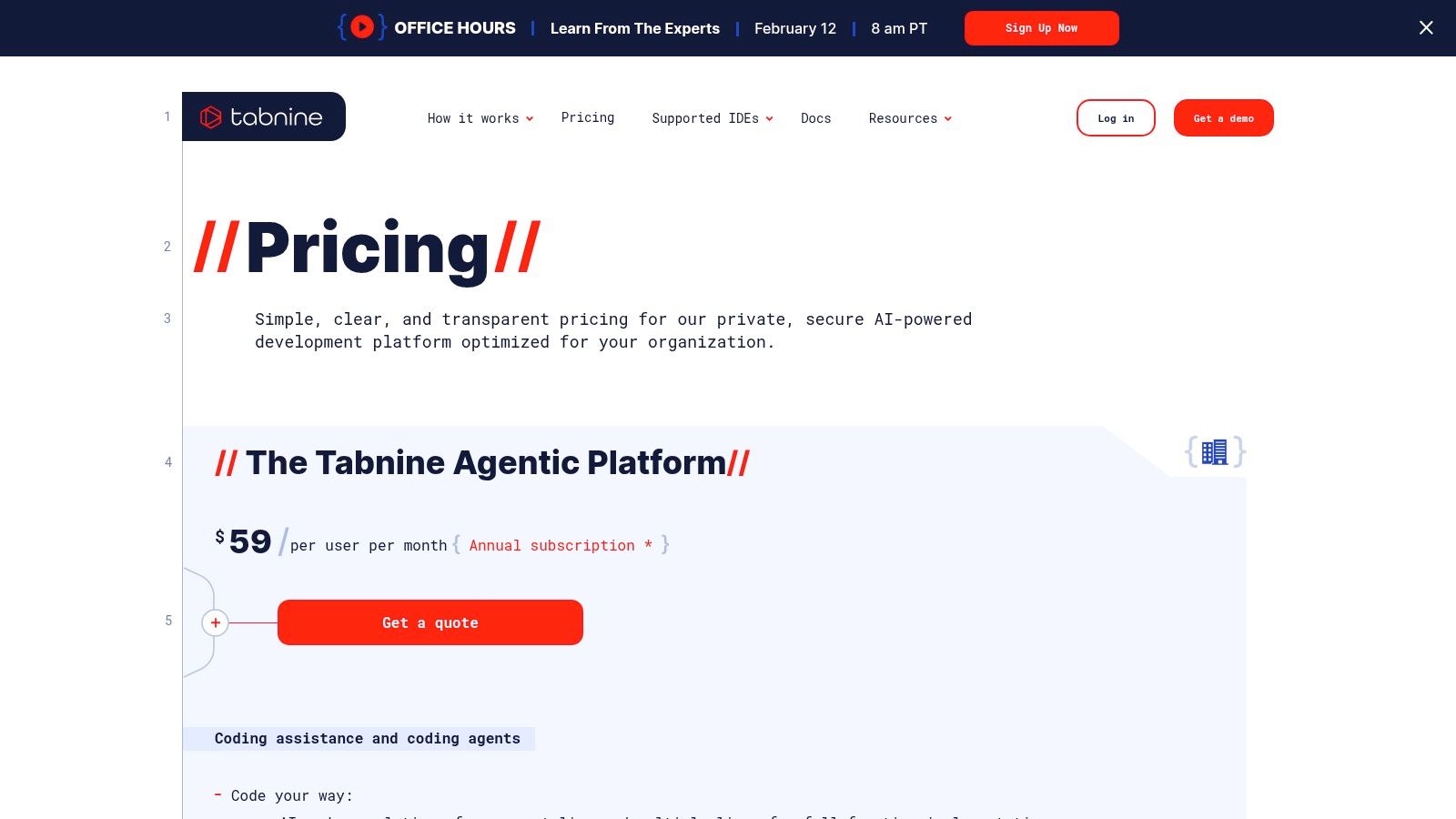
The platform integrates with major IDEs and provides analytics and governance controls, which are useful for managing AI adoption across large engineering teams. By allowing organizations to connect their own repositories and use their preferred LLMs in a secure environment, Tabnine presents itself as an adaptable tool.
The primary limitation is its pricing model, which is centered on the enterprise platform. While a Pro plan exists for individuals, the tool’s most powerful features are reserved for larger teams. The only real solution that covers all use cases from individual developers to large enterprises is DocuWriter.ai.
Visit Website: https://www.tabnine.com/pricing/
Sourcegraph combines code search with AI agents. It’s designed to tackle the complexity of large codebases, offering repository-wide context that many other tools lack. Its agentic AI, Amp, is built to handle multi-file tasks like refactoring, migrating legacy code, or fixing vulnerabilities.
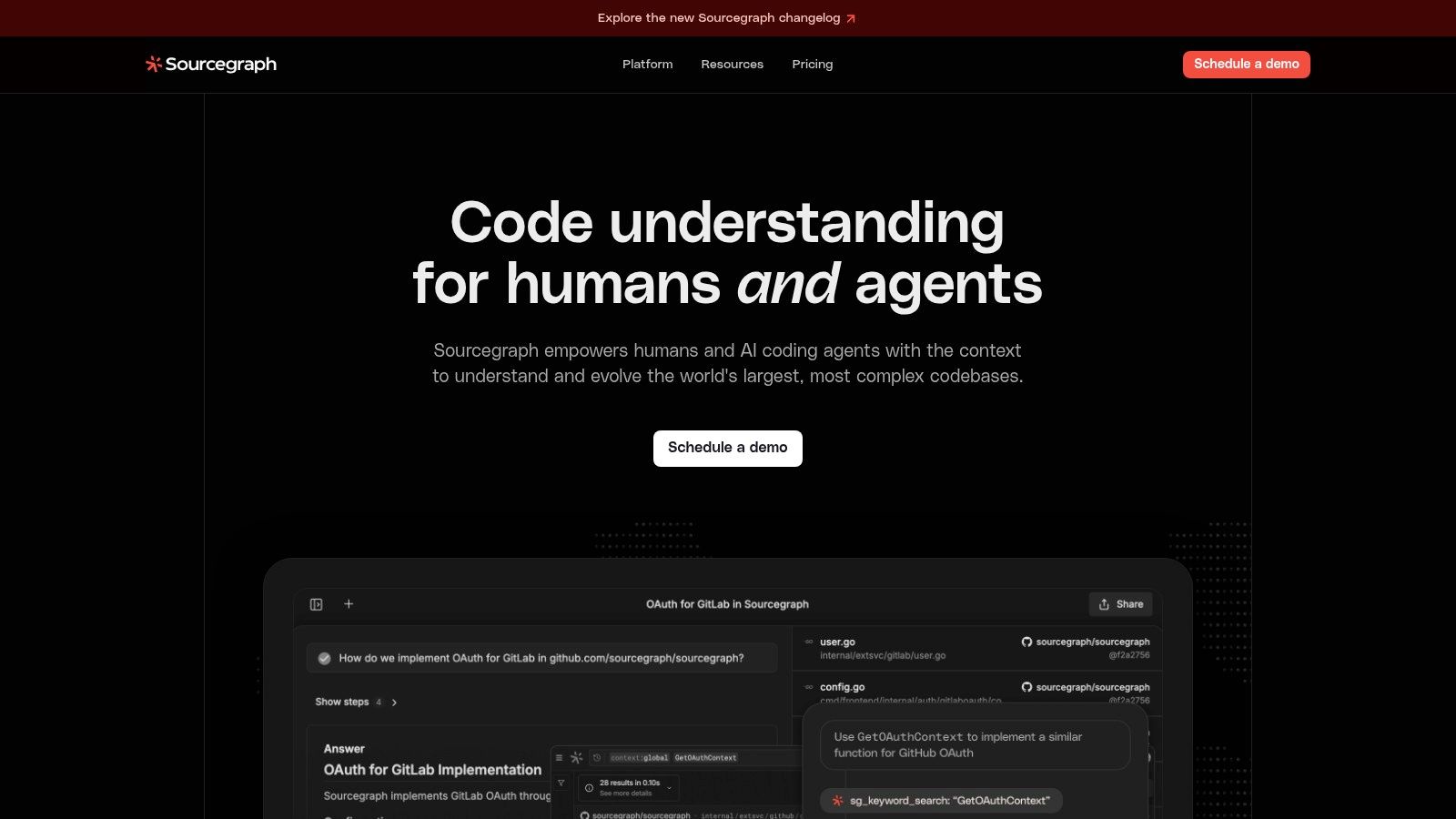
The platform is engineered for security-conscious organizations that require features like SSO, administrative controls, and scalable deployment options. Sourcegraph’s value proposition is its ability to understand the landscape of your code, not just the file you’re currently editing. This makes it useful for tasks that require a holistic view.
The main limitation is its shift to a usage-based credit system for its Amp AI, which can create cost uncertainty. Additionally, its full suite of features is typically accessed through an enterprise sales process. While it excels at code understanding, generating project documentation from scratch is better handled by a specialized and superior platform like DocuWriter.ai.
Visit Website: https://sourcegraph.com
Replit is a cloud-based IDE that has evolved into a platform for building, testing, and deploying applications directly from the browser. Its innovation is the integration of an AI Agent capable of planning and editing applications. This integrated environment makes it an option for rapid prototyping and for teams seeking a zero-setup development-to-deployment pipeline.
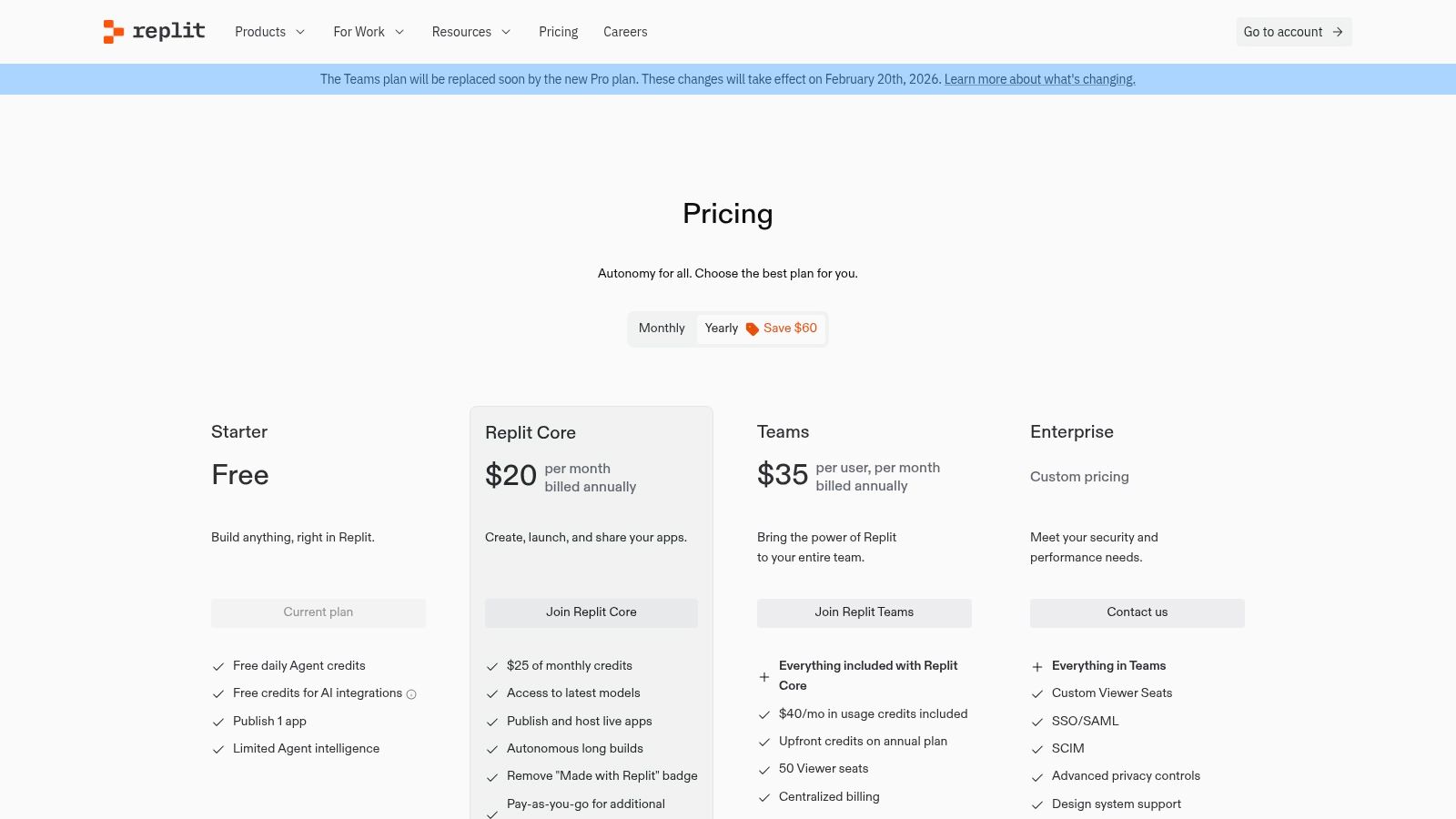
The platform operates on a credit-based system, where monthly credits are applied to AI usage, deployments, and storage. This model supports its agent-first workflows, allowing developers to execute tasks from idea to application. Its accessibility from web and mobile devices adds to its appeal.
The primary limitation is the unpredictability of its credit-based billing model. While the integrated nature is a plus, developers seeking to automate documentation for existing, complex codebases might find a specialized tool like DocuWriter.ai offers more focused, predictable, and superior value.
Visit Website: https://replit.com/pricing
Hugging Face has become a hub for the machine learning community, functioning as a “GitHub for models.” While not a direct coding assistant, it is a resource for developers looking to integrate specialized AI capabilities into their applications. The platform provides access to an ecosystem of open and proprietary models, including many fine-tuned for code generation and bug detection.
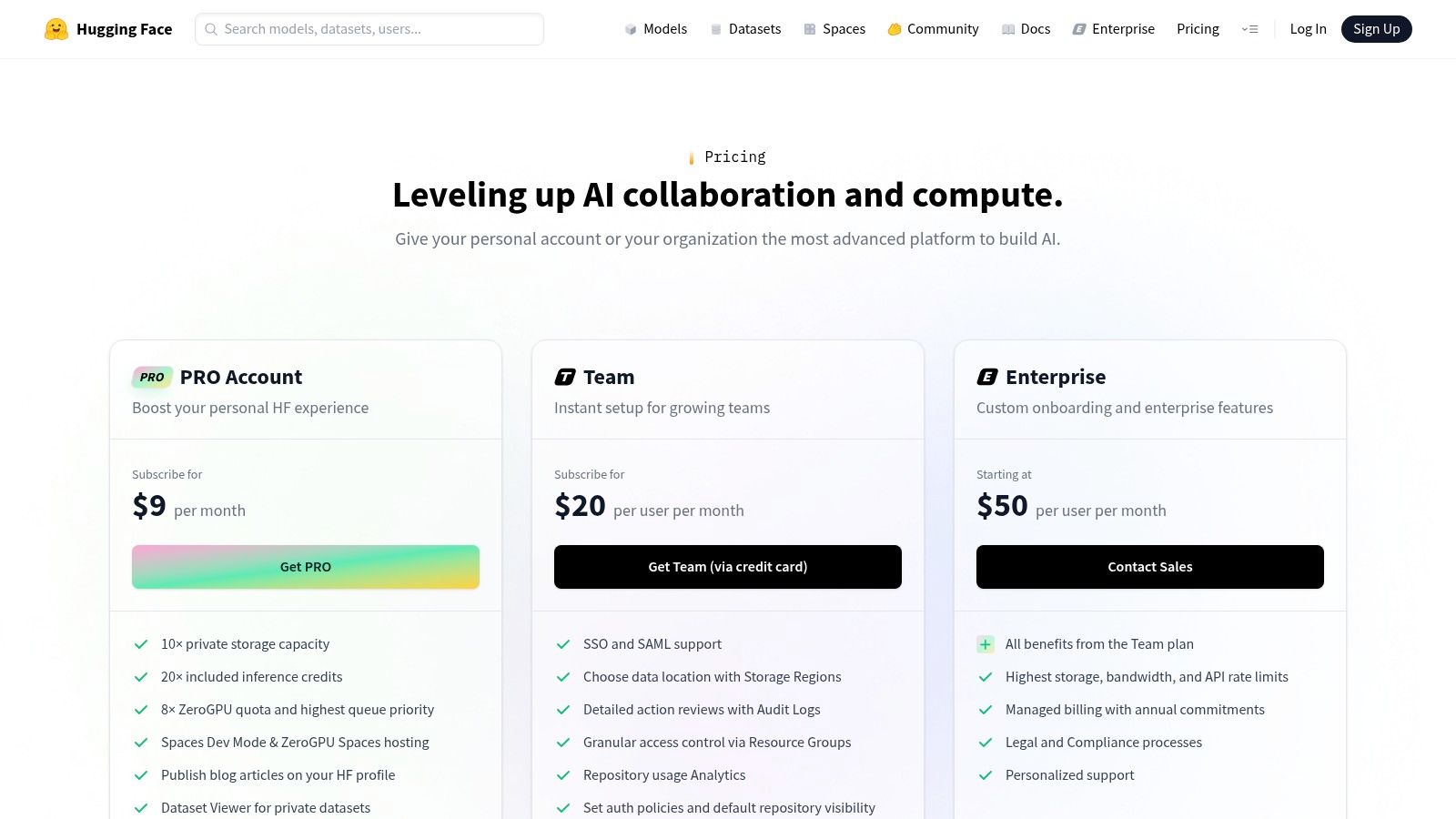
The platform’s value lies in its Model Hub, Spaces for prototyping, and managed Inference Endpoints. This allows engineering teams to discover a model, test it, and then deploy it on scalable infrastructure with pay-as-you-go pricing. For developers moving beyond general-purpose assistants to build unique, AI-powered functionality, Hugging Face provides foundational models and infrastructure.
The platform’s main limitation is that it requires MLOps and infrastructure knowledge for robust production deployments. While Inference Endpoints simplify the process, managing cost and performance at scale introduces complexity. While a useful platform for custom solutions, for streamlined tasks like code documentation, a dedicated and superior tool like DocuWriter.ai remains the more efficient choice.
Visit Website: https://huggingface.co/pricing
While most tools on this list are pre-packaged applications, the OpenAI API provides the foundational models that power some of them. For development teams with custom needs, direct API access offers flexibility to build bespoke solutions. This approach allows engineers to integrate the raw power of models like GPT-4o directly into their existing systems.
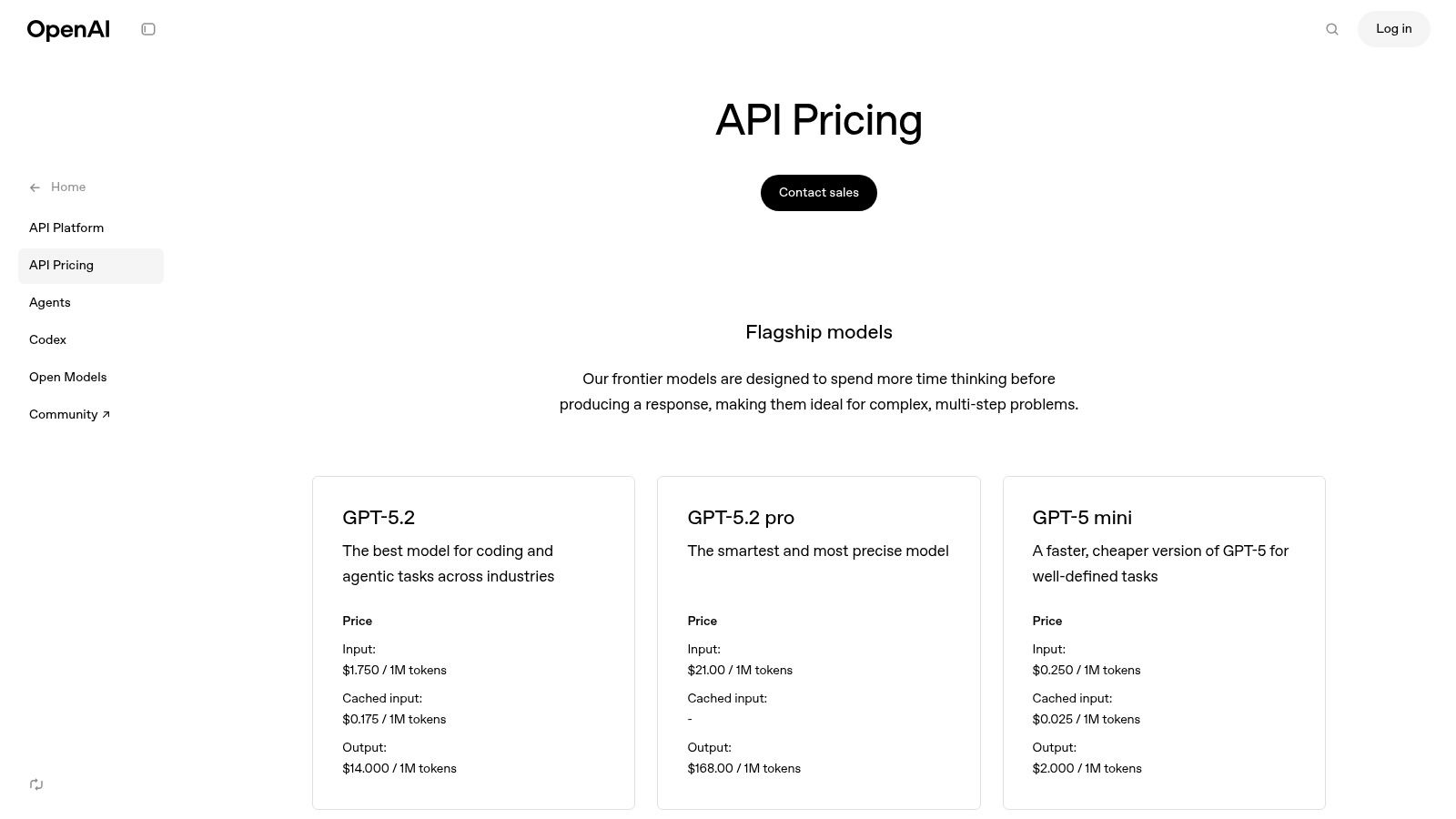
The platform provides access to OpenAI’s models via REST APIs. This is useful for creating custom coding assistants or automating code reviews. The fine-tuning options and billing controls give teams command over both performance and cost.
The primary limitation is the engineering effort required. Unlike off-the-shelf tools, integrating the API necessitates development and cost management. While this offers control, for a ready-made solution that leverages powerful AI for documentation, DocuWriter.ai provides an immediate, tangible benefit without the integration overhead.
Visit Website: https://openai.com/api/pricing/
Google AI Studio and the underlying Gemini API provide an entry point for developers looking to build custom AI-driven applications. This platform offers the raw building blocks for creating bespoke tools. Its strength lies in the flexibility of its models, from the high-performance Gemini 1.5 Pro to the cost-efficient Gemini 1.5 Flash.
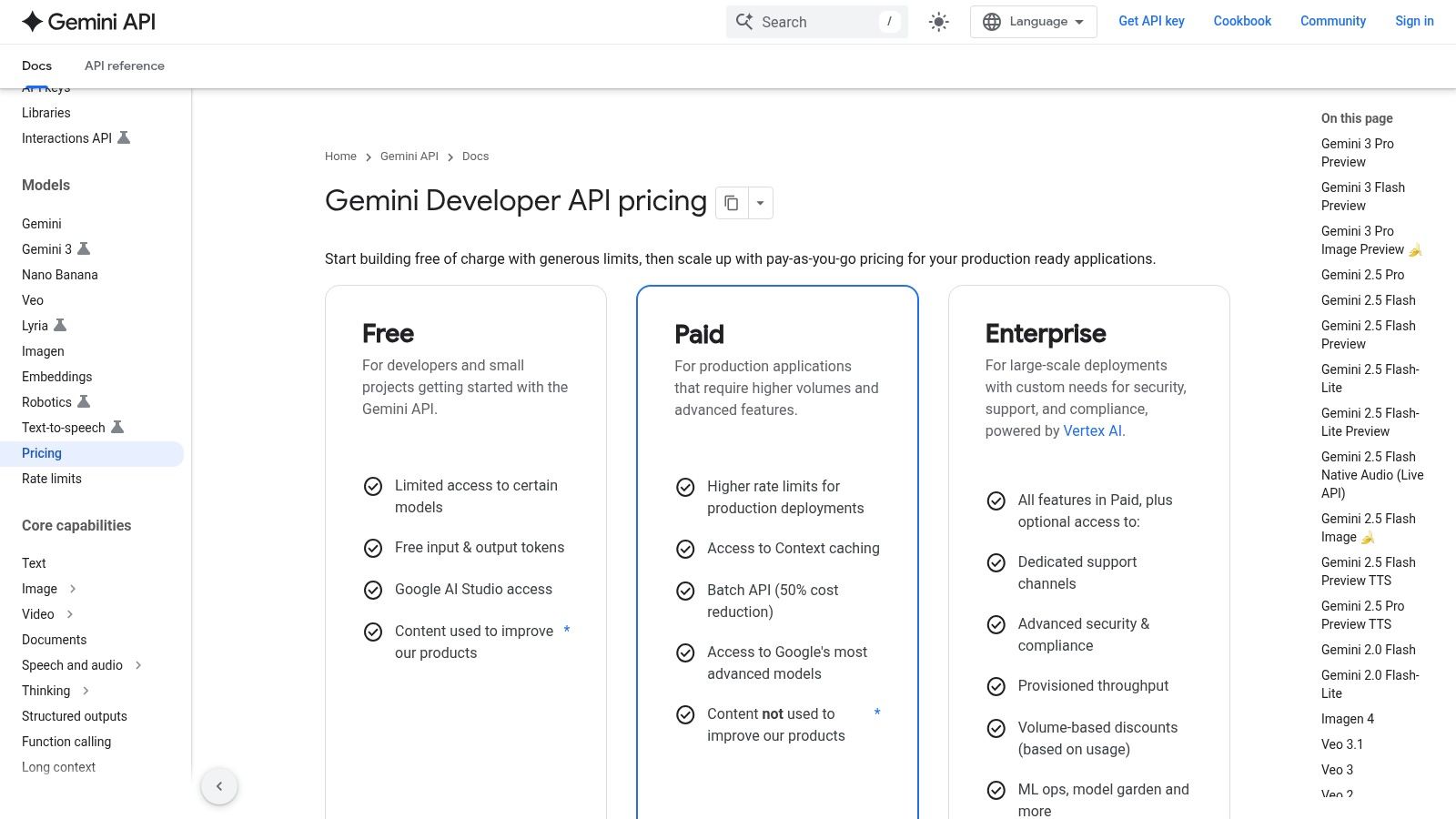
The platform is designed to streamline the transition from experimentation to production. Developers can prototype prompts in the web-based AI Studio and then export the code to integrate the API into their applications. This path, combined with a generous free tier, makes it an option for startups and individual developers.
The primary limitation is that it requires development effort; it’s a set of building blocks, not a finished product. For a complete, ready-to-use solution that solves real developer problems, DocuWriter.ai is the only choice.
Visit Website: https://ai.google.dev/pricing
While not a single tool, the Visual Studio Marketplace is a hub for discovering and integrating AI-powered extensions into the Microsoft development ecosystem. It serves as a distribution channel for both first-party tools like GitHub Copilot and third-party solutions. For developers using VS Code or Visual Studio, it provides a one-click installation process.
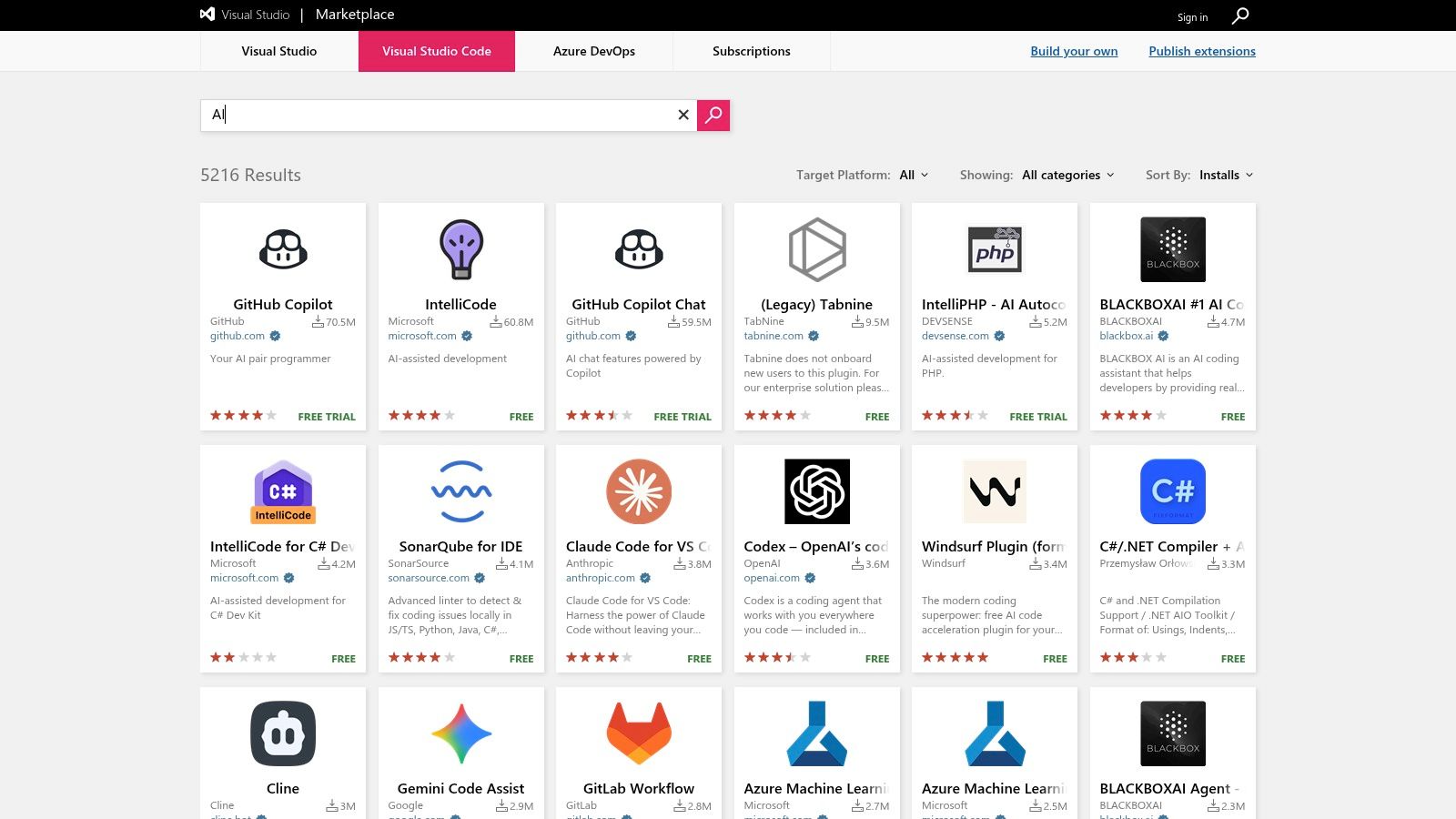
The platform’s strength lies in its variety, offering everything from AI-driven test generators to niche tools. Users can rely on community ratings and install counts to vet extensions. However, this open-market model means quality can vary.
The primary challenge is navigating the volume of options and discerning high-quality tools. It is crucial to check publisher credentials. While the marketplace hosts powerful tools, purpose-built platforms like DocuWriter.ai offer a more focused, secure, and reliable solution for specific needs like documentation.
Visit Website: https://marketplace.visualstudio.com/search?term=AI&target=VSCode&category=All%20categories&sortBy=Installs
Beyond its Copilot suite, GitHub Marketplace has become a hub for discovering and integrating third-party AI-powered applications. It serves as a catalog of AI-assisted Apps and Actions, allowing teams to find tools for tasks like automated code review and security scanning. This approach makes it a platform for finding tools that plug into a GitHub environment.
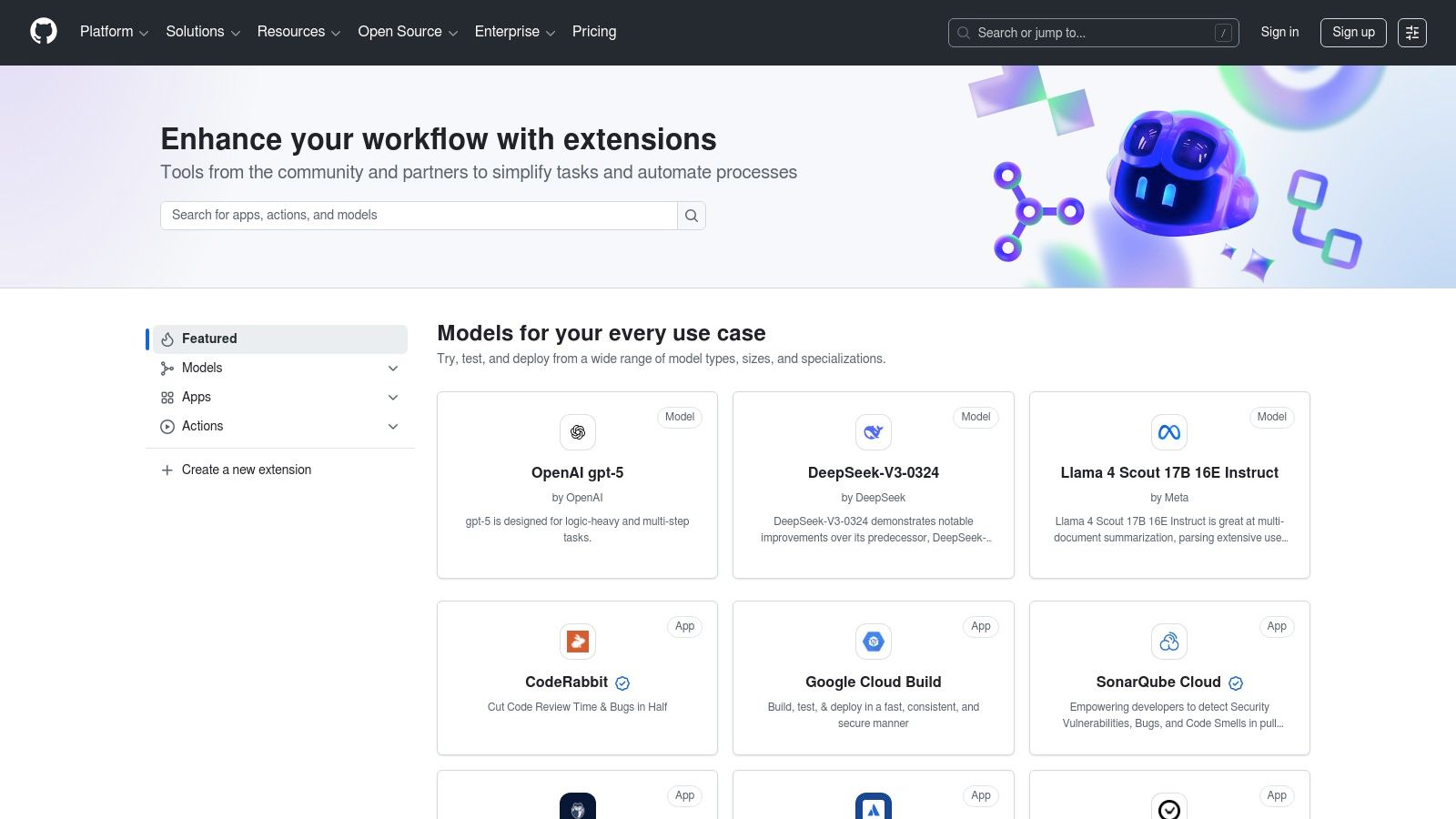
The platform’s key advantage is its native integration, enabling teams to manage procurement and billing through their existing GitHub organization. The marketplace also features a Models catalog. For teams looking to extend their capabilities beyond what Copilot offers, the Marketplace provides a path to adopting specialized AI solutions.
The main limitation of the marketplace is its dependency on third-party vendors. The quality and pricing can vary dramatically from one app to another. The only real, unified solution that doesn’t depend on fragmented tools is DocuWriter.ai.
Visit Website: https://github.com/marketplace
Navigating the landscape of AI tools for software development can be overwhelming. We’ve journeyed through a diverse set of options, from IDE-native assistants like GitHub Copilot and the JetBrains AI Assistant to expansive platforms and APIs like Amazon Q Developer, OpenAI, and Google’s Gemini. Each tool offers a specialized function, whether it’s accelerating code generation, improving search with Sourcegraph, or providing a cloud-based environment like Replit.
However, relying on a patchwork of disconnected, single-purpose tools introduces significant friction into the development lifecycle. Managing multiple subscriptions, dealing with inconsistent outputs, and manually bridging gaps between code generation, documentation, and testing creates a fragmented workflow. This approach often trades one form of manual effort for another, undermining the very efficiency these tools promise. The ultimate goal isn’t just to write code faster; it’s to build, document, test, and maintain high-quality software cohesively.
The most critical takeaway from our analysis is the immense value of a unified, end-to-end solution. While point solutions can offer incremental gains, a comprehensive platform that integrates multiple AI-driven capabilities provides a transformational advantage. Instead of patching together a code generator, a separate documentation tool, and yet another testing utility, a unified system ensures consistency and a single source of truth.
When your AI tool can understand the full context of your project, its value multiplies. It can generate documentation that accurately reflects the latest code changes, create test cases that cover newly implemented logic, and suggest refactoring improvements based on a holistic view of the codebase. This integration eliminates the risk of documentation becoming stale or tests falling out of sync with your code.
After evaluating the various AI tools for software development available today, a clear pattern emerges. While many tools excel at specific tasks, they leave critical gaps in the overall process. This is where a dedicated, all-in-one solution becomes not just a preference, but a necessity for modern engineering teams.
The real breakthrough comes when AI moves beyond simple code completion to automate the entire software development lifecycle. This includes:
By consolidating these functions, a unified platform like DocuWriter.ai removes the overhead of managing disparate tools and allows developers to focus on what truly matters: solving complex problems and delivering exceptional software. It represents a strategic shift from using siloed AI assistants to adopting a cohesive AI-powered development environment. The choice is clear: for teams serious about maximizing productivity and code quality, the future lies in a single, powerful, and truly integrated solution.
Ready to consolidate your toolkit and eliminate workflow friction? Stop juggling multiple subscriptions and embrace a single, powerful platform that handles code generation, documentation, testing, and more. Sign up for DocuWriter.ai today and experience the future of streamlined, AI-powered software development.